 General
WCAG Color Contrast Requirements for Websites: The 2026 Guide
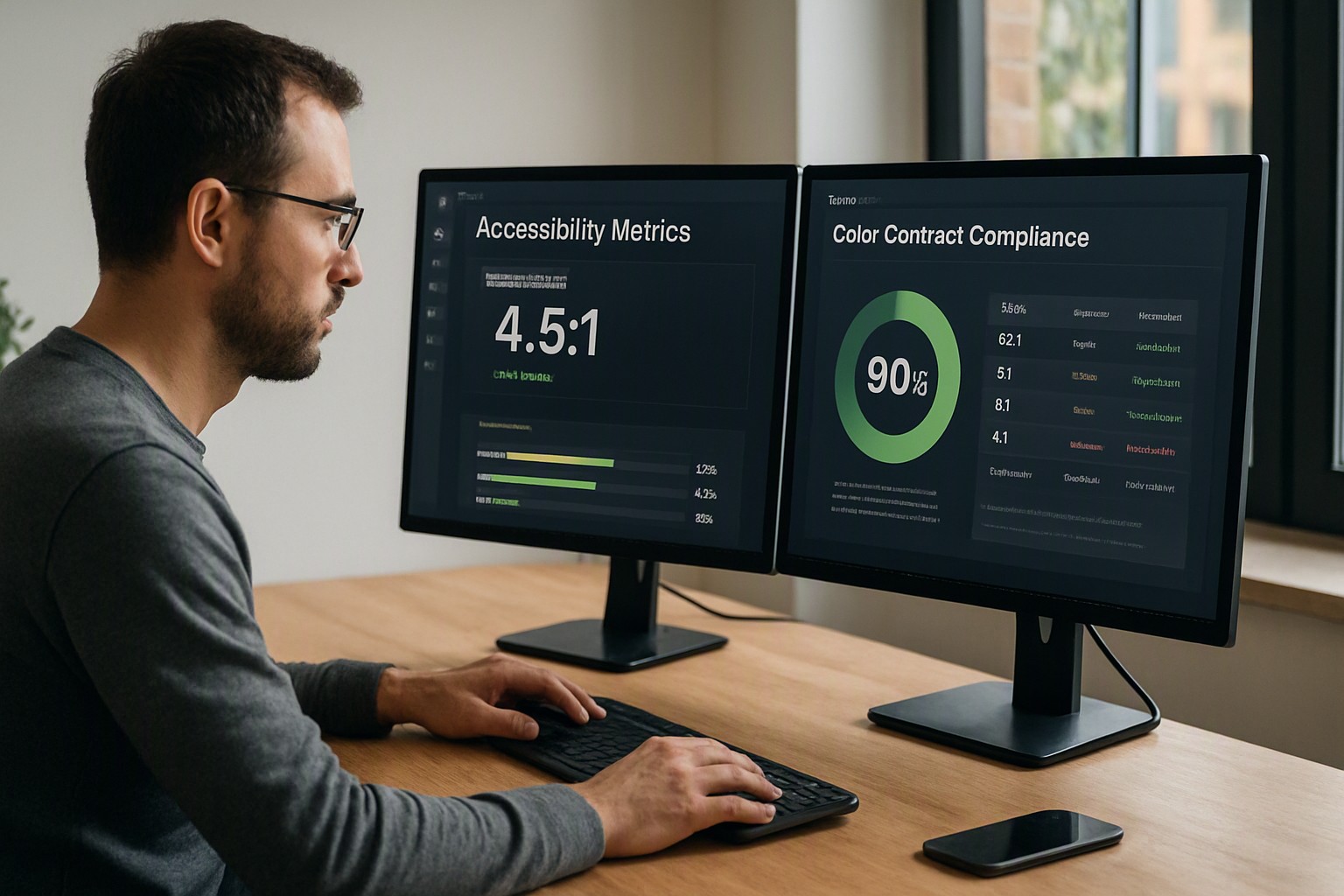
The minimum WCAG color contrast requirement for normal website text is a 4.5:1 ratio against its background, while large text and interactive UI elements require at least 3:1. This guide covers how to implement these specifications correctly.
Exact contrast accessibility guidelines for websites
Contrast accessibility guidelines govern the luminance difference between text or interface graphics and their surrounding background colors. These rules ensure that visually impaired users, including those with low vision or color perception deficiencies, can read digital content without strain.
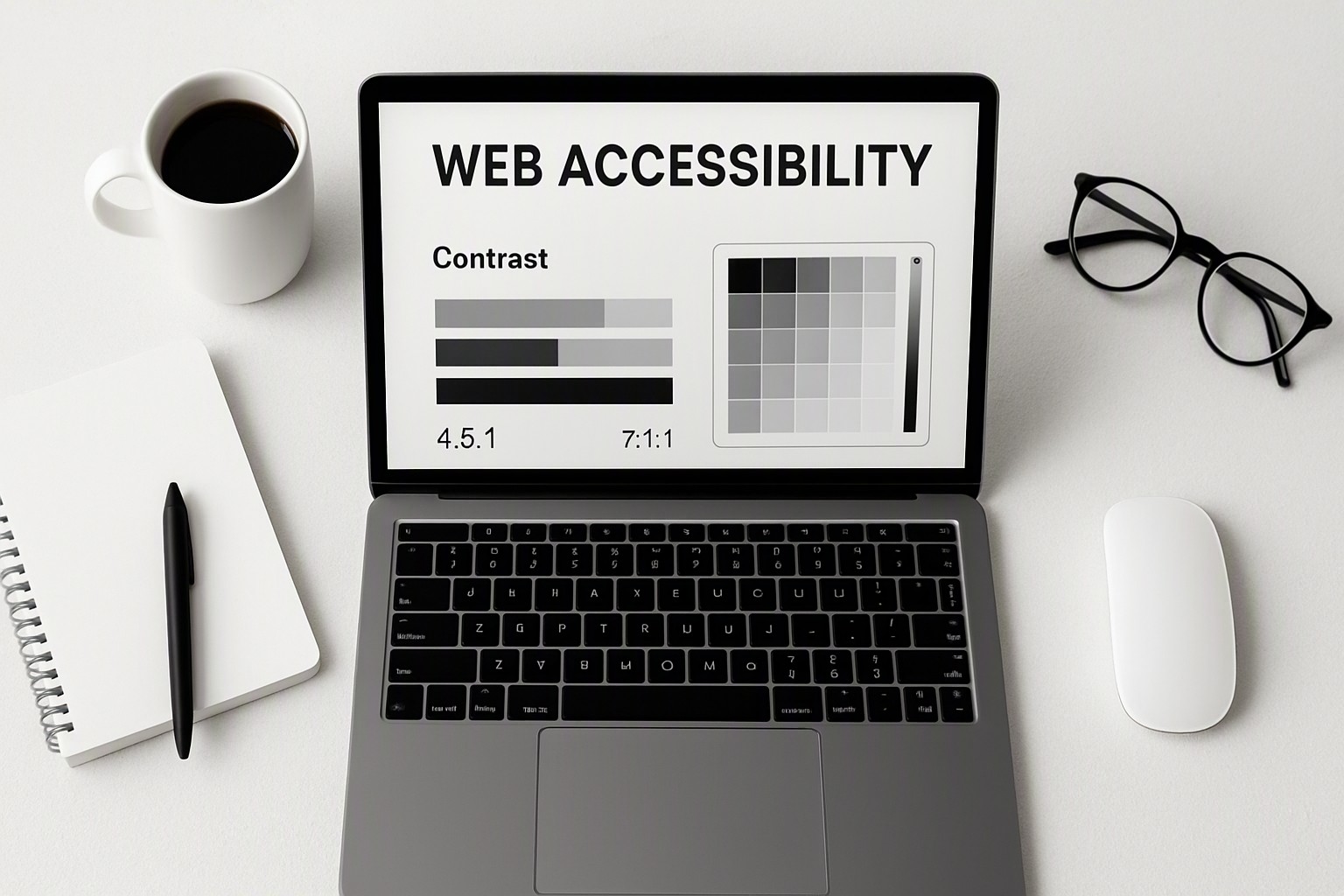
According to the Web Content Accessibility Guidelines, normal body text requires a minimum contrast ratio of 4.5:1, whereas large text and active user interface components require a 3:1 ratio under standard AA conformance. Organizations aiming for AAA conformance must meet a 7:1 ratio for normal text and 4.5:1 for large text. Developers can verify these mathematical thresholds using a free online contrast checker to ensure every page element meets legal and functional usability standards.
WCAG 2.0 contrast standards and newer updates
WCAG 2.0 established the foundational 4.5:1 and 3:1 metrics for visual text presentation when published by the World Wide Web Consortium in December 2008. Subsequent iterations expanded these boundaries.
The WCAG 2.0 specification focused primarily on text and images of text. Version 2.1, finalized in June 2018, introduced explicit requirements for non-text contrast, extending the 3:1 rule to graphical objects, form inputs, and component boundaries. Version 2.2 further refined usability metrics for focus indicators. Designers upgrading legacy templates utilize a dedicated color contrast checker to isolate areas where older design systems fall short.
Mandatory wcag color contrast requirements for standard text
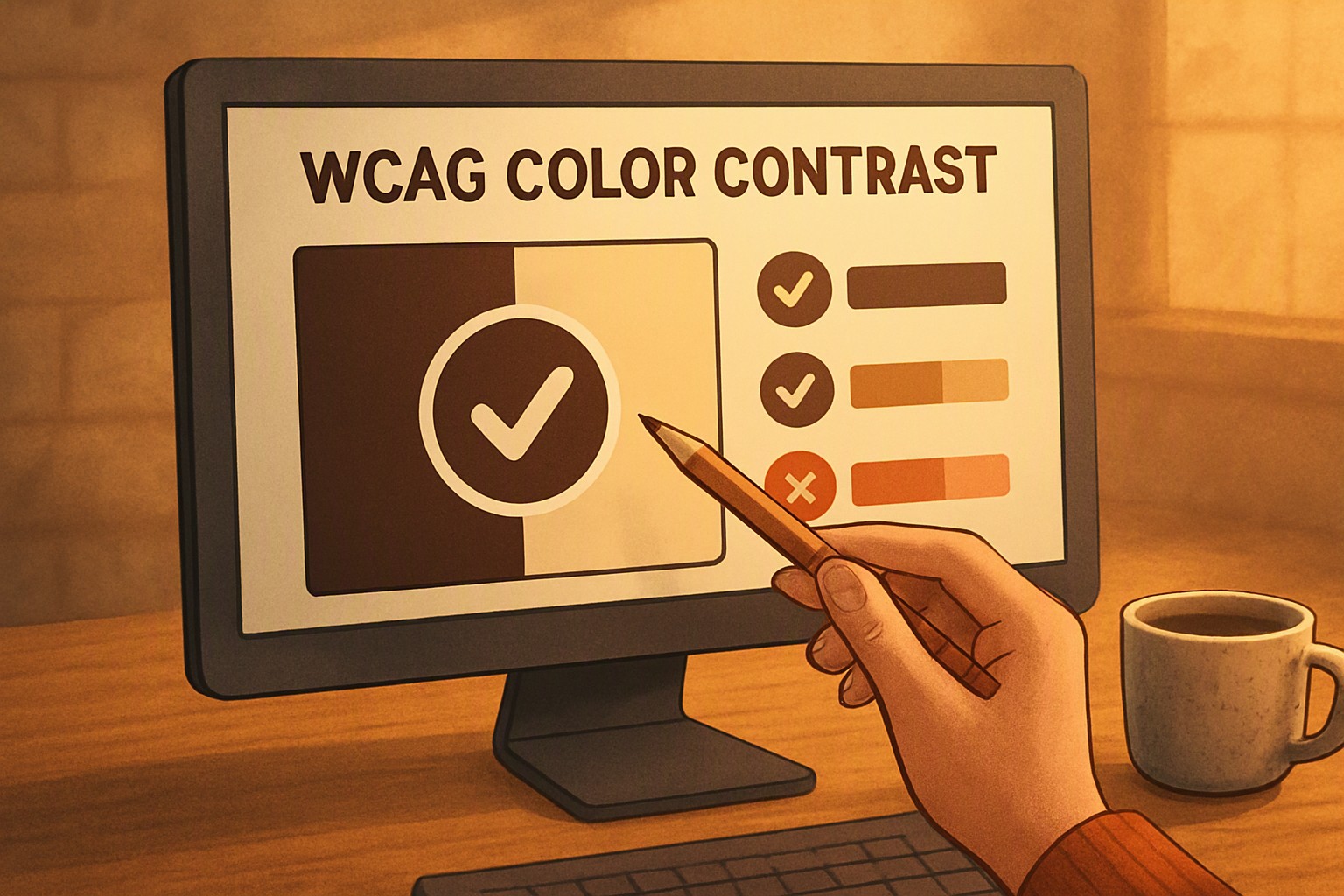
Every wcag color contrast requirement depends directly on font size, weight, and layout placement. Normal text is legally defined by the World Wide Web Consortium as any font size under 18pt (roughly 24px) or under 14pt (roughly 18.5pt) if the typeface is bold. Text meeting or exceeding these dimensions qualifies as large text and benefits from a relaxed ratio threshold because larger letterforms are inherently easier to parse against complex backgrounds. Reviewing visual color contrast examples clarifies the practical difference between passing and failing palettes.
| Text Type | Font Size Threshold | AA Minimum Ratio | AAA Minimum Ratio |
|---|---|---|---|
| Normal Text | Under 18pt regular / 14pt bold | 4.5:1 | 7:1 |
| Large Text | 18pt+ regular / 14pt+ bold | 3:1 | 4.5:1 |
| UI Components | Any interactive boundary | 3:1 | 3:1 |
Applying wcag color contrast requirements to UI components
Interactive elements require strict adherence to a 3:1 minimum contrast ratio to remain perceptible to users with impaired vision. This mandate covers graphical objects, active form field borders, checkboxes, radio buttons, and keyboard focus indicators.
Common design failures include subtle grey input borders on white backgrounds or placeholder text set at a 2:1 ratio. Teams audit component libraries using reference materials provided by color Fiind Websie to streamline accessibility reviews. When fine-tuning individual hex codes, developers use an online color dropper tool to extract exact pixel values from rendered components.
Testing and verifying site compliance
Auditing a production website requires automated scanning tools and manual inspection. Automated tools such as axe-core, Lighthouse, and browser extensions scan Document Object Models to flag text and background violations instantly.
Automated scanners possess distinct limitations; they routinely fail to detect contrast issues occurring inside complex CSS background images, multi-color gradients, or dynamic hover states. Manual inspection remains essential. Developers auditing older codebases discover the color scheme of legacy pages to map out systematic remediation plans across the entire blog infrastructure.
Frequently asked questions
Does the wcag color contrast requirement apply to disabled or inactive buttons?
No, disabled controls that are intentionally inactive and non-interactive are exempt from minimum contrast requirements under WCAG guidelines. Any element that accepts user interaction must meet the 3:1 ratio.
How do gradient backgrounds affect contrast compliance?
Gradients introduce multiple color values across a single background area. Contrast must be evaluated at the weakest point where text meets the lightest or darkest shade of the gradient.
Are large headings held to the same standard as paragraph text?
No. Large text has a lower threshold because larger font sizes are easier to read at lower contrasts. Text qualifies as large if it is at least 18pt (roughly 24px) or 14pt (roughly 18.5px) if it is bolded.
What tools can check entire web pages automatically?
Browser extensions like axe DevTools, Lighthouse, and WAVE scan whole pages for contrast violations. Human spot-checking remains necessary for complex layouts, overlays, and responsive design states.