 General
Practical Color Palette Examples and Schemes for Modern Design
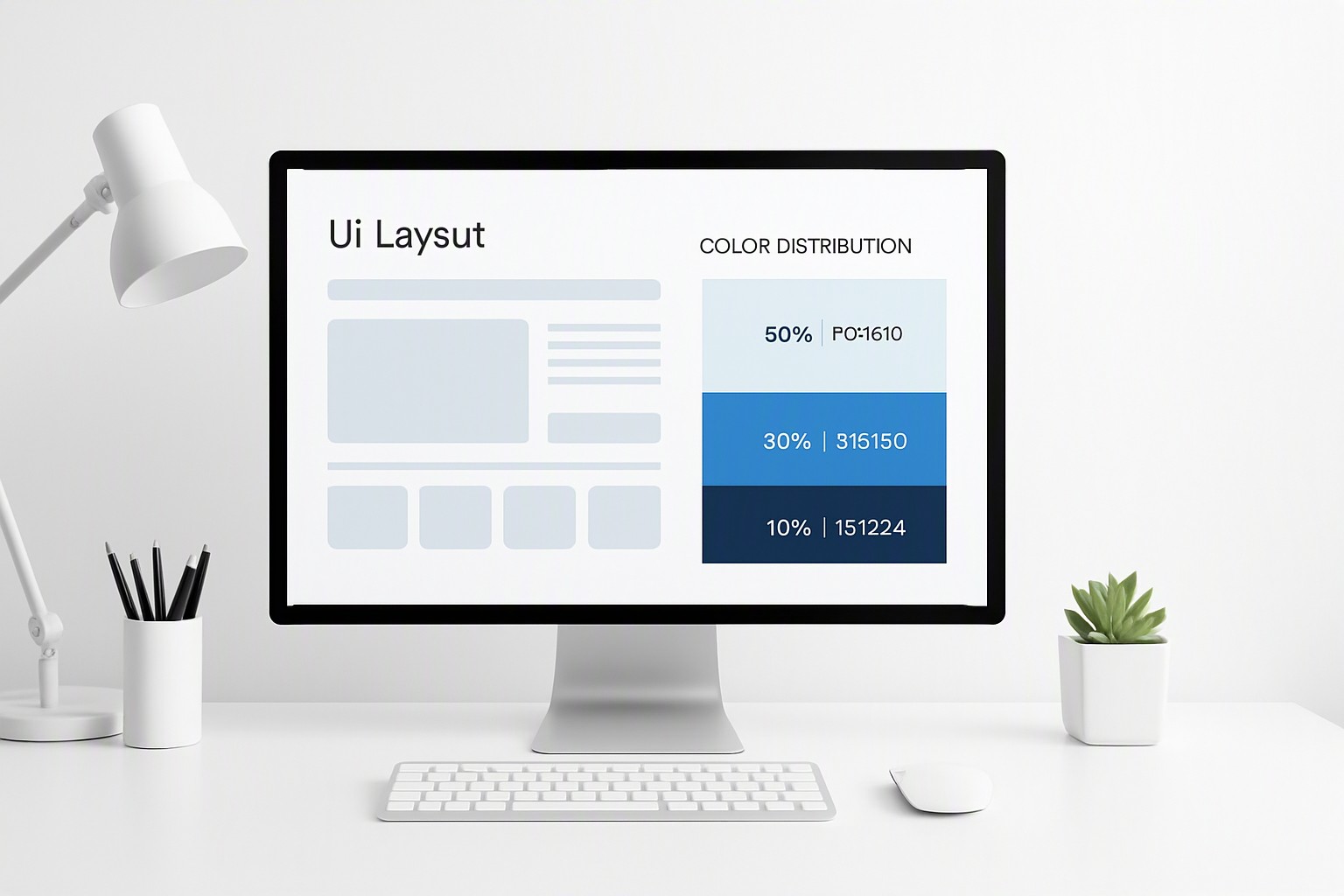
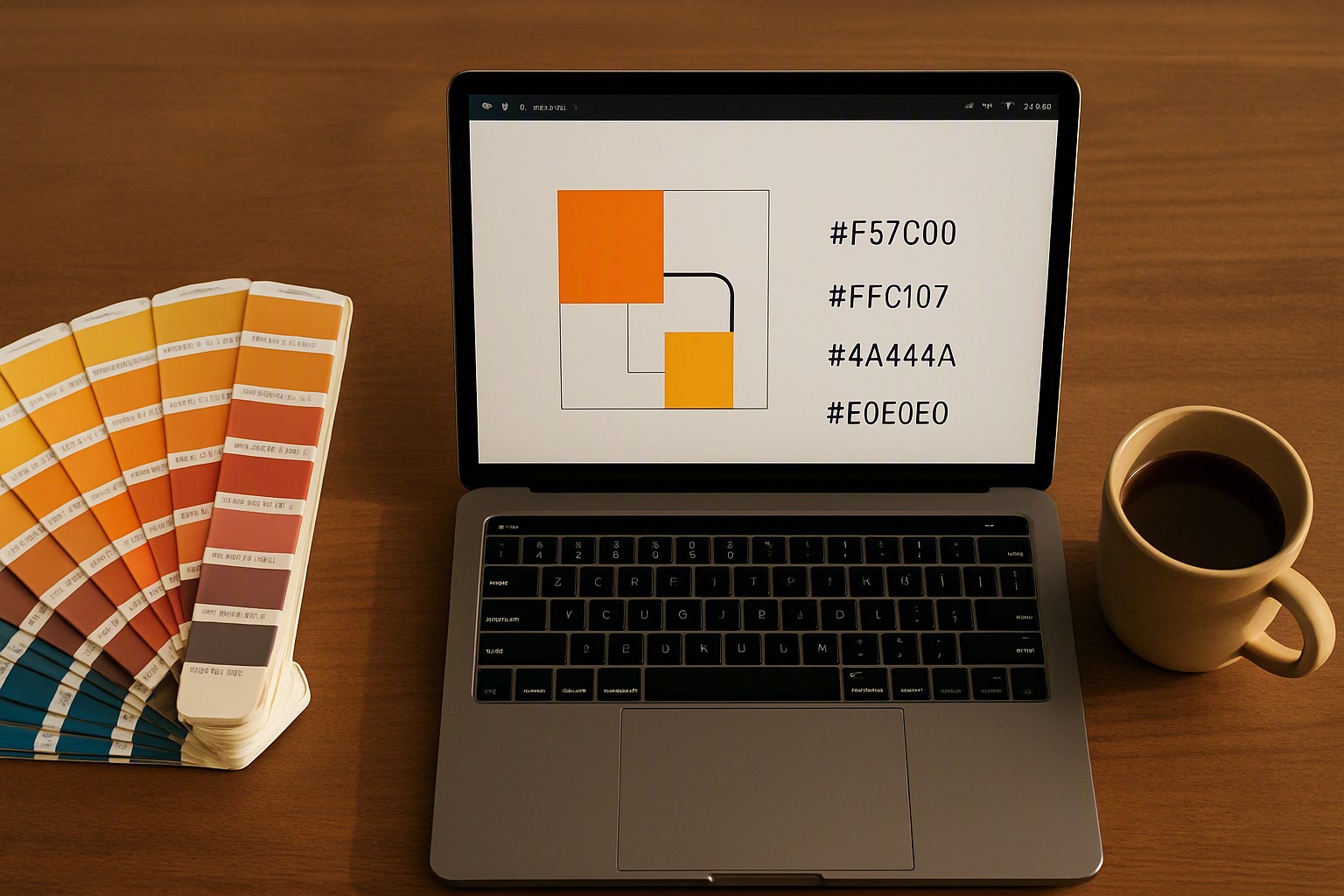
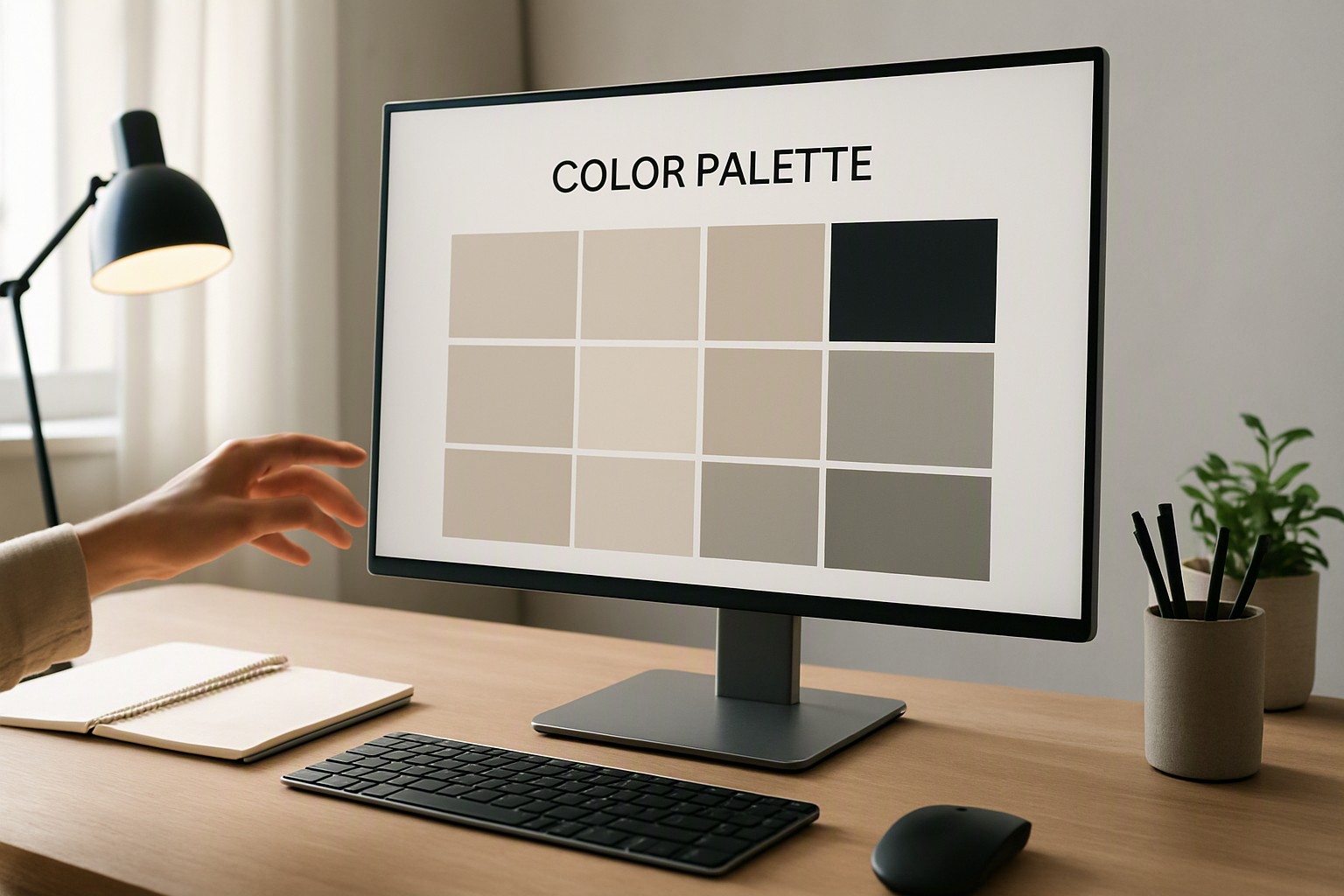
A standard color palette example typically consists of three to five core hex codes structured around a 60-30-10 distribution ratio for dominant, secondary, and accent tones. Defining these proportions early prevents visual clutter. A well-constructed color scheme example balances aesthetic appeal with strict readability requirements.
What Makes a Successful Color Scheme Example?
A successful color scheme example relies on the 60-30-10 rule. 60% of a design features a dominant neutral background, 30% comprises a secondary structural tone for cards or navigation bars, and 10% is reserved for high-impact accent colors. Financial dashboards require calm blues and grays, while conversion-focused landing pages utilize vibrant accents to draw the eye toward calls to action. Low-contrast text fails to meet modern web standards. To build these relationships from existing imagery or reference photos, designers can use tools to discover website color palettes instantly and extract accurate hex codes.
orange
#f76b15
blue
#0091ff
deep navy
#1e3a8a
indigo
#4f46e5
pink
#e93d82
black
#0a0a0a
white
#ffffff
gray
#8b8d98
How Do You Apply a Complementary Color Scheme Example?
A complementary color scheme example uses hues positioned directly opposite each other on the color wheel to create maximum visual tension. For instance, a classic high-contrast pairing places a deep navy blue (`#0A192F`) alongside a vibrant safety orange (`#FF6B35`).
Pairing fully saturated complementary colors often causes optical vibration, where the boundary between the two shades appears to blur and strain the eye. Designers resolve this issue by desaturating one of the colors—typically the background or secondary tone—while keeping the accent punchy. According to the Web Content Accessibility Guidelines, reliance on color alone to convey information must be avoided, meaning high-contrast pairs must satisfy luminance requirements.
Where Can You Use Tetradic Color Scheme Examples Effectively?
A tetradic color scheme example utilizes a four-color double-complementary rectangle model on the color wheel, balancing two complementary pairs into a single system. This approach provides versatility for data-heavy applications that require distinct categories without defaulting to random hues.
A robust dashboard UI sample uses this tetradic model through the following hex codes:
- Dominant background: Off-white (`#F8F9FA`) taking up 60%
- Secondary structural tone: Slate gray (`#343A40`) taking up 30%
- Primary accent: Electric indigo (`#4F46E5`) taking 5% for active states
- Secondary accent: Coral pink (`#F43F5E`) taking 5% for error alerts and badges
The primary pitfall of tetradic systems is letting all four colors compete equally for attention. Designers must assign strict hierarchy roles, ensuring only one color dominates the primary canvas while the remaining three act as structural frames and targeted signals.
How Do Brand Color Schemes and Examples Drive Recognition?
Corporate tech palettes rely on restrained blues, deep slates, and subtle gradients to project security, whereas consumer lifestyle branding leverages warm pastels, earthy terracotta, and high-energy neons to evoke specific emotional responses.
| Palette Type | Mood & Tone | Ideal Use Case | Contrast Level |
|---|---|---|---|
| Monochromatic | Calm, unified, minimalist | Content-heavy blogs, editorial sites | Low to Moderate |
| Analogous | Harmonious, natural, comfortable | Health, wellness, and lifestyle brands | Moderate |
| Complementary | High-energy, striking, dynamic | Marketing landing pages, alerts | High |
Teams refine their identity assets using structured approaches, as detailed in our brand color examples guide.
How Do You Test a Color Palette Sample for Accessibility?
Testing a color palette sample requires evaluating contrast ratios against the Web Content Accessibility Guidelines. WCAG AA requires a minimum contrast ratio of 4.5:1 for normal body text and 3:1 for large text or graphical UI components. WCAG AAA demands 7:1 for normal text and 4.5:1 for large text to accommodate users with severe visual impairments.
Color blindness simulators catch failing combinations before code deployment by rendering designs through protanopia, deuteranopia, and tritanopia filters. To explore practical methods for building inclusive digital products, review our breakdown of accessible colour palette examples alongside resources found on the color Fiind Websie.
Frequently asked questions
How many colors should be in a standard website palette?
Most professional web projects rely on three to five core colors. This usually includes one dominant background tone, a secondary structural color, and one or two purposeful accent shades for interactive elements.
What is the difference between an analogous and a complementary color scheme?
Analogous schemes use colors sitting next to each other on the color wheel to create calm, unified moods. Complementary schemes use opposite colors to maximize visual contrast and draw attention to specific focal points.
Can I use pure black and pure white in my digital palette?
While technically allowed, pure black (`#000000`) against pure white (`#FFFFFF`) creates extremely harsh contrast that can cause eye strain on screens. Most designers substitute them with deep charcoal tones and soft off-white surfaces instead.