 General
How to Use a Free Image Color Picker to Extract Hex Codes
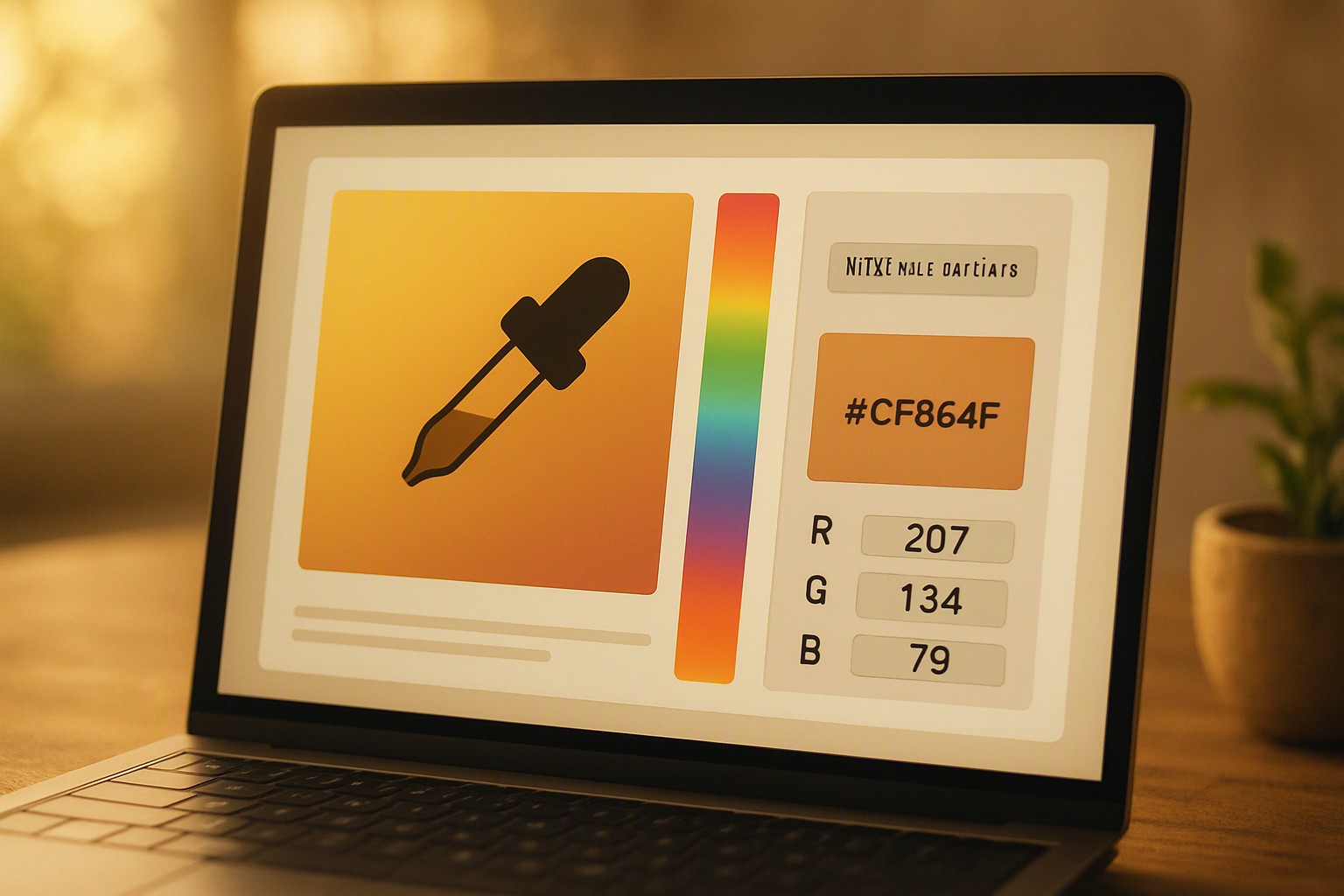
A free image color picker is a browser-based utility that lets you upload a digital photo, click a specific pixel, and instantly retrieve its exact color codes, such as HEX, RGB, or HSL, without opening paid desktop software. Stop guessing. Get exact values.
What is a free image color picker and how does it work?
A free image color picker maps pixel coordinates of an uploaded raster image to precise digital color values. When an image renders inside an HTML5 canvas element, each pixel holds specific numeric data points for light intensity. Clicking a coordinate reads the array values and translates them into HEX, RGB, and HSL.
Browser-based extraction runs entirely client-side using JavaScript APIs like CanvasRenderingContext2D.getImageData(). Photoshop and GIMP require local installation, system resource allocation, and heavy project rendering files just to sample a single hue. Developers often pair these utilities with a tool to inspect colors on webpage to maintain strict visual parity across digital environments.
How to use an online image color picker step by step
Operating an online color dropper tool for websites follows a consistent sequence.
- Open your color extractor tool in any modern web browser.
- Upload your image file using the drag-and-drop zone or file selector.
- Magnify high-resolution images up to 400% or 800% to view individual pixel boundaries clearly.
- Click the precise pixel you want to sample.
- Copy the generated HEX, RGB, or HSL text string to your clipboard.
- Paste the code into your stylesheet, graphic editor, or platform builder like Canva color codes for immediate application.
High-resolution photographs feature anti-aliased edges where pixels blend. Magnifying the image captures the solid core of a color block rather than a transitional gradient pixel.
Why use a free image color picker extractor for design projects?
Consistency in branding relies on exact mathematical repetition of color values rather than visual estimation. Manual visual guessing introduces errors because human eye perception changes depending on surrounding contrast, screen lighting angles, and ambient room illumination. An automated pixel sampling tool removes subjectivity by returning identical numeric values every single time.
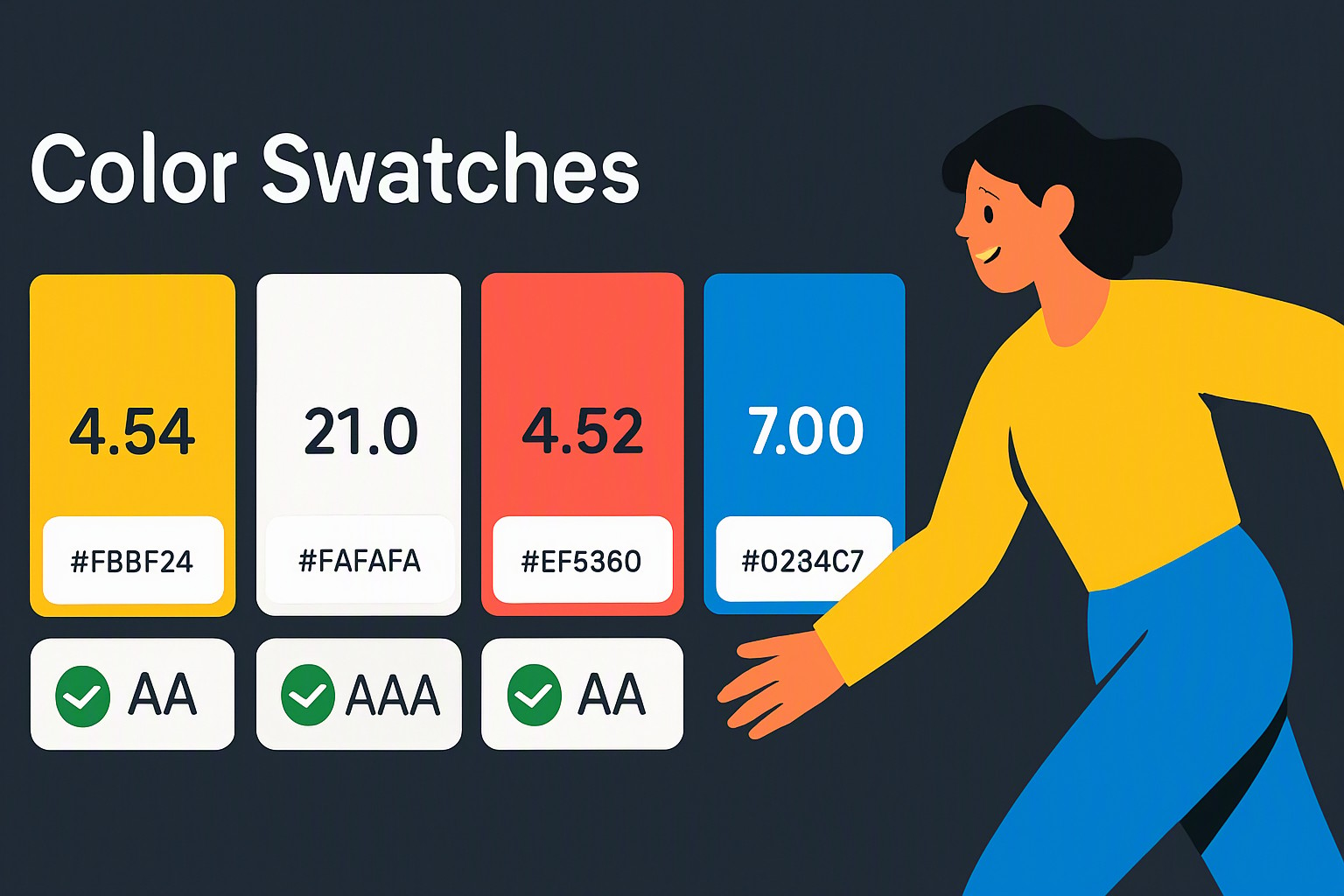
According to the World Wide Web Consortium (W3C) Web Content Accessibility Guidelines (WCAG) specification, maintaining strict color contrast ratios between text and background elements is mandatory for digital accessibility. Precise extraction ensures that brand palettes meet these compliance thresholds without accidental deviation.
Comparing color extraction tools and color models
Different digital platforms require different numerical expressions of color. The table below contrasts the three primary color models encountered during extraction.
red
#e5484d
green
#30a46c
blue
#0091ff
| Color Model | Format Example | Primary Application | Limitations |
|---|---|---|---|
| HEX | `#FF5733` | HTML, CSS, and web design | Limited semantic readability for adjustments |
| RGB | `rgb(255, 87, 51)` | Digital screens and video editing | Harder to manually adjust saturation or lightness |
| HSL | `hsl(14, 100%, 60%)` | Intuitive CSS styling and design systems | Less universal support in legacy software |
Understanding these formats allows creators to translate a single sampled pixel into whatever syntax their current project demands. For complex multi-hue branding layouts, pairing extracted values with a blog on color Fiind Websie provides additional context on balancing primary and secondary tones.
How to troubleshoot common color extraction accuracy issues
Several technical factors can distort extracted color values if ignored during the sampling process.
- JPEG compression artifacts: Lossy compression algorithms introduce stray pixels and blocky color noise around high-contrast edges. Always source uncompressed PNG files when precise branding accuracy is required.
- Screen color profiles: Uncalibrated displays running divergent profiles like sRGB versus Adobe RGB shift perceived output values. Professional design environments rely on hardware-calibrated monitors running standardized sRGB profiles.
- Gradients and textures: Multi-color gradients create hundreds of incremental transitional pixels. Zoom in to the exact center of a solid color patch rather than sampling the blurred edge where two hues intersect.
Frequently asked questions
Are online image color pickers safe to use with private photos?
Most modern browser-based color pickers process images directly within your browser using client-side scripts. Your files are never uploaded or stored on an external server. Always review a platform's privacy policy before handling sensitive proprietary graphics.
Why does the extracted color look different on my mobile phone versus my desktop monitor?
Display hardware, screen calibration, and active blue-light filters alter perceived color output. Professional designers rely on standardized sRGB color profiles and numerical color values rather than visual appearance alone to maintain consistency.
Can I extract color palettes from compressed JPEG images without losing accuracy?
JPEG compression introduces slight pixel blurring and color shifting around sharp edges due to lossy algorithms. Sample pixels from flat color areas or use lossless formats like PNG whenever possible.
What is the difference between a HEX code and an RGB value?
A HEX code is a six-digit alphanumeric code primarily used in web design and CSS stylesheets. An RGB value expresses colors using numerical intensities for red, green, and blue on a scale from 0 to 255 for digital displays and software.