
 General
The Best Tool to Inspect Colors on Any Webpage Accurately

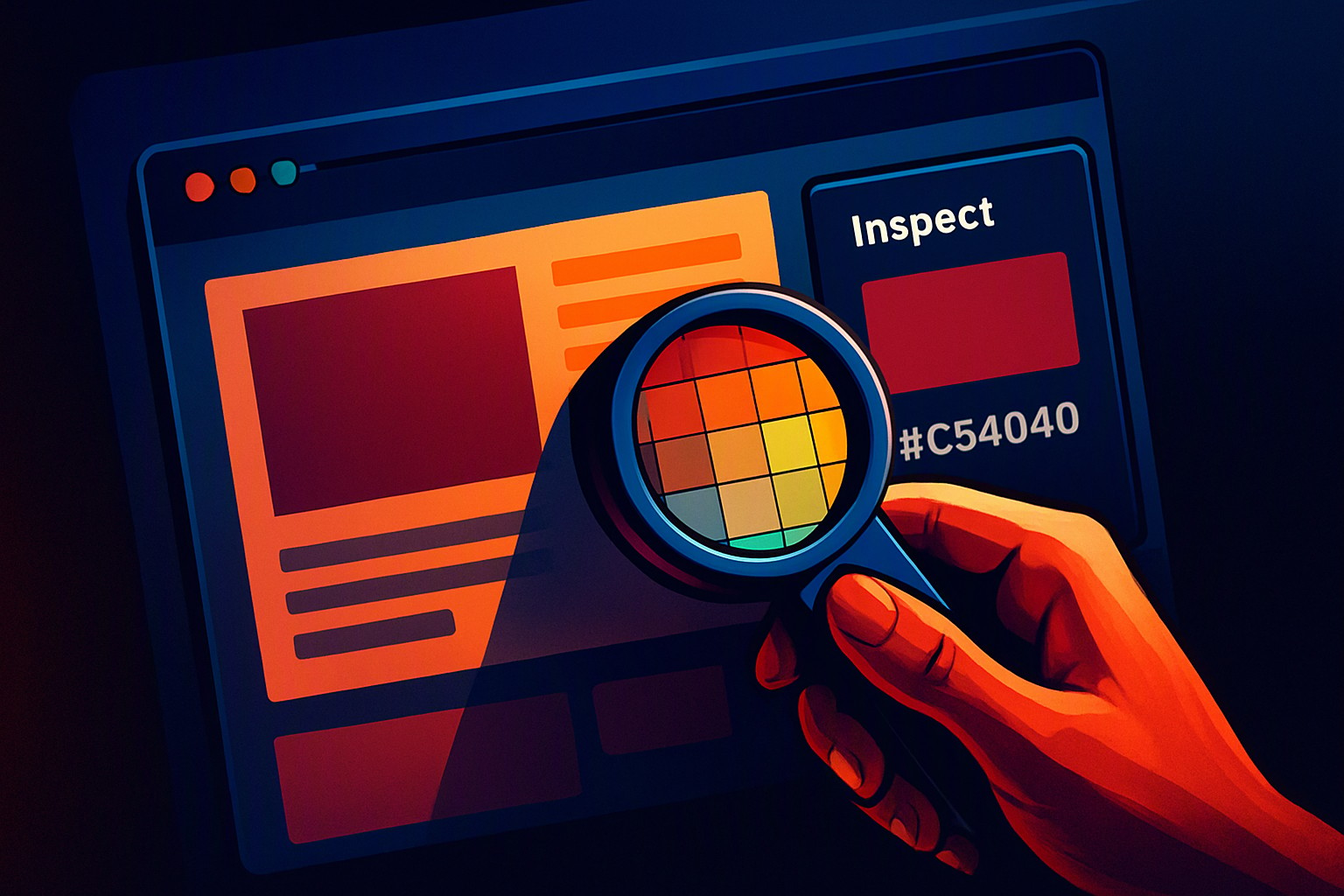
To inspect colors on any webpage quickly, use your browser's built-in developer tools by pressing F12, selecting the Elements tab, and clicking the square color preview next to any CSS property to reveal the native eyedropper.
Finding the right website color picker tool online depends on whether you are editing live code or analyzing visual layouts for contrast compliance.
How do you use the native Chrome inspect color picker?
Native developer utilities eliminate the need for third-party downloads. Open Developer Tools by pressing F12 on Windows or Command-Option-I on macOS, or right-click any element on the page and select Inspect.
Select the Elements tab in the top-left corner of the dev panel. Use the selection arrow icon (Ctrl+Shift+C or Cmd+Shift+C) to click an element on the rendered webpage. The DOM tree immediately jumps to that HTML node, and the Styles pane below or beside it lists every applied CSS rule.
red
#e5484d
green
#30a46c
blue
#0091ff
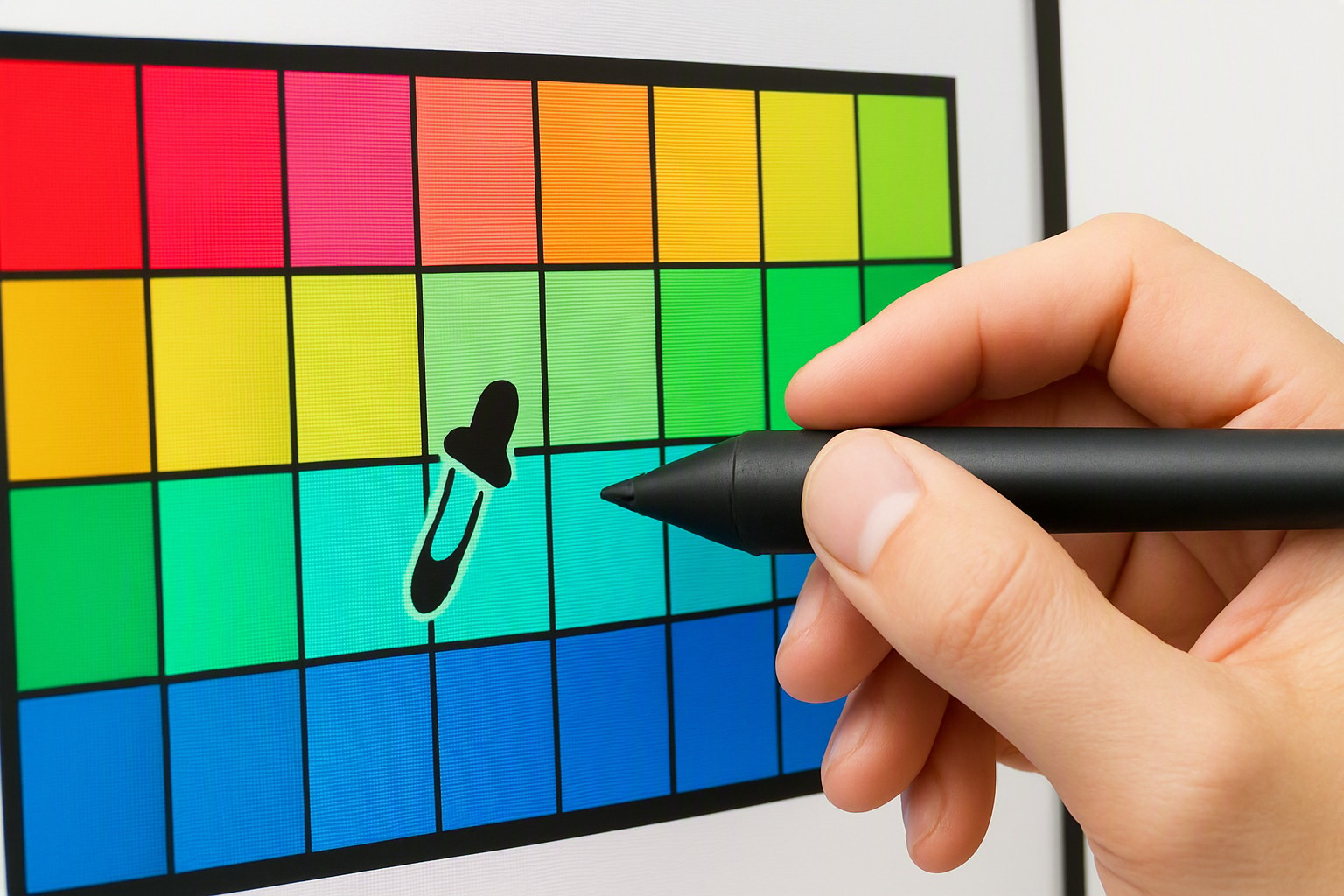
Locate specific CSS color properties such as `color`, `background-color`, or `border-color`. Clicking the small square color preview box next to any of these properties opens an interactive color picker tool. This floating window displays a visual spectrum, an alpha slider for opacity, and a dropdown menu to switch between color models.
What are the best browser extensions to inspect color values?
Standalone eyedropper extensions offer faster, click-anywhere sampling without requiring you to dive into DOM trees. Tools like ColorZilla and Page Ruler grab pixel values directly from rendered images, canvas elements, and CSS gradients.
- ColorZilla: Provides an advanced eyedropper, color history, and a CSS gradient generator. It excels at sampling exact pixel data from complex raster images.
- Page Ruler: Measures pixel dimensions alongside color sampling, making layout audits straightforward.
- Canvas Color Picker: Specialized extensions that bypass browser restrictions to sample pixels inside HTML5 canvas tags.
Dynamic hover states and complex pseudo-classes like `:hover` or `:active` often disappear the moment you move your mouse to click an extension icon. To capture these, use the state-forcing toggles inside browser dev tools (the `:hov` button in Chrome's styles pane) before launching your eyedropper.
Third-party extensions introduce performance limitations on heavy web applications with thousands of active DOM nodes, making native tools the safer choice for low-memory environments.
How do you extract precise HEX, RGB, and HSL color formats?
Different web development tasks demand different mathematical representations of color. HEX codes use hexadecimal notation for RGB values, making them compact for stylesheets. RGB values define colors by their red, green, and blue light channels on a 0 to 255 scale. HSL measures hue, saturation, and lightness, which aligns more intuitively with human vision perceives color variations.
| Extraction Method | Accuracy | Format Support | Best Used For |
|---|---|---|---|
| Native Browser DevTools | Exact CSS Match | HEX, RGB, HSL, CMYK, P3 | Frontend development and CSS debugging |
| Browser Extension | Pixel-Level Render | HEX, RGB | Sampling rendered images and gradients |
| Operating System Pipette | Screen-Level Render | HEX, RGB | Non-browser applications and mockups |
According to the W3C CSS Color Module Level 4 Specification, modern web standards support wide-gamut spaces that go far beyond standard sRGB. When converting between models, ensure your extraction tool accounts for color space transformations to avoid unexpected shifts in saturation or brightness.
Why might a tool inspect color inaccurately on modern displays?
Display hardware and operating system settings alter the exact pixel values returned by a sampling utility. Color profile mismatches between sRGB, Display P3, and wide-gamut monitors mean a shade sampled on a MacBook Pro Retina display looks different on an external sRGB office monitor.
Operating system scaling and browser zoom levels impact pixel color sampling. When a browser scales a page at 125% or 150%, subpixel rendering blends adjacent pixels together to smooth out text and vector lines. Sampling an antialiased edge yields a blended intermediate color rather than the solid hex value defined in the CSS.
Developers building specialized interfaces—such as patient portal color systems designed for clinical legibility—must verify that display scaling does not degrade contrast ratios on low-DPI screens. Reference official web standards for color management like the W3C specifications to understand how color profiles interact with CSS rendering engines.
How does color sampling integrate into broader web design workflows?
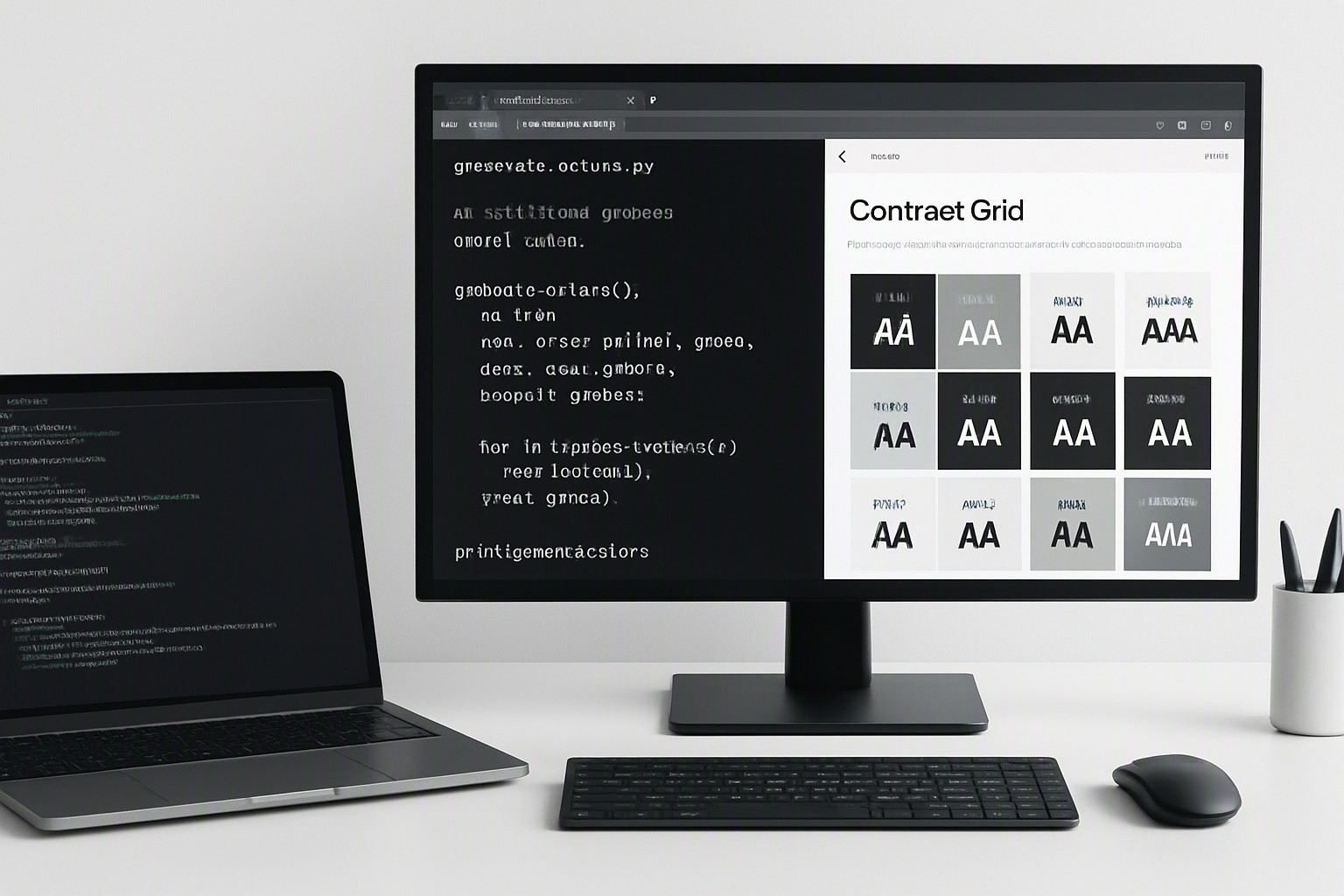
Color extraction forms the foundation of accessibility audits, brand consistency checks, and design system creation. According to the Web Content Accessibility Guidelines (WCAG), normal text must maintain a minimum contrast ratio of 4.5:1 against its background. Extracting exact hex values allows developers to test foreground and background combinations against these thresholds before shipping code.
When standardizing disparate UI elements, teams rely on platforms like the color Fiind Websie to centralize palette generation and streamline token management. Documenting sampled colors into a cohesive design system prevents visual drift and ensures that components built across different sprints maintain uniform branding.
Frequently asked questions
Can I inspect color values on mobile web browsers?
Mobile browsers lack built-in element inspectors. Take a screenshot and open it in a mobile app or transfer it to a desktop browser to sample the exact pixels.
Why does the eyedropper tool sometimes select the wrong shade?
Discrepancies happen due to CSS image filters, CSS opacity layers, or operating system display scaling which alters the rendered pixel color values.
Do I need to install software to check webpage colors?
No software installation is required. Every major modern browser includes a fully featured developer console with an integrated color inspector by default.