 General
Best Open Source Color Generator Tools for Accessible Palettes
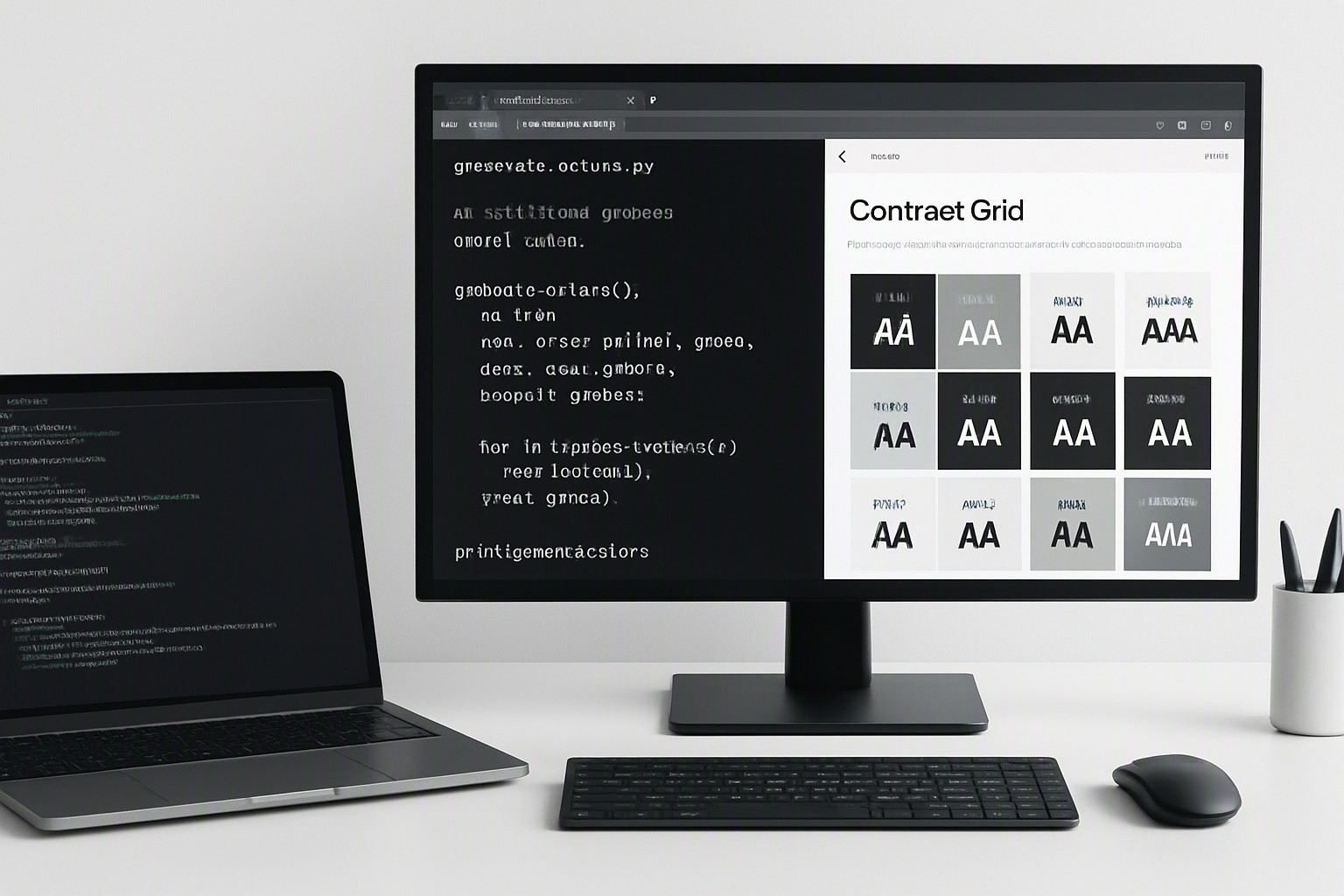
An open source color generator is a free, publicly auditable software utility that builds programmatic color palettes for web and software design without proprietary restrictions.
What is an open source color generator and why should you use one?
Open source color generators provide publicly available source code. Developers and designers inspect, modify, and distribute these utilities freely. This transparency aids security and customization in modern web development workflows by allowing teams to audit the math responsible for shade generation and contrast calculations.
Adopting these tools prevents proprietary lock-in and vendor pricing changes. When a commercial color service alters its subscription model, teams relying on proprietary systems face sudden technical debt. By contrast, an accessible color palette creator built on open source foundations remains permanently available and forkable. Engineering teams integrate these utilities directly into local build scripts without recurring seat licenses.
How do open source color generators compare to proprietary alternatives?
Proprietary design tools restrict export formats and limit programmatic access to palettes. Open source design tools offer unrestricted API access, self-hosting capabilities, and transparent licensing structures.
| Feature | Open Source Color Generators | Proprietary Design Tools |
|---|---|---|
| License Type | Permissive (MIT, Apache 2.0, GPL) | Proprietary Commercial EULA |
| Cost | Free to use, modify, and self-host | Monthly or annual subscription per user |
| API & Automation | Full programmatic access via npm, CLI, or Python | Rate-limited or closed cloud APIs |
| Data Privacy | Local execution; zero telemetry required | Cloud-stored brand assets and color tokens |
Developer-focused design utilities rely on licensing models like MIT, Apache 2.0, and GNU GPL. The MIT license grants permission for commercial use, modification, and distribution with minimal restrictions. Customizability constraints inherent in proprietary web applications vanish when you control the source repository. If your design system requires non-standard contrast curves, you can rewrite the underlying function.
Which open source color generators are best for modern web development?
Chroma.js, Color.js, and Leonardo provide programmatic palette generation. These libraries leverage advanced color models such as CIELAB, OKLCH, and sRGB to factor human perception into algorithmic generation. According to the World Wide Web Consortium (W3C) CSS Color Module Level 4 specification, perceptual uniform spaces like OKLCH prevent lightness distortions found in older models.
When integrating color generation scripts into continuous deployment pipelines, teams configure Node.js scripts to compile design tokens automatically before production builds. Any adjustment to base brand shades instantly propagates across CSS variables and UI components, mirroring the systematic rigor required in role-based access dashboard color systems.
How do you ensure contrast compliance using open source tools?
Maintaining readability across complex interfaces requires strict adherence to accessibility benchmarks. According to the Web Content Accessibility Guidelines (WCAG), standard text must maintain a minimum contrast ratio of 4.5:1 against its background. Open source codebases calculate WCAG 2.1 and APCA (Accessible Perceptual Contrast Algorithm) standards directly within the script logic, evaluating luminosity differences mathematically before outputting final hex or oklch values.
To audit generated palettes against accessibility requirements before deployment:
- Import your base brand colors into the local generation script.
- Execute the automated test suite to evaluate every shade combination against WCAG 2.1 AA and AAA thresholds.
- Review the CLI output or generated JSON report for failing contrast pairs.
- Adjust the lightness or chroma parameters in the source configuration until all interactive states meet compliance.
Connecting palette contrast management to broader UI readability frameworks guarantees that automated builds reject non-compliant color tokens before they reach production servers. This programmatic auditing matches the contrast planning detailed in our guide to accessible geospatial heatmaps.
Can you self-host your own color generation pipeline?
Deploying an open source color tool locally or on a private server requires minimal technical overhead. Developers execute these utilities using Node.js, Python, or client-side JavaScript depending on the desired integration depth.
Running offline generators provides data privacy advantages when handling proprietary enterprise brand colors, ensuring that unreleased product palettes never touch third-party cloud servers. For teams establishing deep design system rules, pairing these generation pipelines with resources like how to choose which color matches with which color easily helps maintain aesthetic harmony.
Frequently asked questions
Are open source color generators completely free to use commercially?
Most open source color tools are released under permissive licenses like MIT or Apache 2.0, which permit free commercial use and modification. Check the specific repository's license file to ensure compliance with attribution or distribution requirements.
How do open source tools handle modern color spaces like OKLCH?
Advanced open source color libraries utilize perceptual color spaces such as OKLCH and CIELAB to ensure uniform lightness and chroma across generated scales. This prevents perceptual distortion common in traditional sRGB or HSL generators.
Can I integrate an open source color generator into my CI/CD pipeline?
Yes. Because the source code is accessible, many of these tools run via command-line interfaces or npm packages to automatically generate design tokens and test contrast ratios during your build process.