 General
How to Choose the Best Website Color Picker Tool Online
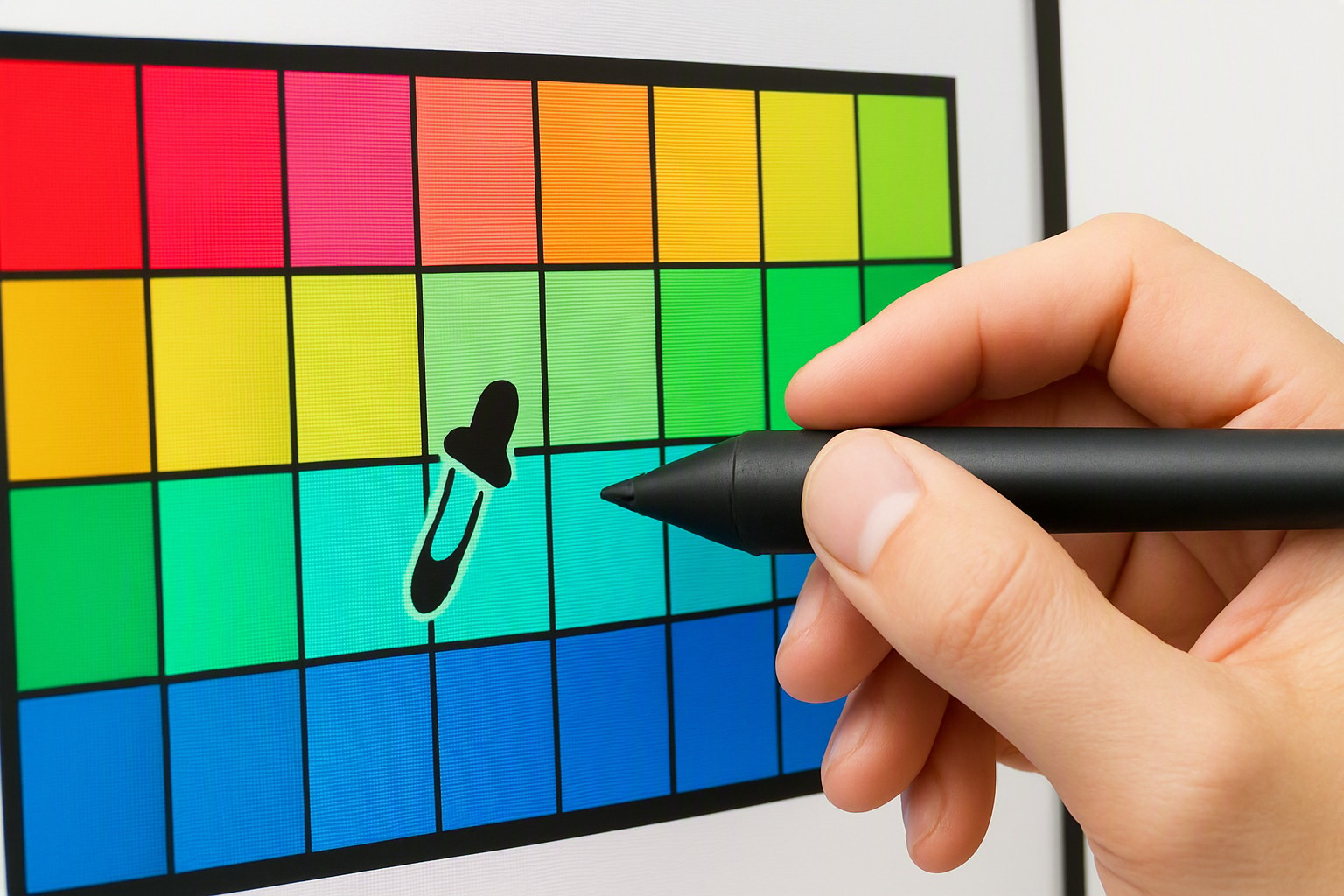
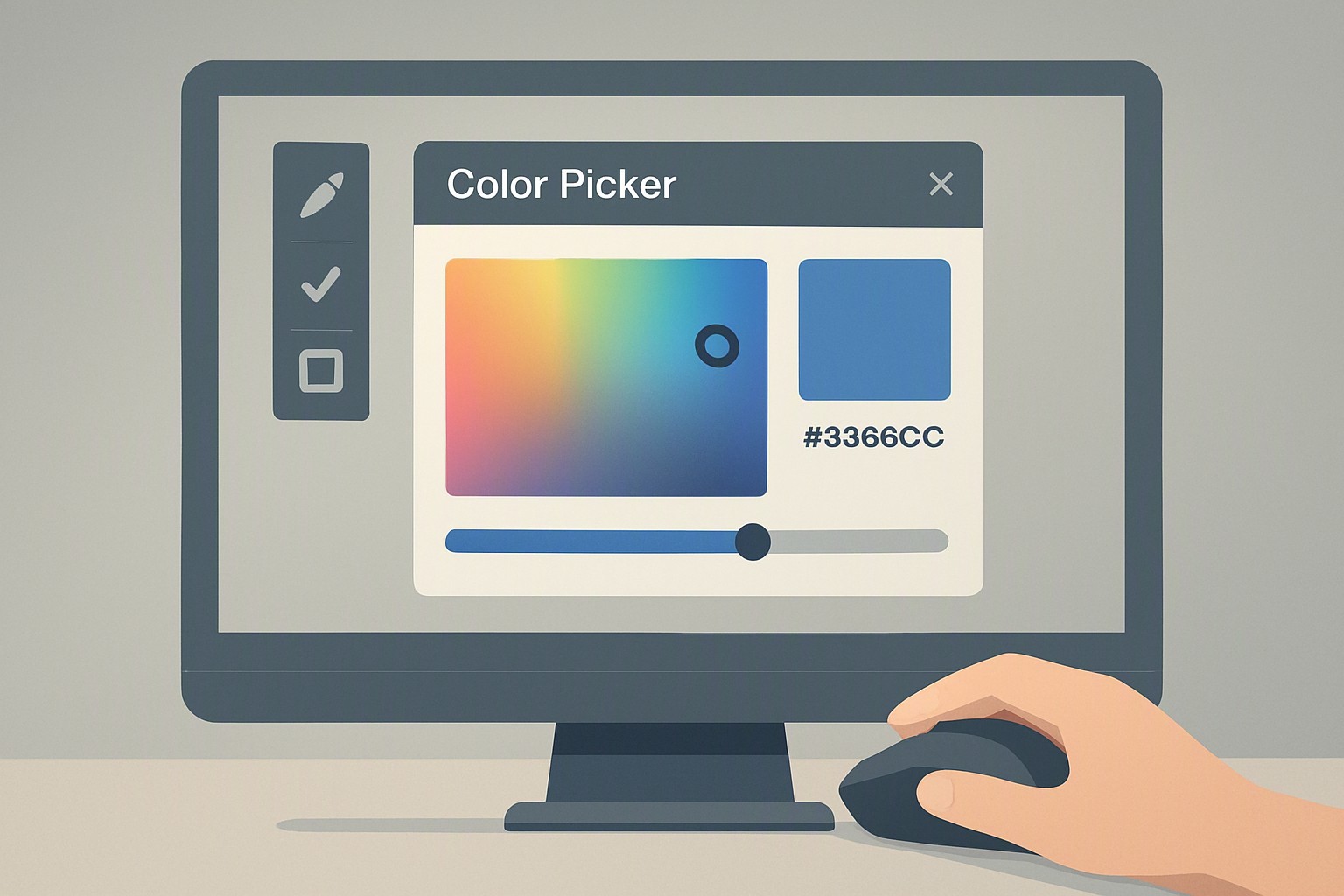
The fastest way to extract an exact color code is to upload your graphic to a dedicated browser tool, click the specific pixel with an eyedropper cursor, and copy the generated HEX or RGB value directly to your clipboard. Web-based color extraction tools parse raster graphics to pull exact hexadecimal and RGB values by reading the raw pixel array of an uploaded image file. When sampling local files, modern web applications operate entirely client-side using JavaScriptFileReader APIs, keeping your data private. However, live URL sampling often triggers browser security limitations like Cross-Origin Resource Sharing (CORS) blocks, requiring you to save an image locally before processing it. If you need a streamlined workflow, you can learn [how to find color from website] graphics quickly using dedicated web utilities.
Evaluating Online Color Pickers and Selection Tools
What is the best color picker online from image?
Selecting the top tool depends on whether you process flat vector graphics or complex photographic rasters. Web-based options eliminate bulky desktop installations while delivering instant format translations. Professional designers often pair these utilities with resources like [Color Fiind Websie] to match brand assets across multiple digital touchpoints.
How do you evaluate a color chooser website for precision?
Precision depends on how a platform manages color spaces and hardware profiles. Popular applications handle sRGB, Adobe RGB, and Display P3 differently, changing the output values you receive. Furthermore, browser-level color management and your operating system's display profile alter how pixel values render on screen. If your monitor is uncalibrated, a hex code read from an image will look different on a mobile phone.
| Tool Type | Accuracy | Ease of Use | Format Export |
|---|---|---|---|
| Eyedropper Browser Extensions | High | Instant | Limited (HEX/RGB) |
| Dedicated Web Apps | High | Moderate | Comprehensive (HEX, RGB, HSL, CMYK) |
| Desktop Graphics Suites | Maximum | Low | Universal |
What features define a reliable color selector website?
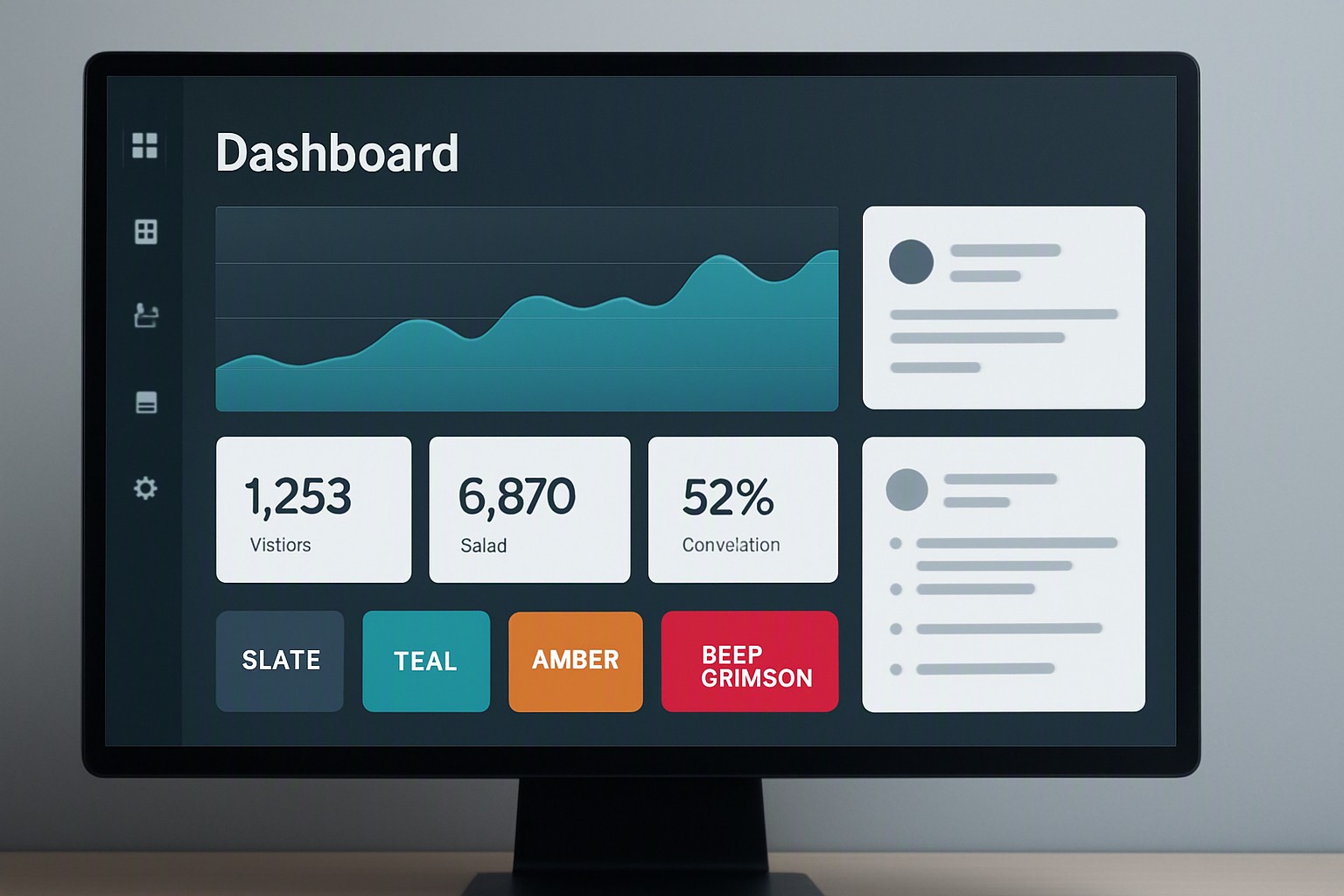
A dependable color selector website offers deep format conversions including HEX, RGB, HSL, and CMYK to bridge the gap between web development and print production. Beyond raw code extraction, top-tier platforms feature palette generation systems that group harvested colors into harmonious schemes. For instance, designers working within enterprise ecosystems frequently export these curated palettes directly into platforms like [Canva color codes] for streamlined marketing workflows.
Using Web-Based Color Pickers and Managing Accuracy
How do you use a webpage colour picker without installing software?
Modern browsers support native APIs that make external software unnecessary for basic color extraction. Google Chrome and Microsoft Edge support the HTML5 Canvas API and the EyeDropper API, letting web scripts read pixel data securely from the DOM.
Follow these steps to extract precise UI elements from a screenshot:
- Capture a clean PNG screenshot of the interface or graphic you want to sample.
- Open your chosen webpage colour picker utility in your browser.
- Upload the screenshot file using the drag-and-drop zone or file browser.
- Hover the interactive crosshair over the target element to preview the shade.
- Click the pixel to lock the value and copy the resulting code.
Common pitfalls include JPEG compression artifacts, which alter pixel hue values by introducing invisible color noise around sharp lines. To understand how complementary shades interact after extraction, review [how to choose which color matches with how] to ensure balanced visual hierarchy.
Why do lighting and image compression ruin color accuracy?
Lossy compression formats like JPEG introduce chromatic noise that skews pixel sampling by blending adjacent color blocks together. Furthermore, color temperature shifts caused by ambient lighting in source photographs make neutral whites appear yellow or blue depending on the original light source. According to the Web Content Accessibility Guidelines, digital interfaces must maintain strict contrast ratios to remain legible for users with visual impairments.
Frequently asked questions
Why do the color codes differ slightly when I sample the same image on two different screens?
Discrepancies occur because individual monitors have unique hardware calibration, panel technologies, and color profiles such as sRGB or Adobe RGB. Operating systems and web browsers also handle color management differently, which alters how pixel values are rendered and perceived.
Can I use an online color picker to extract CMYK values for print design?
Most web-based tools capture colors in the digital sRGB color space and convert them mathematically to CMYK. Because print gamuts are narrower than screen gamuts, verify converted CMYK values on a physical press proof to avoid unexpected hue shifts.
Do browser-based eyedropper tools work on protected or copyrighted web pages?
Built-in browser eyedroppers and web apps can sample any rendered pixel visible within the active viewport. However, browser security sandboxing prevents scripts from directly reading cross-origin iframe pixels or desktop applications outside the browser window unless you upload a screenshot file.