 General
How to Build a Professional Brand Color Palette
A professional brand color palette relies on a strict 60-30-10 ratio of dominant, secondary, and accent colors to ensure visual balance and accessibility across all digital touchpoints.
What makes an effective brand color palette?
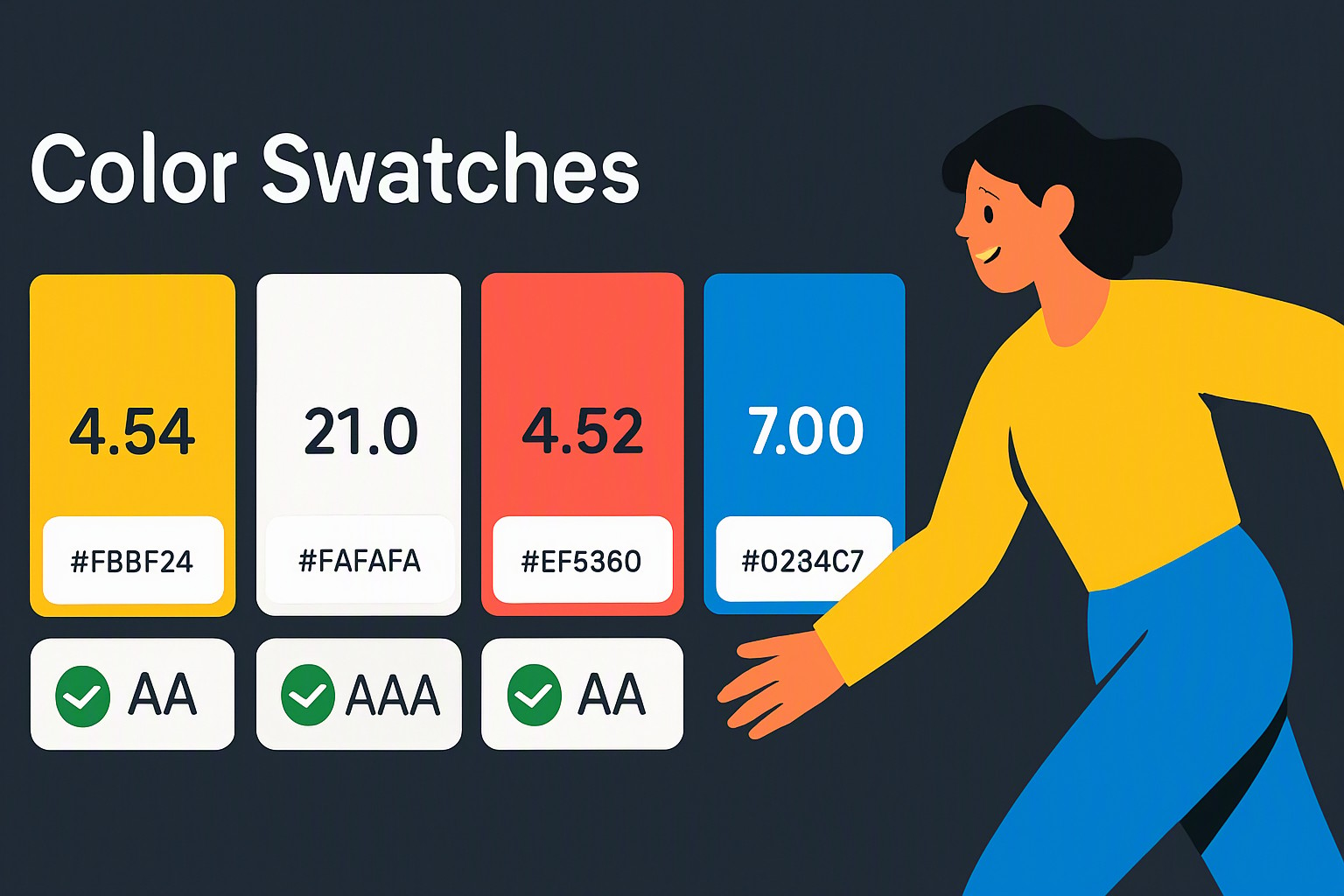
A strong brand color palette consists of a dominant 60% color, a secondary 30% supporting color, and a 10% accent color for calls to action. This structure meets Web Content Accessibility Guidelines (WCAG) contrast standards managed by the World Wide Web Consortium. Designers must differentiate between physical print color spaces, which rely on CMYK inks, and digital display spaces, which render hues via RGB pixel values and Hex codes. Maintaining consistency across mediums requires documentation, detailed in our editorial policy. Audit existing assets online to discover website color palettes instantly using automated inspection tools.
How do you choose your foundational colors?
Primary hues dictate how consumers perceive commercial design.
- Blue builds trust in financial technology
- Green signals growth in wellness sectors
- Red creates urgency in retail environments
red
#e5484d
gold
#d4a017
yellow
#ffd60a
green
#30a46c
blue
#0091ff
Choose these tones by extracting hexadecimal codes from imagery, logos, or mood boards. Learn this process when you get color palette from logo files. Evaluating diverse color palette ideas helps align your visual identity with specific market niches before committing to permanent production files.
How do you structure an adobe color palette for digital implementation?
Organize swatches inside professional software suites to establish a repeatable workflow for multi-page projects.
1. Launch the application and open the Libraries or Swatches panel.
2. Create a new color group named after the specific project or client identifier.
3. Input your primary, secondary, and accent values using exact hexadecimal strings.
4. Apply harmony rules, including complementary, analogous, and triadic relationships, to generate supporting neutral tones.
5. Export the library as an Adobe Swatch Exchange (.ase) file for team-wide sharing.
Software applications have distinct operational limits when exporting assets across different operating systems. macOS and Windows handle color profiles differently due to display calibration variances, which alters perceived saturation. Utilizing a dedicated color palette generator tools outputs standardized code sets that translate reliably from desktop monitors to mobile screens.
How do you apply a gold color palette without looking tacky?
Deploying metallic aesthetics on flat digital screens requires precise hex color palette values that simulate gradients rather than flat yellow hues. A sophisticated gold configuration combines a deep base tone like `#1a1a1a` with muted metallic highlights such as `#d4af37` and `#aa8c2c`. Pair these metallic tones with neutral dark backgrounds or minimalist typography to elevate the design for high-end contexts. These strategies align with professional standards found across luxury brand collections. To examine how leading ecommerce sites implement metallic accents without visual clutter, review the techniques outlined in our guide to discover color scheme used on websites.
Which format should you use for your web color palette?
Choosing the correct color format prevents rendering errors during development. Different production environments require specific notations.
| Format | Syntax Example | Best Use Case | Primary Limitation |
|---|---|---|---|
| Hexadecimal | `#3b82f6` | CSS styling, HTML markup | Lacks alpha transparency notation in older specs |
| RGB | `rgb(59, 130, 246)` | JavaScript manipulation, DOM styles | Harder to read and memorize at a glance |
| HSL | `hsl(217, 91%, 60%)` | Dynamic theming, CSS variables | Minor rendering variance across legacy browsers |
| CMYK | `cmyk(76, 47, 0, 4)` | Physical packaging, print brochures | Limited gamut compared to digital screens |
Browser rendering inconsistencies alter hue saturation across different display types, particularly between OLED panels and older LCD monitors. Verify output across multiple viewports using live inspection tools provided by the color Fiind Websie utility to ensure visual fidelity remains intact.
Frequently asked questions
How many colors should be in a complete brand system?
A robust brand system features three to five core colors. This includes one dominant background color, one or two structural shades for text and containers, and one or two accent colors for interactive elements.
What is the difference between RGB and Hex color codes?
RGB and Hex represent the exact same digital colors using different notations. RGB uses numerical values from 0 to 255 for red, green, and blue, while Hex translates those exact values into a six-digit alphanumeric code used in HTML and CSS.
How do I check if my color combination is accessible?
Verify accessibility by testing your foreground text and background color pairs against the Web Content Accessibility Guidelines. Contrast ratios must meet at least 4.5:1 for standard body text to ensure readability for users with visual impairments.