 General
How to Get a Color Palette From a Logo for Web Design

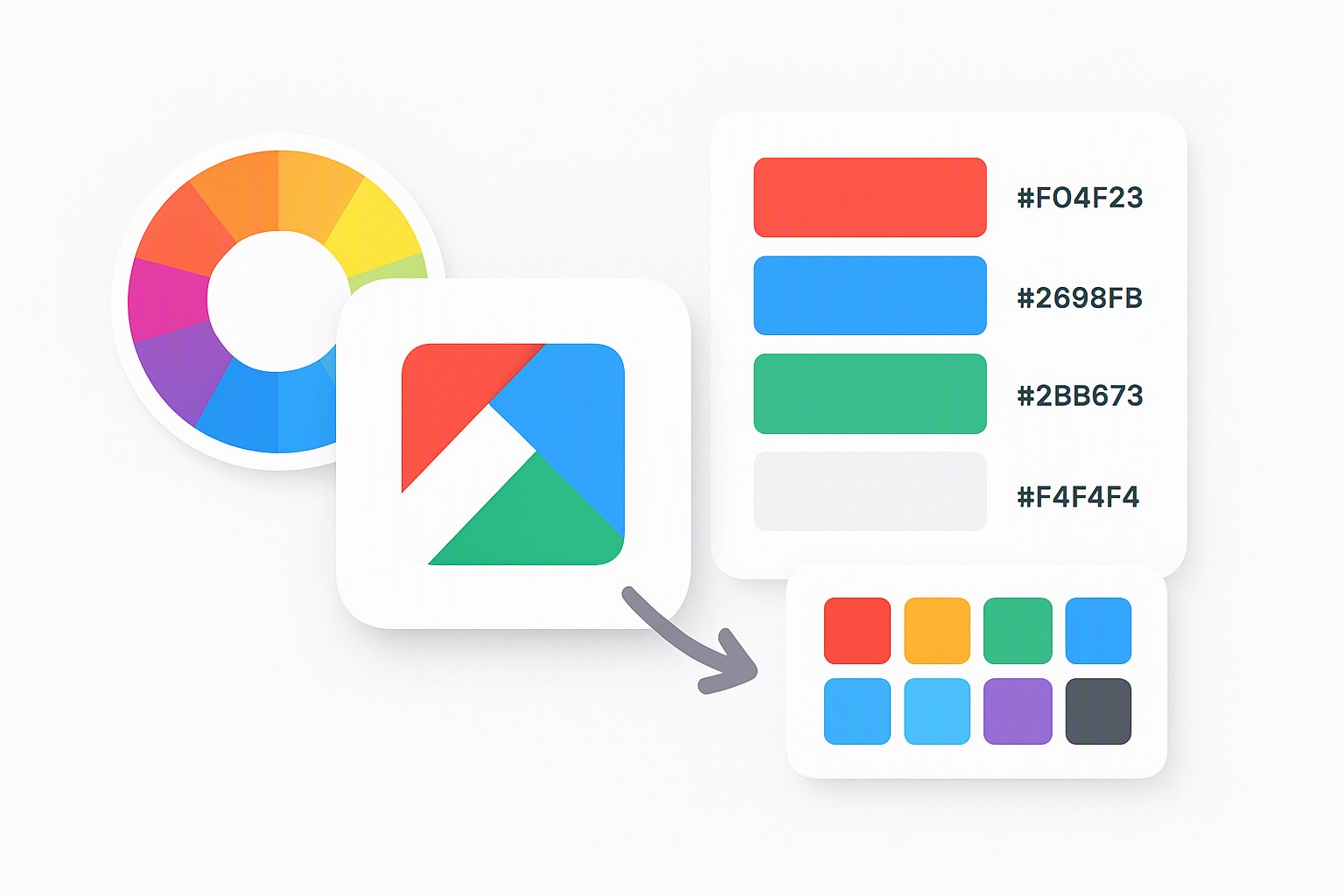
To extract an accurate color palette from a logo, upload your image file into an automated color extraction tool or use an eyedropper tool in design software to capture exact hex codes, then input those values into the adobe color wheel to build balanced website color schemes.
Building a functional digital interface starts with brand continuity. A logo encodes a company's visual identity, but raw graphic files cannot be applied directly to a cascading style sheet without breaking down their individual color components. Translating physical or flat brand marks into a digital environment requires extracting precise numerical color values and testing them for screen rendering performance. Proper extraction prevents visual dissonance across your web pages.
Preparing Source Assets and Logo Files for Color Extraction
Extracting color values requires preparing your source assets and understanding how different file formats store pixel data. When working with vector files like SVG or Adobe Illustrator (.ai) documents, extraction tools read pure mathematical paths and flat fills without compression artifacts. Raster formats like JPEG or PNG rely on pixel grids that introduce anti-aliasing pixels—transitional semi-transparent shades along sharp edges that muddy your sample reads.
To capture clean data from a logo, follow this step-by-step process:
- Open your logo file in a vector editor like Adobe Illustrator or a raster program like Adobe Photoshop.
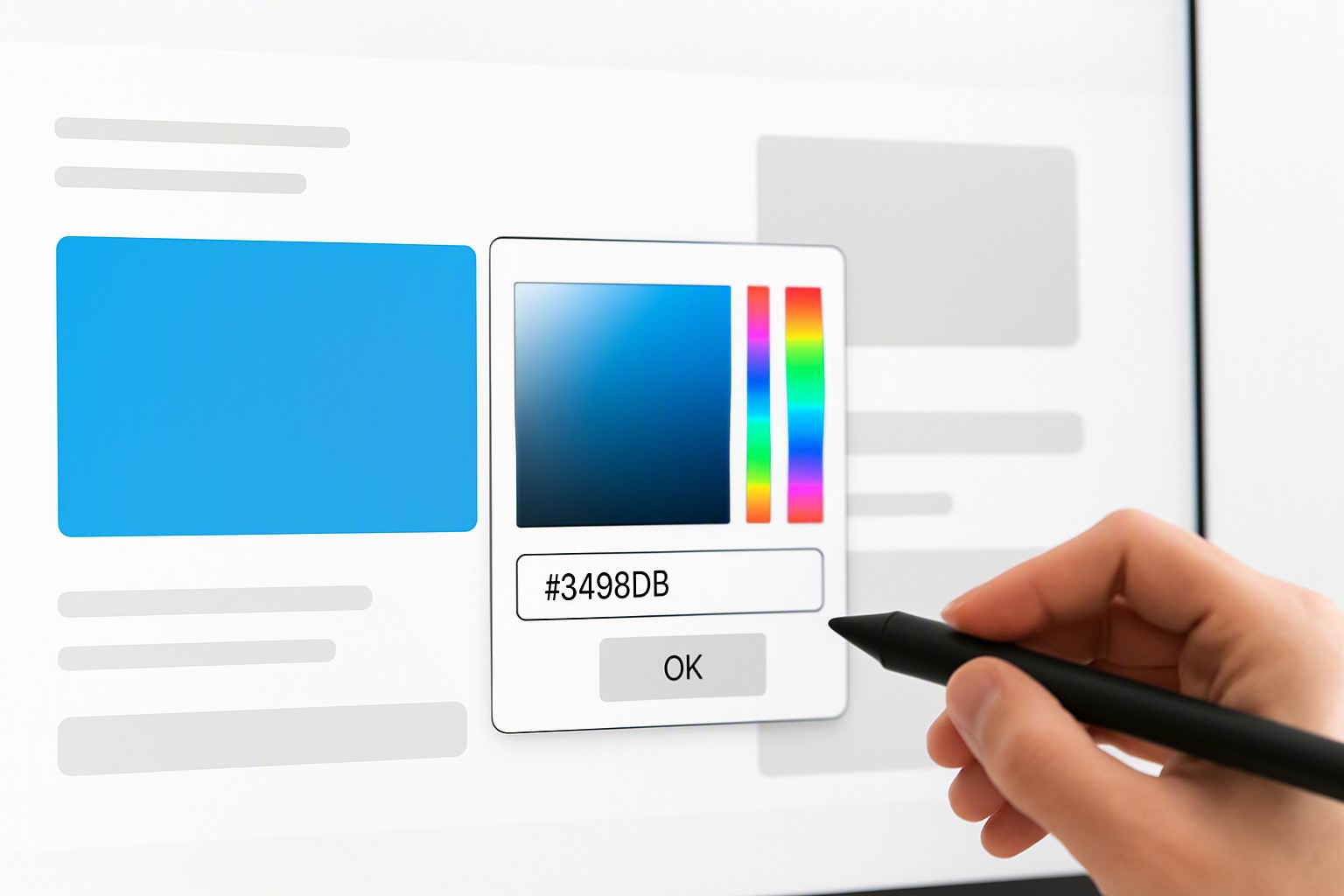
- Select the primary color field using the eyedropper tool (shortcut 'I' in most Adobe applications) to record the exact HEX or RGB value.
- Isolate gradient transitions by sampling the midpoints rather than the extreme outer edges, ensuring your extracted tone reflects the intended visual weight.
- Ignore drop shadows and outer glows, which introduce artificial dark or light noise into your base palette.
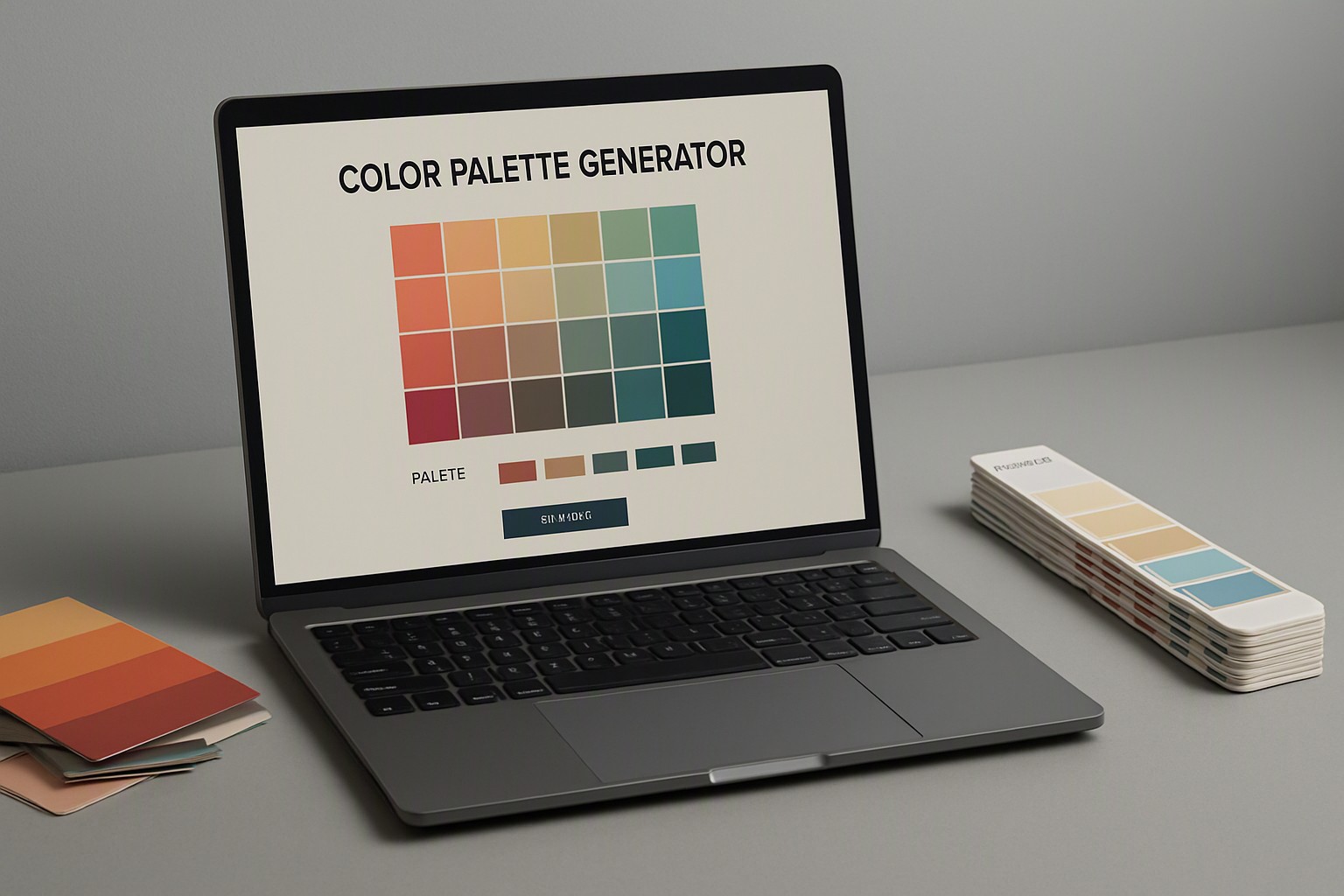
For broader workflows, many developers use an automated color palette generator to ingest raster files instantly and output sorted frequency histograms.
Refining Logo Colors with the Adobe Color Wheel and Accessibility Standards
Input your foundational brand hex codes into the adobe color wheel to test various color harmonies such as complementary, analogous, and triadic relationships. Raw logo colors often work well on packaging or letterhead. Digital interfaces demand strict adherence to luminance and saturation thresholds to ensure readability.
According to the Web Content Accessibility Guidelines (WCAG), interactive text must meet specific contrast ratios against its background, which frequently requires adjusting the lightness of extracted logo tones. Furthermore, designers often need to translate physical print Pantone Solid Coated values into accurate digital sRGB and HEX formats, as ink-based formulas shift dramatically when rendered via backlit display panels.
To verify that your adjusted brand colors do not violate visual thresholds, run a formal accessibility color audit before writing production code.
Methods for Building a Complete Website Color Palette
A finished website color palette requires clear structural hierarchy rather than a random assortment of brand hues. Assign specific interface roles to your extracted colors: one dominant color for major branding moments, a secondary accent for interactive elements like buttons, and neutral background shades to keep content readable.
| Extraction Method | Pros | Cons | Best File Compatibility |
|---|---|---|---|
| Automated Upload Tool | Instant results, generates automatic frequency sorts | Can mistake anti-aliasing pixels for distinct brand hues | High-resolution PNG, JPG |
| Manual Eyedropper | Absolute precision, zero noise from compression | Time-consuming for complex gradients and multi-tone marks | SVG, AI, EPS vectors |
| CSS Inspection | Extracts live values directly from existing sites | Limited to already-deployed web assets | Live URLs, HTML/CSS files |
Choosing the right extraction approach depends entirely on your source material and project timeline, a process explored further in broader color palette ideas discussions.
Applying Your New Color Palette Ideas Across Digital Platforms
Deploying your finalized color scheme across a modern web application requires defining custom properties within your global style sheets. Storing your extracted brand colors as CSS variables—such as `--brand-primary` and `--brand-surface`—ensures consistent updates across landing pages, user dashboards, and mobile views. If you are building rapid mockups, platforms like Canva color codes map your extracted tokens into external design templates.
Avoid pairing saturated brand colors directly against light grey backgrounds, which causes eye strain and fails automated contrast checks. Maintain strict separation between decorative brand accents and functional UI text colors to ensure universal usability.
Frequently asked questions
What file format is best for extracting colors from a logo?
Vector formats like SVG or AI contain pure mathematical color data without compression artifacts. High-resolution PNG files with transparent backgrounds also work well if vector files are unavailable.
How many colors should be in a website color scheme derived from a logo?
A functional digital palette consists of three to five core colors. This includes one dominant brand color, one or two supporting tones, and neutral shades for backgrounds and body text.
Why do logo colors look different on a computer screen than in print?
Logos are often created in CMYK for print materials, which uses physical ink mixing, whereas digital screens use RGB light. Converting between these color spaces causes shifts in vibrancy and hue that require manual adjustment.