 General
How to Choose and Use the Right Color Palette Generator
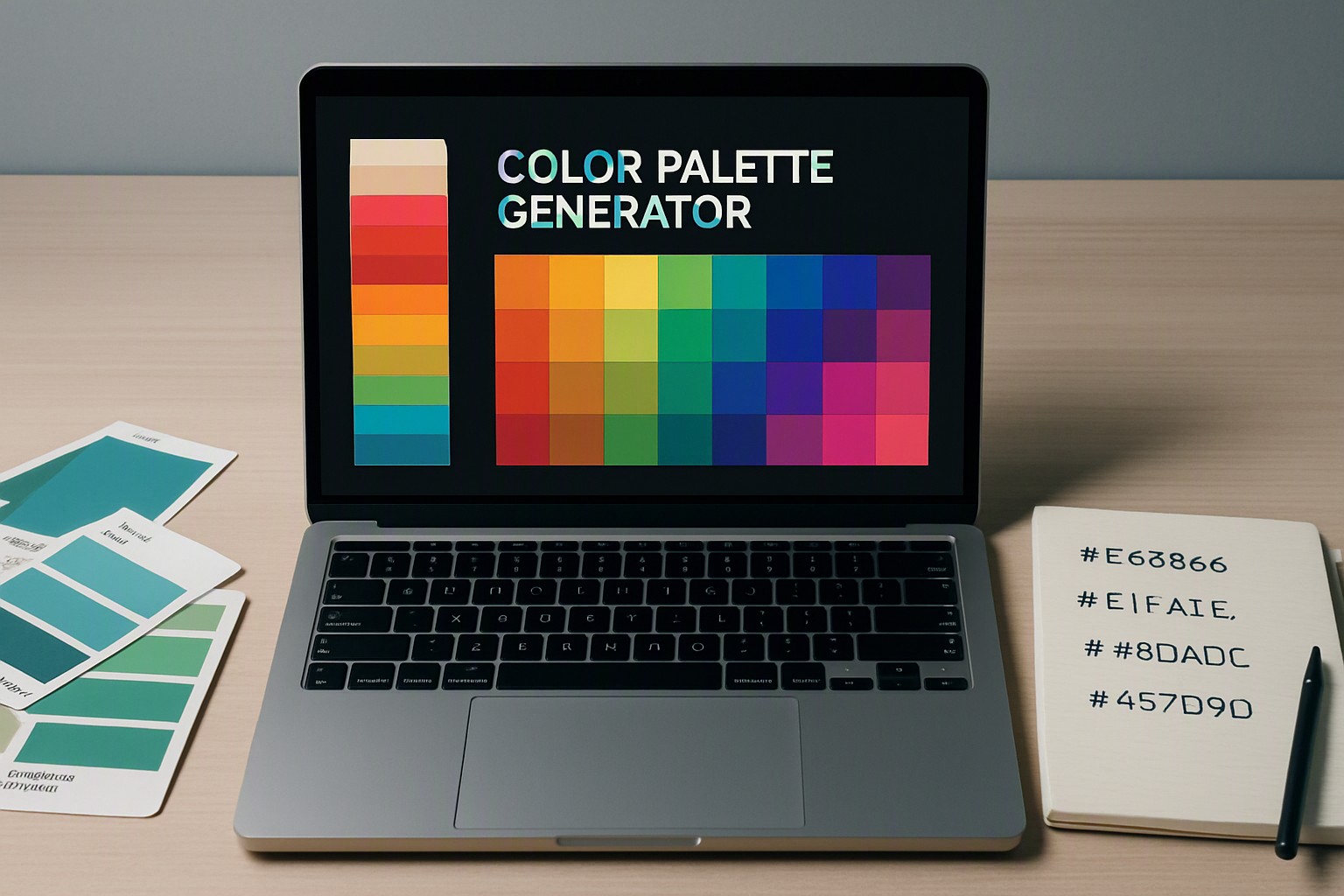
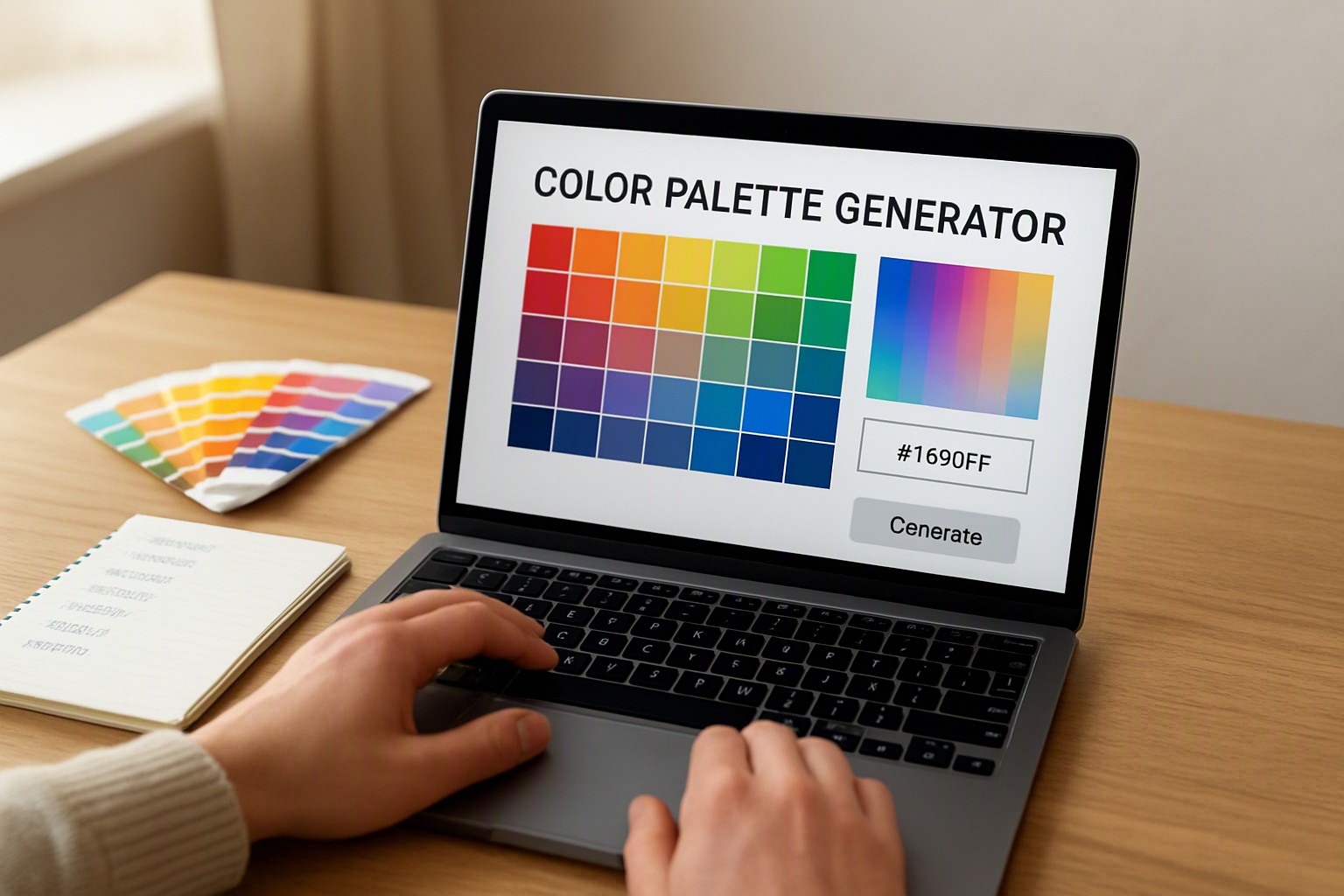
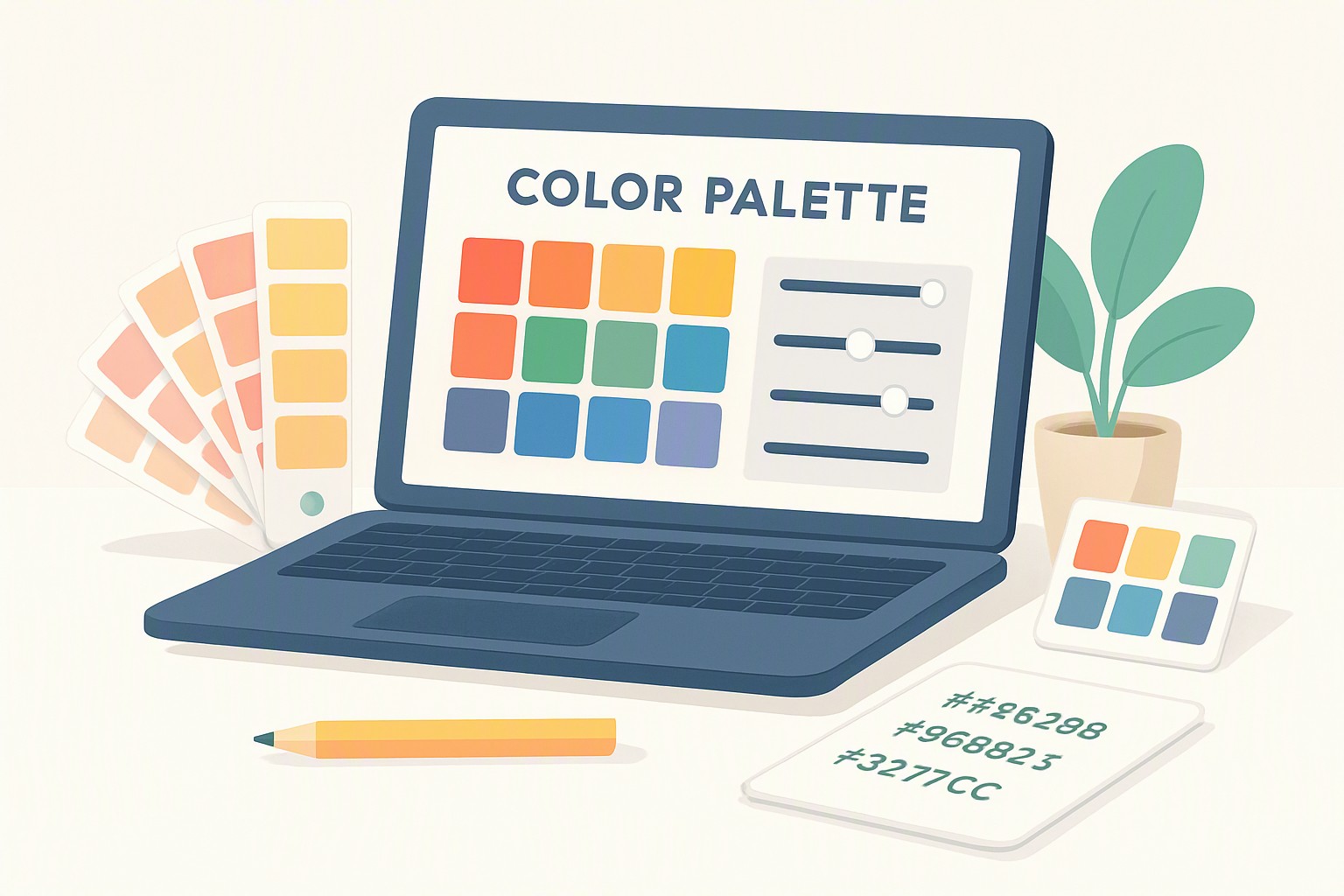
A color palette generator is a software tool that automatically or semi-automatically creates harmonious groups of chromatic values—such as HEX, RGB, or CMYK codes—for digital and print design projects. Tools speed up work. They ensure consistency.
Selecting effective digital tools requires understanding specific features, color spaces, and integration pipelines. Whether you are building a branding system or troubleshooting a low-contrast interface, resources found across platforms like color Fiind Websie help streamline your creative process from initial inspiration to final production export.
What Makes a Good Color Palette Generator?
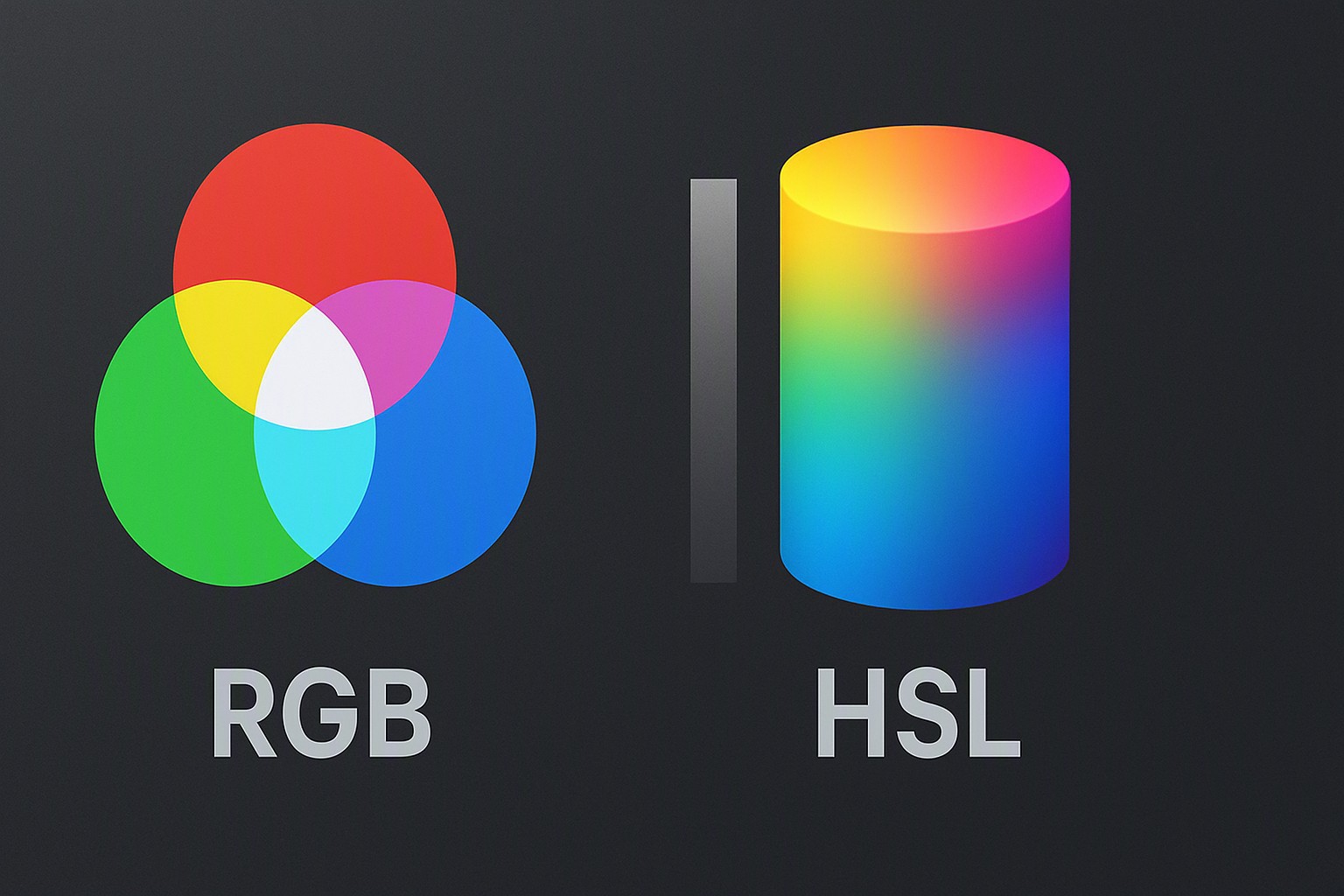
Core features separate basic random color tools from professional-grade utilities. A robust platform must output multiple export formats, including HEX for web stylesheets, RGB for screen-based applications, and CMYK for physical print runs. Handling modern color spaces accurately is critical. Tools supporting sRGB and Display P3 wide-gamut profiles allow creators to harness richer color saturation on modern mobile and desktop retina displays.
Integration capabilities dictate how smoothly a tool fits into an established technical workflow. Leading generators offer direct plugins or extensions for platforms like Figma, Adobe Creative Cloud, and various code editors. Without direct pipeline integrations, designers waste valuable time manually copying and pasting hexadecimal strings between browser windows and vector artboards.
How Do You Build Harmonious Colors with a Color Palette Builder?
Building balanced palettes relies on mathematical relationships derived from classical color theory. Standard algorithms implemented within any modern color palette builder rely on specific geometric models on the color wheel:
- Complementary: Colors situated directly opposite each other, providing high-contrast, energetic pairings.
- Analogous: Hues positioned adjacent to each other on the wheel, creating serene and unified visual moods.
- Triadic: Three equidistant colors forming an equilateral triangle, offering vibrant palettes while maintaining balance.
Successfully deploying these schemes requires strict adherence to visual hierarchy. A functional UI design typically assigns 60% of the screen space to a dominant background color, 30% to secondary structural elements, and the remaining 10% to high-impact accent tones. Amateurs often make mistakes with over-saturation and poor luminosity separation. Utilizing a structured color contrast checker tools prevents muddy interfaces and ensures that decorative flair never compromises legibility.
red
#e5484d
green
#30a46c
blue
#0091ff
Which Tools Offer the Best Color Swatch Generator Features?
Choosing between automated algorithmic tools and manual adjustment environments depends entirely on project scope. Automated generators ingest a base image or seed color and instantly calculate dozens of matching variations. Conversely, manual generators give artists granular control over hue rotation, saturation levels, and lightness curves.
While automated platforms accelerate early-stage brainstorming, pure random generators possess notable limitations. They frequently ignore contextual user psychology and fail to enforce basic visual accessibility standards required for commercial branding projects.
| Generator Type | Best Used For | Export Speed | Accessibility Support | Primary Limitation |
|---|---|---|---|---|
| Algorithmic / Random | Rapid mood-boarding | Instant (< 1s) | Rare (Manual check needed) | Lack of semantic context |
| Manual Color Tuner | Brand identity refinement | Moderate (1-5m) | Built-in warnings | Steeper learning curve |
| Image Extractor | Photo-based themes | Fast (1-3s) | Dependent on source image | High exposure to dark/muddy tones |
For a deeper dive into physical and digital swatch creation workflows, consult the blog on Color Fiind Bloggerr to refine your palette management techniques.
How Do You Ensure Your Color Scheme Meets Accessibility Standards?
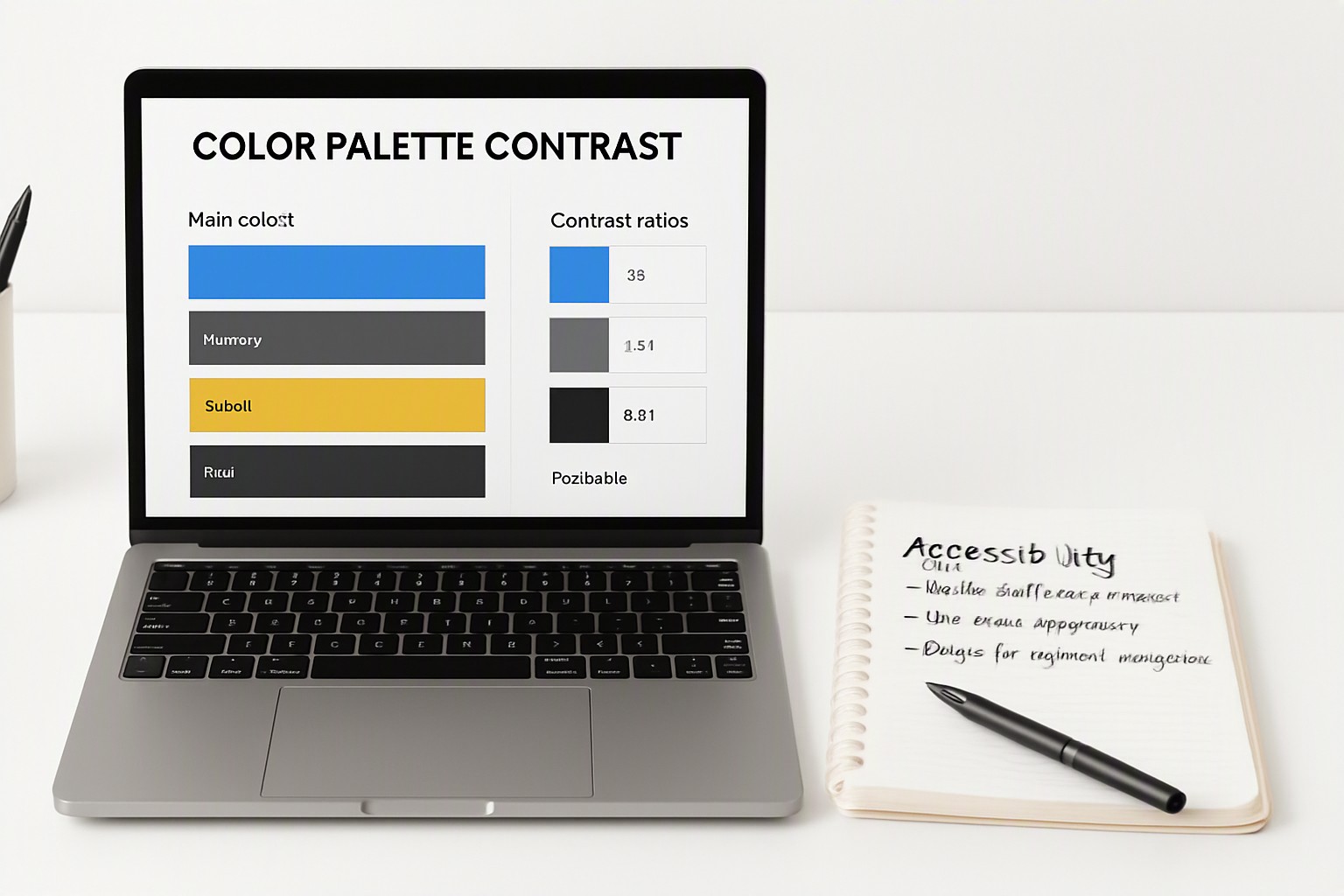
Visual accessibility is a legal and ethical requirement for modern digital products. According to the Web Content Accessibility Guidelines (WCAG) 2.1 specifications published by the World Wide Web Consortium, normal text must maintain a minimum contrast ratio of 4.5:1 against its background, while large text requires a 3:1 ratio. Designers can verify these ratios by running a comprehensive accessibility color audit across all interactive components.
Furthermore, palettes must account for deuteranopia, protanopia, and tritanopia—the three primary forms of color blindness affecting roughly 8% of men and 0.5% of women globally, according to data from the W3C Web Accessibility Initiative. Testing tools simulate how color-blind users perceive interface elements, ensuring crucial state indicators do not rely on color alone to convey meaning.
How to Discover Color Schemes Used on Existing Websites
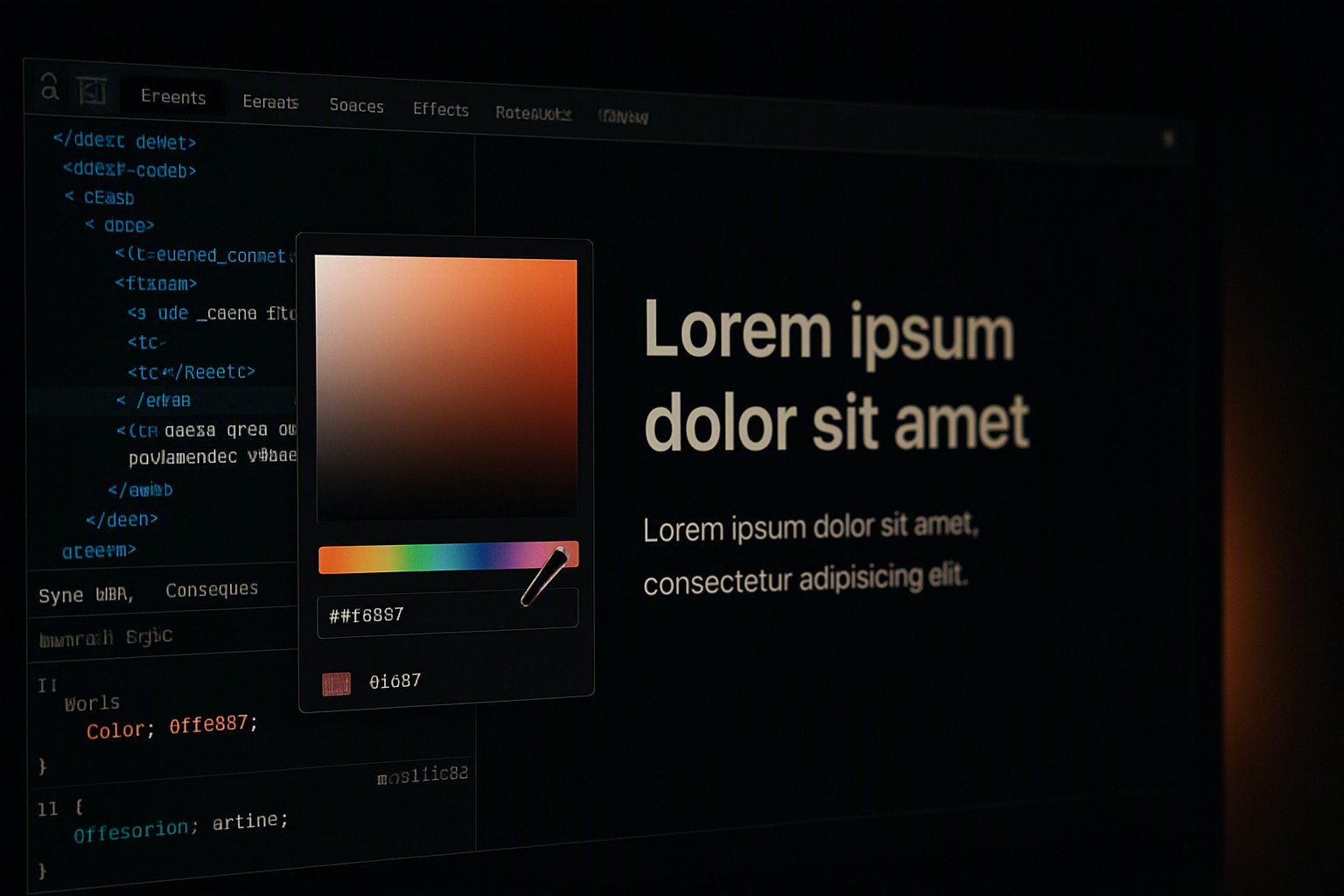
Reverse-engineering successful visual identities provides valuable market positioning insight. Modern development workflows allow you to effortlessly discover color scheme used on websites through browser developer tools, element inspectors, and dedicated extension utilities.
Extracting these values requires three methodical steps:
1. Inspect live CSS properties on target DOM elements to isolate precise background and typography color codes.
2. Aggregate the discovered HEX and RGB variables into a centralized spreadsheet or design token file.
3. Rebuild the extracted codes into a cohesive design system, adjusting outlier saturation values to fit your brand identity without directly copying competitor assets.
Can Open Source Alternatives Match Commercial Generators?
Open-source software offers distinct advantages for privacy-conscious developers and teams seeking customizable codebases. Unlike proprietary commercial software, open-source color utilities allow developers to modify algorithmic weighting, host tools locally, and plug directly into custom design token pipelines. Community-driven color databases frequently surface unique retro or pastel combinations unavailable in corporate design libraries.
However, open-source alternatives often suffer from slower feature updates, fragmented ecosystem integration, and limited technical support compared to commercial enterprise tools.
Frequently asked questions
How many colors should be in a standard digital color palette?
A standard digital color palette typically contains between three and five primary colors. This includes a dominant background color, a secondary supporting tone, a high-contrast text color, and one or two accent colors for interactive elements.
What is the difference between a HEX code and an RGB value?
A HEX code is a six-digit hexadecimal representation of red, green, and blue light used primarily in web design and CSS stylesheets. An RGB value expresses the same colors using numerical values from 0 to 255 for each channel.
Can I use automated generators for professional brand identities?
Automated generators provide a starting point for inspiration, but professional brand identities require manual refinement. Designers must adjust saturation, test contrast across various devices, and verify emotional resonance before finalizing a brand palette.