 General
HSL vs RGB Color Models: Differences and When to Use Them
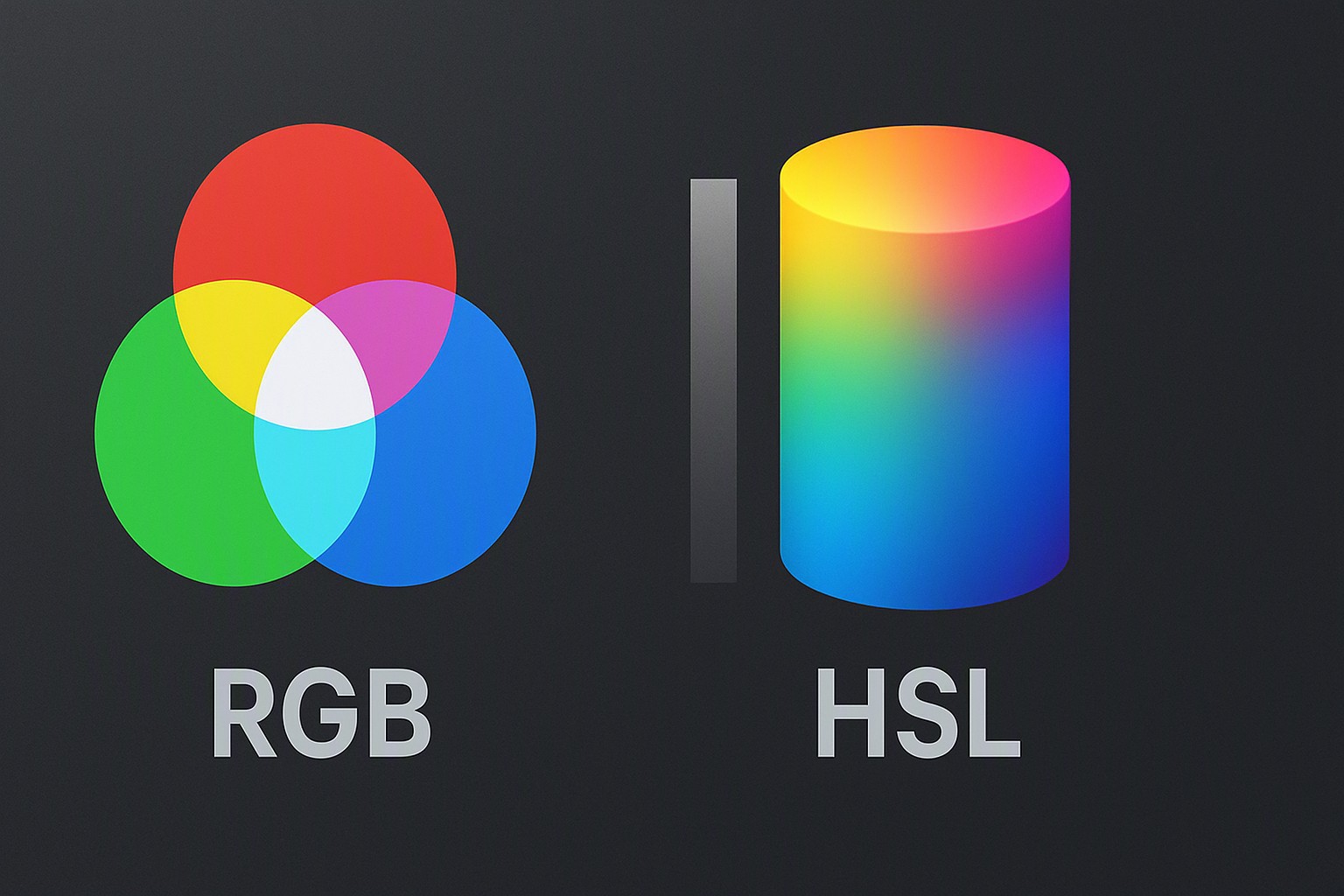
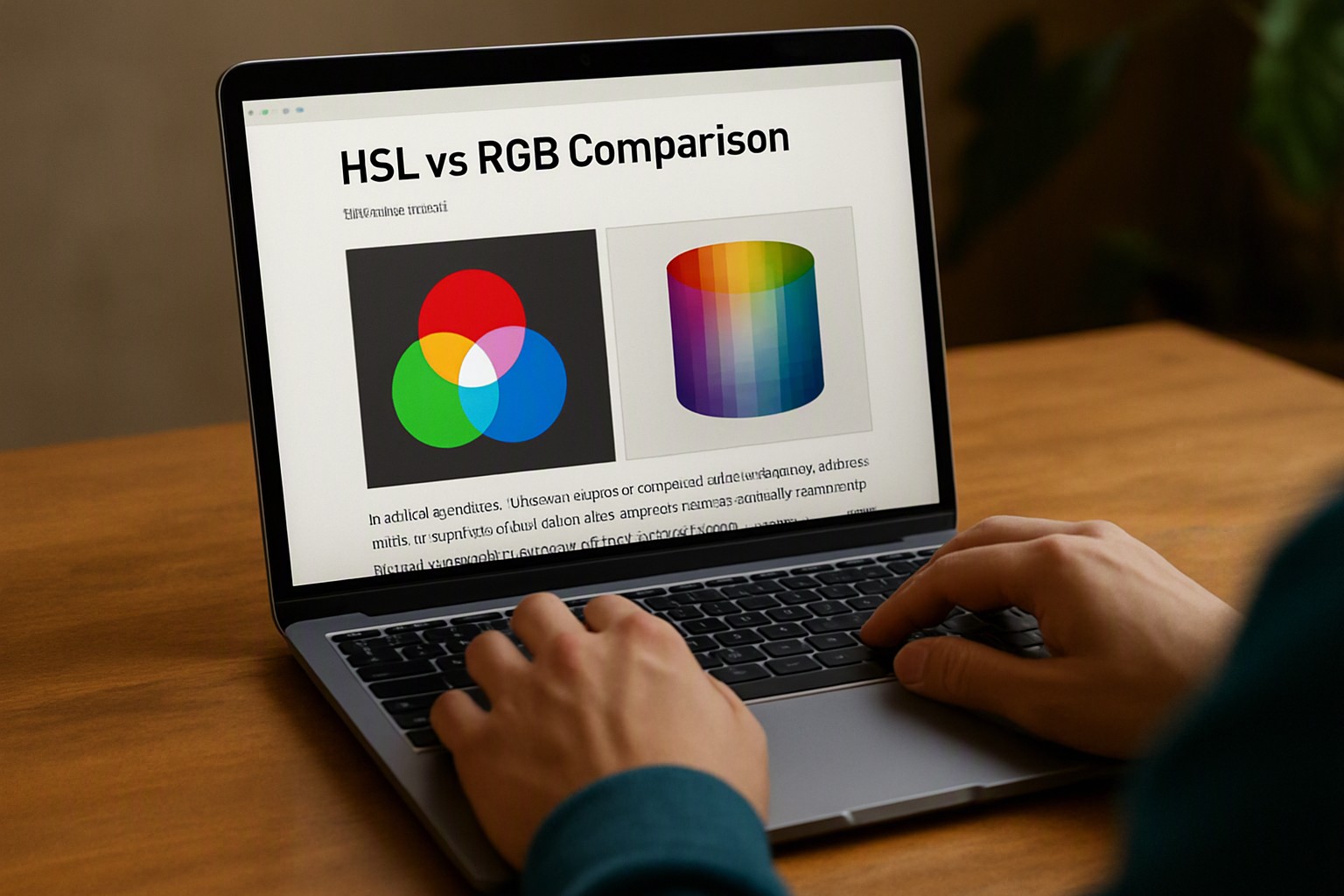
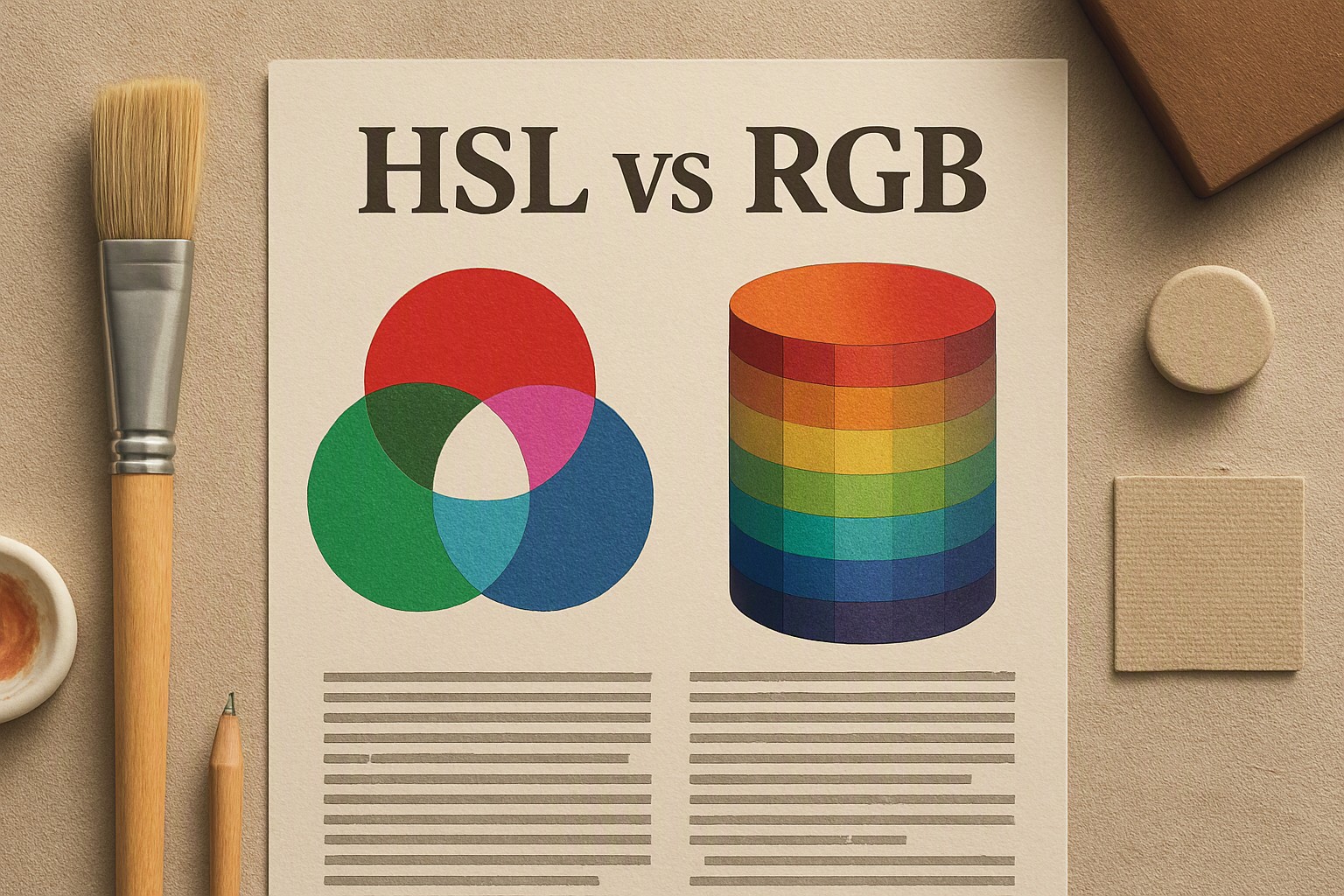
HSL defines colors by hue angle, saturation percentage, and lightness percentage, whereas RGB combines red, green, and blue light channels from 0 to 255, making HSL far more intuitive for human color adjustment.
red
#e5484d
crimson
#dc143c
green
#30a46c
bright cyan
#00b8d9
blue
#0091ff
deep navy
#1e3a8a
azure
#007fff
black
#0a0a0a
What are the fundamental differences between HSL and RGB?
RGB is an additive color model based on red, green, and blue light for digital screens. Each channel accepts integer values from 0 to 255 or percentage values from 0% to 100%. When all three channels reach their maximum intensity of 255, the resulting output is pure white. When all channels drop to 0, the output is pure black.
This mechanism mirrors hardware constraints in physical cathode-ray tube and modern LED display panels, but it forces human designers to calculate arbitrary numeric combinations to shift tints or shades.
HSL stands for Hue, Saturation, and Lightness, designed to align more intuitively with human color perception. Instead of balancing raw phosphor intensities, an HSL coordinate uses a 360-degree angle for the base chromaticity, followed by saturation and lightness percentages. Read more in our analysis of digital color formats. Technical device limitations dictate RGB values by hardware subpixel voltages, while human-readable coordinates work in HSL by separating the pure pigment identity from its intensity and illumination.
How does blue in hsl and other specific hues work?
Working with chromatic values requires exact coordinate mapping. The exact hue angle for blue in hsl sits at 240 degrees on the 360-degree color wheel. Adjusting saturation and lightness transforms the base blue value into deep navy, bright cyan-tinted azure, or muted slate gray. Developers frequently transition between formats when building user interfaces, often referencing design assets or generating palettes using resources like Canva color codes.
Practical code implementations across different standard hues demonstrate how these coordinates function in modern stylesheets:
- hsl for blue: `hsl(240 100% 50%)` yields a saturated primary blue.
- hsl for white: `hsl(0 0% 100%)` produces absolute white by setting lightness to maximum and saturation to zero.
- hsl red: `hsl(0 100% 50%)` places the hue angle at the 0-degree start of the color wheel.
- red hsl: The identical crimson shade written in alternative syntax or processed via convert to hex utilities for cross-application compatibility.
- green hsl: `hsl(120 100% 50%)` positions the hue angle exactly 120 degrees away from red, placing it squarely in the green spectrum.
When should you choose HSL over RGB in modern web development?
Programmatic color manipulation makes HSL superior when building dynamic design systems with interactive states. Generating hover effects, disabled button states, or dark mode variants requires only modifying the lightness or saturation values. In contrast, altering an RGB value requires recalculating three separate light channels simultaneously without breaking the perceived luminance balance.
Browser rendering support and performance implications are standardized globally. According to the W3C CSS Color Module Level 4 specification, modern rendering engines natively parse both HSL and RGB without performance penalties. Designers managing complex palettes across branding assets often rely on utility tools provided by color Fiind Websie to streamline multi-format conversions.
How do HSL and RGB compare across design workflows?
Choosing a color model requires balancing ease of human editing against browser compatibility and system requirements.
| Feature | HSL (Hue, Saturation, Lightness) | RGB (Red, Green, Blue) |
|---|---|---|
| Format Structure | Angle (0–360) + Two Percentages | Three integers or percentages (0–255) |
| Human Readability | High; directly reflects how humans see color | Low; requires mental math for light mixing |
| Manipulation Ease | Simple for creating tints, shades, and hover states | Difficult to adjust brightness without shifting hue |
| Typical Use Cases | CSS design systems, dynamic theming, UI states | Canvas rendering, WebGL, legacy software |
Each model carries distinct drawbacks. RGB lacks intuitive lightness adjustment, meaning a developer cannot easily brighten a color without manually increasing all three channel values and risking saturation blowout. HSL historically suffered from rendering discrepancies in older graphic design software suites, though modern CSS engines parse it identically to sRGB.
Frequently asked questions
What is the CSS syntax for HSL and RGB colors?
In modern CSS, HSL is written as `hsl(240 100% 50%)` and RGB is written as `rgb(0 0 255)`, using space-separated values without commas per the latest W3C specifications. Older legacy codebases may still utilize comma-separated syntax, which remains fully supported for backward compatibility.
Does HSL affect website performance compared to RGB?
No. Browsers convert both HSL and RGB values into the same internal hardware-accelerated sRGB color space before rendering, meaning there is zero runtime performance difference. The choice between them affects human authoring ergonomics, not execution speed.
Can you use alpha transparency with both HSL and RGB?
Yes. Both color models support alpha transparency channels through HSLA and RGBA notations, or via modern CSS slash syntax like `hsl(240 100% 50% / 0.5)`. This allows developers to control opacity directly within the color declaration without invoking a separate property.