 General
RGB to Hex Color Converter: Free Online Tool and Guide

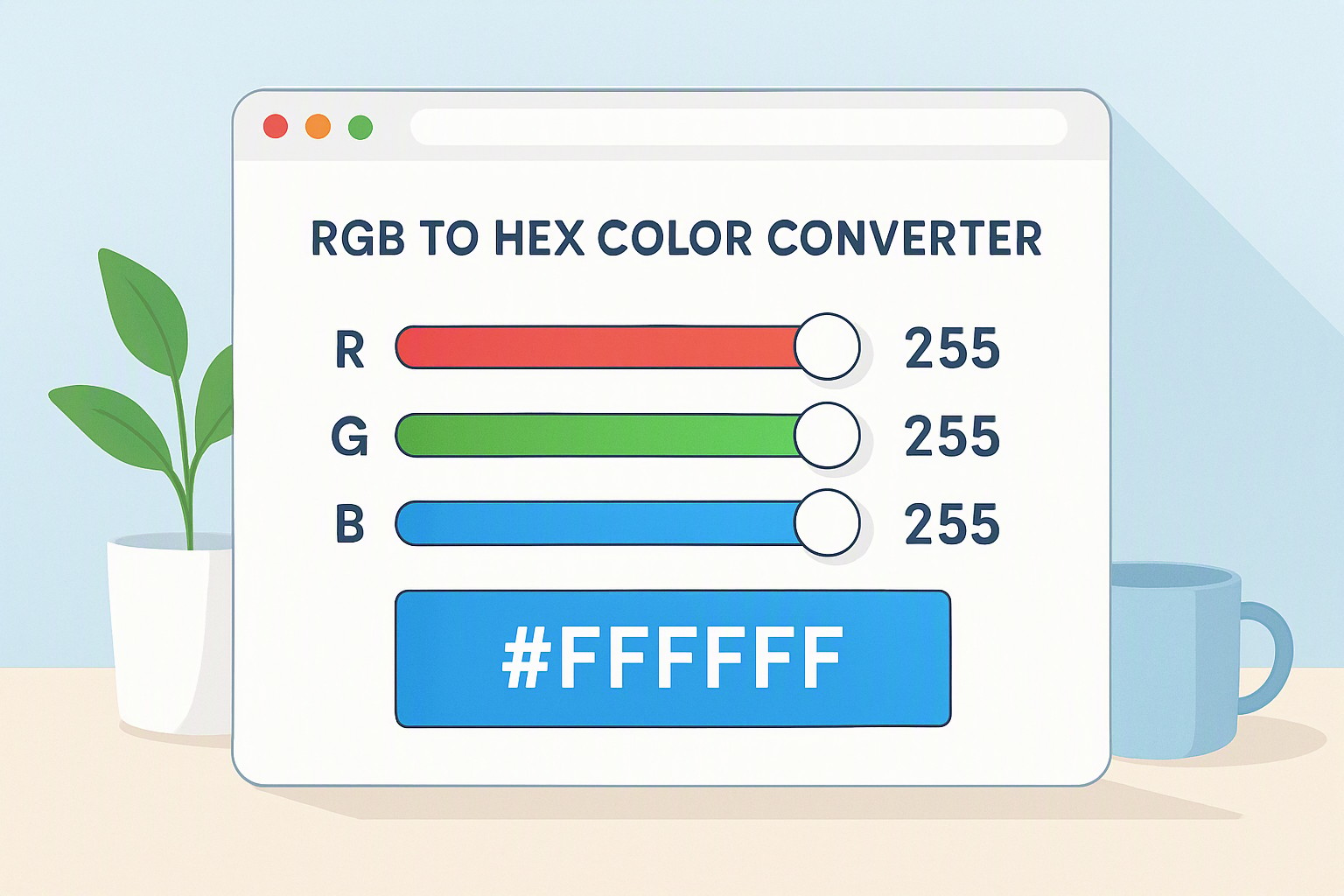
An RGB to Hex color converter translates a decimal color triplet—such as rgb(255, 215, 0) for gold in rgb—into a six-digit alphanumeric code like #FFD700 used in HTML and CSS. This conversion maps monitor light values directly into stylesheets.
#ffd700
#ffd700
#000000
#000000
#ffffff
#ffffff
#ff0000
#ff0000
red
#e5484d
gold
#d4a017
yellow
#ffd60a
green
#30a46c
How do you convert RGB values to Hexadecimals?
Converting an RGB color value to a hexadecimal code requires breaking down three decimal numbers—representing red, green, and blue—into base-16 equivalents. Each color channel ranges from 0 to 255. Divide the decimal value of a channel by 16. The resulting whole number represents the first digit of that color's two-character hex pair.
Take the remainder of that division and evaluate it against base-16 letters. Values from 0 to 9 remain as numerals. Remainders from 10 to 15 translate to letters:
- 10 becomes A
- 11 becomes B
- 12 becomes C
- 13 becomes D
- 14 becomes E
- 15 becomes F
Taking the red value of 255 and dividing it by 16 gives 15 with a remainder of 15. In base-16, 15 is F. This yields the pair FF. Repeating this for green and blue produces the complete hex string.
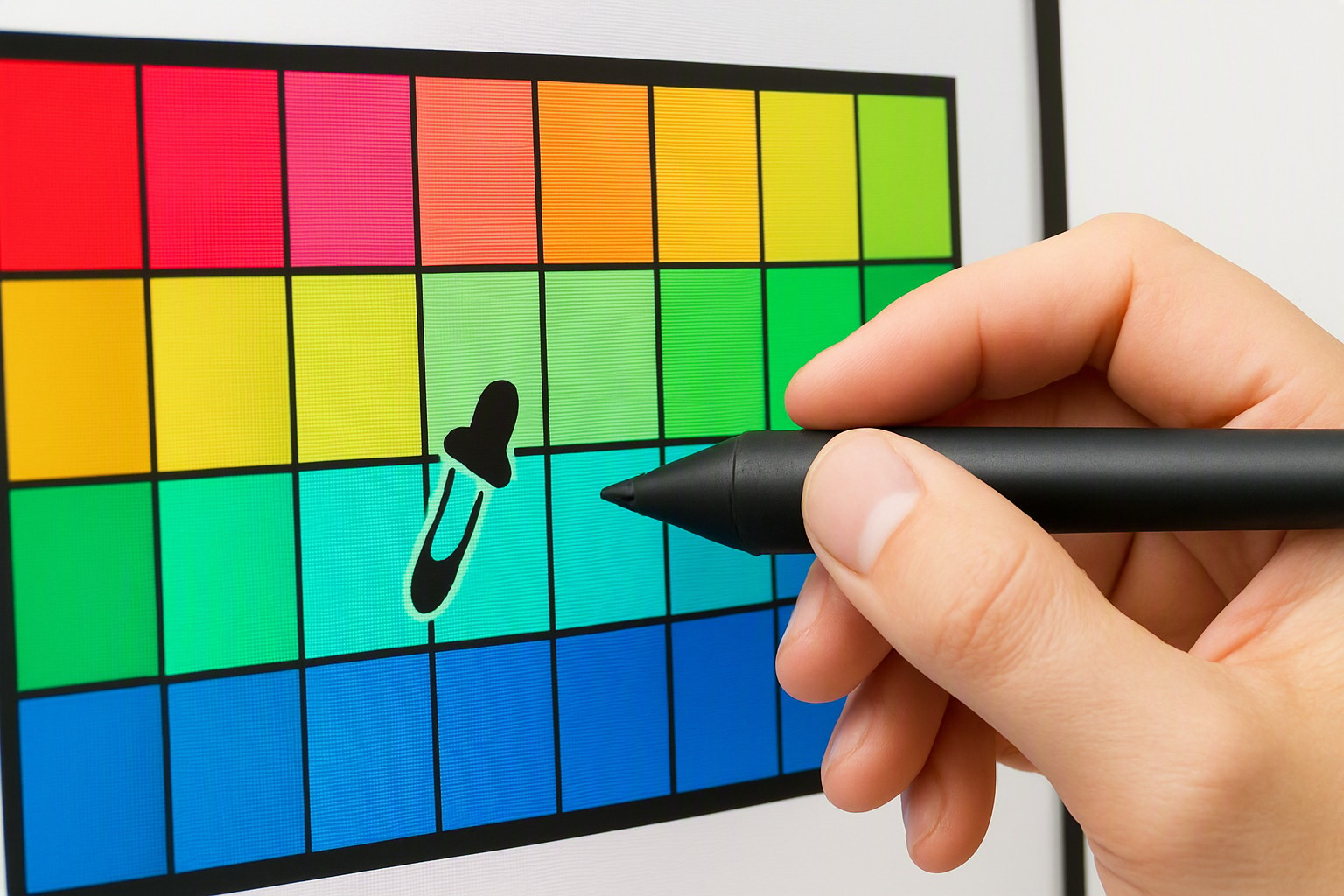
Manual calculation takes time. Modern web projects require speed. Designers bypass manual arithmetic by utilizing a website color picker tool to grab exact values instantly from any digital canvas.
What are the common color codes like black in rgb and gold in rgb?
Color codes dictate how browsers render digital assets. Defining pure black in rgb requires setting all three light channels to their lowest possible emission point. This yields the numerical triad (0, 0, 0) and its corresponding hex equivalent #000000. Achieving rich metallic hues relies on exact pigment proportions. The specific numerical values for gold in rgb are (255, 215, 0). These translate directly to its hex counterpart #FFD700.
Developers reference pre-formatted palettes like those found on the Canva color codes resource page for quick styling.
| Color Name | RGB Coordinates | Hex Code | Primary Use Case |
|---|---|---|---|
| Pure Black | (0, 0, 0) | #000000 | Text and deep contrast layouts |
| Gold | (255, 215, 0) | #FFD700 | Accents, badges, and luxury UI |
| Pure White | (255, 255, 255) | #FFFFFF | Backgrounds and negative space |
| Bright Red | (255, 0, 0) | #FF0000 | Alerts and error states |
When should you use an rgb to cmyk converter for print projects?
Digital screens and physical printing presses render color through entirely different physical properties. Additive screen color relies on projected light mixing red, green, and blue pixels. Physical printing uses subtractive cyan, magenta, yellow, and key black inks that absorb specific wavelengths of light.
Screens display a much wider spectrum of vibrant shades than physical inks can absorb. Relying solely on an rgb to cmyk converter causes unexpected color shifts, dullness, or muddy browns in physical publishing. According to the W3C CSS Color Module Level 4 specification, digital environments must account for device-dependent color gamuts to prevent visual discrepancies.
Before sending graphics to press, designers find color from website assets and map them through professional pre-press color profiles.
How do you extract shades like light blue rgb from digital interfaces?
Isolating soft interface tones like light blue rgb requires inspecting underlying graphics or using specialized screen capture software. Open browser developer tools by pressing F12 in Google Chrome or Mozilla Firefox. Select the Inspect element tool and view the computed CSS properties of any UI element to read its exact color values.
When building cohesive palettes across multiple design files, tools available on color Fiind Websie help extract and store exact UI coordinates. For cross-device consistency, developers refer to the International Color Consortium (ICC) sRGB standard documentation, which defines precise chromaticity coordinates for standard computer monitors.
Frequently asked questions
Why do web browsers require hexadecimal codes instead of RGB values?
Hexadecimal codes provide a compact, standardized 6-character string that browsers parse efficiently for CSS stylesheets. Modern browsers support rgb() functions directly. However, hex codes remain the legacy standard for brevity in codebases.
Can I convert CMYK print colors directly back into accurate RGB screen values?
CMYK has a smaller color gamut than RGB. Direct conversion results in duller screen representations. Professional software uses color management profiles to approximate the closest corresponding sRGB value.
What happens if I type an invalid hex code into a CSS file?
Web browsers fail gracefully by ignoring invalid or malformed color codes. They default to the element's inherited color or transparent state. Valid hex codes must consist of exactly three or six alphanumeric characters preceded by a hash symbol.