How to Find a Color From a Website Image Quickly
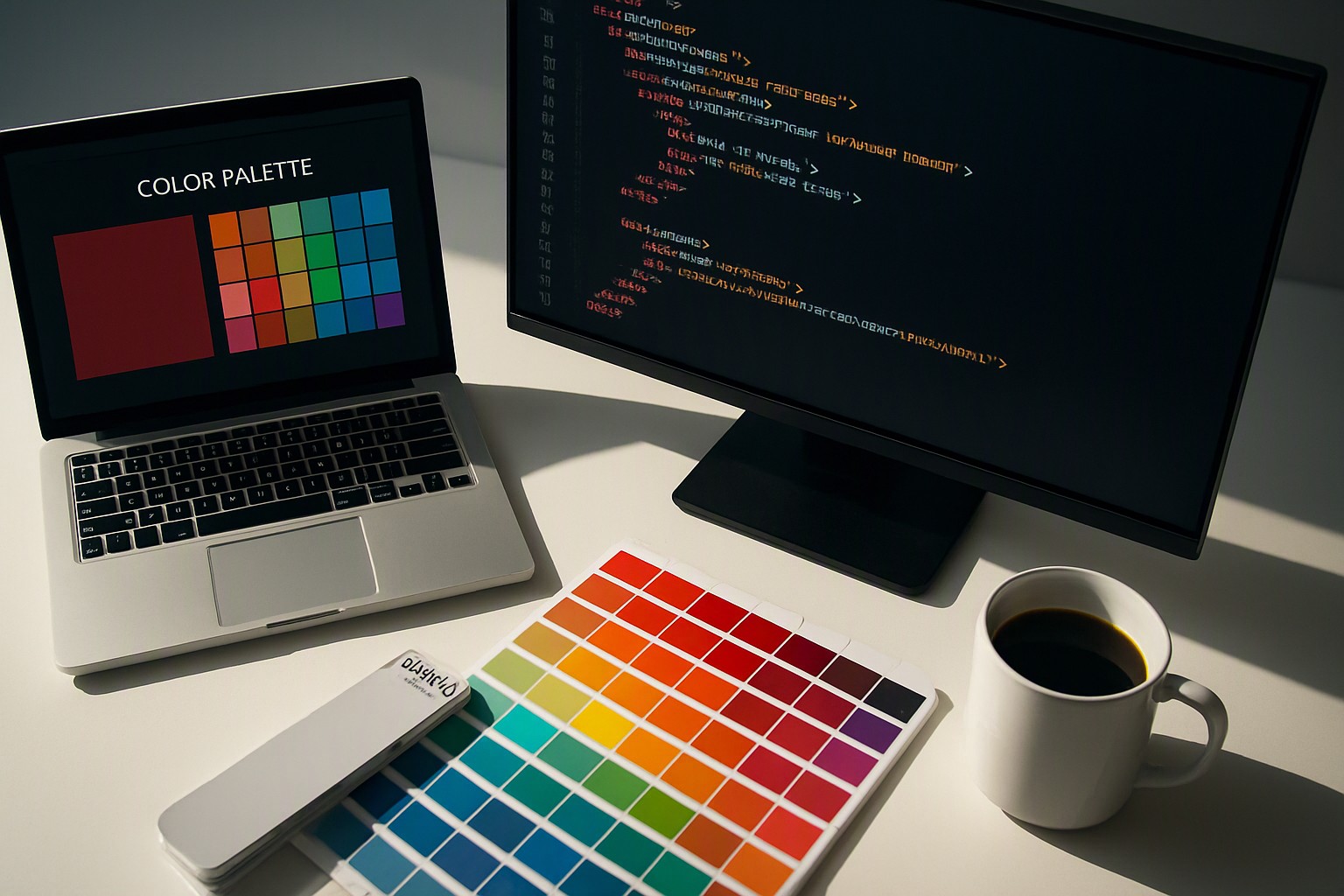
To find a color from a website image, upload your screenshot or graphic into a dedicated color picker tool that instantly samples individual pixels to reveal precise hex, RGB, and CMYK values.
Extracting Website Color Data
Extracting digital color data requires translating visual pixels into machine-readable numeric values. Take a high-resolution screenshot of the target webpage using native operating system shortcuts, such as Command-Shift-4 on macOS or the Snipping Tool on Windows 11. Save it as a PNG or JPEG file. Then, upload the image to color Fiind Websie.
Pixel sampling uses a coordinate grid system. When your cursor hovers over a specific area of the uploaded graphic, the software reads the red, green, and blue light intensity levels of that exact pixel coordinate. These intensity levels translate directly into standardized web formats. Developers use this method to replicate UI elements, brand assets, or background gradients.
red
#e5484d
green
#30a46c
blue
#0091ff
Tools for Checking Color Codes from Images
Modern web workflows rely on browser extensions, native developer tools, and web-based image samplers. Check color code from image files without installing heavy desktop software to accelerate your front-end development cycle, as detailed in our developer guide to building website color schemes.
| Tool Category | Best Used For | Accuracy Profile | Installation Required |
|---|---|---|---|
| Browser Extensions | Live web elements and DOM inspection | High for standard sRGB views | Yes (Chrome/Firefox add-on) |
| Native Dev Tools | Inspecting live CSS properties | Exact match to rendered DOM | No (Built into browsers) |
| Web-Based Utilities | Uploading static PNG or JPEG files | Dependent on source image profile | No (Cloud-executed) |
Color profiles affect rendering. The International Color Consortium (ICC) specification standards note that an sRGB profile standardizes color display across unmanaged consumer hardware. Display P3 expands the available color gamut by roughly 25 percent on modern Apple Retina displays. If an image uses a print-centric CMYK profile, converting it directly to digital RGB values requires software compensation to prevent washed-out saturation on standard monitors.
Converting Hex Colors and Numeric Values
A six-digit hexadecimal code used in CSS consists of three paired alphanumeric values representing red, green, and blue. The first two characters dictate red intensity, the middle two control green, and the final pair governs blue.
When dealing with raw numeric inputs from legacy print files, a color number finder translates CMYK percentages or integer-based RGB values into clean web syntax. The World Wide Web Consortium (W3C) CSS Color Module Level 4 specification states that digital color rendering relies on absolute color spaces to ensure consistency across user agents.
To convert values manually, divide your target 8-bit RGB integer by 17, convert the resulting decimal to a base-16 hexadecimal digit, and repeat for each channel. Automated web tools handle this mathematical conversion instantly, ensuring your CSS style sheets comply with modern standards like those outlined in our accessibility audit palette framework.
Finding Complementary Colors from Base Hues
Constructing a balanced palette requires applying color wheel mathematics. Complementary hues sit directly opposite each other on the 360-degree cylindrical coordinate color wheel.
Add or subtract 180 degrees from the hue angle in an HSL color model while keeping saturation and lightness constant. Analogous shades rely on tighter geometric spacing, typically shifting by 30 to 45 degrees along the hue spectrum. Maintaining sufficient visual contrast between text and background elements is critical for readability.
The Web Content Accessibility Guidelines (WCAG) 2.2 success criterion 1.4.3 requires normal text to maintain a minimum contrast ratio of 4.5:1 against its background. For deeper insight into geometric hue rotation and harmonious pairing rules, review our guide to matching colors easily.

Frequently asked questions
Can I extract exact color codes from a protected website image?
Yes. Take a screenshot of the webpage and upload the image file into color Fiind Websie to bypass restrictions and sample any pixel you need.
What is the difference between a HEX code and an RGB value?
A HEX code is a six-digit alphanumeric representation used in HTML and CSS. RGB defines colors using red, green, and blue light intensity values from 0 to 255.
Why do colors extracted from images sometimes look different on mobile devices?
Different screens use varying color spaces, such as sRGB or Display P3, and distinct calibration settings that alter how a digital color is rendered to the human eye.

