
 General
How to Identify Website Color Code Quickly and Accurately
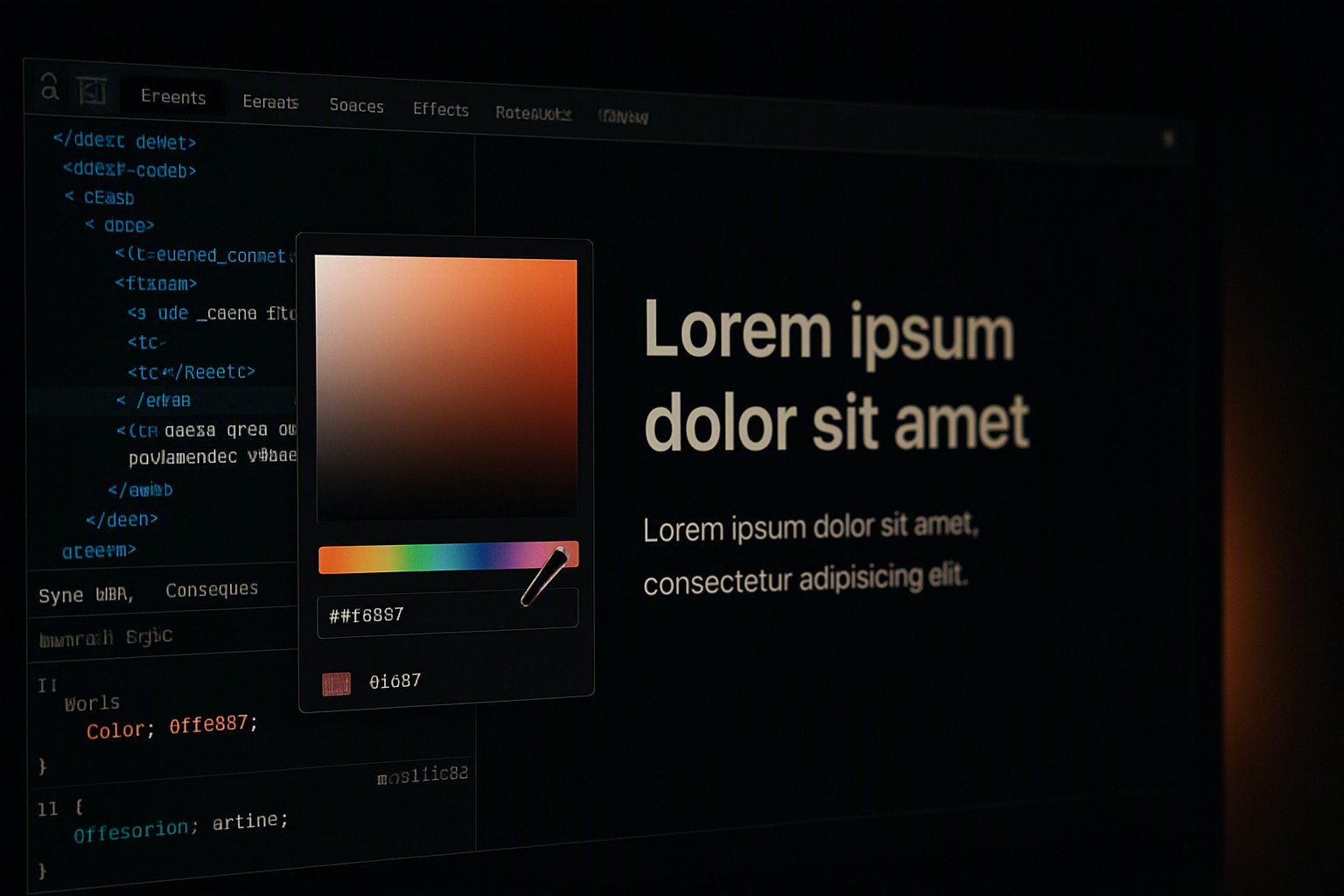
To identify website color code instantly, right-click any element, select 'Inspect', and look at the CSS properties in the developer tools panel to copy the HEX, RGB, or HSL value. If you are working with graphics or need a broader overview, specialized utilities like color Fiind Websie provide streamlined extraction workflows.
Using Browser Developer Tools for Color Identification
Every modern web browser includes built-in developer utilities that expose the underlying code of any rendered page. To begin, open Inspect Element via right-click or F12 on your keyboard to launch the developer panel. Navigate to the Styles panel to locate the CSS color property assigned to your target element.
red
#e5484d
green
#30a46c
blue
#0091ff
According to Mozilla Developer Network documentation, CSS accepts multiple color notations including keywords, functional notations, and hexadecimal values. Once you locate the relevant property, click the built-in color picker square next to HEX, RGB, or HSL values.
This opens a visual spectrum modal where you can sample alternative shades or convert formats instantly. You can review format definitions further in our understanding digital color formats guide.
Using Browser Extensions to Extract Color Values
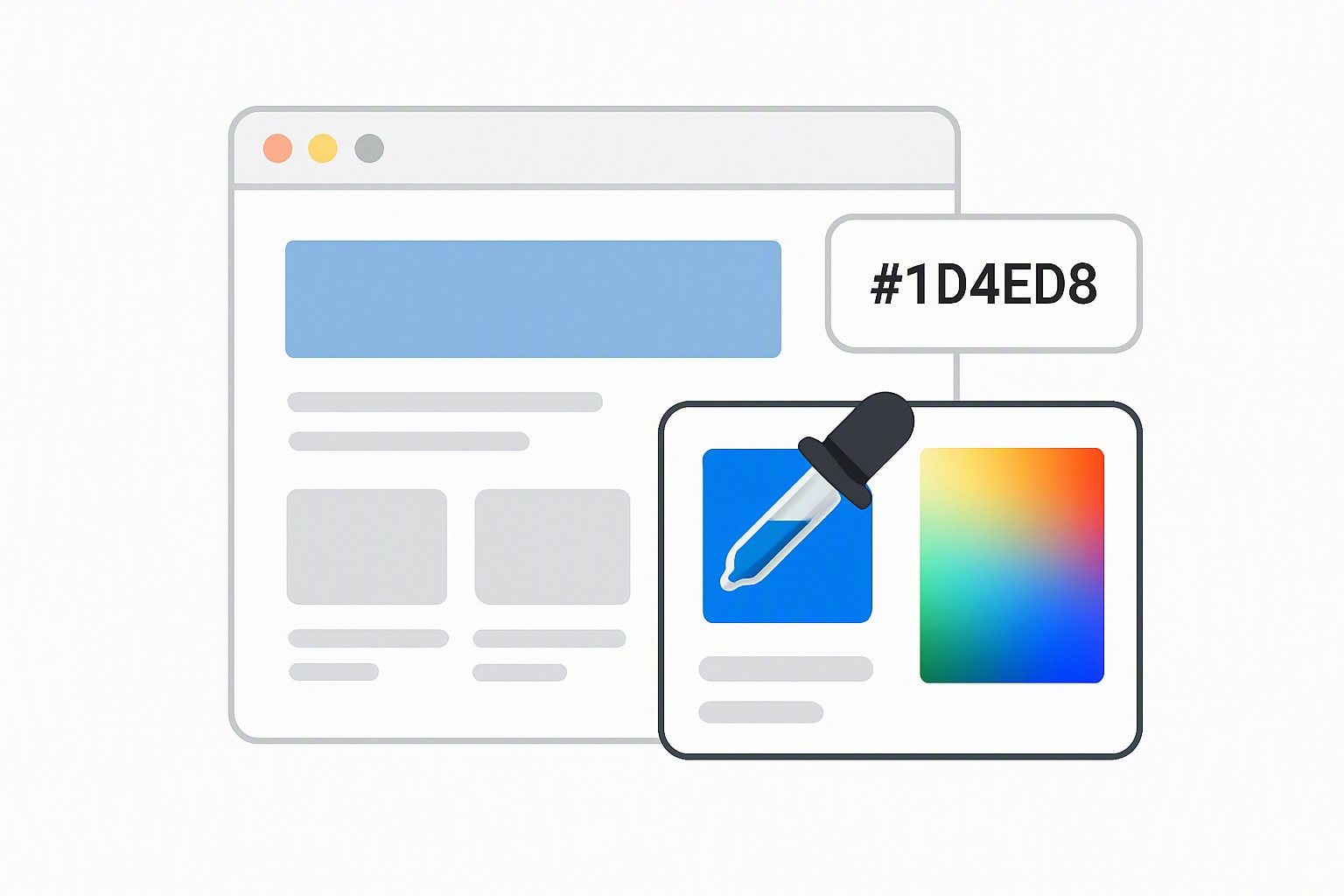
Browser extensions offer a faster alternative when you need to grab shades without diving into raw code. When comparing top extensions like ColorZilla and Eye Dropper, both rely on the same fundamental mechanism. These tools use eyedropper utilities that sample individual pixel colors from any rendered webpage and copy the notation directly to your clipboard.
Performance limitations can occur when dealing with canvas elements or heavily compressed images, where the browser renders the asset as a single flattened bitmap rather than distinct DOM elements. If you prefer working outside the developer console, you can also extract hex codes from website online using dedicated web utilities.
Analyzing an Entire Color Scheme from a Webpage
Isolating a single element rarely satisfies a complete design overhaul. Front-end developers deploy automated palette generators for style guides to scan stylesheets and output every active variable in seconds.
For a deeper examination of multi-layered web designs, refer to our comprehensive manual on how to discover color scheme used on websites. Automating this extraction prevents manual errors and ensures consistent brand application.
Finding Color Codes from Static Images on a Site
Not all web colors live inside clean CSS stylesheets. When handling situations where colors are baked into background images or banners, standard text inspectors fail. You must rely on specialized screenshot and extraction techniques to capture the rasterized pixels.
Specialized utilities help you find color from website image assets that lack direct markup. These techniques apply equally well if you need an rgb color finder from picture online when evaluating hero banners or promotional graphics.
Comparing Color Identification Methods for Your Workflow
Choose your tool based on the task.
| Extraction Method | Speed | Accuracy | Ease of Use |
|---|---|---|---|
| Browser Developer Tools | Fast | Absolute (Direct CSS) | Moderate |
| Browser Extensions | Instant | High (Pixel-based) | High |
| Automated Palette Generators | Instant | Comprehensive | High |
| Image Extraction Software | Moderate | Variable (Bitmap) | Moderate |
Manual CSS inspection provides absolute accuracy because it reads the raw stylesheet directly, though it requires basic familiarity with front-end code. Conversely, automated software solutions and browser extensions prioritize speed and visual convenience.
Frequently asked questions
Can I find a color code if the website blocks right-clicking?
Yes. Open your browser's main menu, navigate directly to developer tools via keyboard shortcuts like F12 or Cmd+Option+I, and use the selection cursor from there. Alternatively, browser extension eyedroppers operate independently of page-level script restrictions.
What is the difference between HEX, RGB, and HSL color formats?
HEX represents colors using a six-digit alphanumeric code based on red, green, and blue light intensity. RGB uses numerical values from 0 to 255 for those same three primary channels, while HSL defines colors by Hue, Saturation, and Lightness.
Why does the eyedropper tool sometimes show a slightly different color?
Browser color sampling can capture anti-aliased pixels at the edges of shapes or be affected by CSS filters, opacity layers, and color profile mismatches between your monitor and the browser rendering engine. For absolute accuracy, verify the exact values directly in the CSS stylesheet.