 General
How to Use an RGB Color Finder From a Picture Online
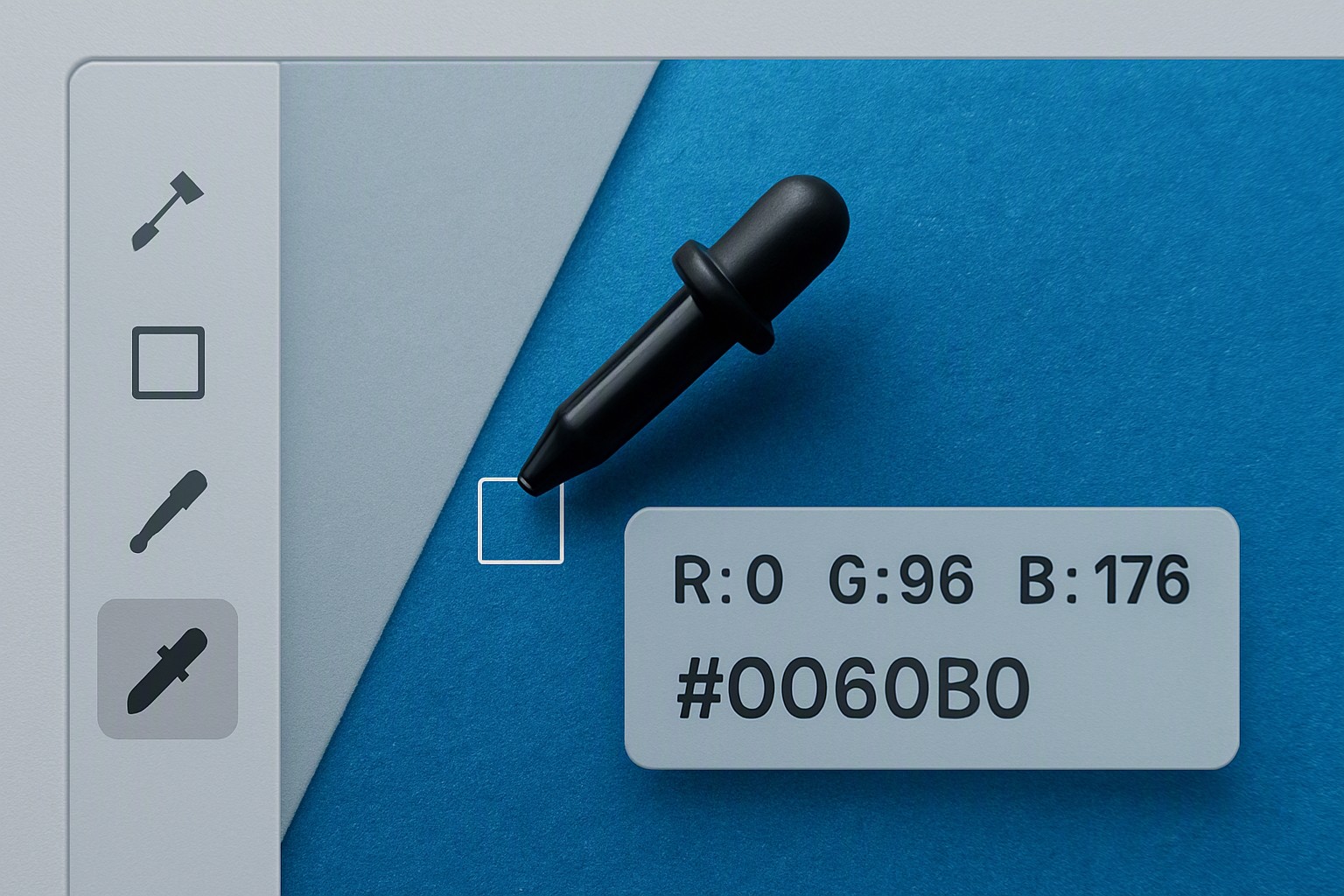
To extract an RGB color value from a picture online, upload the image to a digital color extraction utility, hover over your target pixel, and instantly copy the resulting decimal or hexadecimal code.
How do you extract an RGB color value from an online picture?
Extracting digital color values from raster images requires a web browser and an interactive sampling utility. The process relies on rendering the uploaded raster graphic onto an HTML5 canvas element, which grants programmatic access to the underlying pixel array.
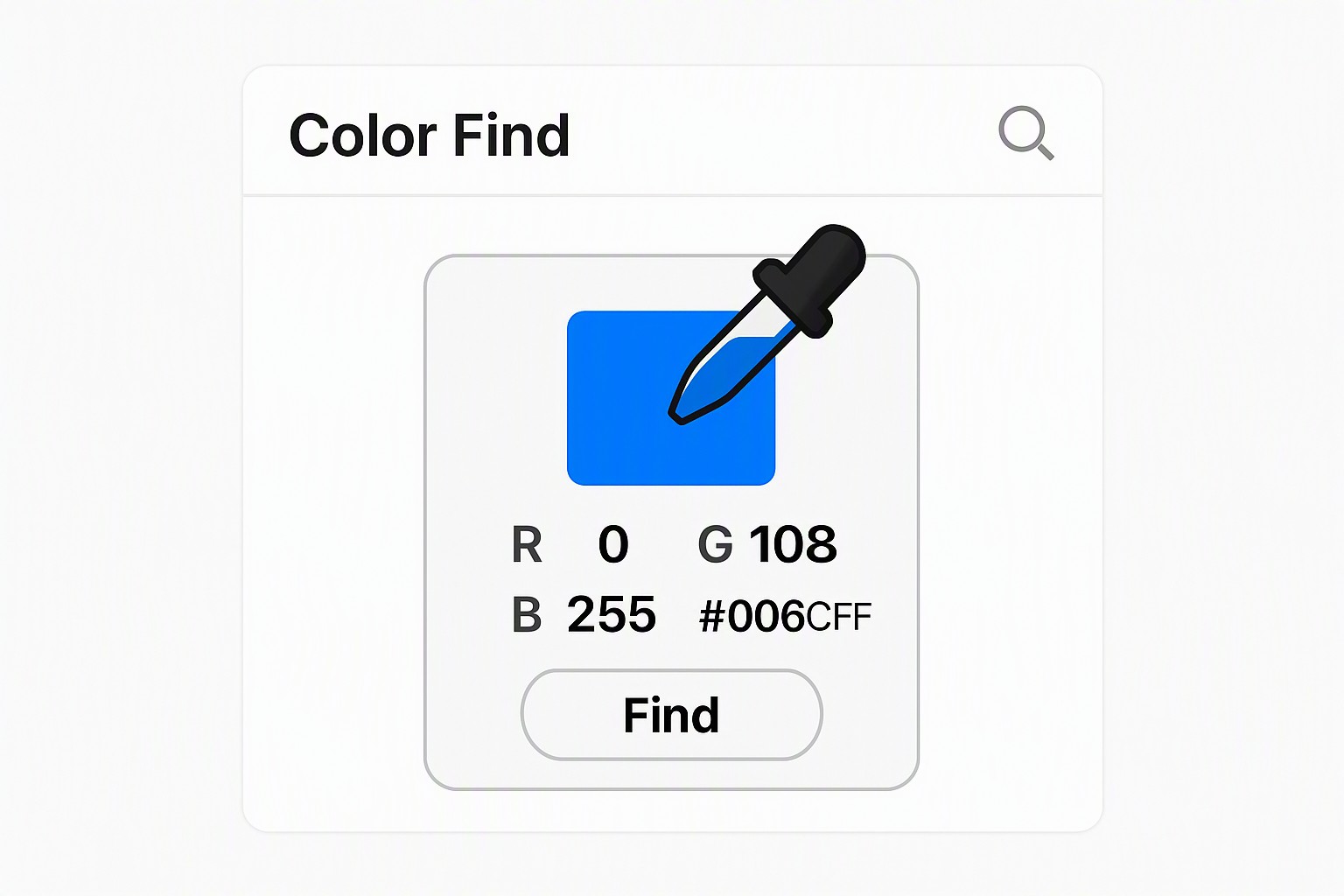
Uploading a graphic file to color Fiind Websie triggers an internal bitmap grid generation of red, green, and blue values for every single coordinate point.
red
#e5484d
green
#30a46c
blue
#0091ff
white
#ffffff
gray
#8b8d98
1. Open your browser and navigate to the extraction tool.
2. Drag and drop your target JPEG, PNG, or WebP file into the upload zone.
3. Hover your cursor over the specific region of the image you want to sample.
4. Click the target pixel to lock the coordinates and display the numerical color outputs.
Cursor coordinates map directly to the $ ext{X}$ and $ ext{Y}$ matrix of the bitmap. Movement across the screen initiates an event listener that reads canvas pixel data at that precise location using the `getImageData()` API method, extracting integer values for red, green, and blue channels ranging from 0 to 255.
What is the difference between an RGB color picker and a hexadecimal color finder?
An RGB color picker measures light intensity using three decimal values. A hexadecimal color finder translates those exact same numeric quantities into a base-16 alphanumeric string.
According to the W3C CSS color specification standards, digital displays render color by combining varying intensities of red, green, and white light subpixels. The decimal model expresses each channel from 0 to 255, while the hexadecimal system groups these channels into a six-character string preceded by a hash symbol.
| Color Name | RGB Decimal Format | Hexadecimal Format | Primary Application |
|---|---|---|---|
| Pure Red | `rgb(255, 0, 0)` | `#FF0000` | Cascading Style Sheets |
| Pure Green | `rgb(0, 255, 0)` | `#00FF00` | UI Design Systems |
| Pure Blue | `rgb(0, 0, 255)` | `#0000FF` | Digital Raster Graphics |
| Neutral Gray | `rgb(128, 128, 128)` | `#808080` | Interface Wireframes |
Converting between these formats requires dividing the decimal integer by 16, taking the integer quotient for the first hex character, and using the remainder for the second. Automated translation occurs through an rgb to hex color converter online tool during design token creation.
How does an rgb colour finder handle image compression and artifacts?
Lossy compression formats like JPEG introduce compression artifacts, color noise, and high-frequency distortion that alter true sample values. Compression algorithms discard subtle color gradients by grouping adjacent pixels into uniform blocks, which shifts original RGB data away from its authentic source.
Lossless formats like PNG or WebP preserve source material accuracy for critical shade identification. Direct find color from website tasks executed through browser-based utilities handle raw DOM rendering cleanly without secondary compression degradation.
Desktop professional graphic suites like Adobe Photoshop provide advanced 3D LUT sampling and colorimetric intent settings, but web-based utilities offer adequate precision for standard digital layouts and CSS styling tasks.
Which tool features matter most when looking for a color hex code finder?
Interface responsiveness, multi-format export capabilities, and zoom precision dictate tool performance. High-performance utilities render zoom windows around the cursor to isolate single pixels on complex photographic backgrounds.
Selecting a website color picker tool requires verifying color profile handling. Most web utilities operate within the sRGB color space. Importing an image tagged with an Adobe RGB or ProPhoto color profile without proper conversion causes sampled RGB values to appear washed out on standard sRGB displays.
How can you build cohesive palettes using an rgb color finder?
Translating single sampled pixels into complementary, triadic, and analogous harmonies requires applying mathematical color theory rules to base RGB integers. Dominant hues isolated from source photographs yield complementary values by inverting RGB channels or shifting hue angles on the HSL cylinder.
Balanced interfaces require strict adherence to accessibility benchmarks. Normal text must maintain a contrast ratio of at least 4.5:1 against its background, according to the Web Content Accessibility Guidelines maintained by the W3C standards body. Palette generation for brand development and digital illustration automates through a blog on Color Fiind Bloggerr.
Frequently asked questions
Why do colors look different when picked from compressed images?
Lossy compression formats like JPEG use chroma subsampling to discard color data and reduce file size. This process creates pixel bleeding and artifacts that shift original RGB values away from their true source.
Can I find RGB values from a screenshot without saving the file?
Modern browser extensions and operating system screenshot utilities capture screens and inspect pixel values immediately. Clipboard images paste directly into many web-based color tools.
What is the standard color space used by online RGB finders?
Most web-based tools operate within the standard sRGB color space. This space optimizes consistent color reproduction across standard computer monitors, laptops, and mobile device displays.