 General
HSL vs Hex Color Format: Which One Should You Use?
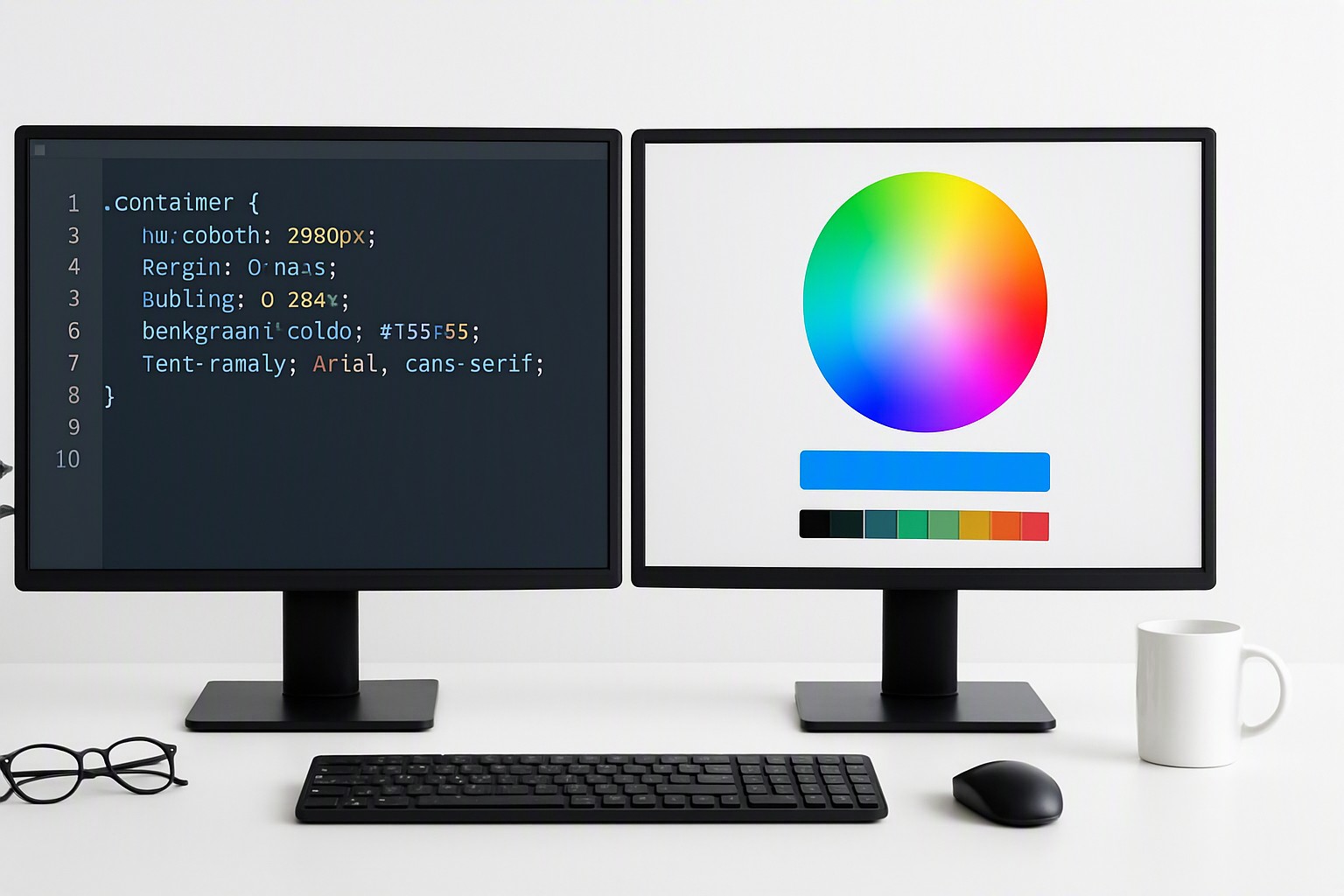
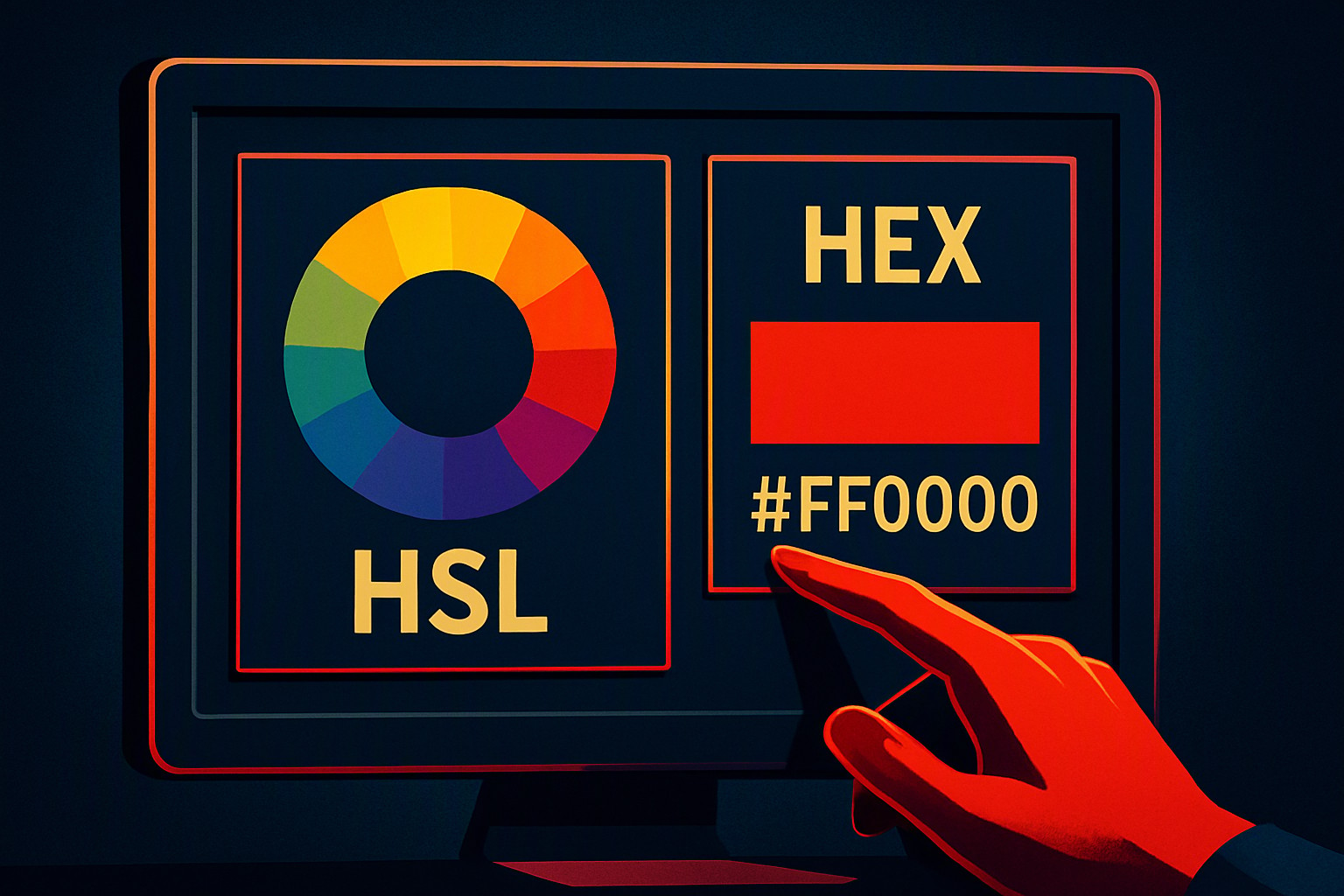
Hex uses base-16 alphanumeric codes derived from RGB values, while HSL defines colors using human-readable hue angles, saturation percentages, and lightness percentages. Choosing the right color notation in CSS impacts stylesheet maintenance, dynamic theme building, and visual debugging.
Core Differences Between HSL and Hexadecimal Color Codes
Hexadecimal color codes rely on base-16 numbering, combining numbers 0-9 and letters A-F to represent red, green, and blue light channels. A value like `#0000FF` tells the browser how much of each primary light to mix. HSL models color closer to human perception by splitting values into hue, saturation, and lightness.
red
#e5484d
green
#30a46c
blue
#0091ff
black
#0a0a0a
white
#ffffff
The underlying syntax rules and parsing methods are standardized by the W3C CSS Color Module Level 4 specification. Browsers process both formats into identical hardware instructions before rendering pixels to the screen. The authoring experience differs entirely. Hex codes require developers to mentally translate RGB intensity mixes. HSL allows you to isolate specific visual properties.
Writing Primary Colors in HSL Notation
Writing colors in cylindrical coordinates requires understanding the 360-degree color wheel. Hue represents the base pigment angle from 0 to 360, saturation controls the intensity from 0% to 100%, and lightness determines how bright or dark the shade appears.
Here is how to write blue in hsl along with other primary and secondary colors using standard CSS functional notation:
- Blue: `hsl(240 100% 50%)`
- Red hsl: `hsl(0 100% 50%)`
- Green hsl: `hsl(120 100% 50%)`
| Color Name | Hex Code | HSL Equivalent | Description |
|---|---|---|---|
| White | `#FFFFFF` | `hsl(0 0% 100%)` | Maximum lightness, zero saturation |
| Black | `#000000` | `hsl(0 0% 0%)` | Minimum lightness, zero saturation |
| Pure Red | `#FF0000` | `hsl(0 100% 50%)` | Hue angle at 0 degrees |
| Pure Green | `#00FF00` | `hsl(120 100% 50%)` | Hue angle at 120 degrees |
| Pure Blue | `#0000FF` | `hsl(240 100% 50%)` | Hue angle at 240 degrees |
Specifying HSL for White and Extreme Values
Setting extreme values in cylindrical notation follows strict mathematical boundaries. When configuring hsl for white, you must set the lightness to 100% and drop saturation to 0% regardless of what hue angle you pass into the function. Pure black requires setting lightness to 0% while keeping saturation at 0%.
Lightness dictates the final output at its outer limits. Once lightness hits 0%, the hue angle becomes irrelevant because the color collapses to absolute black. Similarly, 100% lightness results in pure white.
You can explore color relationships further in our guide on color matching techniques.
Use Cases for Hex Codes in Stylesheets
Hexadecimal notation remains the default format across legacy codebases and older graphic design software exports. Projects built on older browser engines or frameworks that lack modern CSS variable support benefit from sticking with standard 6-digit hex codes to prevent parsing errors.
Developers frequently extract these values when building custom interfaces or auditing legacy design systems. If you need to translate modern functional notations back into legacy formats when developing tools, utilities such as our RGB to hex color converter online tool streamline the asset extraction process.
Advantages of HSL in Modern Web Design
HSL is useful in modern web applications that rely on CSS custom properties for dynamic theming and user-controlled dark modes.
Because saturation and lightness are separated from the base hue, creating hover states, focus rings, and muted background tints requires only minor adjustments to a single percentage value rather than recalculating an entire hex triplet.
Building maintainable component libraries requires precise control over contrast ratios and visual hierarchies.
For designers building cross-platform assets, platforms like color Fiind Websie supply practical reference tools and color palettes suited for modern digital interfaces.
Frequently asked questions
Does HSL support alpha channel transparency like Hex does?
Yes. Modern CSS allows HSL to include an alpha channel using the HSLA syntax or slash notation (e.g., hsl(200 100% 50% / 0.5)), similarly to 8-digit Hex codes.
Which color format performs better in browsers?
Browsers parse all CSS color formats into internal hardware values during rendering. There is zero runtime performance difference between HSL and Hex.
Why do many legacy design systems still default to Hex codes?
Hexadecimal notation has been standard since the earliest days of HTML and CSS. It is ubiquitous across design software export settings and older documentation.