
 General
How to Copy Color Scheme From Any Site Legally and Easily
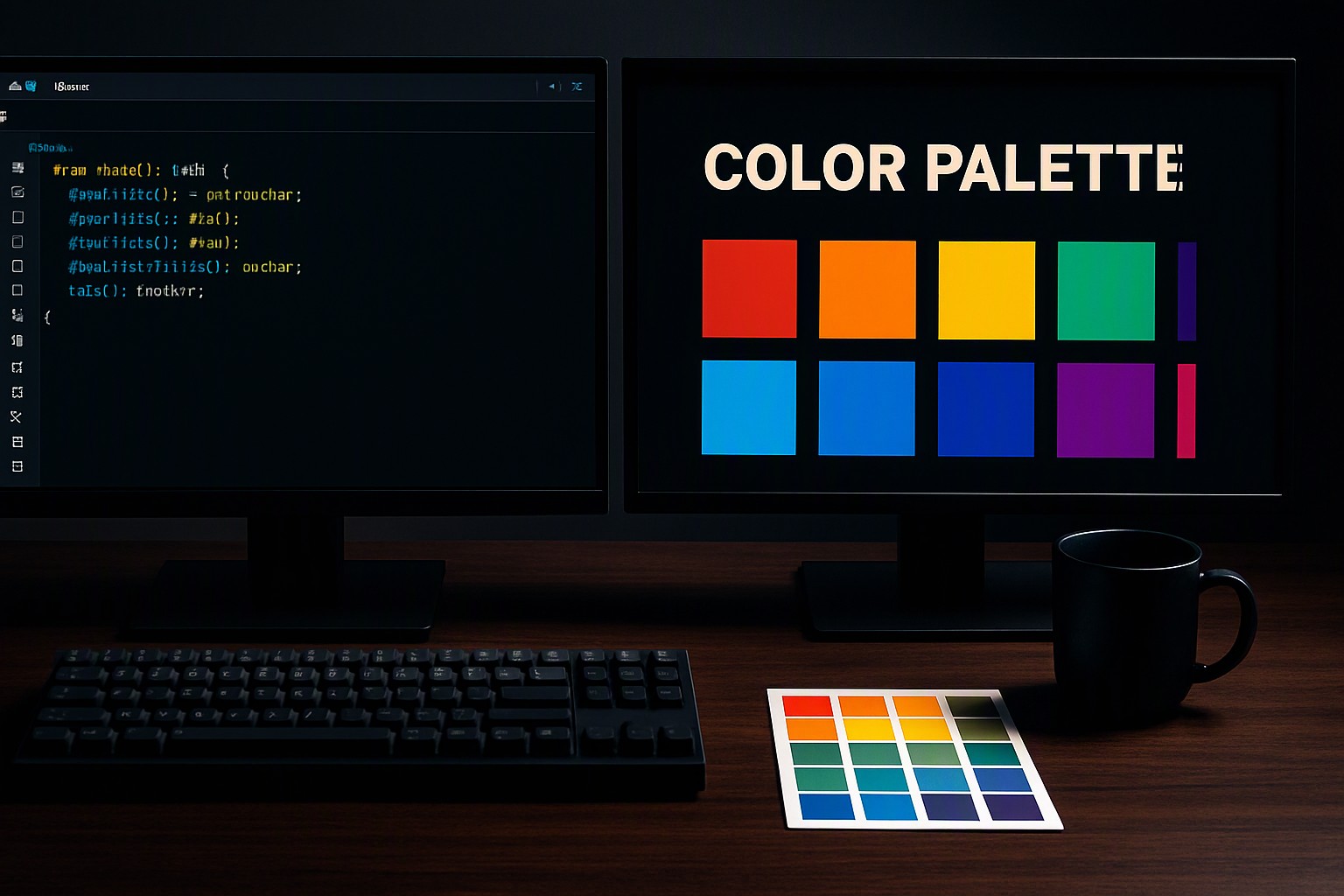
To copy a color scheme from any site, open your browser's developer tools or use an eyedropper extension to instantly capture hex codes from live elements. Capturing a precise website color palette allows designers to study existing digital aesthetics and build complementary design systems.
How to Inspect a Web Page to Extract Colors
Modern web browsers include built-in utilities that expose every style rule on a page. To inspect element colors in Google Chrome or Mozilla Firefox, right-click any element on the target webpage and select Inspect, or press F12 on Windows and Option+Command+I on macOS.
Once the developer panel opens, select the Elements tab and click the cursor icon in the top-left corner. Hover over any section of the rendered page to view its background, border, and text styles in real time. For deeper analysis, look at the Styles pane or switch to the Computed tab. The Computed tab lists all active CSS properties applied to that specific DOM node. Scroll down to find color variables, background-color properties, and border-color values displayed in HEX, RGB, or HSL formats.
red
#e5484d
green
#30a46c
blue
#0091ff
Compare tools before starting. You can review our website color picker tool guide for additional options.
Best Browser Extensions to Copy Color Schemes
Browser extensions offer a faster alternative to manual DOM inspection by grabbing pixel values directly from your screen. Tools like ColorZilla or Eye Dropper install into your browser toolbar, activating an interactive crosshair that samples any visible pixel in the viewport.
These extensions read the final RGB value displayed by the graphics rendering engine rather than looking at the raw source code. This makes them fast for grabbing colors from complex gradients or embedded canvas elements. However, rasterized image captures have distinct limitations.
If a website compresses images or applies CSS filters, blur effects, or opacity transformations, a pixel-sampling extension captures the altered composite color instead of the pure underlying asset.
Automated Extraction of Entire Color Palettes
Extracting colors one by one via inspection or eyedropper tools becomes tedious when analyzing large web applications. Automated scraping tools and online URL palette generators parse CSS stylesheets in bulk, scanning entire style rulesets to compile a complete list of used colors within seconds.
| Extraction Method | Speed | Accuracy | Ease of Use |
|---|---|---|---|
| Manual Inspection | Slow | High (Direct DOM) | Moderate |
| Browser Extension | Fast | Moderate (Rasterized) | High |
| Automated Extractor | Instant | High (Stylesheet parse) | High |
After gathering raw color lists, developers utilize a color swatch generator to organize raw text into exportable palettes.
Copyright Considerations When Copying Website Color Schemes
Understanding the legal boundaries of web design requires separating functional code values from protected brand identities. According to the World Wide Web Consortium (W3C) CSS specifications documentation, raw functional code values like hex codes, font weights, and layout dimensions are open standards and cannot be copyrighted on their own.
Trademark law protects distinct brand identities, logos, and proprietary illustrations. While you can legally copy raw color values to build your own interface, copying an exact proprietary brand identity, layout arrangement, and signature color combination to mislead users constitutes trademark infringement or unfair competition.
When adapting extracted palettes, adjust secondary tones so your overall composition serves a completely distinct brand.
Applying Extracted Colors to Your Own Projects
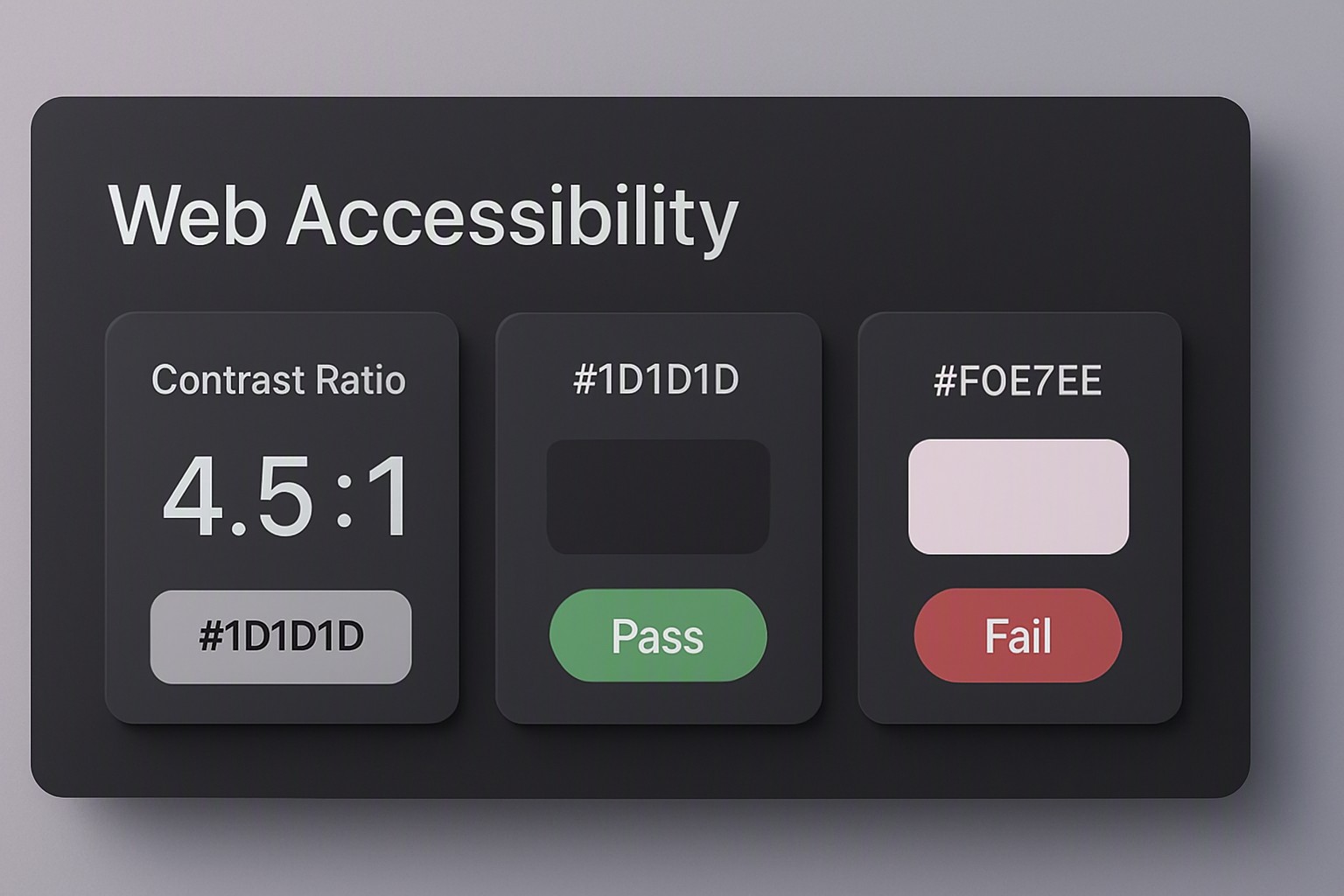
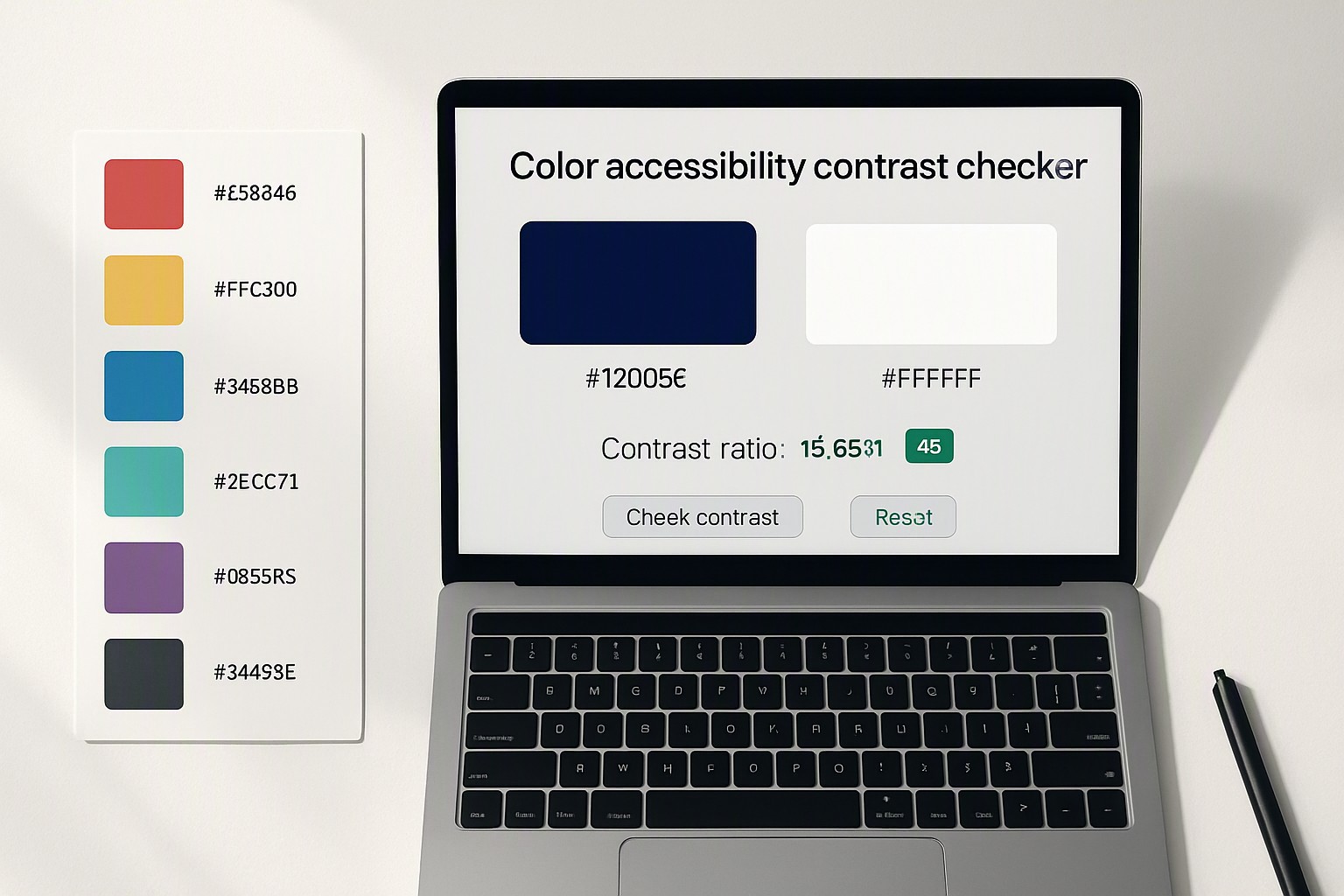
Once you secure your raw color values, organize them into scalable design systems. Group your extracted HEX, RGB, and HSL values into semantic tokens such as primary brand colors, neutral background shades, and functional alert tones. According to the Web Content Accessibility Guidelines (WCAG) standard maintained by the W3C, text and interactive elements must maintain a minimum contrast ratio of 4.5:1 for normal text and 3:1 for large text to ensure accessibility compliance.
Test these ratios early. To explore broader visual aesthetics and pre-tested palettes for your next build, browse the curated collections available through color Fiind Websie before finalizing your design tokens.
Frequently asked questions
Can I copy a color scheme from a protected website?
Yes, browser developer tools and screen-capturing eyedropper extensions can inspect the DOM and viewport of any page you have permission to view in your browser. Dynamically generated canvas elements or encrypted styles may require manual screenshot sampling.
What is the difference between HEX, RGB, and HSL color codes?
HEX codes are six-character alphanumeric strings used in HTML and CSS. RGB defines colors through red, green, and blue light channels on a 0-255 scale, while HSL represents hue, saturation, and lightness for manual color adjustments.
Do automated palette extractors work on images embedded in a webpage?
Most standard URL extractors only read CSS style sheets and DOM elements, meaning they miss colors embedded purely inside raster images like JPEGs or PNGs. For images, use a dedicated image color sampler or open the image file directly in an inspection tool.