 General
How to Use an Online Color Dropper Tool for Websites
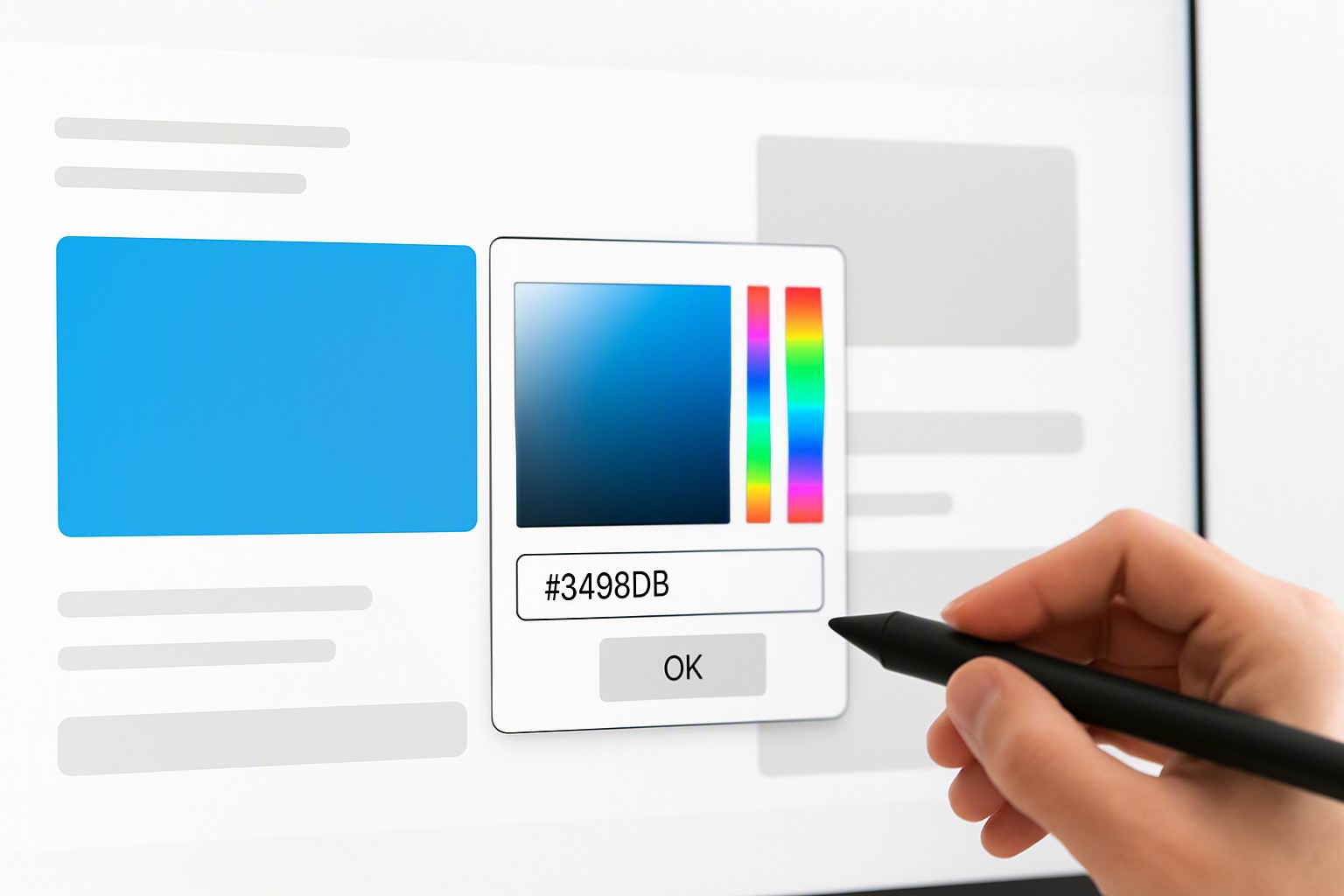
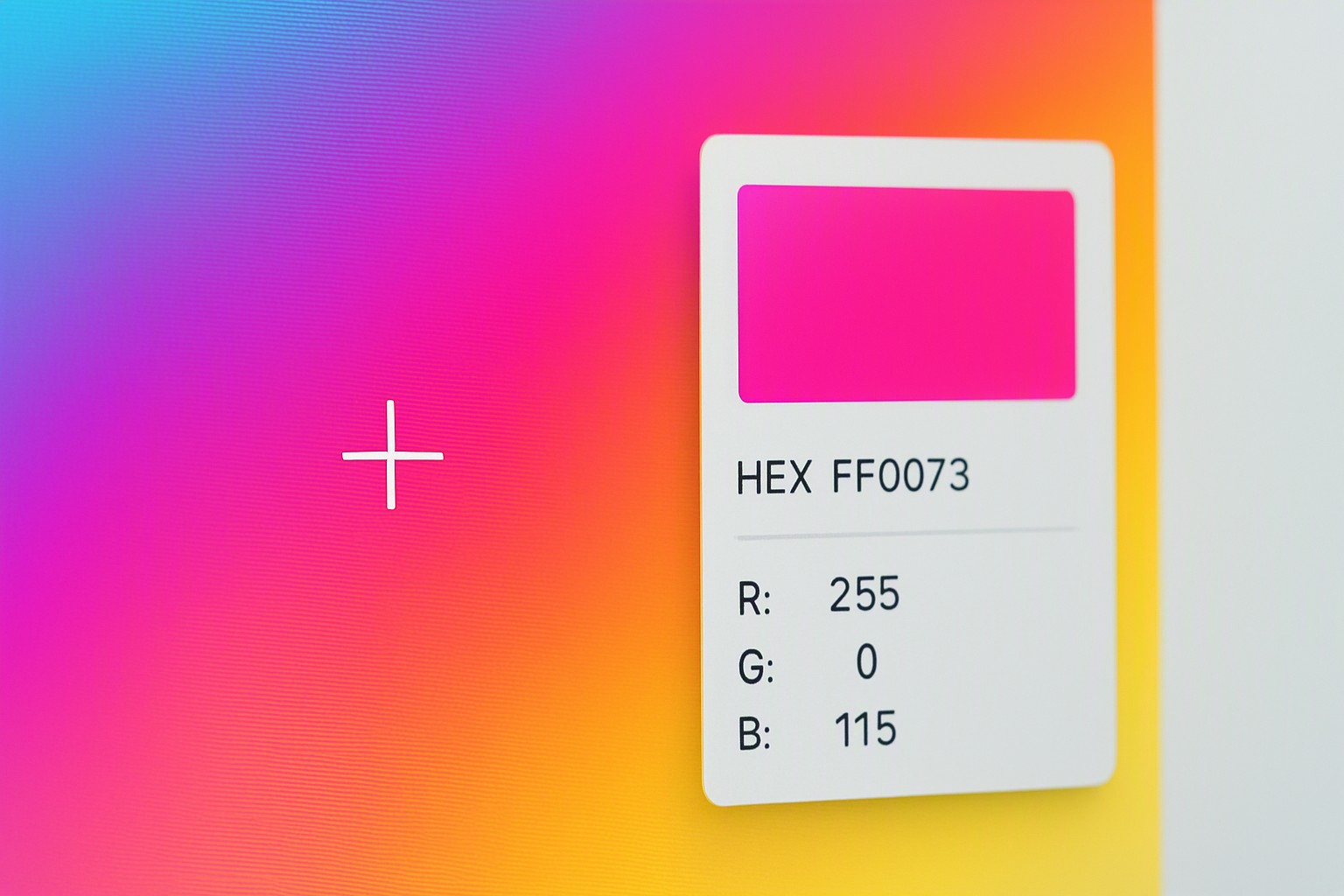
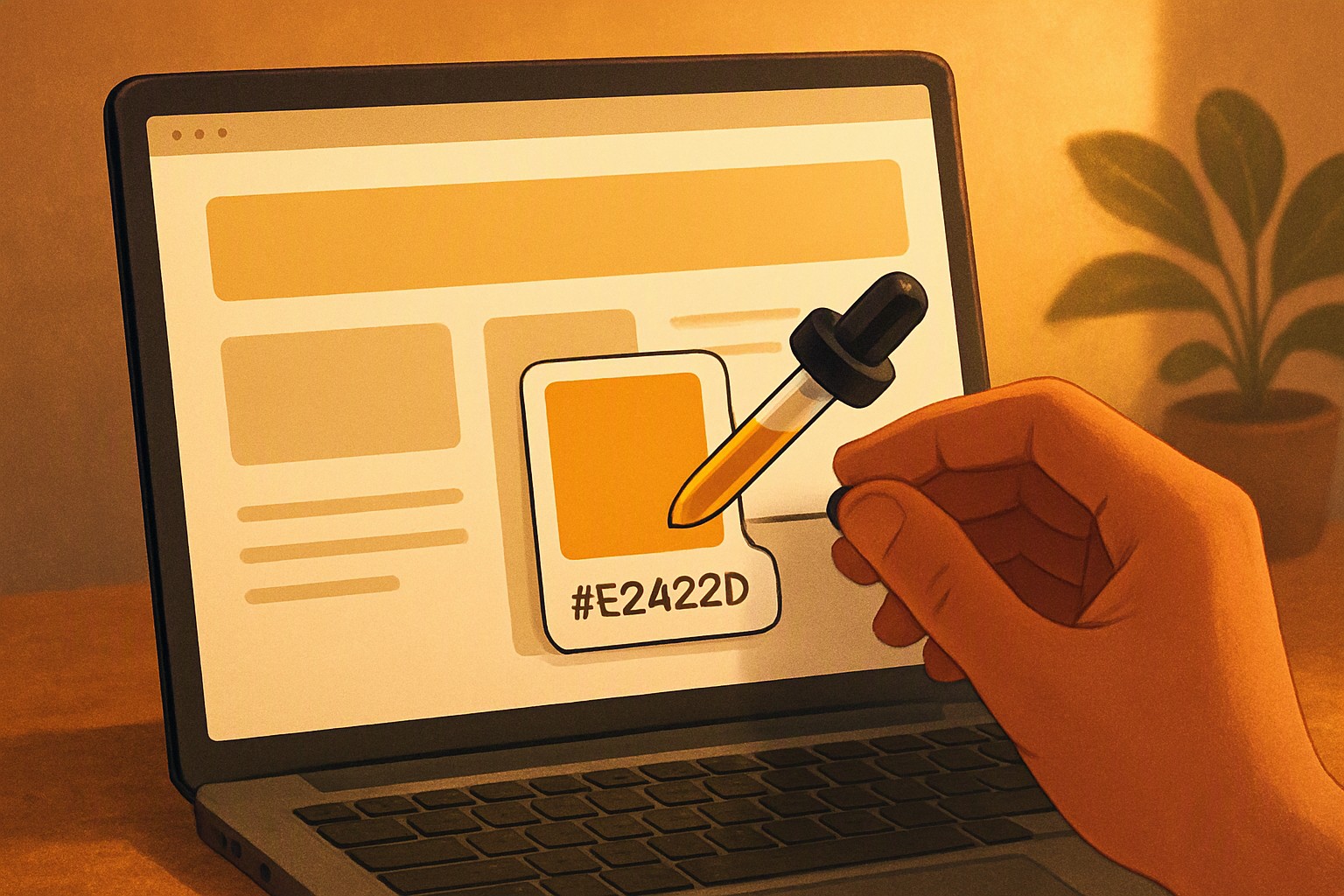
An online color dropper tool allows designers and developers to instantly capture exact hex, RGB, or HSL color codes directly from any rendered web page element with a single click.
How does a website color eye dropper online actually work?
Modern browsers render web pages using layout engines like Blink or Gecko, converting HTML and CSS into pixel data on an internal frame buffer.
When you load a web utility inside the viewport, scripts interact with the HTML5 Canvas API or the experimental EyeDropper API interface to read back specific pixel values. Native browser extensions operate with elevated security privileges that allow them to inspect DOM elements and canvas pixels more deeply than standard web pages.
Browser security models strictly enforce sandbox limitations to prevent malicious scripts from scraping desktop contents or capturing pixels outside the active browser viewport.
Why use an online color dropper tool website for web design?
Inspecting production stylesheets manually via developer console tools slows down front-end workflows. Developers previously had to open the elements panel, locate a specific DOM node, inspect its computed CSS properties, and copy the associated color values string.
Using an instant picker utility bypasses those repetitive steps, letting creators grab precise color data from live UI components instantly. This speed makes a website color picker tool indispensable for rapid prototyping and brand audits.
| Method | Speed | Cross-Browser Consistency | Setup Requirement | Desktop Wide Sampling |
|---|---|---|---|---|
| Browser Dev Tools | Slow | High | None | No (Viewport only) |
| Dedicated Extension | Fast | Medium | Installation Required | Yes (Depends on permissions) |
| Web-Based Drop Utility | Instant | High | None | No (Viewport only) |
What are the limitations of an eye dropper color picker online?
Color precision depends heavily on underlying rendering rules. CSS color profiles, sRGB conversions, and hardware display gamuts alter how color values are interpreted across different monitors.
Transparency layers, alpha channels, and anti-aliased edge pixel blending often return blended intermediate shades instead of solid flat fills. Furthermore, browser security restrictions prevent cross-origin iframe sampling due to potential timing attacks and privacy concerns.
When performing audits on client sites, developers frequently encounter these rendering hurdles, making it necessary to run an accessibility color audit using dedicated validation workflows to ensure compliance.
How to convert and utilize sampled values in your stylesheets
Once you capture raw pixel data, translating those values into production-ready syntax requires reliable conversion methods. Modern web standards rely heavily on CSS Color Module Level 4 specifications defined by the World Wide Web Consortium (W3C), which supports expanded color spaces like Display P3 alongside traditional sRGB hex and HSL notations.
To transform raw numerical outputs into clean stylesheet declarations, developers frequently rely on a rgb to hex color converter online tool to standardize their color variables. Managing these extracted values efficiently across large design systems is simpler when utilizing tools like the color Fiind Websie platform, which streamlines palette organization for development teams.
Frequently asked questions
Can a colour dropper online extract colors from outside the browser window?
Most standard web-based color droppers are restricted by browser security sandboxes to the viewport. To grab pixels from your desktop or external applications, you typically need a native operating system utility or a specialized browser extension with extended permissions.
Why do colors sampled from an image look different in CSS?
Discrepancies often arise due to browser color management profiles, display gamut settings, and image compression artifacts. Anti-aliasing can also blend edge pixels, resulting in mixed intermediate shades rather than solid flat fills.
Are online color picking tools free to use?
Yes. The vast majority of web-based color selection utilities, converters, and eyedropper tools are completely free to use directly inside modern web browsers without requiring downloads or software installation.
How do I ensure sampled website colors meet accessibility guidelines?
Once you capture your foreground and background values using a picker, run them through a contrast checker to verify they meet the Web Content Accessibility Guidelines (WCAG) minimum requirements for legibility.