 General
How to Find Out Color Code From Image and Screenshots
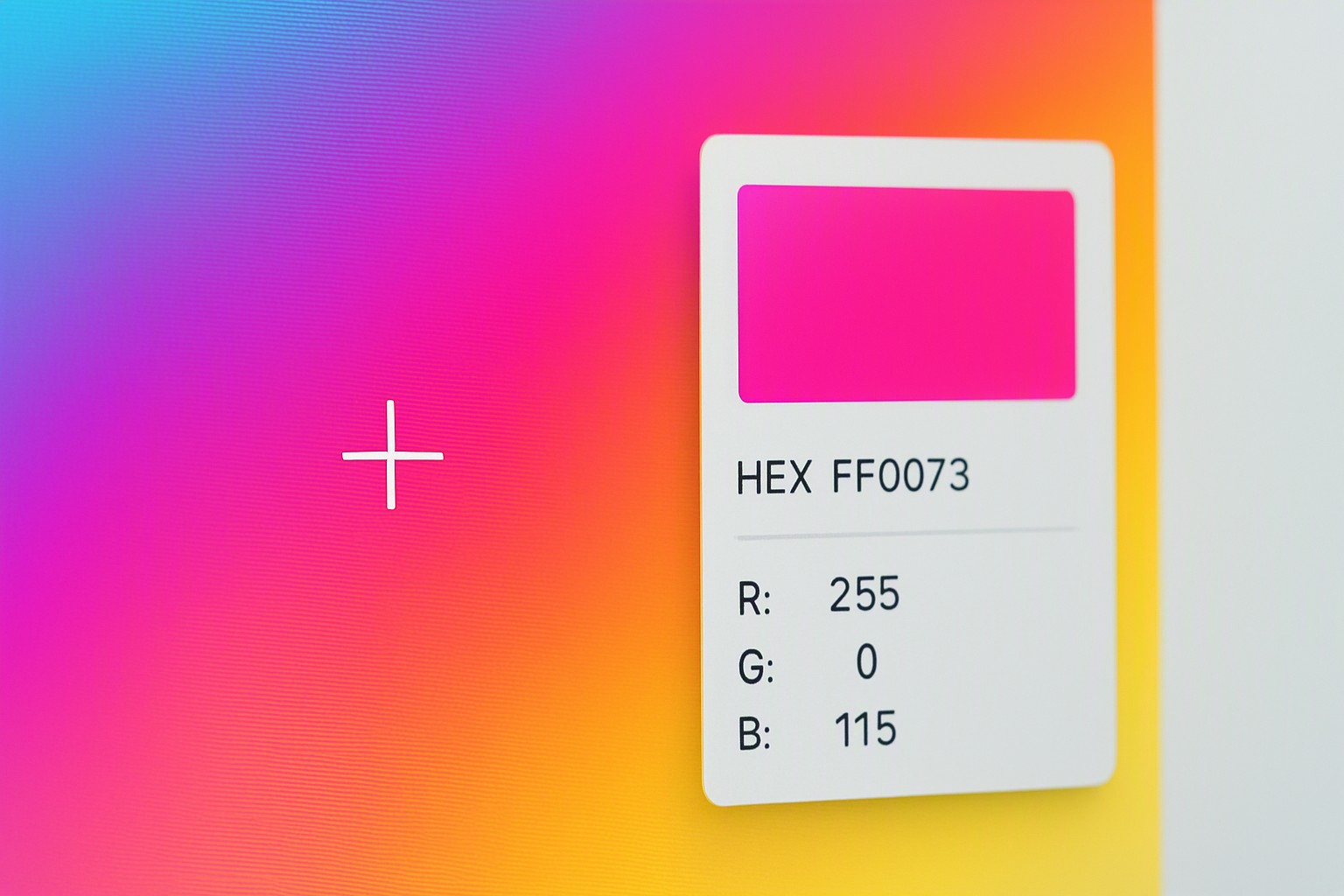
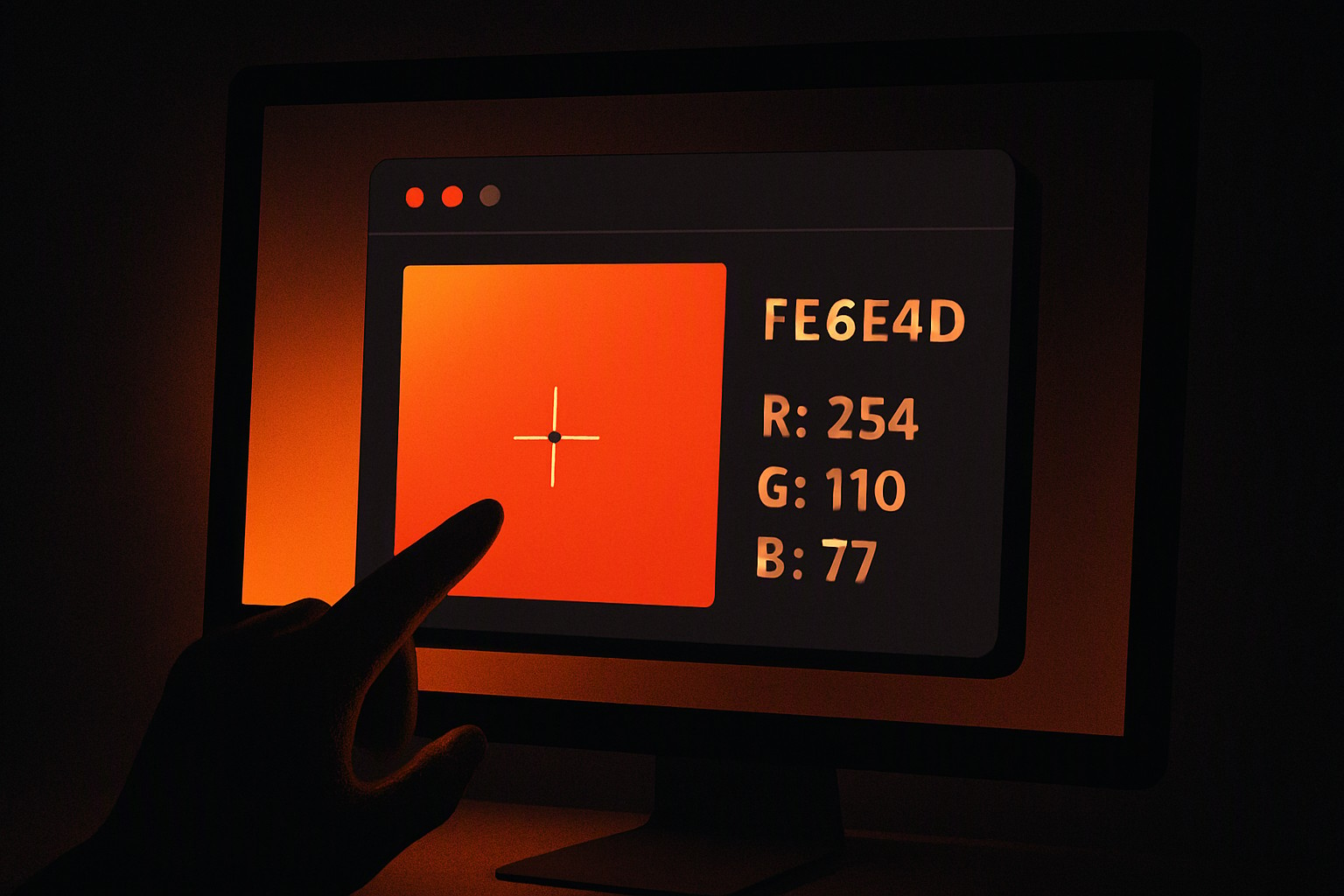
To find out color code from an image or screenshot instantly, open the image in a free online color picker tool, upload the file, and click on the desired pixel to reveal its exact HEX andRGB values. A reader who stops here already has their core answer, but this guide explores deeper extraction methods for every device.
red
#e5484d
green
#30a46c
blue
#0091ff
Extracting exact digital color values from static graphics is a routine task for web designers, frontend developers, and digital artists. Matching a brand hue from a client mockup or capturing a palette from a mood board requires accurate color data without guessing.
Finding color codes using built-in system tools
Operating systems include native utilities that let you sample pixel data directly from your desktop without launching heavy graphic design suites. macOS features the built-in Digital Color Meter application, which displays the RGB or native values of any pixel underneath the cursor. Isolating a specific screen region before sampling requires pressing Command-Shift-4 to capture a targeted screenshot, followed by opening that image in Preview.
Windows users rely on the classic Paint app eyedropper tool to sample colors from any loaded image file. Pressing the Windows Key-Shift-S shortcut snips a screen region directly to your clipboard, allowing immediate pasting into an image editor to extract the target shade. Professional design workflows requiring multi-window comparisons benefit from utilizing a tool to find exact color on screen to eliminate intermediate file saves.
Performing a hex color search using online web tools
Saved image files work best with browser-based extraction utilities that provide a direct hex color search workflow. Dragging and dropping a screenshot into the browser interface renders the graphic in high fidelity.
Extraction steps include:
- Saving the target screenshot as a PNG or lossless image file to prevent color distortion.
- Opening a web-based extraction utility such as color Fiind Websie in the browser.
- Uploading the image file using the main dashboard uploader.
- Clicking on any specific pixel in the preview window to trigger an instant hex code find operation.
- Copying generated HEX, RGB, or HSL values directly to the clipboard for deployment in a CSS stylesheet.
Extracting values with browser extensions and developer tools
Web developers frequently pull colors directly from live web pages without taking standalone screenshots. Inspecting elements in Chrome or Firefox involves right-clicking any rendered page element, selecting Inspect, and checking the Styles tab where computed CSS color properties appear in real time.
Viewport image extraction relies on browser extensions like ColorZilla or Eye Dropper to click any rendered graphic element on a webpage. Compressed JPEG screenshots introduce limitations. Lossy compression algorithms introduce artifacts that alter pixel values by several increments, occasionally shifting subtle gradients, according to World Wide Web Consortium (W3C) image guidelines.
Complex web asset libraries require learning how to identify website color code to ensure picked values match the original production design intent rather than a compressed approximation.
Selecting color formats for specific projects
Output mediums dictate the correct color model. Web developers rely on HEX codes for CSS declarations, while graphic designers working in print require CMYK conversions. Reviewing the blog on color Fiind Websie clarifies which notation suits current stylesheet architecture when balancing digital display needs against programmatic styling.
| Color Format | Primary Use Case | Syntax Example | Best For |
|---|---|---|---|
| HEX | HTML and CSS Styling | `#FF5733` | Web development and digital design |
| RGB | Digital screens and video | `rgb(255, 87, 51)` | JavaScript manipulation and screen rendering |
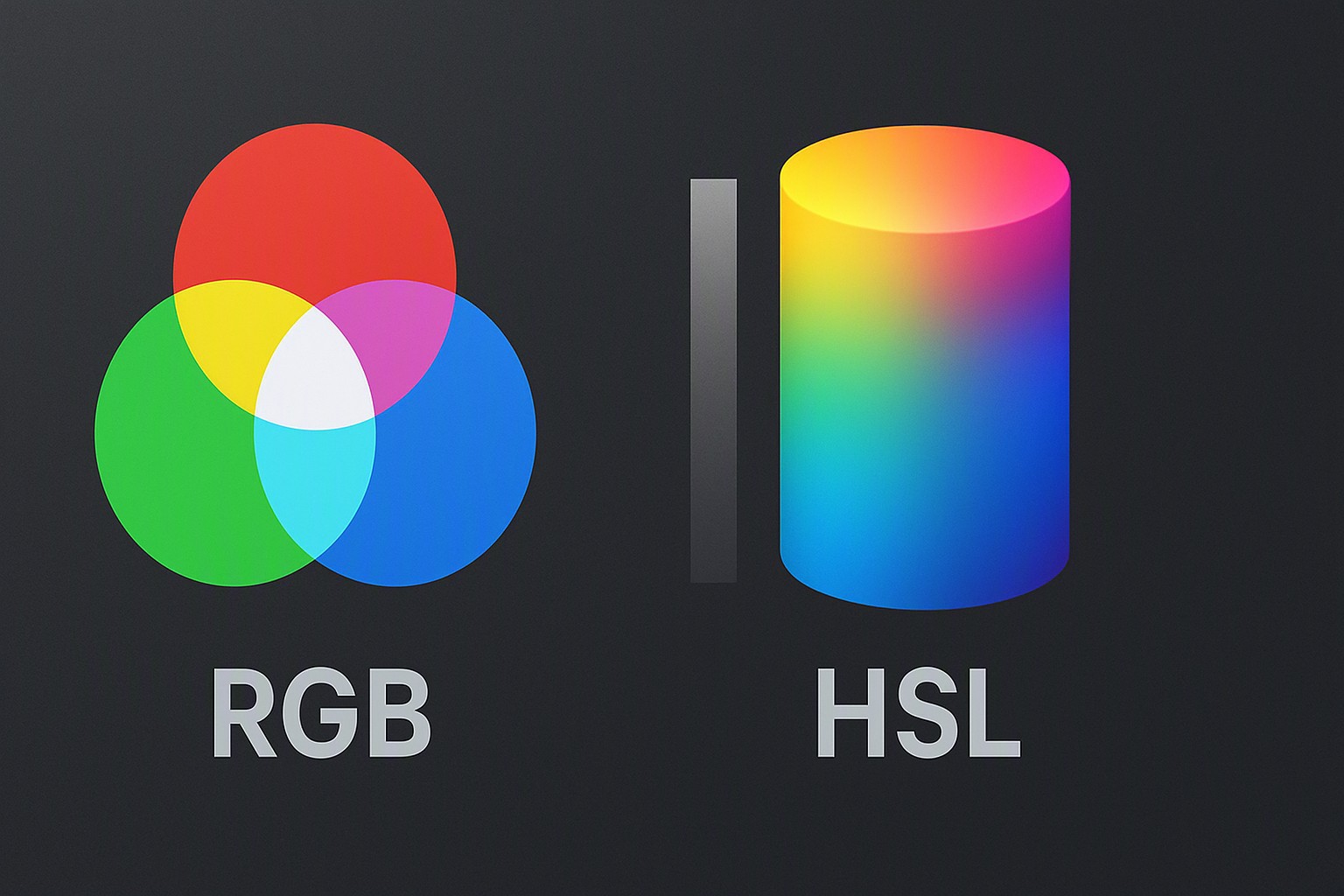
| HSL | Human-readable UI styling | `hsl(14, 100%, 60%)` | Dynamic theming and lightness adjustments |
Programmatic equivalents across different palettes require performing an rgb color search to translate raw light intensities into manageable decimal values. Modern browsers natively support all three major numerical formats without performance penalties under W3C CSS Color Module Level 4 specifications.
Finding html color code from mobile device screenshots
Mobile operating systems handle screenshots differently than desktop environments due to aggressive power-saving display calibrations. Native photo editing markup tools on iOS and Android crop images closely, but they rarely expose raw numerical pixel values natively.
Apple App Store and Google Play Store third-party mobile applications bridge this gap by executing a precise hex code find directly from a smartphone camera roll. Advanced cross-platform workflows utilize an rgb color finder from picture online to sync mobile captures straight to a desktop development environment. Mobile display color profiles demand caution, as Apple devices using Display P3 wide color gamuts render standard sRGB web images with noticeably higher saturation than standard desktop monitors.
Frequently asked questions
Why do colors look different when picked from a screenshot?
Screenshots suffer from compression artifacts, lossy formats like JPEG, or differing monitor color profiles such as sRGB versus Display P3. These factors subtly alter pixel color values compared to the original design file.
Can HTML color code values be found without installing software?
Yes. Image files upload directly to web-based color picker utilities running entirely inside the browser. Clicking anywhere on the image outputs the exact code instantly.
What is the difference between a HEX code and RGB values?
A HEX code is a six-character alphanumeric representation used in HTML and CSS web design, whereas RGB values represent the intensity of red, green, and blue light on a scale from 0 to 255.
How does one ensure a picked color is web-safe and accessible?
Extracted colors face evaluation against background tones using contrast ratio calculators to meet standard web accessibility guidelines for text readability.