 General
The Best Tool to Find Exact Color on Screen Accurately
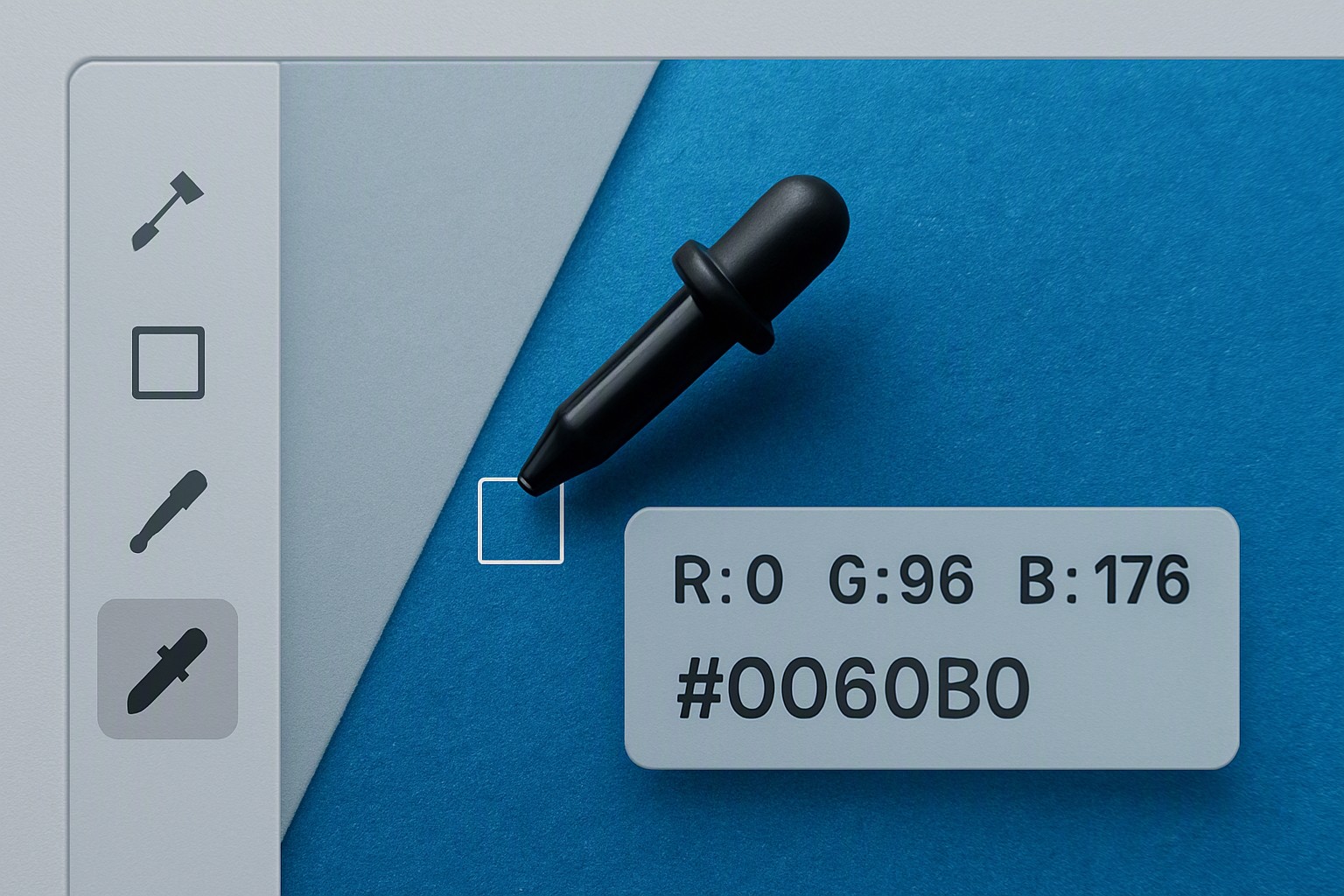
Finding the exact color on a computer screen requires using a digital color picker utility. These tools sample specific pixels and translate their visual light output into standard numeric color codes like HEX, RGB, or HSL. Designers use them. Developers use them. Digital creators rely on them to replicate shades precisely across software applications and operating systems without visual guesswork.
How Do You Find the Exact Color of Any Pixel on Your Screen?
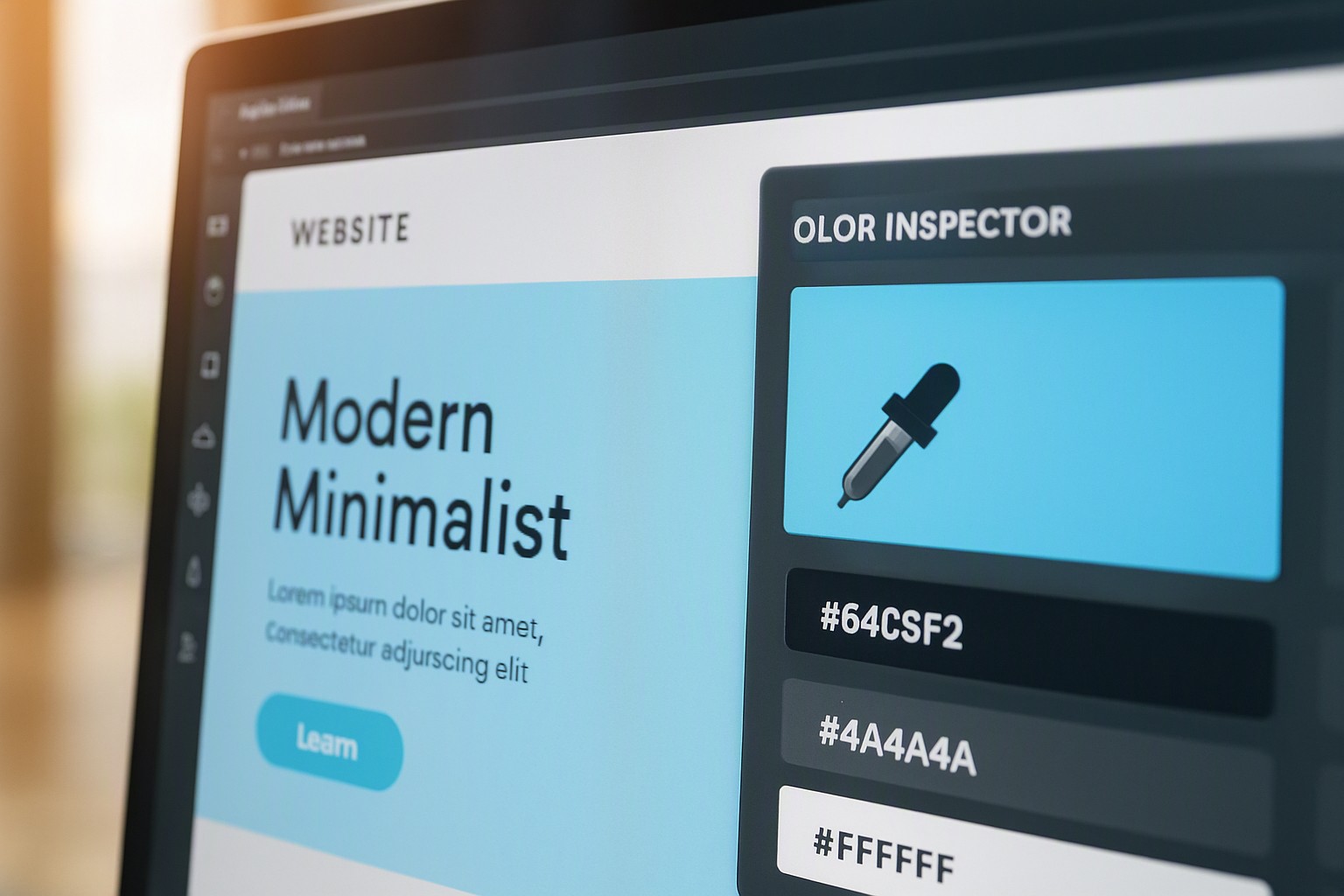
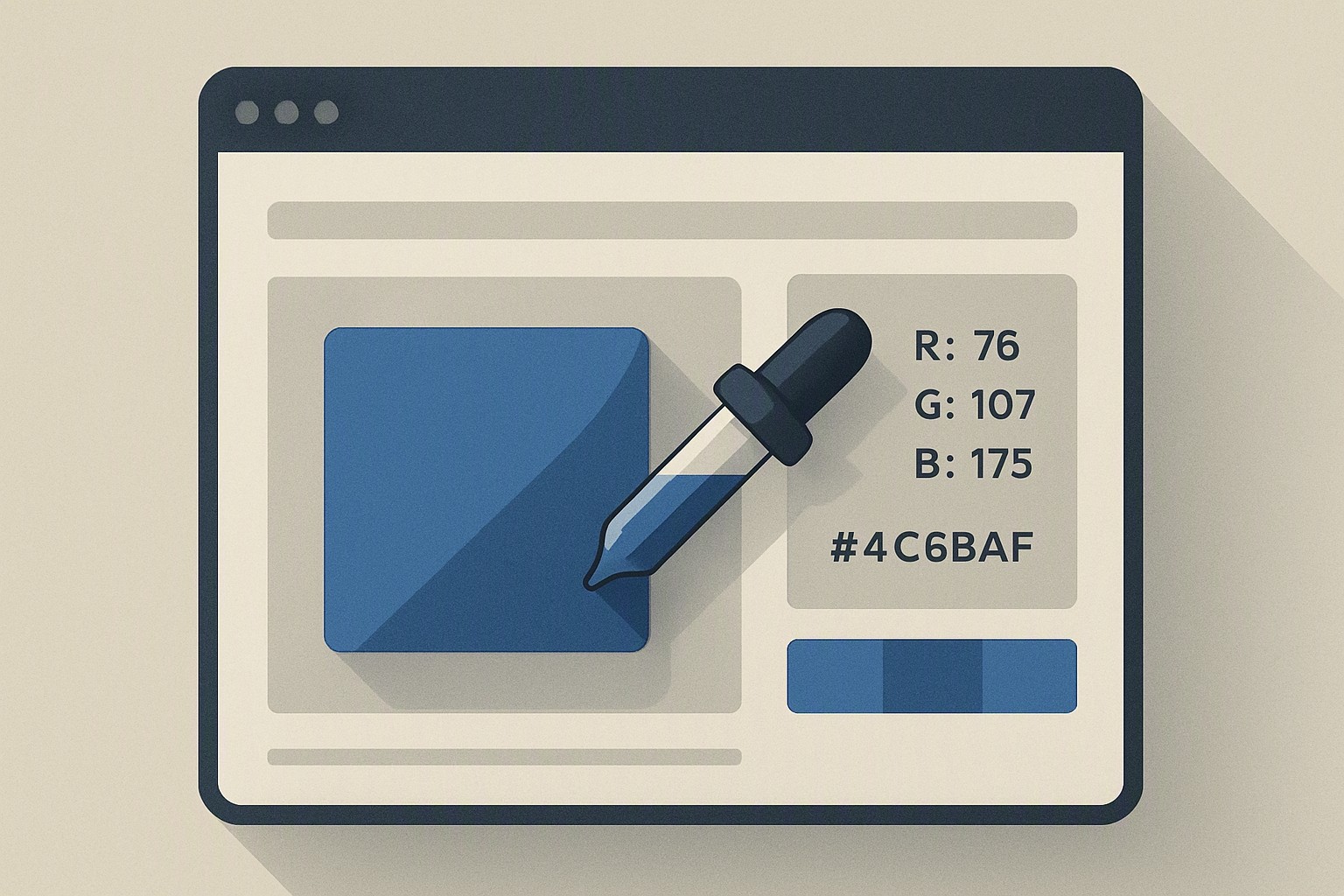
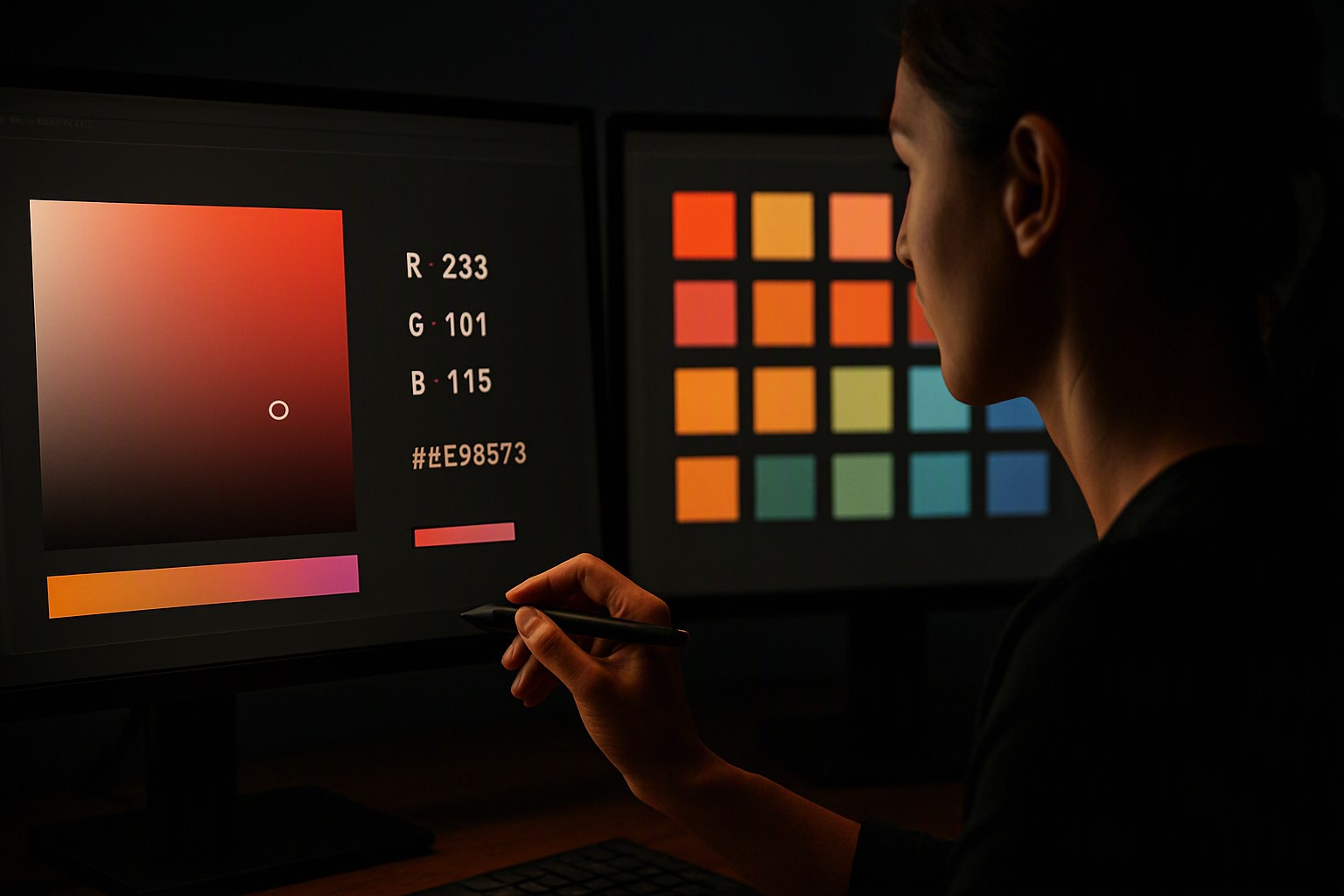
Screen color picking captures raw pixel data displayed by the graphics card. Every pixel on an LCD or OLED display emits light through distinct red, green, and blue subpixels operating on a 0 to 255 numerical scale. A dedicated color inspection utility reads these hardware-level values directly from the frame buffer. It formats them into hexadecimal strings for web development or decimal values for print design. When tackling complex web elements or inspecting multi-layered interfaces, utilities provided by platforms like color Fiind Websie offer quick visual references and conversion options.
red
#e5484d
green
#30a46c
blue
#0091ff
Choosing a utility depends on your operating system. Software categories offer distinct advantages and drawbacks.
| Tool Category | Precision Level | Speed | Platform Support | Primary Drawback |
|---|---|---|---|---|
| Browser Extensions | Moderate | Instant | Cross-browser (Chrome/Firefox) | Limited to browser viewport only |
| Standalone Software | High | Fast | Windows, macOS, Linux | Requires local installation |
| Built-in OS Tools | High | Moderate | Native to Windows/macOS | Limited formatting options |
| Web-Based Inspector | Moderate | Slow | Any web browser | Requires image upload first |
For deeper inspection tasks on live websites, utilize the methods outlined in our guide to inspecting webpage colors to capture CSS values instantly.
What Is the Best Method for How to Find Exact Color of Image Files?
Extracting color codes from static graphics, JPEGs, and PNGs involves loading the raster image into an application that reads individual pixel arrays. According to the W3C CSS Color Module Level 4 specification, color values on the web are defined within specific color spaces like sRGB to ensure consistent rendering across devices. To find the exact color of an image, open the graphic file inside a raster editor such as Adobe Photoshop, GIMP, or a specialized web utility.
Select the eyedropper tool from the toolbar. Click directly on the target pixel. This populates your active foreground swatch with the exact numerical code. When working within browser-based environments or specific design frameworks, explore dedicated utilities such as our tool for Canva color codes to match palettes across different creative suites. For examining compressed web graphics or banners quickly, reference the techniques detailed in our walkthrough on website image extraction.
Why Do Digital Creators Need a Specialized Keyword Research Tool and Color Utility?
Digital marketers, web designers, and content creators juggle search visibility and visual asset planning simultaneously. When launching a new branding campaign, pairing an exact color finder with a robust keyword research tool ensures your visual identity and your search engine optimization strategy target the right audience effectively.
Designing a cohesive digital footprint requires adherence to structured color harmony principles, which you can study further in our color matching guide. Technical limitations complicate digital color work. Screen calibration discrepancies between cheap TN panels and professional IPS monitors mean a hex code looks visually distinct across different hardware. ICC color profile mismatches between your operating system and web browsers shift saturation and brightness levels by several percentage points.
To convert raw samples accurately across different color models despite these hardware hurdles, utilize a reliable RGB to hex color converter to maintain mathematical integrity across projects.
How Can You Use a Free Keyword Research Tool Alongside Color Pickers?
Building a successful content platform requires balancing aesthetic precision with search visibility. Integrating a free keyword research tool into your operational workflow helps you identify what design terms, niche palettes, and visual trends your audience actively searches for. Content creators evaluating design assets, niche templates, and UI components leverage these insights to align their creative output with actual search demand.
Managing complex web and video production projects requires strict adherence to brand guidelines and consistent palette management. Video editors and multimedia producers face unique color grading and interface challenges, as detailed in our guide on interface colors for video editors. To maintain absolute transparency regarding how we test these software utilities and review digital assets, consult our published editorial policy for our complete testing standards.
Frequently asked questions
Why do colors look different on my phone compared to my desktop monitor?
Displays use different panel technologies like OLED versus IPS and factory calibrations that alter color temperature and saturation. Achieving absolute color consistency requires hardware calibration using a colorimeter.
Can I find the exact color code of a protected webpage element?
Yes. You can inspect any webpage element using built-in browser developer tools or a dedicated screen color picker extension. These tools bypass visual restrictions by reading underlying DOM styles and CSS properties directly.
What is the difference between HEX, RGB, and HSL color codes?
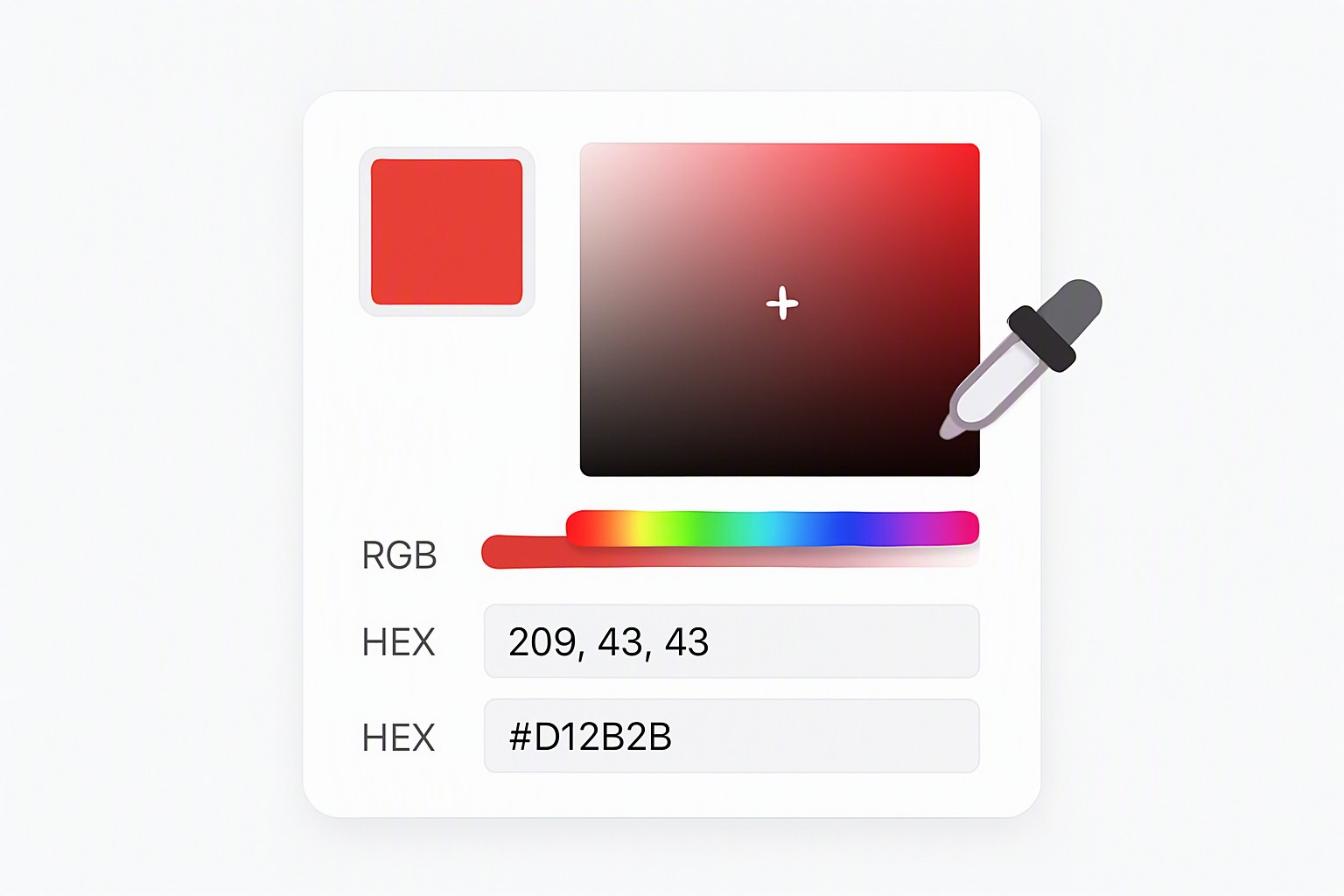
HEX codes are six-digit alphanumeric strings used in web design. RGB defines colors through Red, Green, and Blue light intensities on a 0-255 scale. HSL represents Hue, Saturation, and Lightness for intuitive human adjustments.