 General
How to Build an Accessible Color Palette for Web Design
An accessible color palette requires a minimum contrast ratio of 4.5:1 for normal text and 3:1 for large text or interactive UI elements under WCAG 2.1 AA standards. This ensures readability for users with low vision.
Building digital products that accommodate every user demands strict adherence to visual standards. This guide breaks down the exact formulas, tools, and workflows needed to construct inclusive digital interfaces from scratch.
Core contrast ratio requirements for web accessibility
Color contrast is the mathematical difference in perceived brightness between a foreground text color and its background. According to the Web Content Accessibility Guidelines, digital content must meet specific thresholds to be readable by individuals with moderate to severe visual impairments.
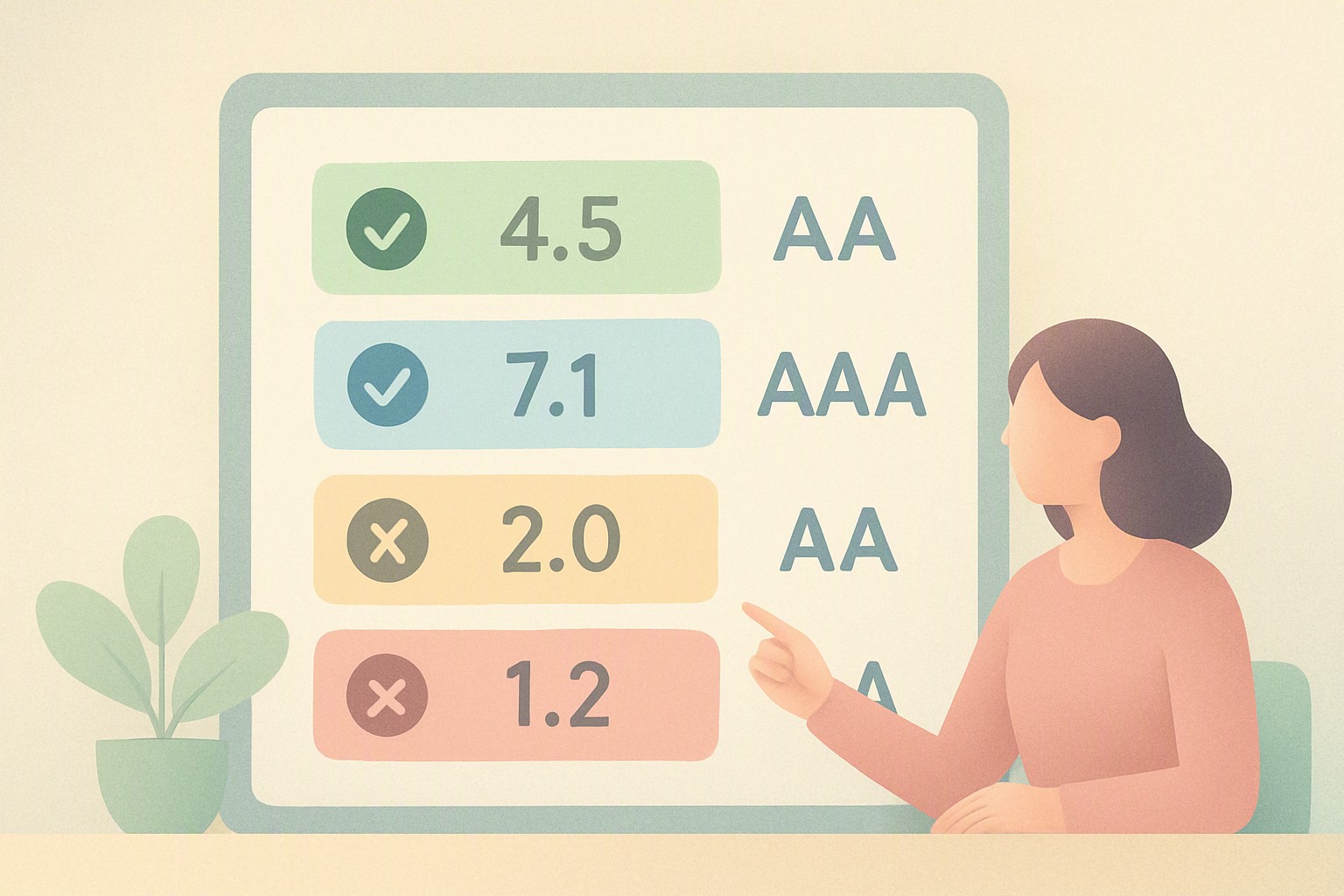
WCAG 2.1 defines two distinct conformance tiers, Level AA and Level AAA, each with strict numerical boundaries:
- Normal Text (below 18pt or 14pt bold): Level AA requires a minimum contrast ratio of 4.5:1. Level AAA demands a stricter 7:1 ratio.
- Large Text (18pt and above, or 14pt bold and above): Level AA requires a minimum contrast ratio of 3:1. Level AAA requires 4.5:1.
- UI Components and Graphical Objects: Interactive elements, input borders, and essential icons must maintain at least a 3:1 contrast ratio against adjacent colors under Level AA.
Failing these thresholds makes text illegible for users experiencing age-related contrast sensitivity loss, cataracts, or temporary environmental glare on mobile devices.
Using a color palette contrast checker to audit your design
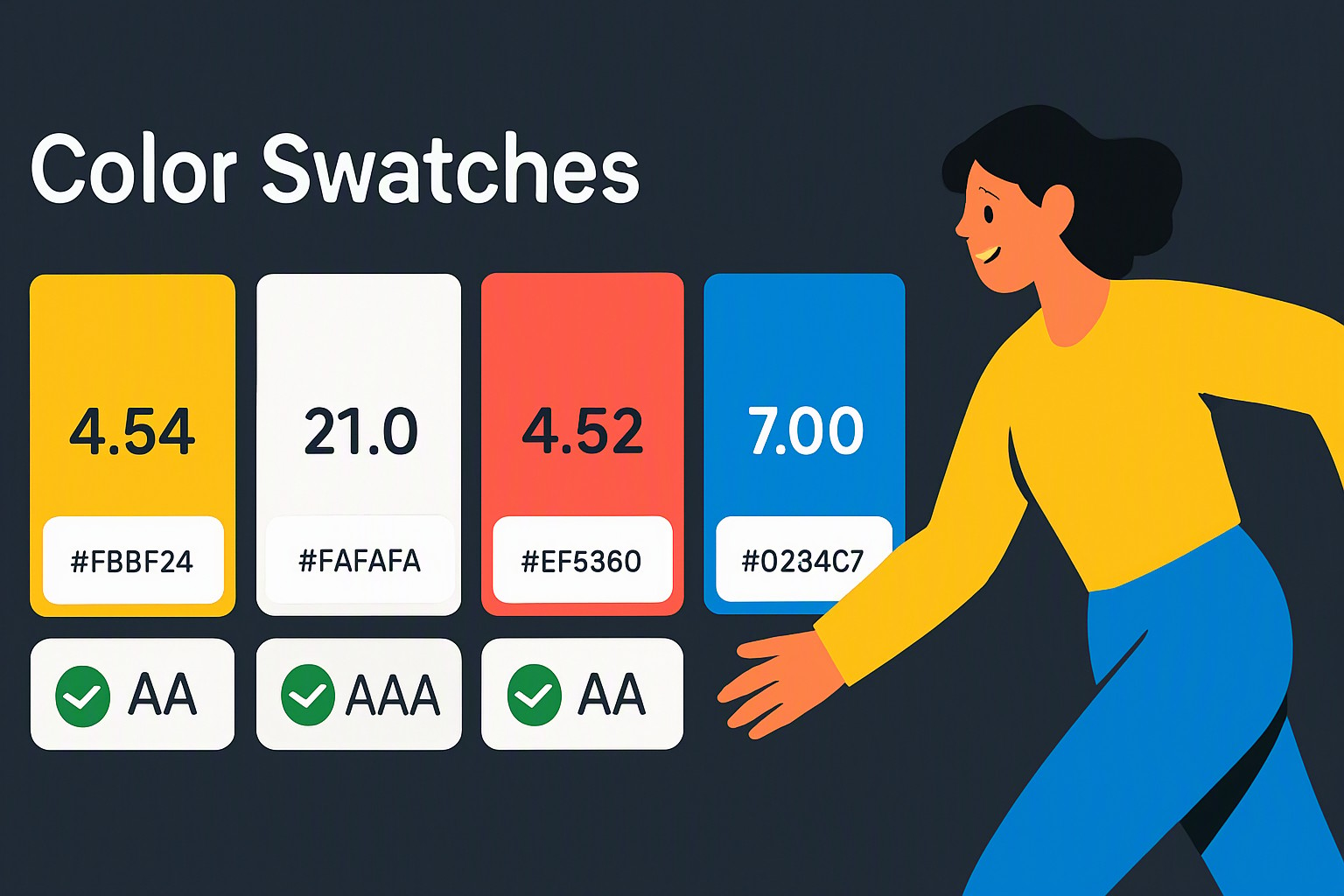
Auditing an existing interface starts with testing foreground typography against background fills using a color palette contrast checker. Developers and designers input specific HEX, RGB, or HSL values into the testing utility to calculate the exact luminosity delta.
The audit process follows a straightforward workflow:
1. Identify all text layers rendered across card components, navigation bars, and body paragraphs.
2. Extract the exact HEX code of the font and the immediate container background.
3. Paste both values into a contrast evaluation tool to verify if the output exceeds 4.5:1.
4. Document failing combinations for immediate remediation.
#cccccc
#cccccc
#ffffff
#ffffff
#ffeb3b
#ffeb3b
#c8e6c9
#c8e6c9
#000000
#000000
red
#e5484d
pastel orange
#f76b15
bright yellow
#ffd60a
Common failure points include light gray text (#CCCCCC) on pure white backgrounds (#FFFFFF), which yields a failing 1.6:1 ratio, or bright yellow text (#FFEB3B) on light green containers (#C8E6C9). Before finalizing typography updates, review broader design flaws by completing an accessibility color audit to catch hidden layout contrast traps.
Color blind friendly palette generator essentials for inclusive design
Color vision deficiency affects approximately 8 percent of men and 0.5 percent of women globally. Relying solely on color to convey information—such as utilizing red for an error state and green for a success confirmation—fails colorblind users completely. A proper digital design combines color changes with secondary indicators like icons, bold weights, or underlines.
The table below outlines common testing methodologies and their primary applications:
| Testing Methodology | Primary Use Case | Limitation | Platforms & Tools |
|---|---|---|---|
| Trichromacy Simulation | Simulating deuteranopia, protanopia, and tritanopia | Doesn't account for severe achromatopsia | Photoshop, Stark, WebAIM Checker |
| Automated WCAG Scanners | Bulk auditing of live DOM text elements | Cannot judge visual context or decorative images | Axe Core, Lighthouse, Pa11y |
| Manual Luminance Tuning | Fine-tuning brand palettes for strict compliance | Time-intensive for large design systems | Color Fiind color utility |
Understanding these deficiencies prevents critical form validation errors from blocking users. When designing complex dashboards, you can discover website color palettes instantly to analyze existing competitor structures for inclusivity flaws.
Selecting shades for an ada compliant color palette from scratch
Constructing an ada compliant color palette requires establishing a strict functional hierarchy before introducing decorative brand hues. Start by selecting a dominant neutral background color, followed by a deeply saturated dark slate or near-black for all primary typography.
Designers use an accessible color palette generator to automatically adjust lightness and chroma values without breaking brand guidelines. If a corporate blue is too light for text, the generator shifts the luminance downward until the mathematical ratio clears the 4.5:1 barrier.
Balancing brand identity requirements with legal mandates involves these core steps:
- Define a neutral foundation for backgrounds and card containers.
- Select a primary text color that achieves 7:1 against your lightest neutral.
- Designate semantic accent colors specifically for links, buttons, and system alerts, verifying their hover and active states independently.
When planning broader aesthetic themes, reviewing how to choose a color palette for your next design project harmonizes personal creative choices with strict engineering requirements.
Extracting an accessible color scheme from existing brand assets
Extracting base hues from corporate logos or established brand marks often introduces contrast failures because logos are rarely engineered for digital document readability. Fixing these assets requires adjusting saturation and luminance values while preserving core brand recognition.
When a logo features a pastel orange or pale cyan that fails WCAG requirements against a white page, designers must darken the hue or pair it with a dark container background. Connecting logo-derived colors to practical web implementation techniques ensures that marketing teams do not compromise product accessibility for the sake of strict graphic nostalgia.
For projects starting directly from vector files, reading through how to get color palette from logo provides precise workflows for converting static brand marks into functional digital design tokens.
Frequently asked questions
What is the difference between WCAG AA and AAA compliance for color contrast?
WCAG AA requires a 4.5:1 contrast ratio for normal text and 3:1 for large text, which is the standard legal requirement for most commercial websites. WCAG AAA demands a stricter 7:1 ratio for normal text and 4.5:1 for large text, providing enhanced readability for users with severe visual impairments.
Do dark mode designs require different color contrast ratios?
Dark mode interfaces must meet the exact same 4.5:1 contrast ratio rules as light mode designs. However, pure white text (#FFFFFF) on a pure black background (#000000) can cause optical halation, so slightly off-black backgrounds with muted white text are recommended for better readability.
How do I indicate interactive states like buttons without relying solely on color?
You can indicate interactive states by combining color changes with non-color indicators such as underlines, bold text, distinct borders, or icons. This ensures that users with color vision deficiencies easily identify clickable elements on the page.