 General
How to Discover Website Color Palette Instantly
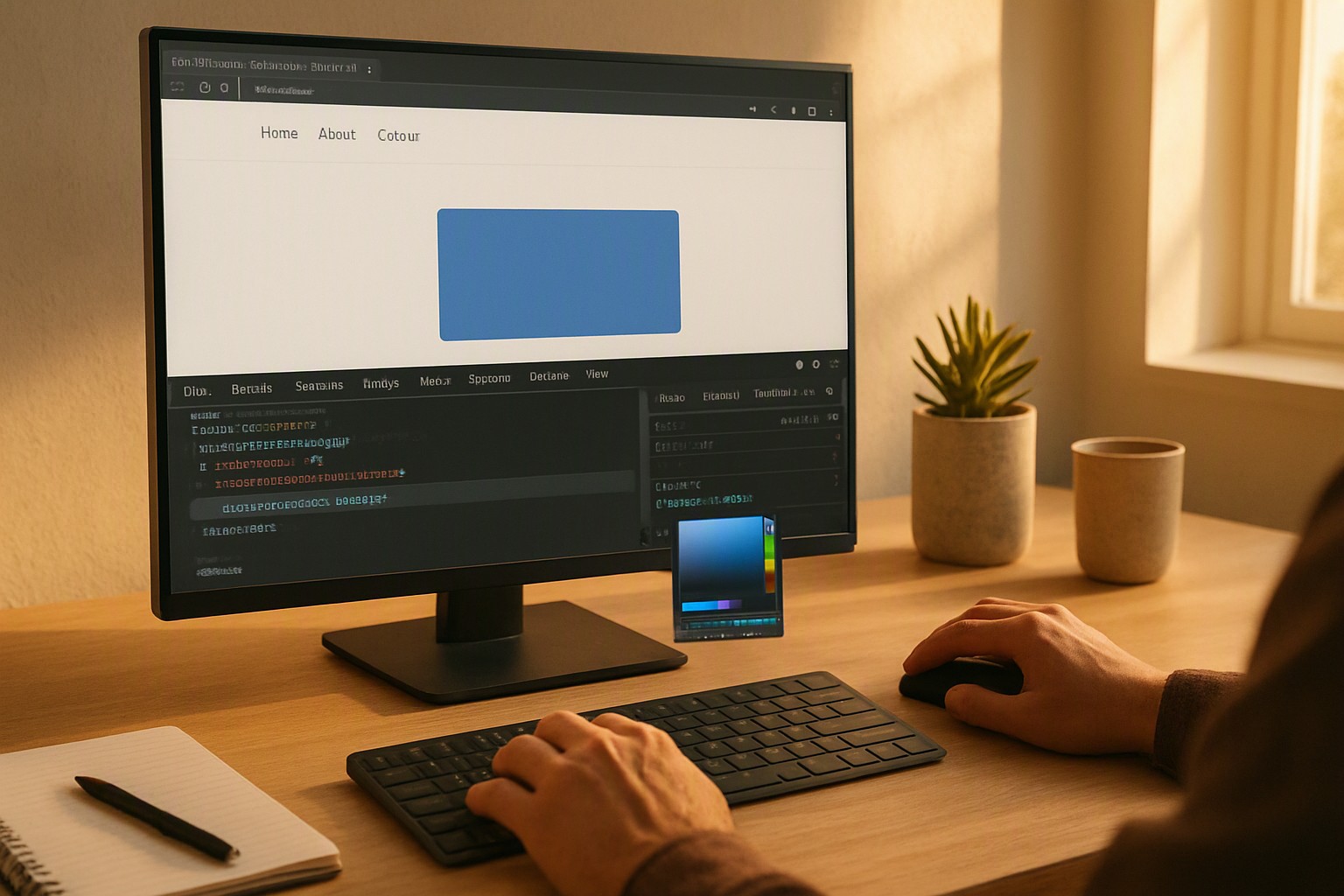
To discover website color palette instantly, inspect the target webpage's CSS variables using browser developer tools, use a dedicated browser extension like ColorZilla, or paste the URL into an automated stylesheet parser. This retrieves exact HEX and RGB codes in seconds without manual guesswork.
What are the fastest ways to extract colors from any live web page?
Extracting color schemes requires specific utilities depending on whether you need a single pigment or an entire stylesheet breakdown. For quick audits, use how to identify website color code directly inside your browser without installing third-party utilities.
Browser-native developer tools provide a zero-install baseline. Every major browser—including Google Chrome, Mozilla Firefox, and Apple Safari—includes built-in inspection panels and eyedropper tools. Activate these features instantly to click on any element and read its computed style values.
For bulk extraction across an entire document, dedicated extension tools work best. Extensions like ColorZilla or CSS Peeper scan the Document Object Model (DOM) and generate a complete inventory of every background color, text color, and border hue used on the page.
Automated online URL parsers represent a third approach. These web utilities ingest a target domain, download the raw CSS files, and parse out all color declarations into a structured palette view in seconds.
red
#e5484d
green
#30a46c
blue
#0091ff
How do browser developer tools reveal hidden CSS color variables?
Modern web design relies heavily on CSS custom properties to maintain design system consistency. To uncover these variables, open your browser inspector, select the root HTML element, and navigate to the Computed tab or Styles pane. Look for declarations prefixed with double hyphens, such as `--primary`, `--secondary`, or `--accent`.
Native tools have distinct limitations. When dealing with canvas elements, SVG graphics, or dynamically rendered WebGL pixels, a standard DOM inspector fails to capture the exact pixel color. Fall back on bitmap sampling tools or reference the underlying image assets directly.
| Extraction Method | Speed | Accuracy | Ease of Use |
|---|---|---|---|
| Browser Eyedropper | Fast | High (Viewport pixels) | High (Zero install) |
| Dedicated Extension | Instant | High (Full DOM scan) | High (One-click) |
| Automated URL Parser | Moderate | Variable (Compiled CSS) | Moderate (Requires URL) |
| CLI Scrapers | Slow | Complete (Raw files) | Low (Requires terminal) |
Select the right extraction utility to capture accurate values. Explore best open source color generator tools for accessible palettes to transform raw extractions into WCAG-compliant design systems.
What should you do after extracting a color scheme?
Verify contrast ratios against WCAG 2.1 or 2.2 guidelines using external accessibility checkers. According to the World Wide Web Consortium (W3C) Web Content Accessibility Guidelines (WCAG) 2.2 specification, normal text requires a minimum contrast ratio of 4.5:1 against its background to remain readable for users with visual impairments.
Organize extracted HEX, RGB, and HSL codes into cohesive design tokens within your stylesheet or design system documentation. Deepen your stylistic research by exploring curated aesthetics like pastel or vintage collections when adapting a palette for a thematic rebrand. Consult accessibility color audit workflows to ensure final color choices meet strict regulatory standards.
How can you leverage automated palette generators for rapid design workflows?
Automated platforms like color Fiind Websie ingest raw color codes and output harmonious shades, tints, and complementary tones. These utilities allow designers to test how a newly discovered palette performs across UI components before writing production code.
Open-source generator utilities map extracted pigments into mathematical scales, ensuring balanced visual hierarchy. Practitioners must remain aware of common pitfalls during extraction. Automated parsers frequently miss complex CSS gradients, pseudo-elements, or semi-transparent RGBA overlays that blend dynamically with underlying background layers. Careful manual spot-checking remains necessary for complex enterprise applications.
For complex data visualization projects, understanding color distribution is just as critical as UI styling. Review network graph design strategies on Color Fiind Bloggerr to see how extracted palettes scale across multi-node diagrams.
Frequently asked questions
Can I extract color palettes from websites protected by login screens?
Most automated online scrapers cannot access password-protected pages due to authentication barriers. Browser extensions and built-in developer tools can inspect any page you are actively logged into within your browser session.
What is the difference between extracting HEX, RGB, and HSL color values?
HEX codes are standard six-character alphanumeric strings used primarily in HTML and CSS. RGB defines colors by red, green, and blue light intensity, while HSL represents hue, saturation, and lightness, which is more intuitive for human color adjustments.
Why do some extracted color codes look different than expected on my screen?
Discrepancies occur due to browser color management profiles, CSS opacity layers blending with background colors, or hardware display calibration differences. Always check computed styles rather than raw image files for true values.