 General
How to Extract Color Palette From Image: A Practical Guide
Article number in this series: Seven.
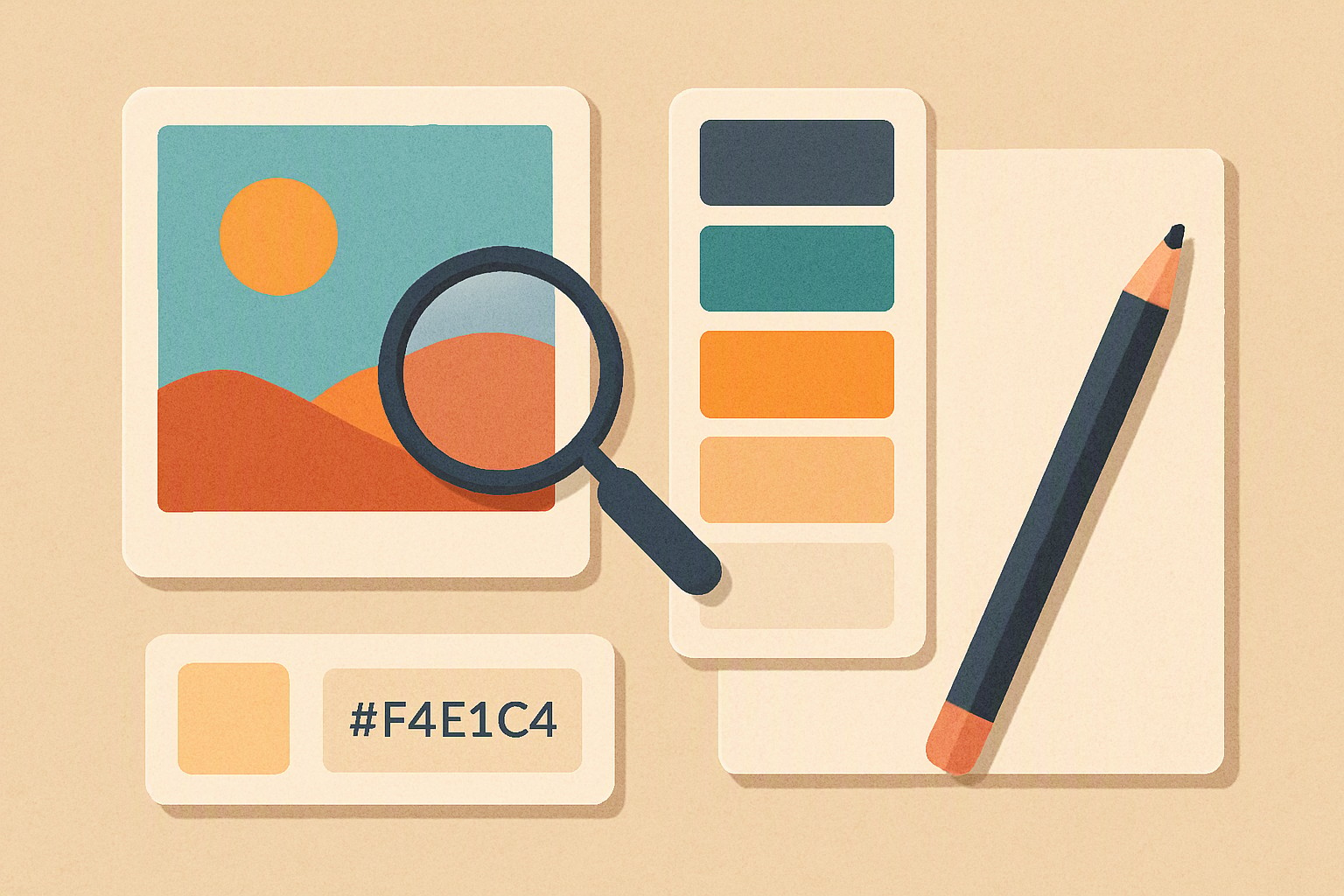
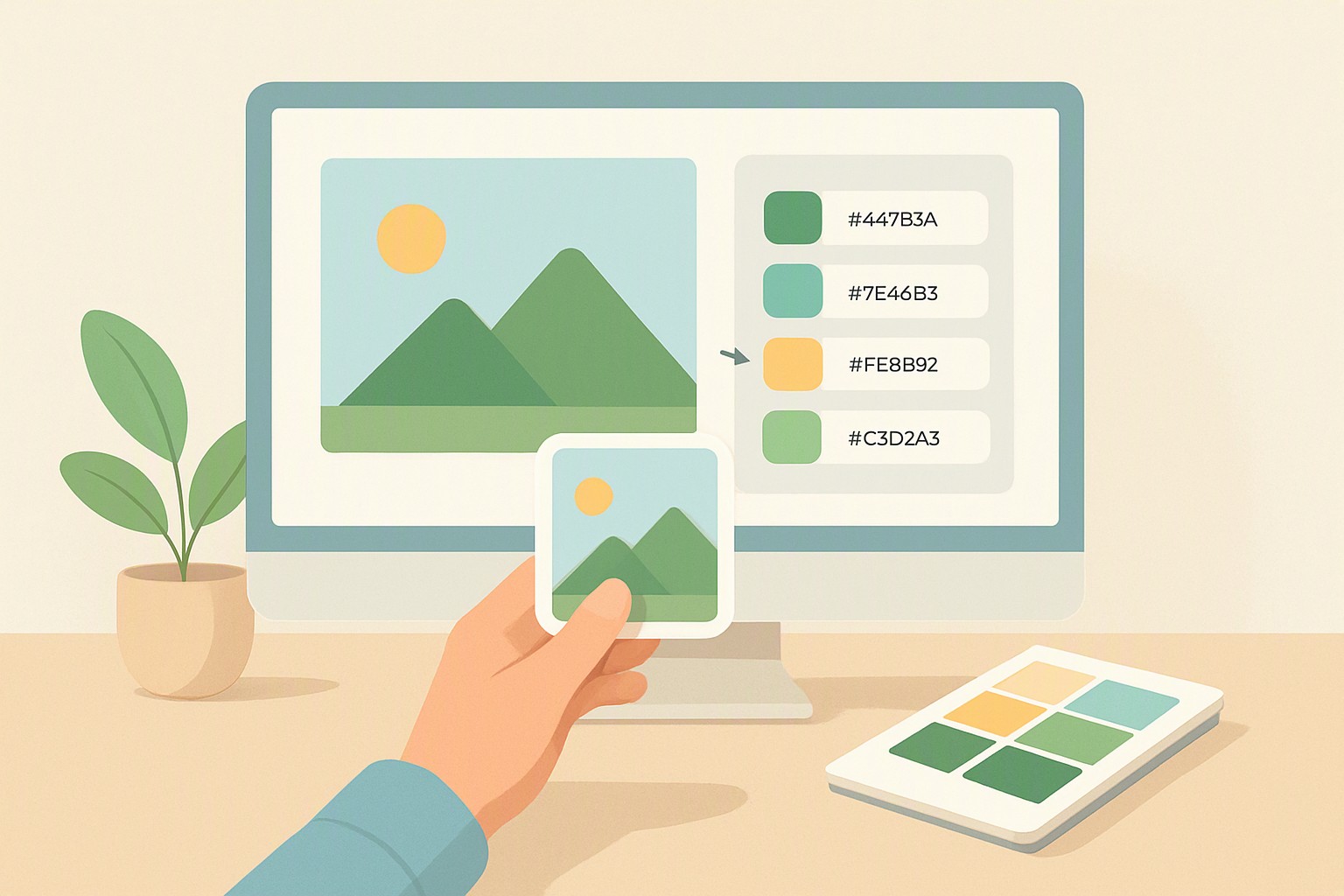
To quickly extract a color palette from an image, upload your file to an online extractor tool, an application like Adobe Color, or use an eyedropper tool to pull dominant HEX and RGB codes directly from the pixels. Speed matters.
Methods for Extracting Color Palettes from Images
Extracting color requires balancing speed against precision. Browser-based tools operate instantly inside Google Chrome or Safari without requiring local installation, while desktop graphic suites like Adobe Photoshop 2026 process proprietary file formats like PSD and RAW with advanced color profiles.
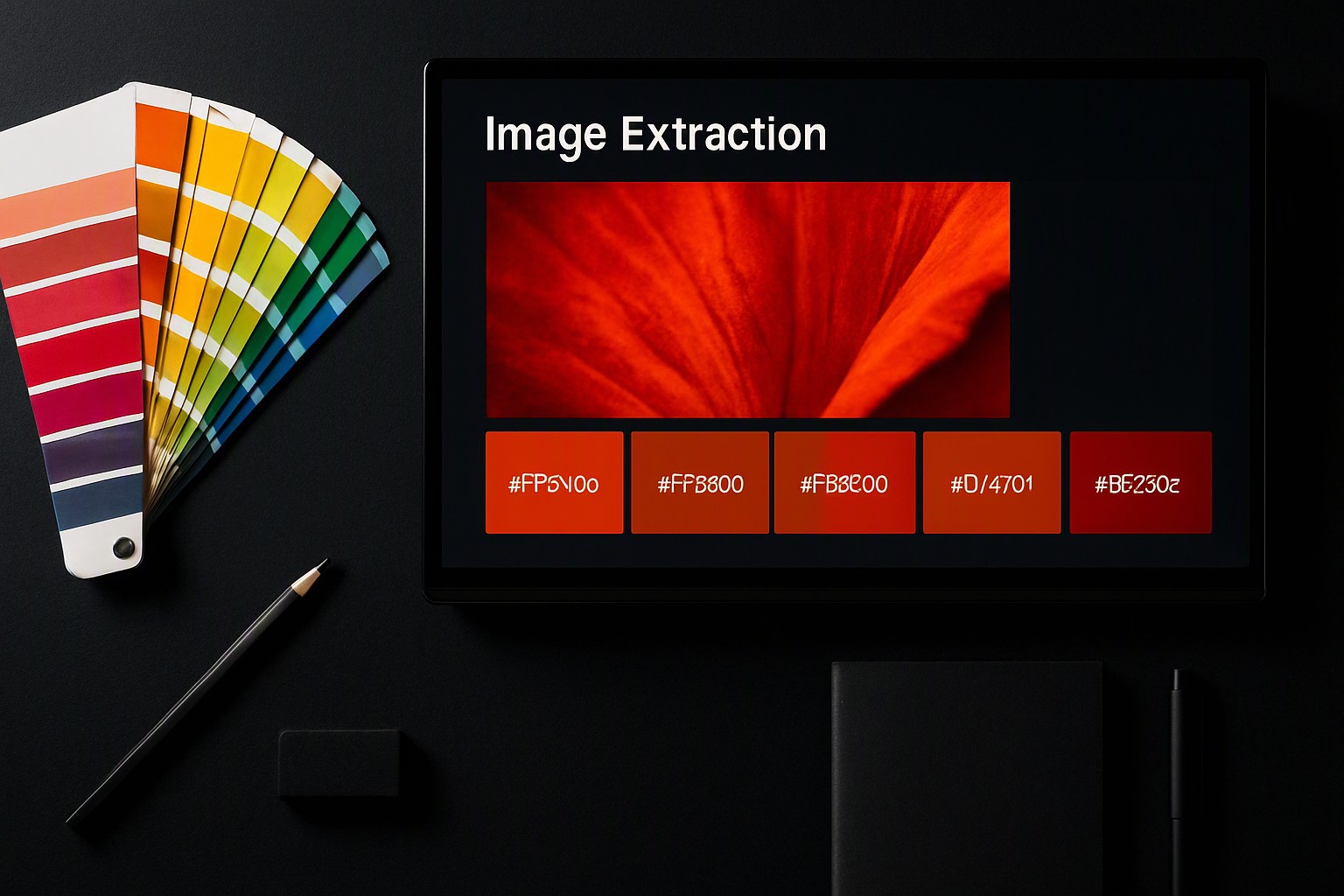
Manual eyedropper sampling gives designers precise control over exact pixel values, letting you bypass muddy shadow tones or blown-out highlights. Automated dominant color algorithms use k-means clustering to group similar pixels and return the top five or ten most statistically frequent hues. You can test manual picking techniques using a free image color picker to pull precise values from complex graphics.
| Extraction Method | Speed | Precision | Output Formats | Cost |
|---|---|---|---|---|
| Browser-Based Tools | Instant | Moderate | HEX, RGB, CSS | Free |
| Desktop Graphic Suites | Moderate | High | CMYK, LAB, HEX | Subscription |
| Code Libraries (Python/JS) | Fast (Batch) | High | RGB, HEX, HSL | Free/Open Source |
| Manual Eyedropper | Slow | Maximum | Any format | Free |
Using Adobe Color Extract for Professional Design Workflows
To start, navigate to the Adobe Color web application and select the Extract Theme tab. Upload reference imagery in JPEG, PNG, or HEIC formats up to 45 megabytes.
Once the application maps your pixels, adjust the color mood sliders located on the left-hand panel. Changing settings from Colorful to Bright, Muted, Deep, or Dark forces the algorithm to re-weight saturation and luminance values across your swatches. According to the Adobe Color documentation, these mood algorithms recalculate color relationships using standard color harmony rules like complementary and analogous positioning.
Save the resulting swatches to your Creative Cloud Libraries. This synchronizes the extracted theme instantly across desktop applications like Adobe Photoshop, Illustrator, and InDesign, removing the need to copy-paste individual hex codes manually.
Extracting Color Palettes Online Without Installing Software
Zero-install web utilities process JPEGs, PNGs, and WebP files instantly inside the browser window. For rapid hex code generation, you can upload source photos directly into the color Fiind Websie extraction tool to receive structured color tables within seconds.
red
#e5484d
green
#30a46c
blue
#0091ff
When uploading proprietary product photos or client-sensitive imagery to third-party web servers, review privacy policies carefully. Many consumer-facing web tools retain uploaded media for machine learning training unless processed via client-side JavaScript that executes entirely within your local browser memory without transmitting image binaries to external databases.
Why Automated Color Palette Extract Algorithms Fail
Automated algorithms struggle when heavy shadows, bright highlights, and photographic noise distort pixel dominance. Dark vignette effects skew k-means clustering toward muddy grays and near-blacks rather than the true subject matter. Furthermore, aggressive JPEG compression artifacts introduce unexpected pixel noise that alters exact hex values along sharp color boundaries.
When building brand identities, ensure your extracted colors satisfy readability requirements. According to the Web Content Accessibility Guidelines, normal text must maintain a contrast ratio of at least 4.5:1 against its background. Utilizing raw extracted tones without adjustment often produces illegible web interfaces, a challenge explored further in our brand color palette guide.
Frequently asked questions
Can I extract color palettes from vector graphics and logos?
Yes. Vector files like SVGs and AI files can be rasterized or opened in vector editors to sample flat color fills accurately.
What is the difference between RGB and HEX color codes when extracting palettes?
RGB codes express colors using Red, Green, and Blue light values on a 0-255 scale primarily for digital screens. HEX codes are a six-digit hexadecimal shorthand representation of those exact same RGB values used widely in web development.
How many colors should be in a standard extracted palette?
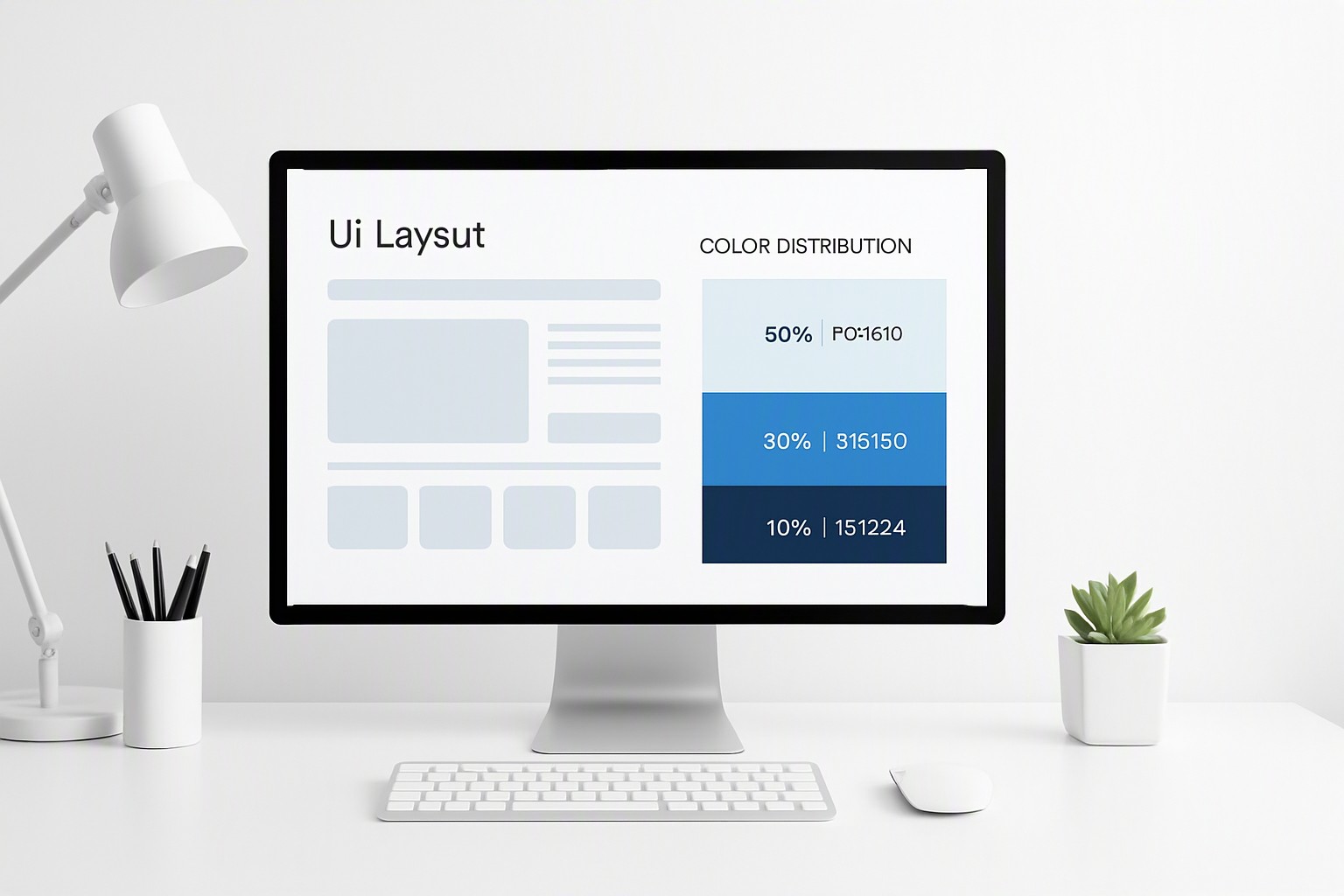
Most professional design systems rely on a primary dominant color, two secondary supporting tones, and one or two neutral shades for text and backgrounds.