 General
How to Use a Free Online Contrast Checker for Web Accessibility
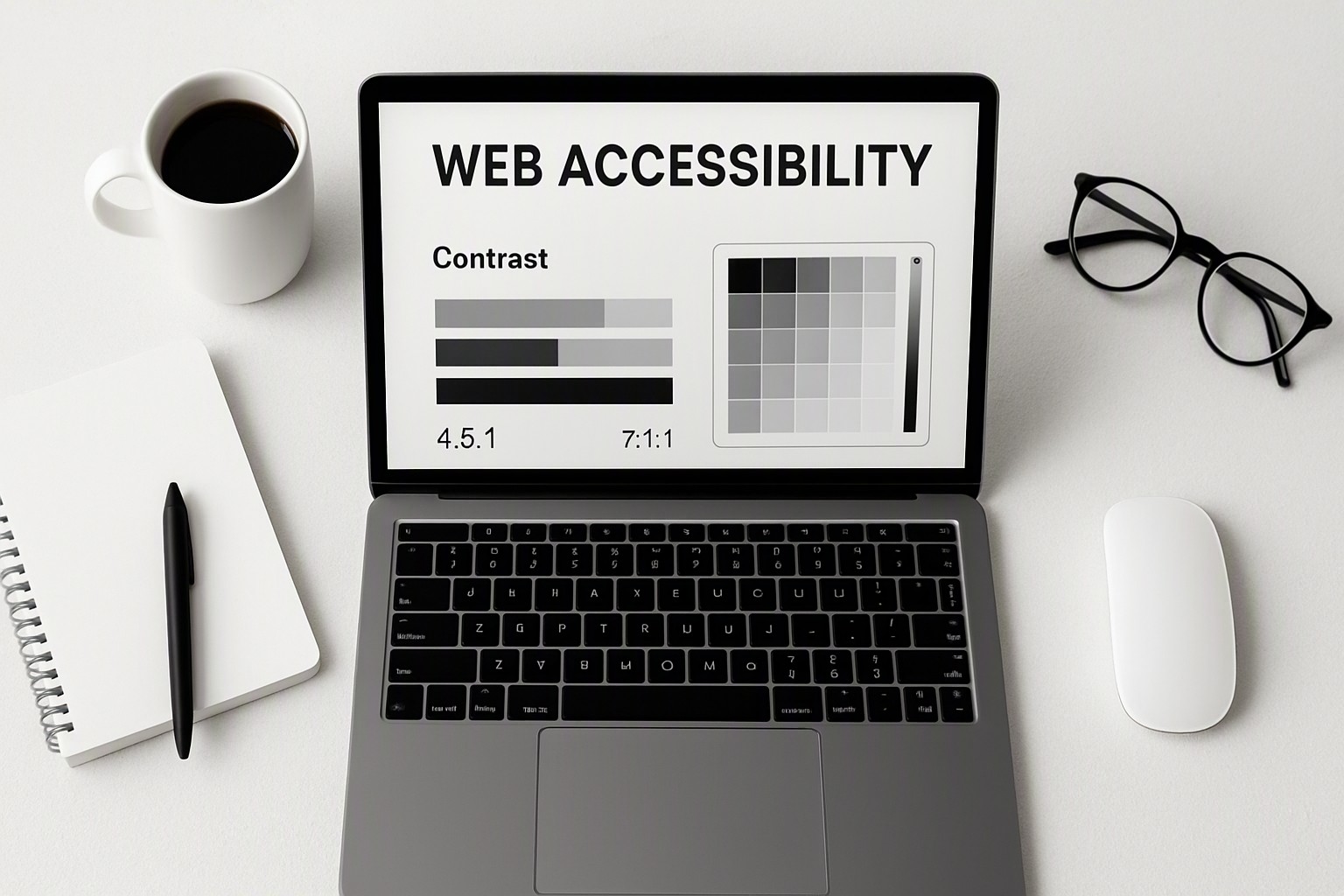
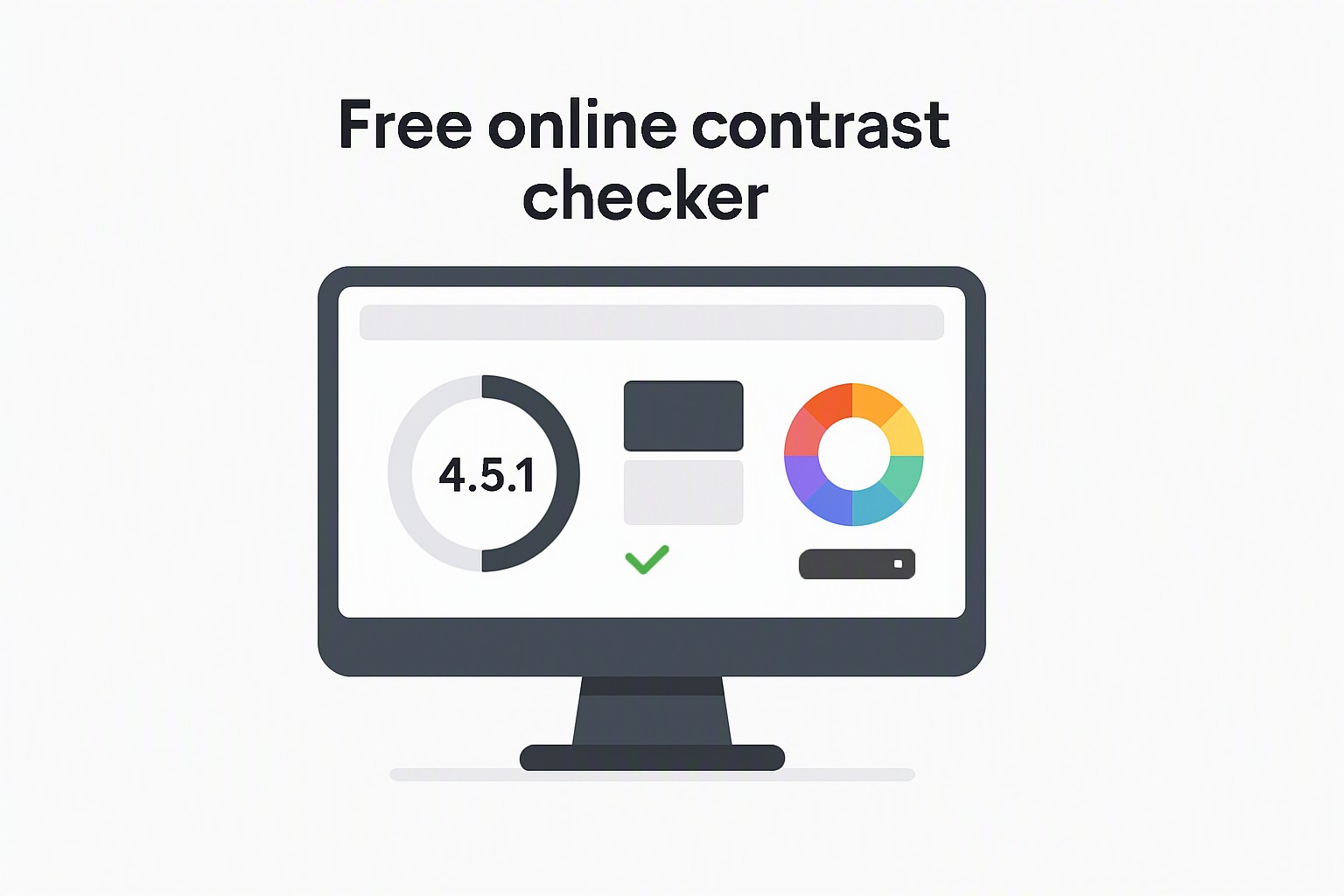
A free online contrast checker instantly evaluates the mathematical luminance ratio between your website's text and background colors to verify compliance with official web accessibility standards.
Numerical luminance values dictate legibility for users with visual impairments.
Minimum WCAG contrast ratios required for compliance
The World Wide Web Consortium establishes rules through the W3C Web Content Accessibility Guidelines specification to ensure digital content remains readable for individuals with low vision or color perception deficiencies. These standards are divided into conformance levels AA and AAA.
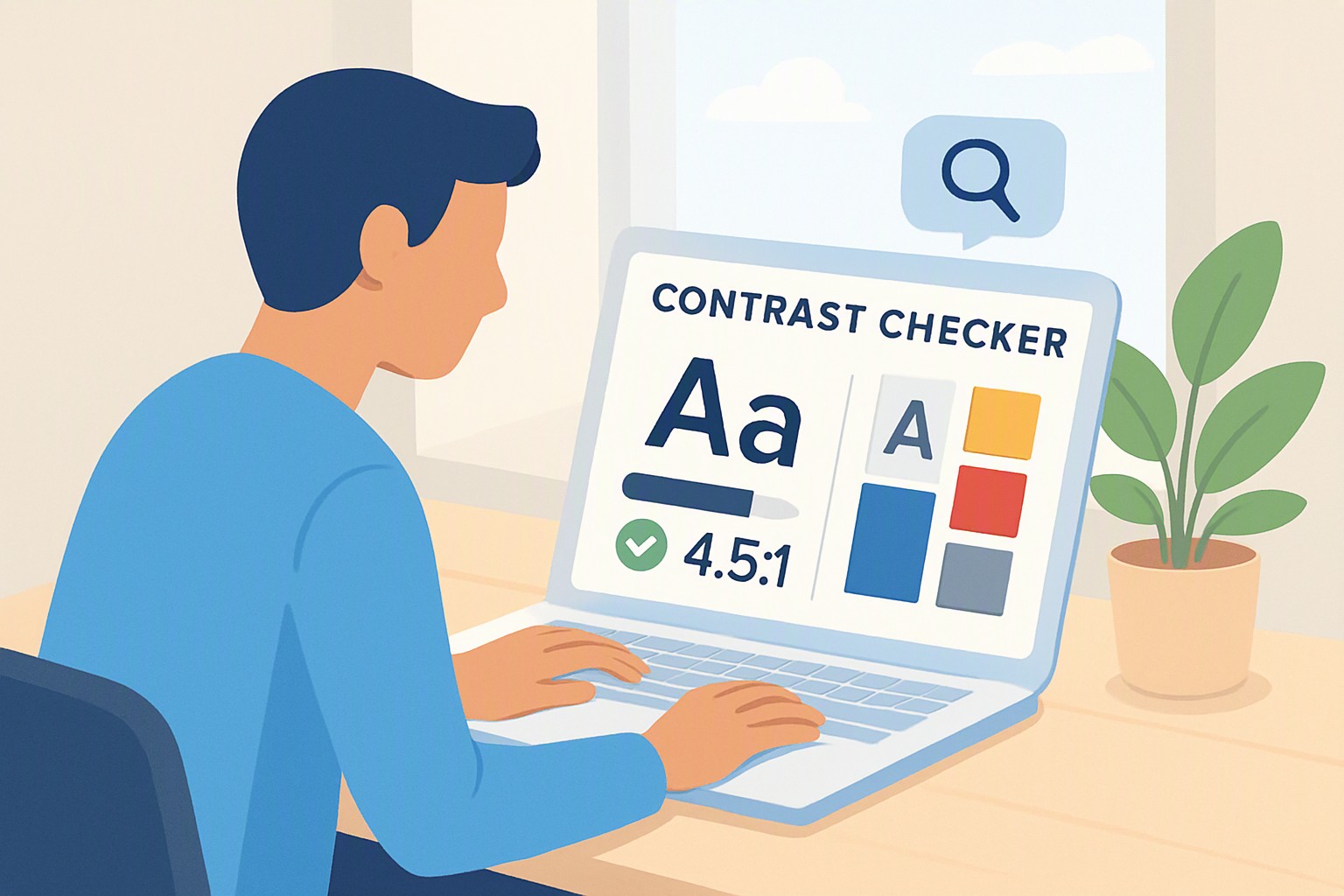
For normal text, WCAG AA requires a minimum contrast ratio of 4.5:1. The stricter AAA level demands a ratio of 7:1 for normal body text.
Exceptions exist for larger type sizes and graphical objects. Large text, defined as text measuring at least 24px or 18.5px bold, requires a lower ratio of 3:1 for Level AA and 4.5:1 for Level AAA. User interface components, such as form input borders and active button boundaries, also require a minimum 3:1 contrast ratio against adjacent colors.
Testing foreground and background colors using a free online contrast checker
Testing color pairs starts with gathering exact color values from your design files. Most utilities accept standard hexadecimal codes or RGB values.
1. Locate the foreground text color code and the background container code.
2. Input the text color into the foreground field of the testing utility.
3. Input the background color into the corresponding background field.
4. Review the calculated mathematical ratio and the pass or fail indicators for AA and AAA compliance.
If you are auditing an existing live website rather than a mockup, you can extract values prior to testing using an online color dropper tool for websites to sample pixels directly from your browser viewport. When your design software exports colors in a format your checker does not accept, run the values through an rgb to hex color converter online tool to translate the code syntax without altering the hue.
Comparison of different web contrast checking tools
| Tool Category | Best Used For | Key Advantages | Major Limitations |
|---|---|---|---|
| Browser Extensions | Live DOM inspection | Immediate feedback on live pages, checks all loaded elements | Fails on canvas elements, misses dynamic hover states |
| Single-Page Web Utilities | Quick palette checks | Fast manual hex input, lightweight, no installation required | No batch scanning, requires manual value copying |
| Full-Site Audit Tools | Comprehensive compliance reports | Scans hundreds of URLs simultaneously, CI/CD pipeline integration | Expensive enterprise licenses, complex configuration setups |
Browser extensions inspect the Document Object Model directly in your browser window. Single-page utilities function best for isolated design tokens. To explore these options further, read our guide on color contrast checker tools.
Automated scanners struggle with complex layouts. They frequently fail to account for background gradients, CSS backdrop filters, or semi-transparent opacity layers that alter final composite colors.
Fixing failing color combinations without ruining your brand palette
When a brand color pairing fails accessibility requirements, darken text colors or lighten background shades step by step until the luminance ratio crosses the 4.5:1 threshold.
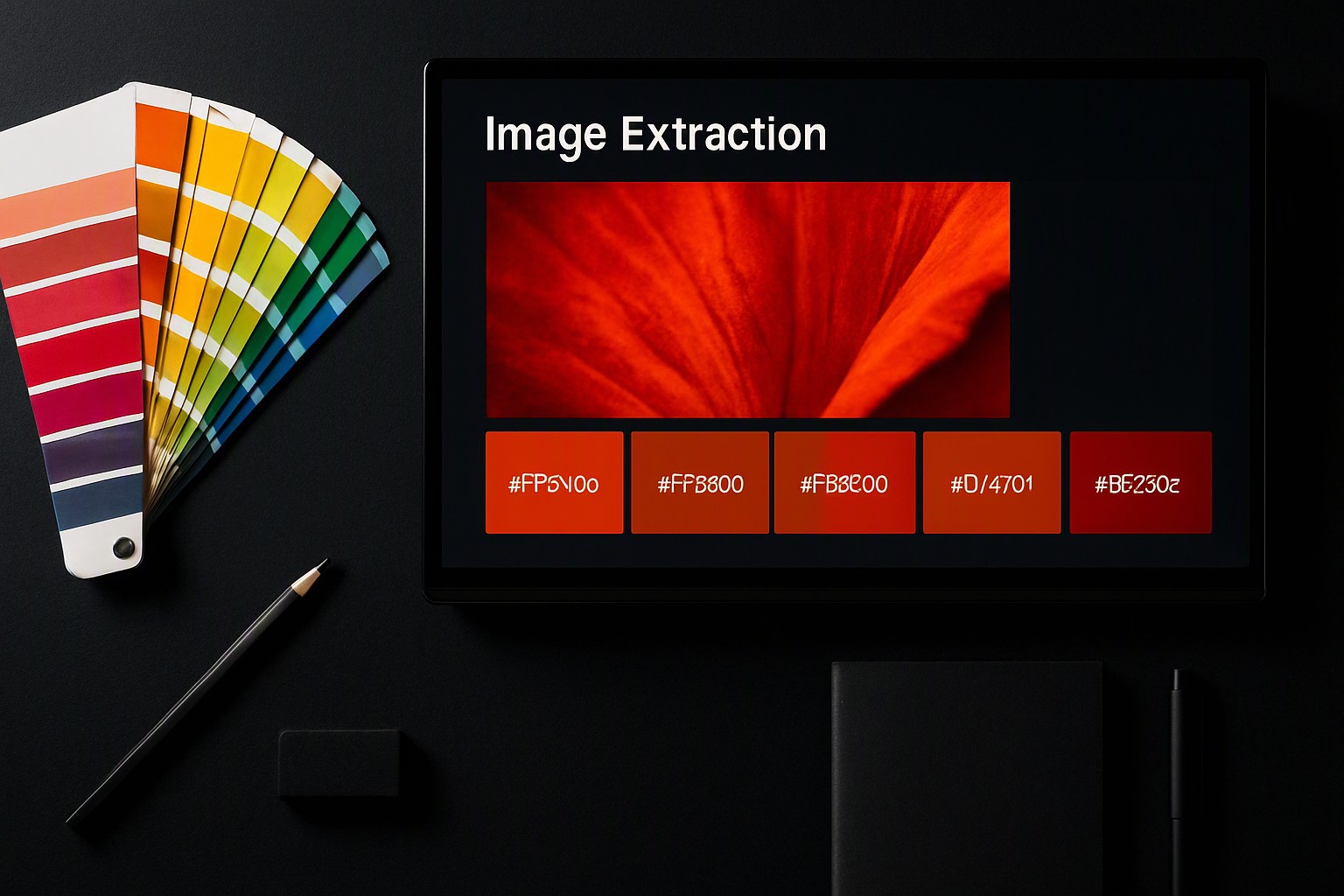
When establishing a brand identity from scratch, building an accessible color palette for web design prevents compliance bottlenecks before development begins. Designers working with photography or mood boards can deploy a free image color picker and extractor to pull compliant swatch combinations directly from reference imagery without guessing hex codes.
Hidden contrast traps that designers commonly miss
Even experienced teams overlook specific UI patterns that fail contrast audits despite passing standard text checks. Placeholder text inside form inputs often uses reduced opacity gray that falls below the 4.5:1 minimum threshold. Disabled button states are technically exempt from strict WCAG rules, but low contrast still frustrates users attempting to read interface labels.
Text overlaid on photographic banners creates variable luminance zones where shadows or gradient overlays are mandatory to maintain legibility. Font weight also determines compliance status.
A thin font at 20px may fail the 4.5:1 rule because its fine strokes reduce perceived visual weight, whereas a bold font at the same size qualifies as large text and clears the 3:1 threshold. Practical workflows like those featured on color Fiind Websie rely on straightforward verification methods to keep everyday styling projects compliant without slowing down production.
Frequently asked questions
Does color contrast testing apply to hover states and button animations?
Yes, interactive states like hover, focus, and active must maintain the same minimum 3:1 or 4.5:1 contrast ratios against their background. If a button changes color when hovered, both the resting and active states need individual verification to ensure readability.
How does semi-transparent text affect contrast ratio calculations?
Semi-transparent text or backgrounds blend with whatever color lies directly underneath them in the document object model. Because opacity values change depending on the backdrop, automated tools often miscalculate the final composite color, requiring manual hex testing against the exact blended background.
Are large headings held to the same contrast standard as body paragraphs?
No, headings that measure at least 24px (or 18.5px bold) qualify as large text under WCAG guidelines and require a lower minimum contrast ratio of 3:1 instead of the standard 4.5:1. However, aiming for higher contrast whenever possible benefits readers with low vision.
Can browser developer tools test color contrast automatically?
Modern browsers like Chrome, Firefox, and Edge include built-in accessibility inspectors that flag insufficient contrast ratios directly inside the Elements panel. While helpful for quick audits, dedicated standalone tools are still necessary for comprehensive upfront palette planning.