 General
The Psychology of Colors in Web Design: How UI Choices Affect Users

User perception of a digital interface shifts based on hue, saturation, and contrast. Interface color choices directly dictate user attention, emotional state, and task completion speed by triggering rapid neurological responses before conscious evaluation occurs.
The Role of Color and Psychology in Digital User Behavior
Understanding how visual stimuli alter digital interaction relies on baseline behavioral principles. When building digital platform aesthetics, designers manipulate visual cues to direct user journeys.
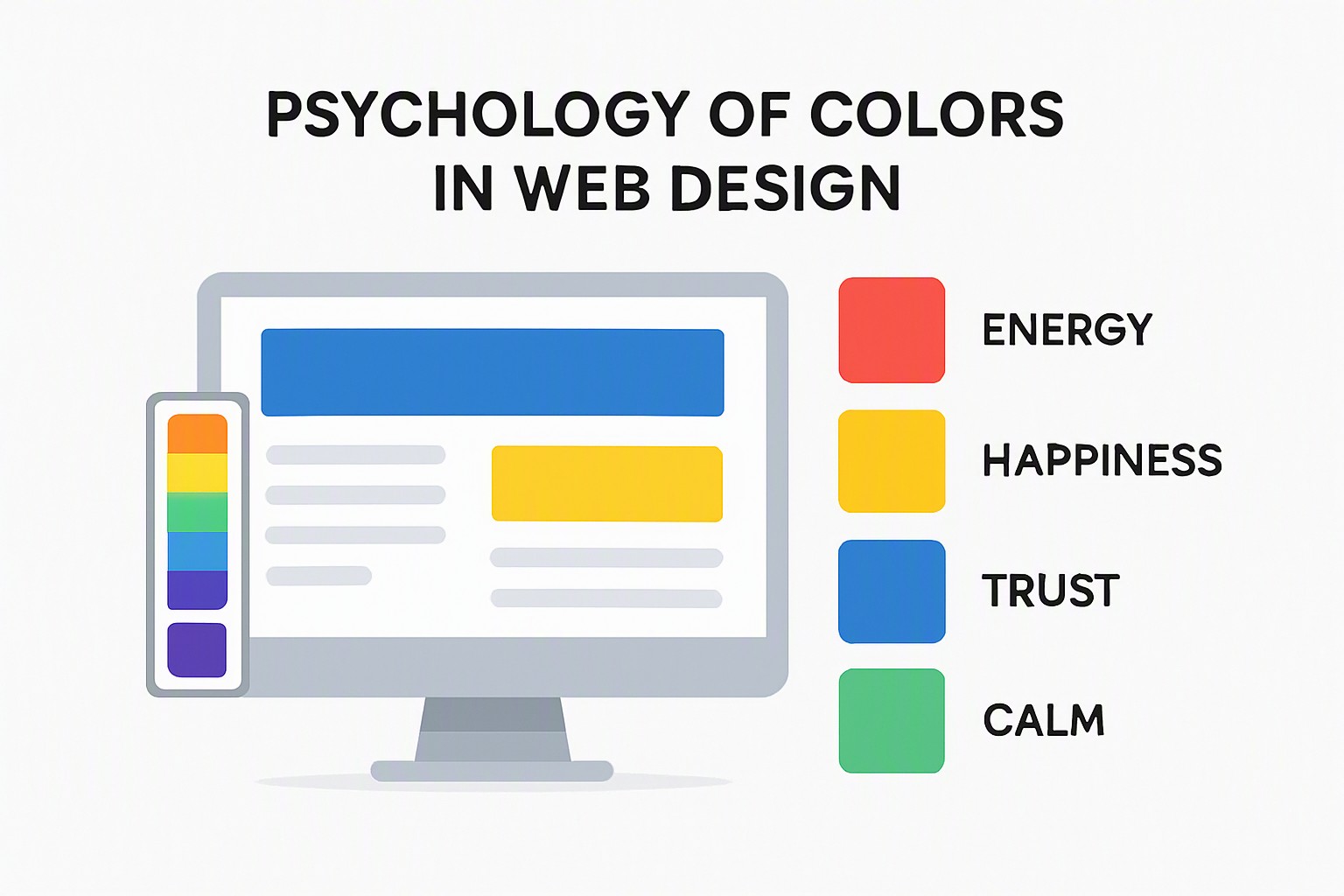
Human brains process visual information 60,000 times faster than text. Hue variations signal state changes, such as error alerts or success confirmations, instantly. Designers use these shifts to reduce cognitive friction and streamline interactions across web applications.
red
#e5484d
pale yellow
#ffd60a
green
#30a46c
blue
#0091ff
navy
#1e3a8a
black
#0a0a0a
white
#ffffff
dark gray
#8b8d98
Limitations of Standard Color Psychology Charts in Web Design
Relying on a generic color psychology chart often leads to poor UX decisions because these tools strip hue selection of its context. Universal emotional assignments ignore cultural differences and personal history entirely.
Research published in journals like frontiers in psychology highlights significant emotional response variability across different demographics and testing environments. Context dictates meaning. A red background signals a high-priority system error in enterprise software, but the same shade represents good fortune in specific e-commerce checkout flows in East Asia.
Application of Industrial Organizational Psychology to UI Design Teams
Design systems do not emerge in a vacuum. Applying industrial and organizational psychology frameworks helps engineering and design teams structure collaborative workflows, reduce workplace cognitive load, and standardize corporate color palettes efficiently.
When teams establish strict design token hierarchies, they eliminate subjective arguments over hue choices during sprints. This structured methodology aligns with broader workflow models detailed in practical UI frameworks found on the Color Fiind Bloggerr platform, ensuring visual consistency across large-scale enterprise applications.
Building Accessible Color Schemes That Respect User Contrast Needs
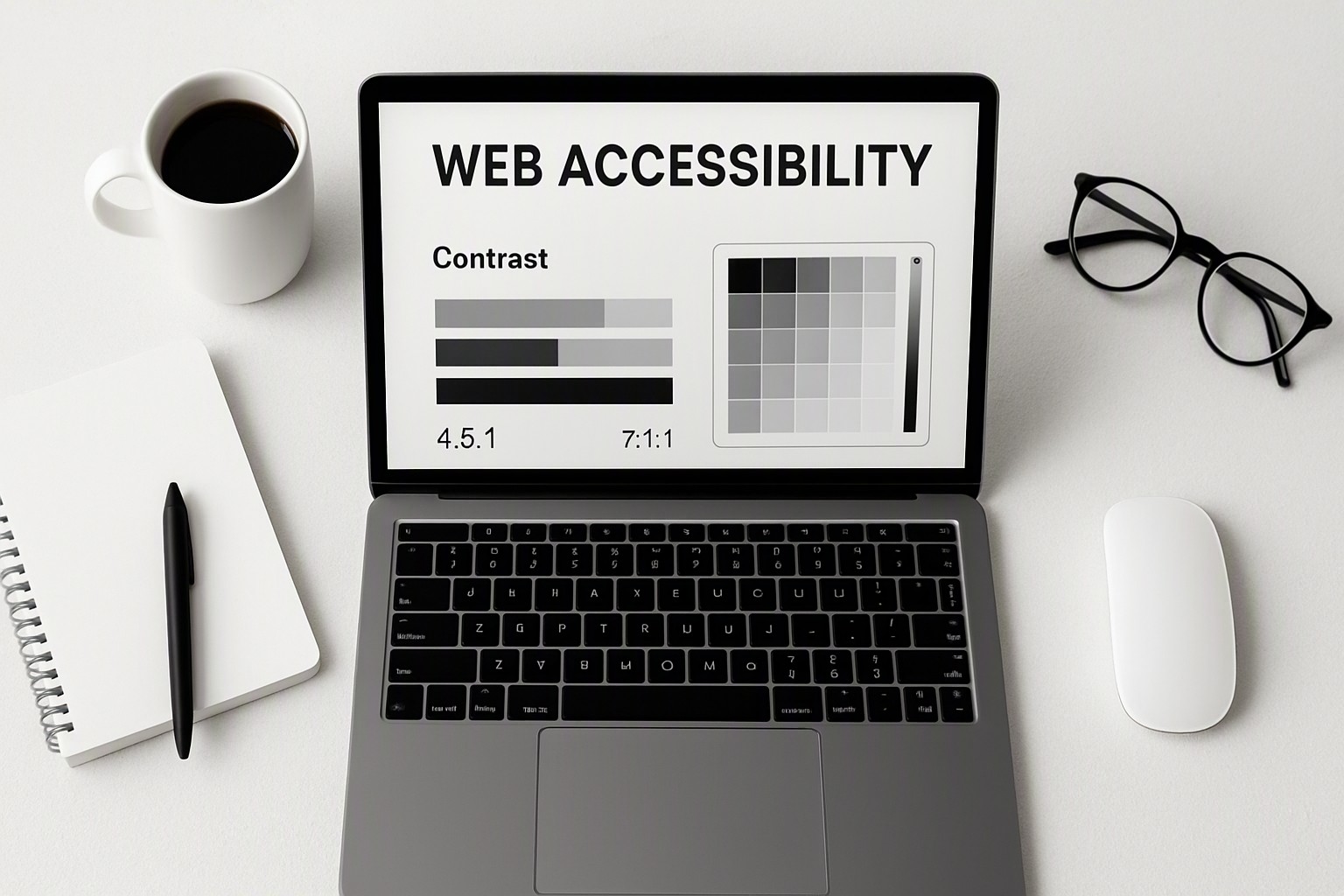
Accessible web development requires strict adherence to mathematical contrast ratios rather than aesthetic preference alone. According to the Web Content Accessibility Guidelines (WCAG), normal text requires a minimum contrast ratio of 4.5:1 against its background.
Designers must test combinations rigorously. For specific workflow implementations and palette structures, review our accessible colour palette examples to see compliant configurations in action. Developers should also utilize dedicated color contrast checker tools during the early wireframing stage to catch compliance failures before code deployment.
| Compliance Method | Contrast Ratio | WCAG 2.1 Status | Best Use Case |
|---|---|---|---|
| Pure Black on White | 21:1 | AAA Pass | Body text and primary paragraphs |
| Dark Gray on Light Gray | 3.2:1 | Fail for normal text | Large decorative headings only |
| Navy Blue on Soft Blue | 4.8:1 | AA Pass for normal text | Primary buttons and interactive links |
| Pale Yellow on White | 1.5:1 | Fail | Unusable for interface elements |
For additional pattern references and implementation details, explore our detailed breakdown of color contrast examples to prevent common readability errors.
Extracting a Functional Palette from Brand Assets Without Breaking UX
Translating static brand assets into functional digital interfaces requires precise technical steps. Designers sample dominant hex codes from vector logos, convert those values to RGB or HSL, and test them against accessibility standards.
Automated extraction tools simplify this workflow by pulling dominant color values from raster assets. For a complete walkthrough of this process, consult our guide on how to get color palette from logo.
Automated tools carry distinct technical limitations. Algorithms frequently select bright, saturated secondary tones that fail WCAG contrast thresholds when applied to light backgrounds, requiring manual adjustment by a human designer.
Frequently asked questions
Does blue universally build trust on business websites?
No. While corporate branding heavily favors blue for its association with stability, cultural background and industry context heavily alter user perception. A financial site might benefit, but an eco-conscious brand may find earthy tones perform better.
How many primary colors should an accessible website palette contain?
A robust digital product usually relies on one dominant brand color, one supporting secondary hue, and a clear neutral ramp for text and backgrounds. Keeping the core palette small prevents cognitive overload and maintains visual hierarchy.
Are bright red call-to-action buttons always effective for conversions?
Not necessarily. Red traditionally signals urgency or error states, which can cause hesitation if applied to positive action buttons like checkout completions. Context and contrast matter far more than the hue itself.
How do color deficiency settings impact UI layout decisions?
Approximately 4.5% of the global population experiences some form of color vision deficiency, primarily red-green. Relying solely on color to communicate form validation or data states will alienate these users, necessitating iconography or explicit text labels.