 General
Minimalist Website Color Schemes: Complete Guide & Ideas
Effective minimalist website color schemes rely on a strict 60-30-10 color distribution—typically featuring an off-white background, a charcoal structural neutral, and a single high-contrast accent—to maximize readability and visual breathing room. Use three to four hues maximum. This eliminates visual noise. It directs visitor focus entirely to typography and utility.
What are the core rules for building minimalist website color schemes?
Minimalism in web design fails when restraint is treated as an afterthought. The 60-30-10 rule dictates that 60 percent of the layout uses a dominant neutral, 30 percent uses a secondary structural neutral for cards or borders, and 10 percent is reserved for interactive elements. According to the Web Content Accessibility Guidelines, maintaining adequate contrast ratios is mandatory for text and UI components. Restrained palettes must pass strict luminance thresholds.
Verify these ratios by learning how to run an accessibility color audit for your website before publishing your CSS.
Limiting total palette size to three or four colors prevents muddy interfaces. Every color added to a page dilutes the cognitive hierarchy. Assign a specific role to every hex code before writing a single line of CSS.
How do you choose a dominant neutral background?
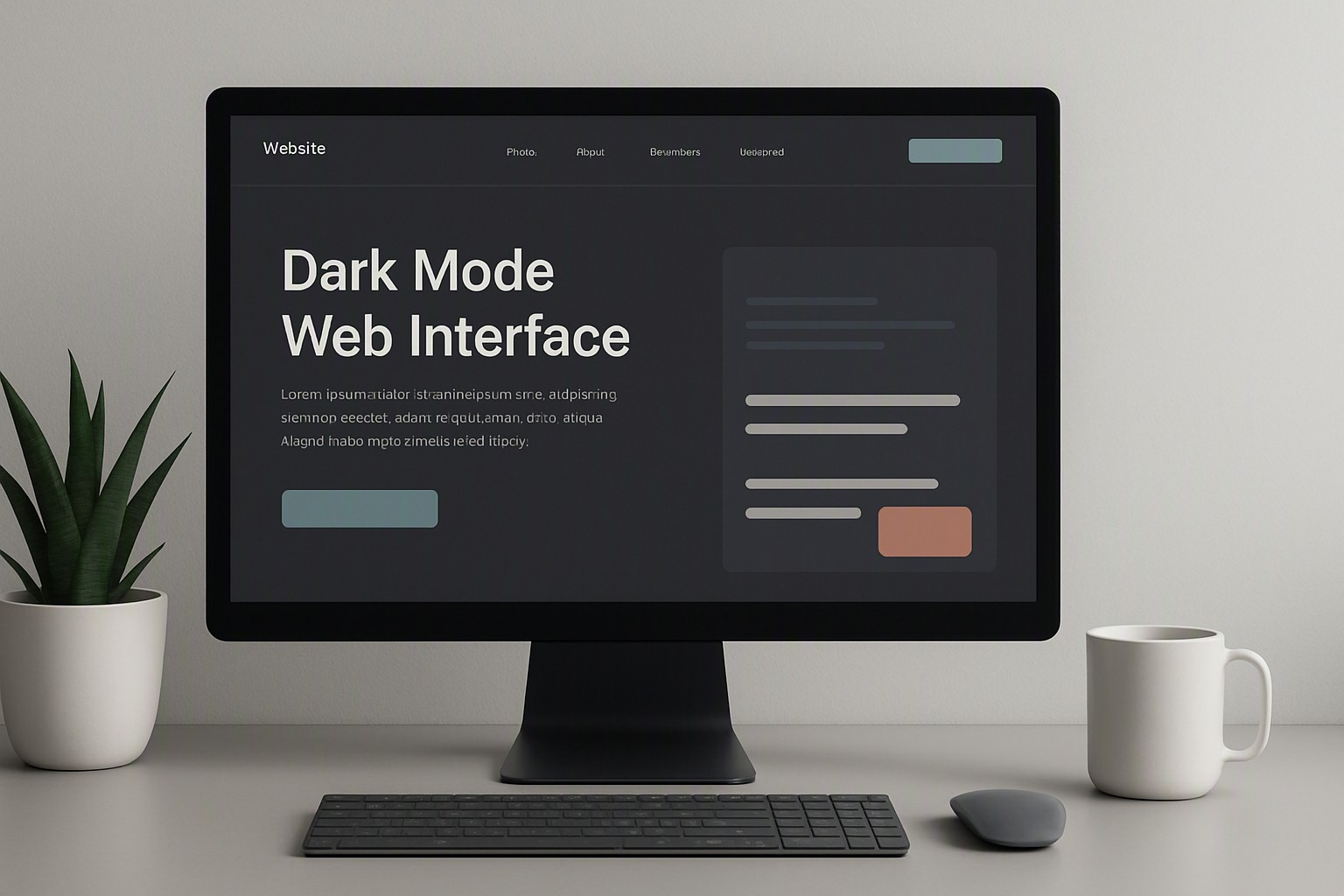
Pure white (#FFFFFF) creates maximum luminance. This often induces eye strain during extended reading sessions. Off-white shades like #F9F9F8 or warm creams absorb harsh screen glare. Deep dark-mode neutrals such as #121212 or #1A1A1A replace light backgrounds on dense dashboards or developer documentation portals to reduce optical fatigue in low-light environments.
#ffffff
#ffffff
#f9f9f8
#f9f9f8
#121212
#121212
#1a1a1a
#1a1a1a
#000000
#000000
green
#30a46c
blue
#0091ff
black
#0a0a0a
Background selection dictates typography weight and perceived spacing. A stark white background makes thin font weights (like 300-weight Inter or Roboto) appear fragile. An off-white or cream background softens the edges of dark gray text. Body copy becomes easier to scan. Test various background intensities and discover website color palettes instantly using automated extraction utilities.
Where should you deploy your single accent color?
An accent color loses its psychological impact when scattered across headers, icons, and dividers. Deploy your single high-impact accent exclusively for primary call-to-action buttons, active navigation states, and critical notification badges. Avoiding decorative or random color splashes preserves clean digital design.
Vibrant saturated accents like electric blue or neon coral draw the eye instantly. They work well for conversion-focused landing pages. Muted earthy accents like terracotta or sage green create a calmer, more editorial reading experience suited for publishing platforms and portfolios. Establish a cohesive brand tone by defining a brand color palette that balances personality with functional restraint.
How do popular minimalist website color palettes compare?
Choosing the right stylistic direction depends on your content type, target audience, and lighting context. The following breakdown evaluates four prominent minimalist approaches:
| Palette Style | Mood | Best Use Case | Contrast Performance | Common Pitfall |
|---|---|---|---|---|
| Monochromatic | Clinical, precise, modern | SaaS apps, developer tools | High when using deep charcoal text on white | Lack of visual warmth causing sterile feel |
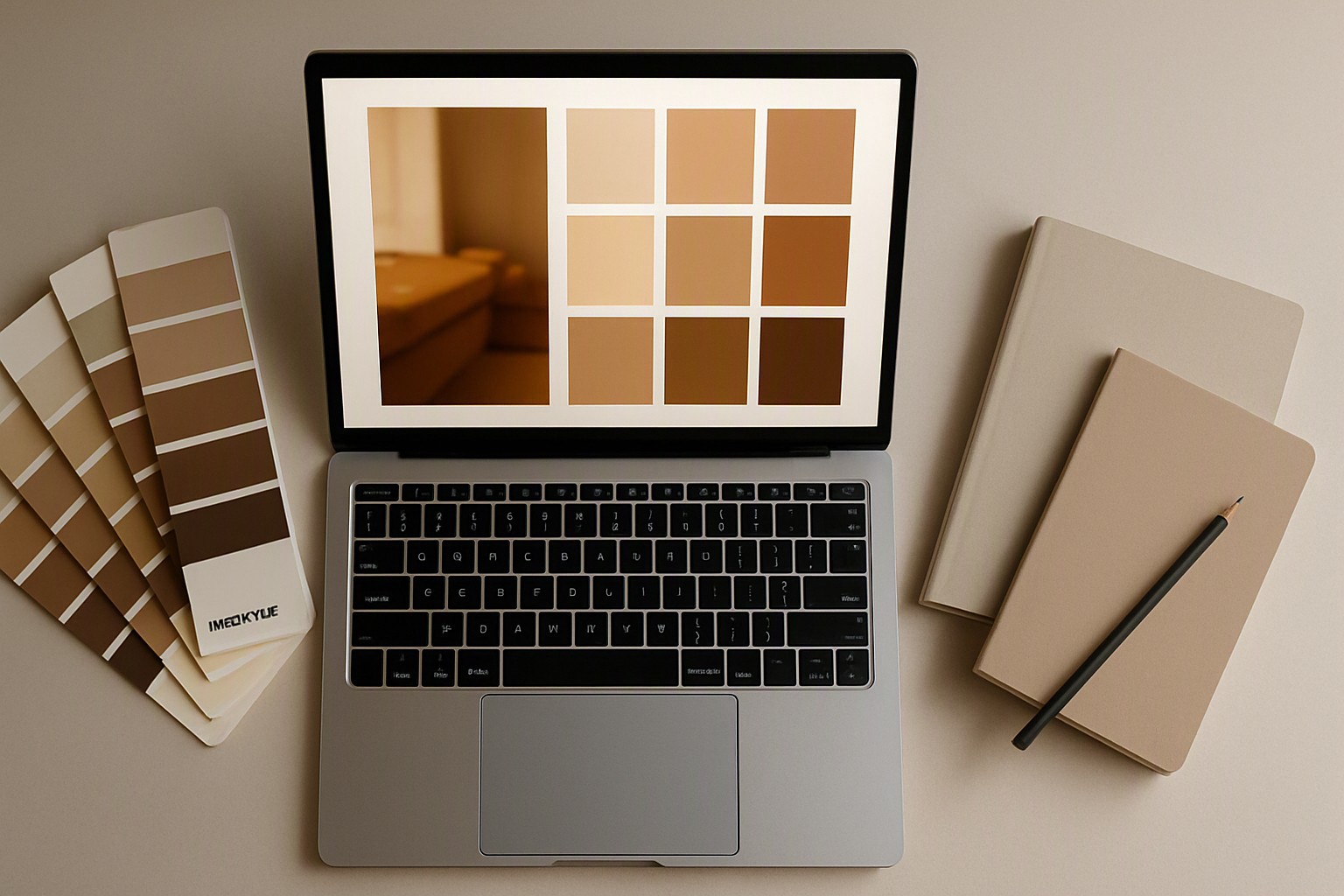
| Warm Earth | Organic, calm, grounded | Editorial blogs, wellness brands | Medium-high depending on cream shade | Low contrast if text is too light |
| Industrial Monochrome | Raw, structural, bold | Architecture studios, portfolios | Very high (black and white extremes) | Harsh eye strain on bright displays |
| Soft Pastel | Gentle, airy, approachable | Boutique e-commerce, design agencies | Low unless paired with dark text | Failing WCAG contrast requirements |
When implementing a soft pastel aesthetic, explore the curated selections in our pastel archive to find tones that meet regulatory contrast floors without sacrificing lightness.
How can you extract a minimalist palette from existing brand assets?
Translating a complex, multi-colored corporate logo into a minimalist digital ecosystem requires aggressive reduction. The extraction process involves isolating the dominant primary hue, discarding secondary gradients, and converting remaining elements into foundational neutral tones. Streamline this workflow when you get color palette from logo files automatically using digital color pickers.
Automated extraction tools often output five to eight colors. This violates strict minimalism. Design intent must guide the final selection: discard accent variations, keep only one dark structural neutral, and ensure your background color supports high legibility. Override brand guidelines if an official color fails accessibility contrast minimums.
What tools help test and refine minimalist color schemes for websites?
Validating color choices against modern web standards requires specialized testing software. Developers utilize Color Fiind Websie to explore cohesive shades, test relative luminance values, and inspect contrast ratios directly within the browser viewport. Digital simulators like the WCAG Contrast Checker highlight failing text combinations before deployment, preventing compliance penalties.
Frequently asked questions
Can a minimalist color palette include more than four colors?
Strictly speaking, adding more than four colors dilutes the core philosophy of minimalism. Rely on tints and shades of your existing neutral tones rather than introducing entirely new hues.
Is pure black a good choice for dark mode minimalism?
Pure black (#000000) creates harsh contrast and digital smearing on OLED screens. Opt for deep charcoal or dark slate grays to maintain a softer, more refined minimalist aesthetic.
How do I ensure my minimalist color scheme is accessible?
Verify that your text and background color combinations meet the WCAG 2.1 AA standard. This requires a minimum contrast ratio of 4.5:1 for normal text and 3:1 for large text.