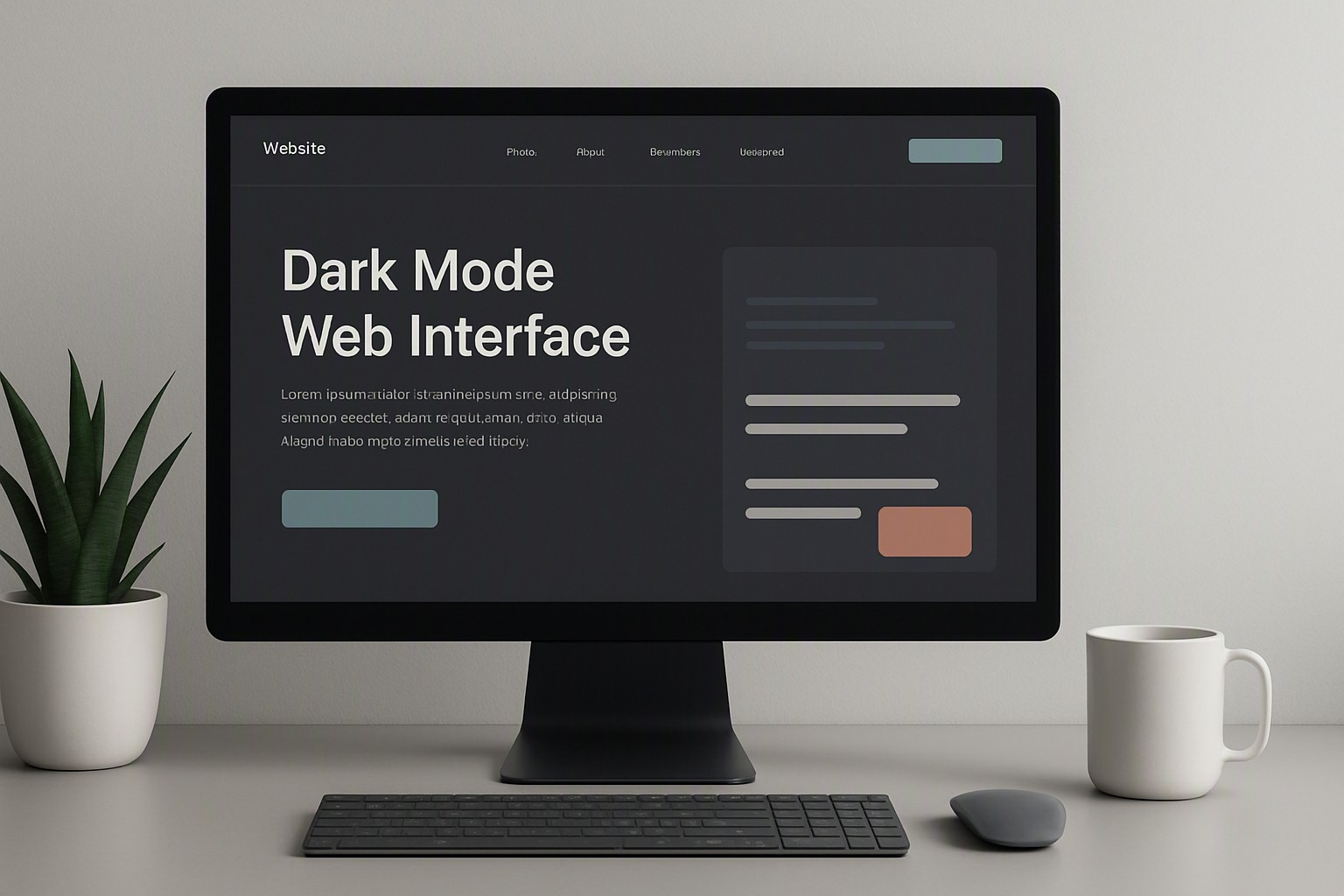
 General
What Is a Good Contrast Ratio for Text and Displays?
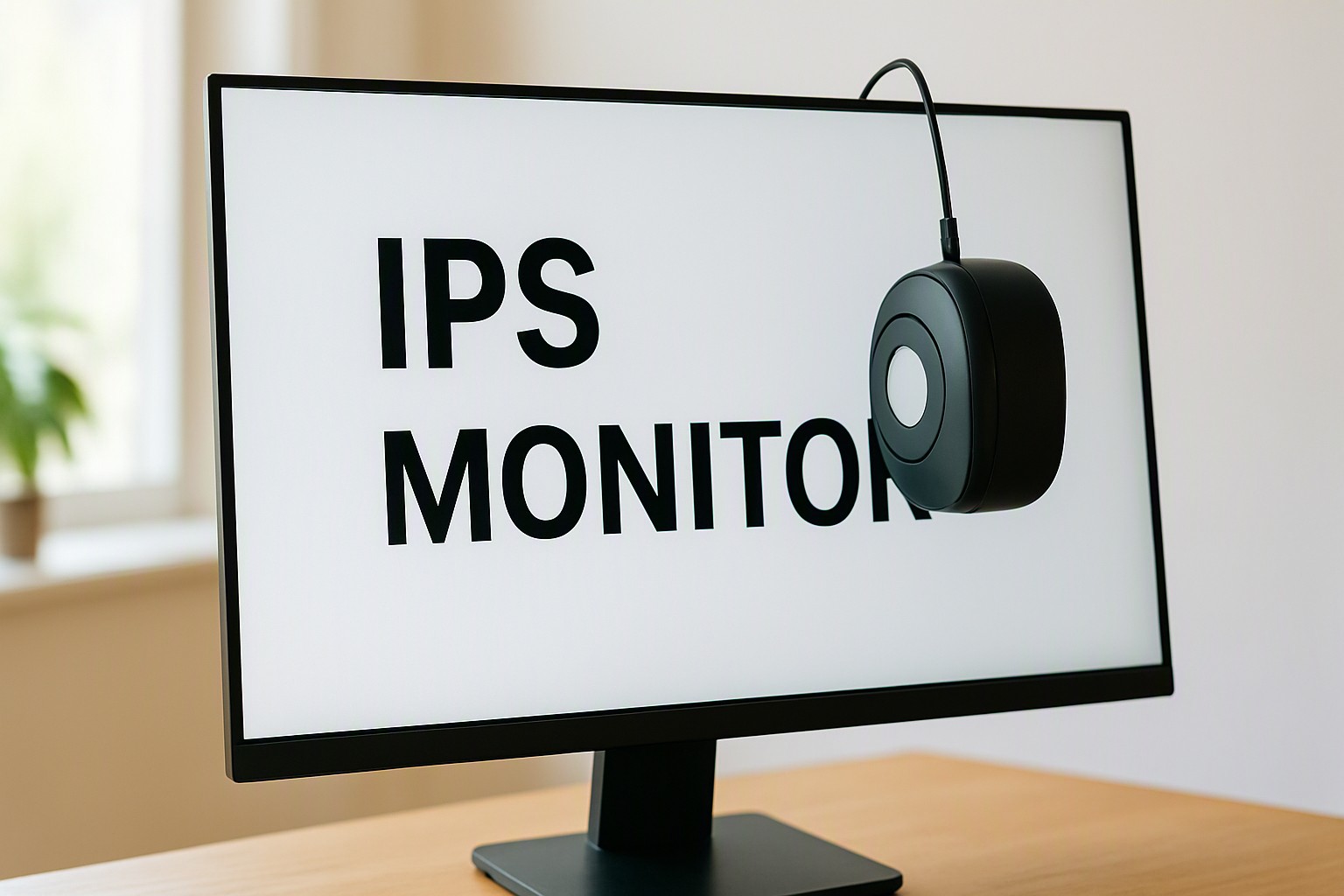
For digital text to be comfortably readable on a display, a hardware monitor contrast ratio of at least 1000:1 is recommended, paired with a software text color contrast ratio of 4.5:1 to meet baseline accessibility guidelines.
Hardware display limits and software palette choices determine text legibility. When text strains the eyes or vanishes against a bright background, the bottleneck usually traces back to insufficient luminance differences or poor pixel performance on the color Fiind Websie.
What is an ideal monitor contrast ratio for daily reading?
A computer monitor contrast ratio measures the luminance difference between the brightest white and the darkest black a screen can produce simultaneously. If a panel displays white at 300 nits and black at 0.3 nits, the resulting metric sits at 1000:1.
black
#0a0a0a
white
#ffffff
pale gray
#8b8d98
A standard 1000:1 contrast ratio is widely considered the baseline sweet spot for IPS office displays because it delivers accurate color reproduction while maintaining crisp text boundaries. Cheaper TN panels often suffer from narrow viewing angles that distort these luminance levels, while VA panels push higher ratios at the expense of pixel response times.
| Panel Type | Typical Contrast Ratio | Best Use Cases |
|---|---|---|
| IPS (In-Plane Switching) | 1000:1 to 1300:1 | General office work, color-accurate photo editing, and daily reading |
| VA (Vertical Alignment) | 2500:1 to 5000:1 | Media consumption, dark-room gaming, and cinematic viewing |
| OLED (Organic LED) | Infinite (True Blacks) | Professional grading, high-end content creation, and absolute clarity |
How does a software color contrast ratio impact text readability?
A digital color contrast ratio dictates whether text is legible against varied background hues by quantifying the mathematical difference in light intensity between two colored pixels. Hardware cannot save pale gray text on a slightly darker gray background; the software values must carry enough luminance separation.
According to the World Wide Web Consortium (W3C), digital interfaces must maintain strict mathematical separation to remain accessible. Designers use resources like Wcag color contrast requirements for websites to structure their design systems before shipping code to production.
Why does the wcag contrast ratio matter for digital accessibility?
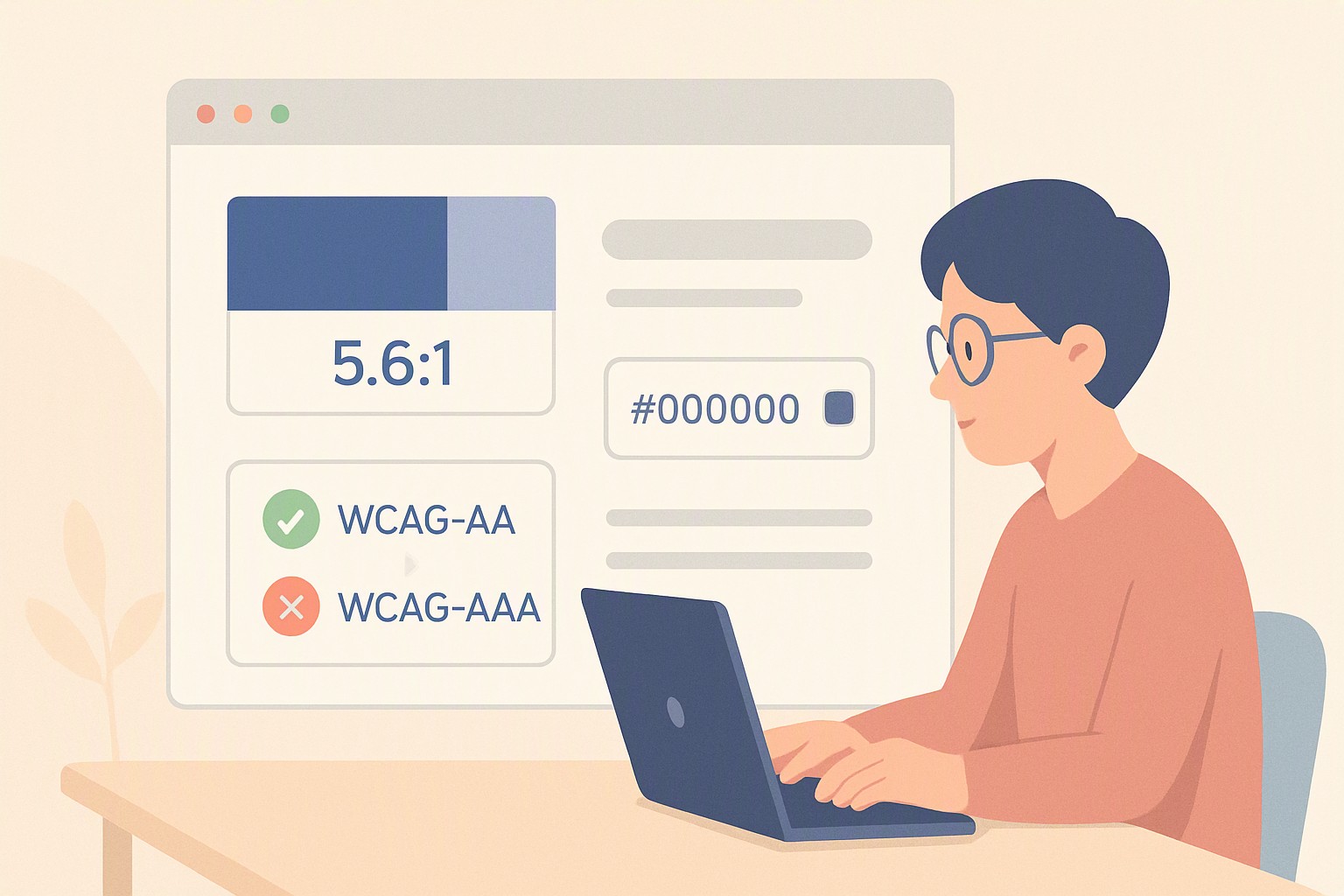
The wcag contrast ratio enforces specific numerical thresholds to ensure content remains readable for every user. Normal text requires a minimum ratio of 4.5:1, whereas large text—defined as 18pt or bold 14pt—requires a 3:1 ratio.
Poor ratios disproportionately affect users with age-related visual impairments, astigmatism, or those reading under harsh ambient office lighting where screen glare washes out subtle color differences. To verify these metrics during development, engineering teams run automated tests using Free online contrast checker for websites to catch failing elements before deployment.
- Identifies failing hex code combinations automatically.
- Generates compliant alternative shade suggestions.
- Simulates various forms of color blindness in real-time.
How can you test and adjust your display settings effectively?
Calibrating physical displays involves adjusting hardware brightness, contrast, and RGB gamma sliders using a dedicated hardware colorimeter like a Calibrite Display Plus HL.
For a deeper look into testing workflows, developers can review procedures on How to check website color contrast to maintain strict compliance across all client pages.
What are the common misconceptions about high contrast ratios?
A common myth suggests that higher numbers always equal better visual ergonomics for long-form text editing. Cranking a VA panel with a 4000:1 contrast ratio to maximum brightness in a pitch-black room causes severe eye fatigue because the extreme luminance bombards the retina.
Buyers must also distinguish between static contrast and dynamic contrast metrics. Manufacturers often advertise dynamic ratios reaching millions-to-one by automatically dimming the backlight during dark scenes, which introduces pumping artifacts that ruin steady office workflows. Practical versus theoretical limits are clearly visible when reviewing various Color contrast examples that demonstrate how raw numbers translate to actual user comfort.
Frequently asked questions
Is a higher monitor contrast ratio always better for reading text?
No. While a higher ratio like 3000:1 on a VA panel offers deeper blacks, extremely high contrast paired with maximum brightness in a dark room causes eye strain. A balanced 1000:1 ratio works best for extended reading.
What is the difference between static and dynamic contrast ratio?
Static contrast measures the brightest white and darkest black a screen can display simultaneously. Dynamic contrast adjusts the backlight automatically based on the image content, functioning primarily as a marketing metric rather than a useful indicator of text clarity.
How does ambient room lighting affect perceived contrast?
Bright ambient light reflects off the screen surface, washing out dark blacks and lowering your screen's working contrast ratio. Using matte displays or controlling room lighting helps preserve text legibility.