 General
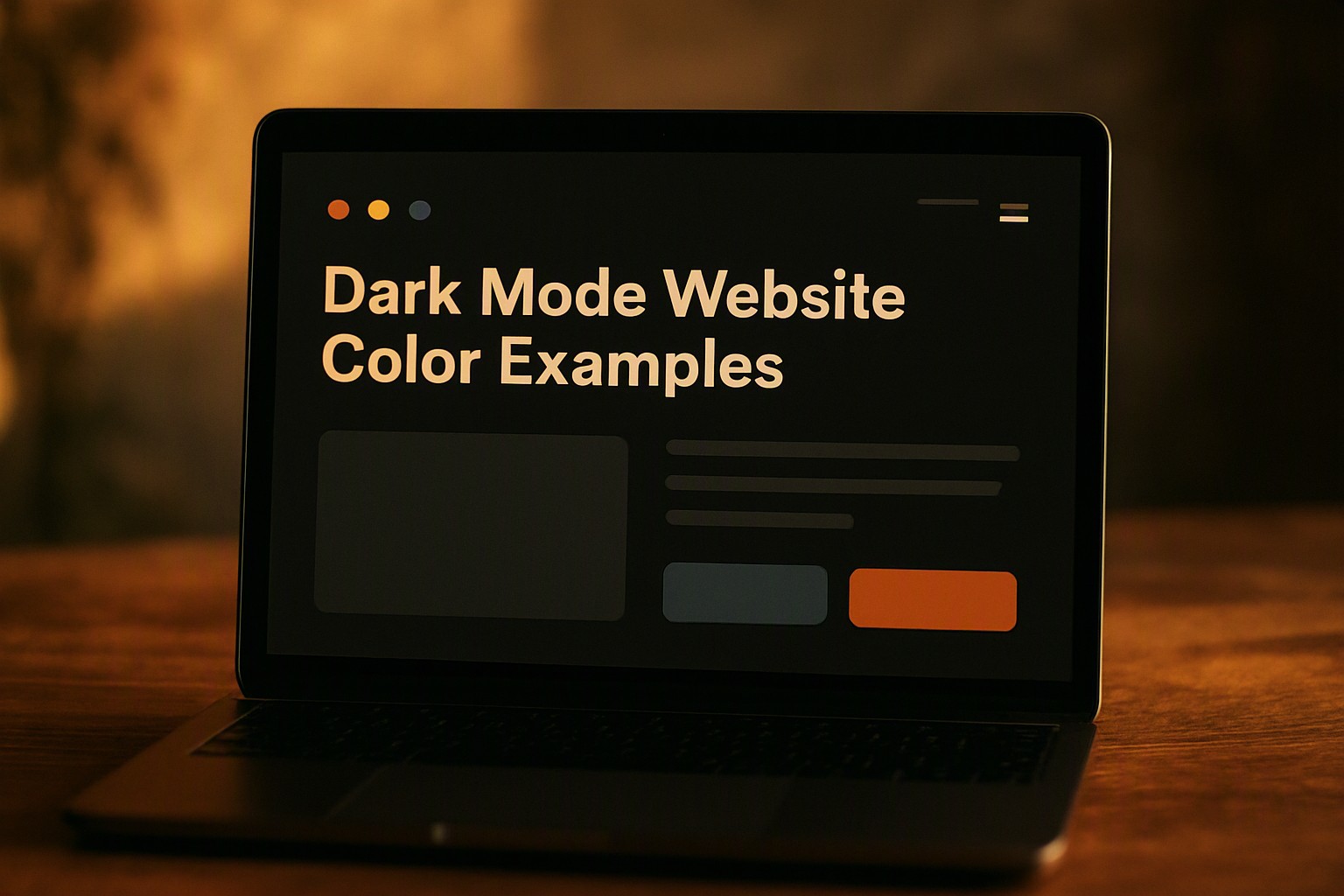
Effective Dark Mode Website Color Examples and Design Guide
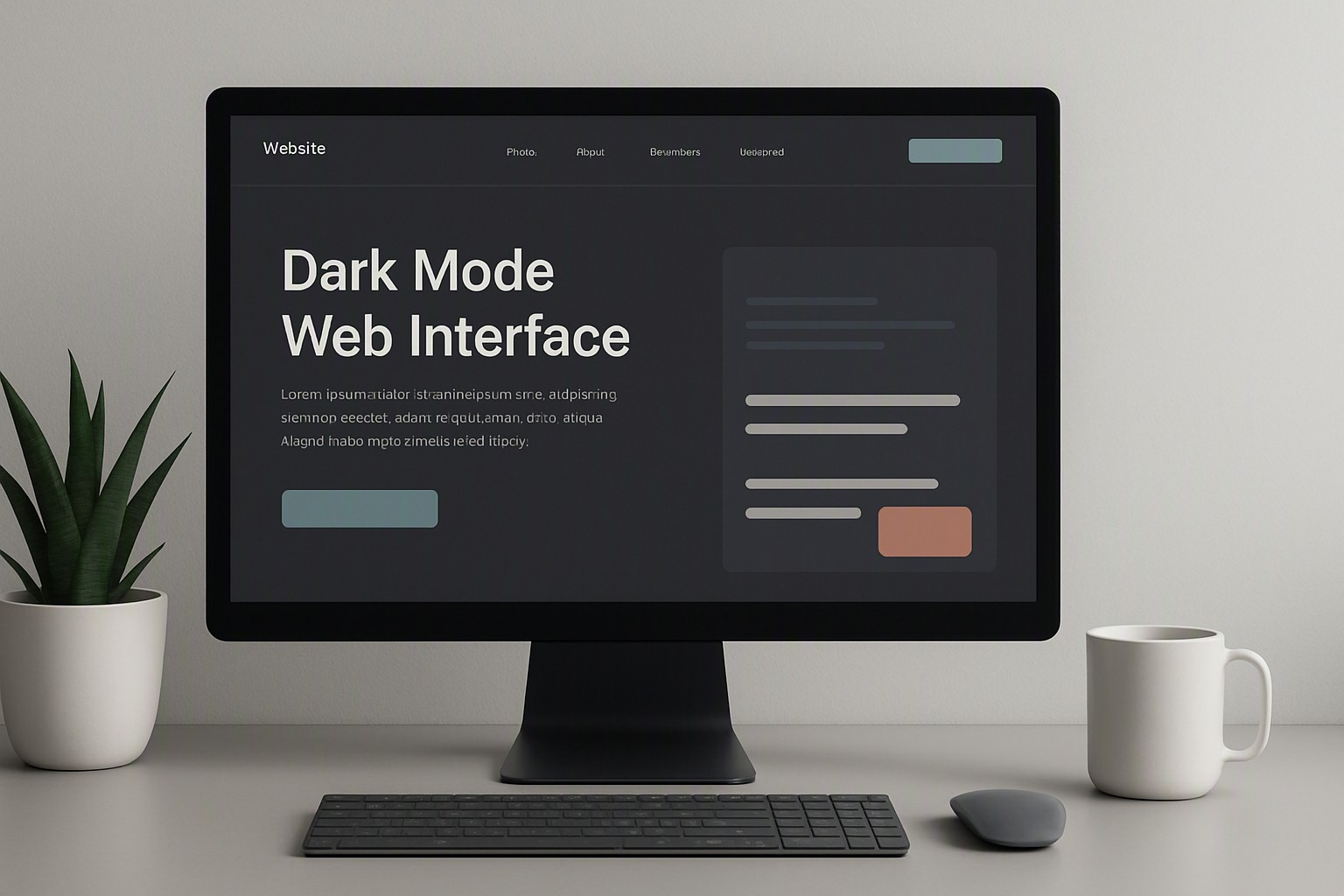
A successful dark mode website color example relies on a dark charcoal background rather than pure black, paired with desaturated accent tones and off-white text to maintain a 4.5:1 contrast ratio.
Core components of a functional dark mode website color example
Effective dark themes avoid pure black (#000000) backgrounds to reduce eye strain and motion blur on OLED screens. Pure black causes ghosting during rapid scrolling. Tools map out balanced tonal ranges without absolute black.
#000000
#000000
#121212
#121212
#e0e0e0
#e0e0e0
#ffffff
#ffffff
#f5f5f5
#f5f5f5
#1e1e1e
#1e1e1e
#111111
#111111
#cccccc
#cccccc
Material Design guidelines recommend charcoal or dark grey background values, such as #121212, which provide depth and remain comfortable for extended viewing. WCAG specifications require proper luminance separation between background and foreground elements for readability.
Selecting text and surface colors for dark mode
Primary text should use off-white or light grey (e.g., #E0E0E0) instead of stark #FFFFFF to prevent visual halation. Pure white text on a dark background creates an optical vibration that makes characters appear to bleed into the surrounding space, fatiguing the eyes.
Elevated surfaces require lighter background tints to establish visual hierarchy. As cards or navigation bars sit higher on the Z-axis, their background hex values shift upward in lightness, mirroring how physical objects catch light.
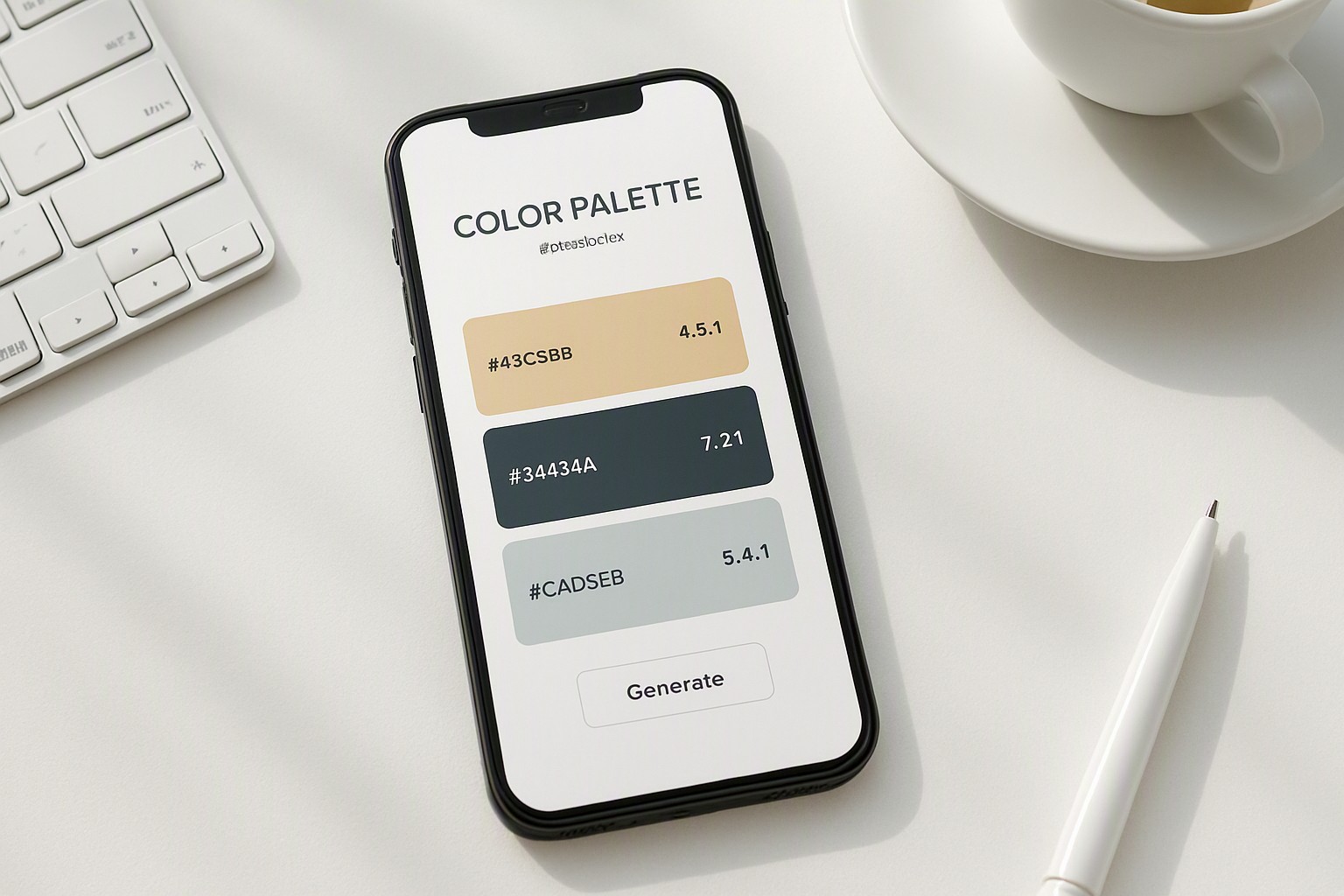
Developers use an online color dropper tool for websites to capture and verify exact hex values.
Applying accent colors without violating contrast rules
Saturated neon accents can vibrate against dark backgrounds and tire the eyes. Transferring exact light mode hex codes to a dark interface creates aggressive optical friction.
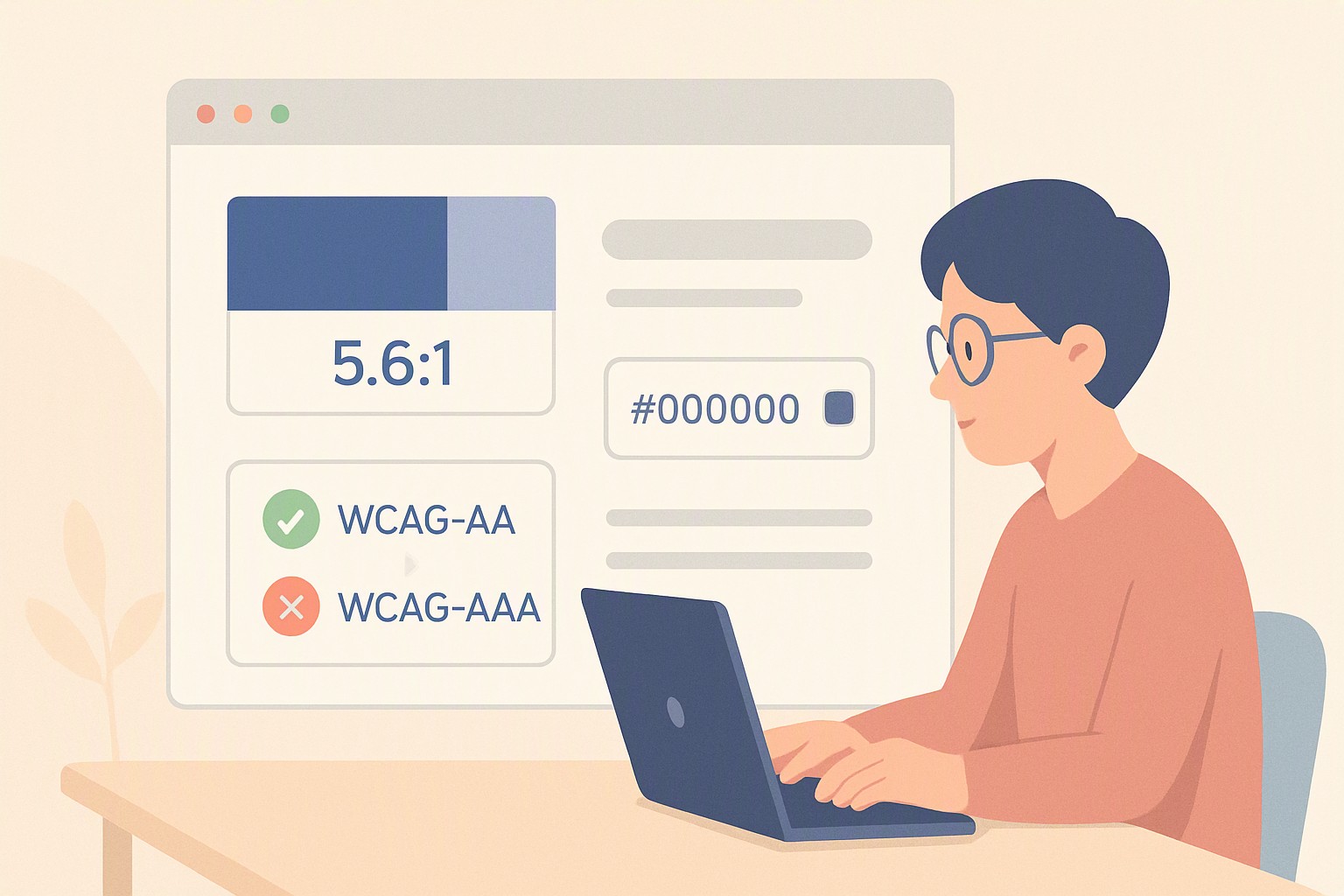
Designers must desaturate bright brand colors or lighten them by 20-30% for dark UI contexts. Color contrast examples illustrate the minimum 4.5:1 contrast requirements for normal text mandated by accessibility standards. These adjusted tones ensure interactive elements remain distinct.
Practical implementation of a complete dark mode palette
The following table contrasts standard light palette choices against optimized dark variants.
| Element Type | Light Mode Standard | Optimized Dark Mode Variant | Usage Context | Accessibility Compliance |
|---|---|---|---|---|
| Background | #FFFFFF (Pure White) | #121212 (Dark Charcoal) | Main body canvas | Prevents OLED smearing |
| Surface Card | #F5F5F5 (Light Grey) | #1E1E1E (Elevated Grey) | Cards, modals, dropdowns | Clear Z-axis separation |
| Primary Text | #111111 (Near Black) | #E0E0E0 (Off-White) | Body copy, headings | Eliminates visual halation |
| Border Line | #CCCCCC (Mid Grey) | #2D2D2D (Subtle Slate) | Dividers, input outlines | Meets 3:1 UI component ratio |
| Brand Accent | #0055FF (Vibrant Blue) | #4C8DFF (Lightened Blue) | Call-to-action buttons | Achieves 4.5:1 text contrast |
Explore color Fiind Websie for functional color combinations.
Auditing your interface for compliance and readability
Running a color audit on a dark theme requires checking text and background combinations against standardized luminance thresholds. First, export design tokens or inspect the live DOM to extract active hex codes. Next, test each pair using an automated checker.
A frequent pitfall involves using semi-transparent black overlays for shadows or modal backdrops. These overlays adapt poorly over varied background images, breaking minimum contrast requirements. Thorough testing methods are outlined in our guide covering an accessibility color audit.
Frequently asked questions
Should I use pure black (#000000) for my dark mode background?
No. Pure black causes smearing and harsh visual contrast on OLED screens. Use dark greys or near-black shades like #121212 instead.
What is the minimum contrast ratio required for text in dark mode?
WCAG guidelines require a minimum contrast ratio of 4.5:1 for normal body text and 3:1 for large text or UI components against their immediate background.
How do I make my brand colors work in a dark theme?
Desaturate and lighten your primary brand hues. Highly saturated colors vibrate against dark backgrounds and become difficult to read.
Why does text look blurry on some dark mode websites?
Text appears blurry when stark white (#FFFFFF) text is placed on a pitch-black background. Using an off-white text color resolves this issue.