 General
How to Use a Uiux Color Palette Generator for Mobile Apps
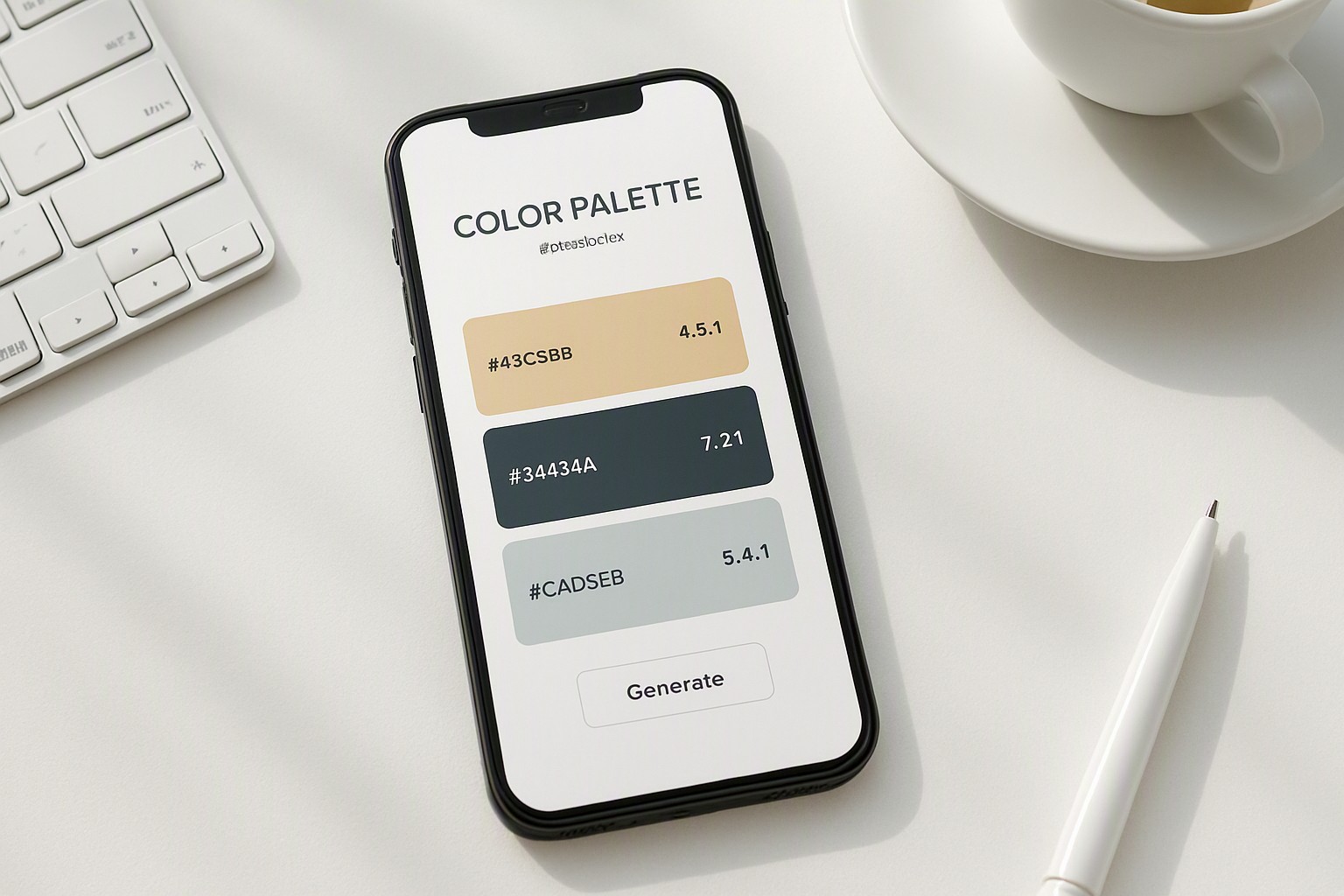
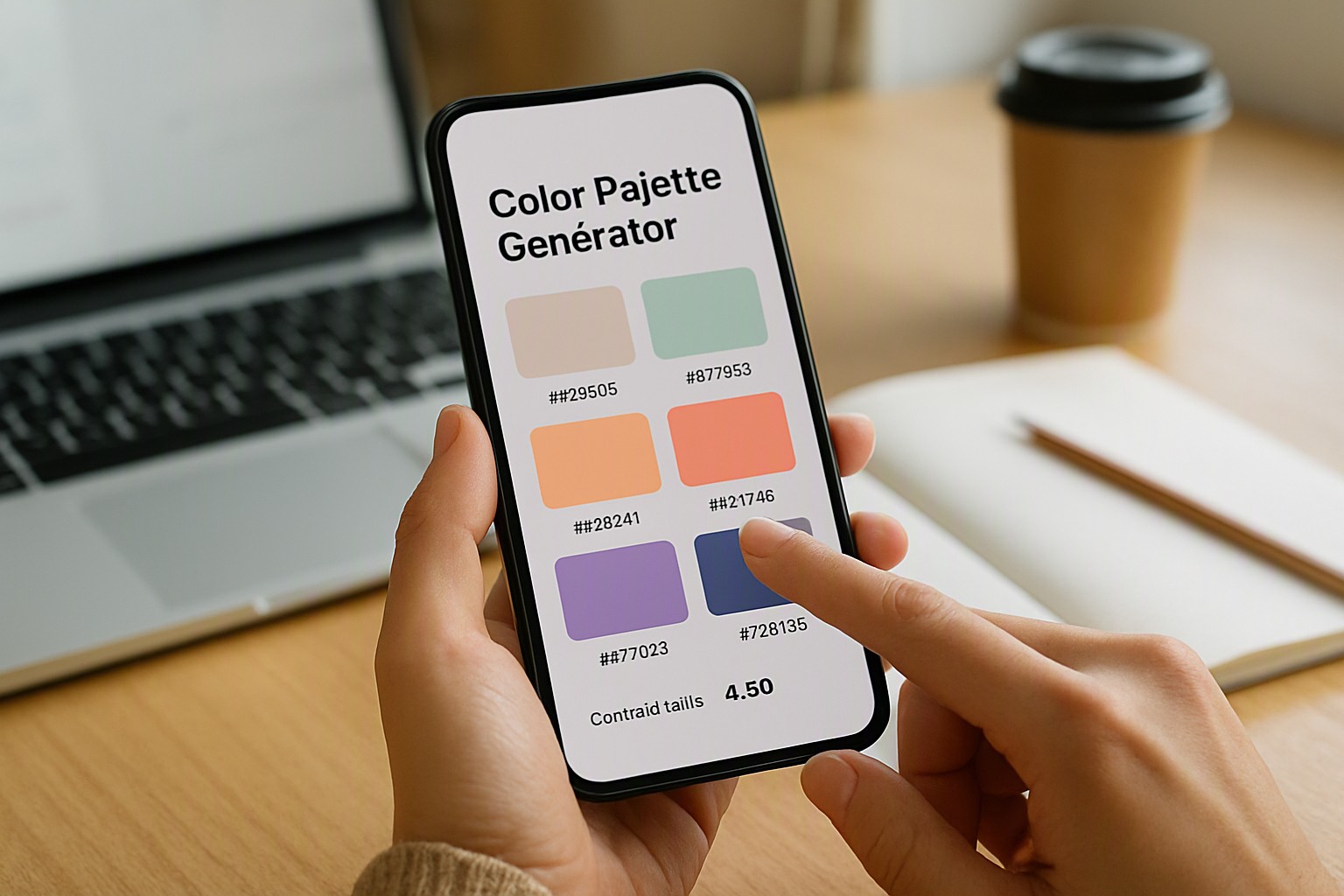
A ui ux color palette generator is a programmatic utility that calculates chromatic relationships using mathematical color models like HSL, OKLCH, and RGB. These generators evaluate color harmonies while calculating luminance thresholds in real-time. Designers rely on these tools when starting new projects, often exploring resources like our color palette generator tools for initial color selection.
Unlike general web color pickers that output random hex codes for desktop displays, specialized mobile app tools focus on restricted viewport constraints and device-specific rendering engines. They map color tokens directly into design systems. These tokens allow developers to export variables straight into iOS Xcode asset catalogs or Android XML resource files without manual conversion errors.
Understanding UI UX Color Palette Generators and Their Mechanics
A ui ux color palette generator is a specialized tool that algorithmically creates harmonious, accessible color systems tailored specifically for digital interface design, ensuring consistent contrast and brand alignment across mobile screens.
Choosing Base Colors for Mobile Readability
Mobile interfaces live in radically different environments than desktop monitors, ranging from direct sunlight outdoors to pitch-black rooms at night. Varying screen brightness alters perceived contrast, while OLED displays render pure blacks by turning off individual pixels entirely. To manage this complexity, interface designers apply the 60-30-10 rule, allocating 60 percent of the screen to dominant background neutrals, 30 percent to structural containers or cards, and 10 percent to high-priority interactive accents.
#121212
#121212
black
#0a0a0a
deep charcoal
#36454f
| Color Allocation | Percentage Target | Primary Function in Mobile Apps | Common UI Elements |
|---|---|---|---|
| Dominant | 60% | Sets the overarching mood and base canvas | Backgrounds, canvas areas, large cards |
| Secondary | 30% | Structures content hierarchy and containers | Navigation bars, cards, modal sheets |
| Accent | 10% | Draws immediate user attention to actions | Primary buttons, active states, key badges |
Structuring these allocations prevents visual fatigue. For deeper insights into balancing these visual weights across different form factors, consult our guide to color palette accessibility.
Meeting WCAG Contrast Standards in Mobile Applications
Interactive elements on mobile devices demand rigorous legibility to accommodate users with visual impairments. According to the Web Content Accessibility Guidelines (WCAG) standard maintained by the World Wide Web Consortium, normal text requires a minimum contrast ratio of 4.5:1 against its background, while large text and active touch targets require at least 3:1. Automated evaluation features inside modern color Fiind Websie utilities flag non-compliant color pairings instantly, preventing inaccessible designs from ever reaching code repositories.
Automated linters scan every hex code combination across pressed, disabled, and hovered UI states before development begins.
Extracting App Color Themes from Brand Imagery
Translating physical brand identities into digital mobile experiences starts by uploading vector logos, brand guidelines, or mood boards into a specialized extraction engine. Much like the workflows detailed in our guide on how to extract color palette from image, the software samples dominant pixel clusters to generate a foundational hue.
Extraction often introduces muddy midtones or low-contrast pairings that fail digital interface requirements. Designers must manually refine these raw hex codes.
Workflows for Testing Palettes Across iOS and Android
Implementing dark mode requires reversing standard luminance structures. iOS uses semantic color tokens like `systemBackground` and `secondarySystemBackground` that automatically adapt to system settings, whereas Android relies on Material Design dynamic color surfaces. Exporting tokens into Figma libraries or Tailwind configuration files keeps engineering teams aligned.
When color rendering appears inconsistent across budget Android panels and premium OLED iPhones, developers inspect their sRGB color profiles. For alternative methodologies on managing cross-platform assets, review our color swatch generator blog or examine best color palette alternatives for modern design projects to compare token structuring approaches.
Frequently asked questions
How many colors should be in a mobile app color palette?
A standard mobile app palette consists of 5 to 7 core colors. This includes one dominant background color, one or two structural neutrals, a primary brand color, a secondary accent, and dedicated functional colors for success, warning, and error states.
How do I handle dark mode when generating an app color palette?
Dark mode requires inverting your luminance hierarchy while maintaining brand identity. Instead of pure black backgrounds, use deep charcoal tones like #121212 and desaturate your primary accent colors so they do not vibrate against dark surfaces.
Can I use web color generators for mobile app design?
While general web generators can inspire color harmony, they often lack mobile-specific checks such as touch-target contrast evaluation and native platform token exports. Dedicated app generators ensure your hues comply with iOS Human Interface Guidelines and Android Material Design standards.