 General
How to Check Website Color Contrast for Accessibility Compliance
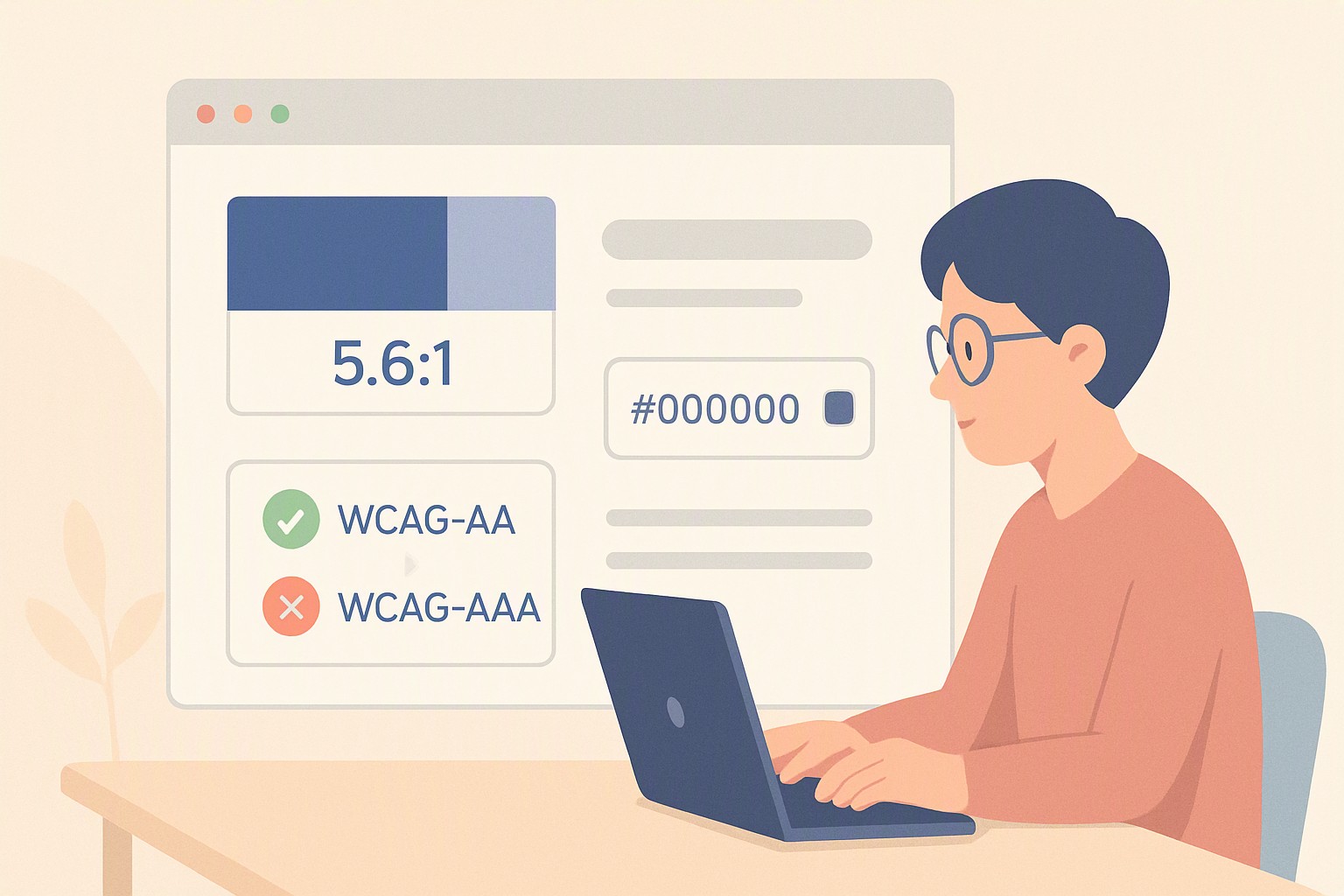
To check website color contrast, enter your foreground text color and background color hex codes into an accessibility evaluation tool to verify that the luminance ratio meets or exceeds the WCAG minimum standard of 4.5:1 for standard body text. Stop failing audits. Here is how to test any color pairing, read compliance ratios, and fix broken elements.
What are the current WCAG color contrast requirements?
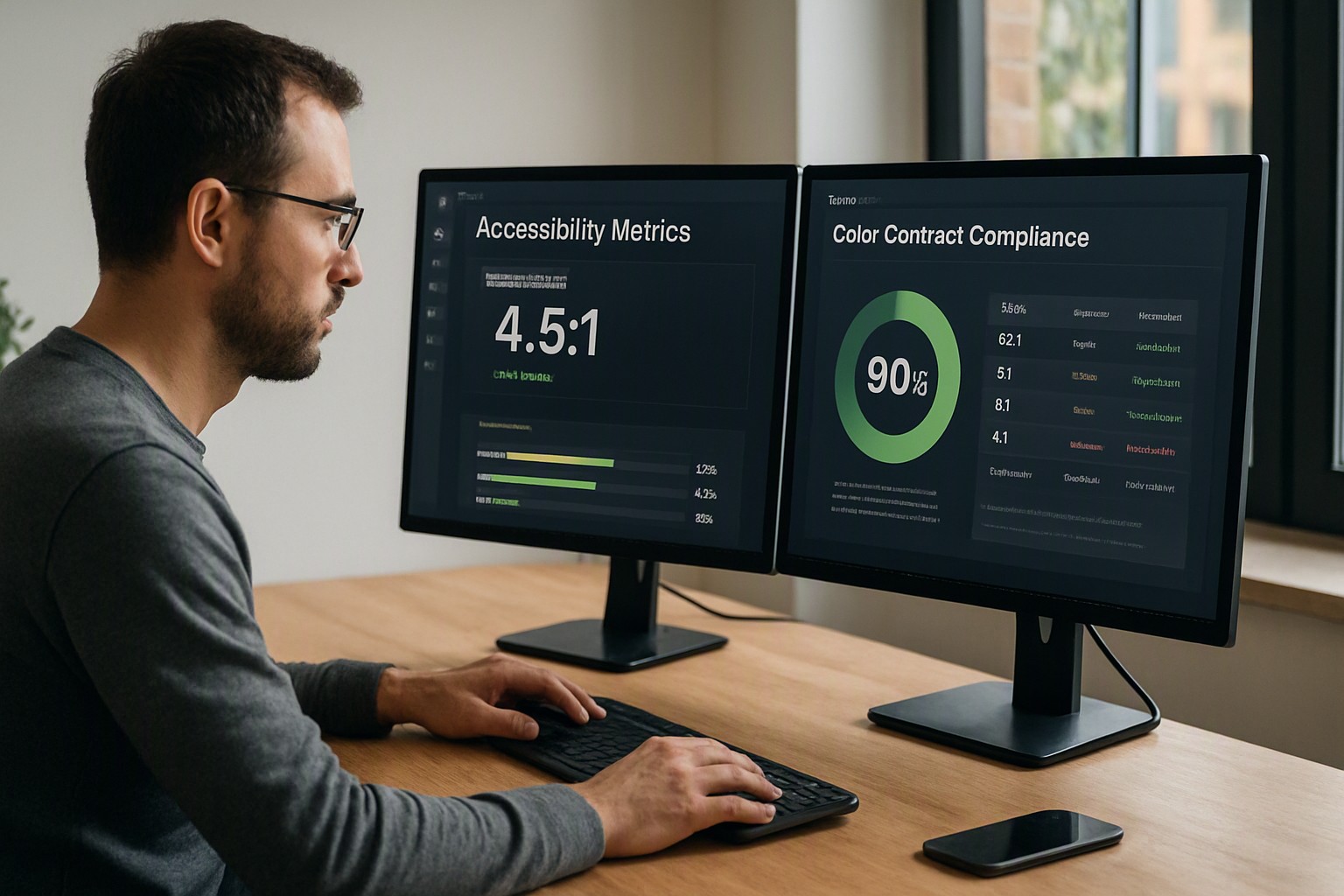
Web accessibility standards set numerical thresholds so text remains legible for users with low vision or color vision deficiencies. The Web Content Accessibility Guidelines (WCAG) measure luminance contrast on a scale from 1:1 to 21:1. Black text on a white background gives the maximum ratio.
Under WCAG 2.1 AA standards, normal text requires a minimum contrast ratio of 4.5:1 against its background. Large text—defined as 18pt regular or 14pt bold and above—requires a 3:1 ratio because larger letterforms are easier to read at a distance. These figures form the baseline for commercial websites, public sector portals, and educational platforms. When designing enterprise layouts, account for these rules across all wcag color contrast requirements for websites.
AAA requirements demand a 7:1 ratio for normal text and 4.5:1 for large text. While AAA compliance provides exceptional readability, it limits brand palette choices and makes pastel or muted corporate color schemes difficult to implement. Most digital teams target AA as a practical compromise.
Beyond typography, non-text elements also demand strict adherence. UI components and graphical objects require at least a 3:1 contrast ratio. This includes interactive form borders, toggle switches, data visualization charts, and icons that convey essential operational states.
How do you perform a WebAIM contrast check?
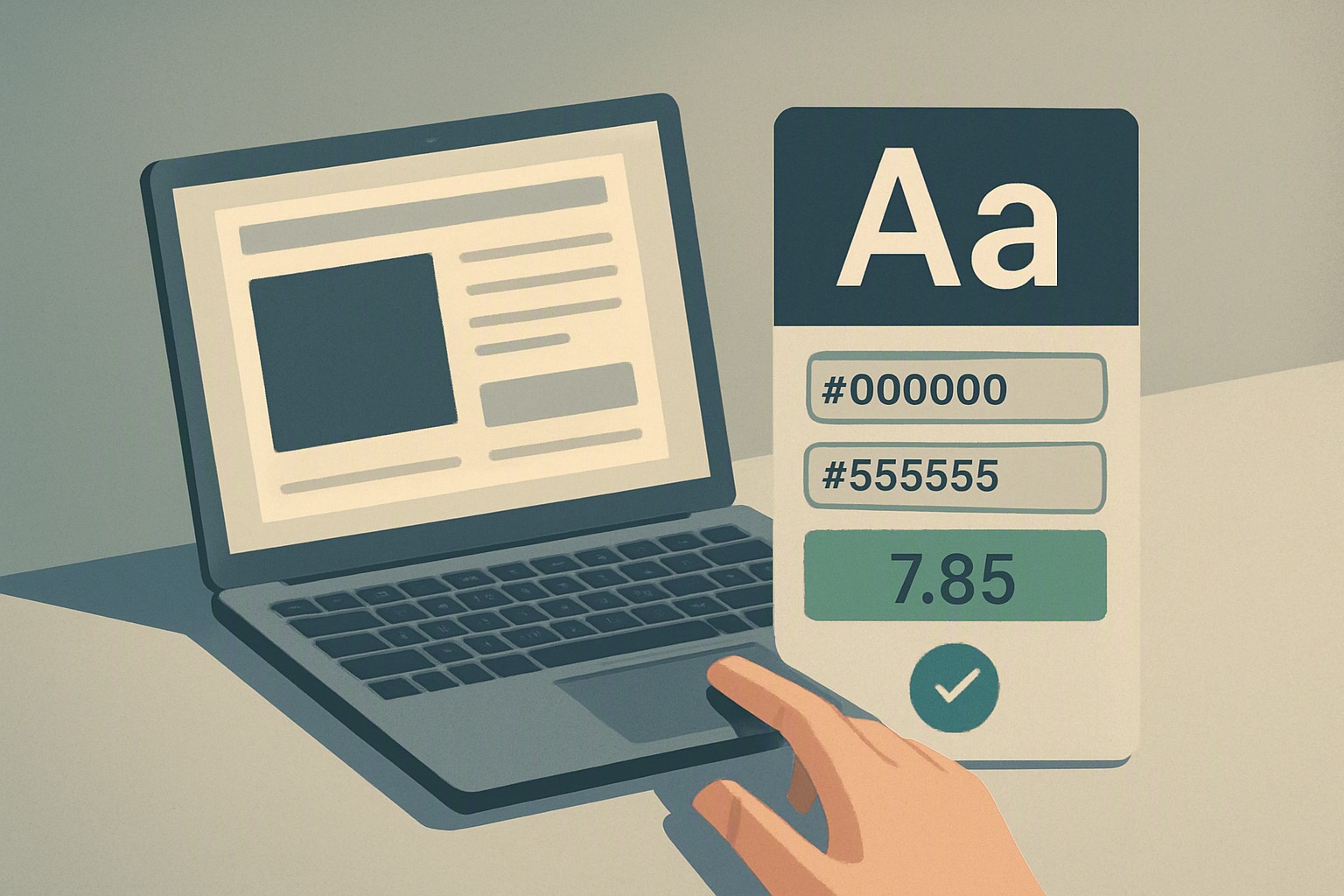
To run a webaim contrast check, open an evaluation tool and input your foreground text hex code into the top text box and your background color hex code into the lower field.
The interface calculates the luminance ratio between the two values and displays pass or fail indicators for normal text, large text, and graphical components. If your pairing drops below 4.5:1, the tool flags the failure immediately.
Most testing utilities feature lightness sliders next to the color preview boxes. You can adjust the luminosity of either color directly within the interface until the ratio calculation ticks upward past the compliance threshold. This lets you preserve your intended hue while darkening or lightening the shade enough to pass.
Before deploying your updated styles, streamline your workflow by utilizing a free online contrast checker for websites to batch-test multiple components simultaneously.
Which tools can you use to check website color contrast?
| Tool Type | Primary Use Case | Pros | Cons | Ideal Tool Example |
|---|---|---|---|---|
| Online web utilities | Spot-checking isolated hex codes | Fast, free, no installation required | Cannot scan full web pages automatically | WebAIM Contrast Checker |
| Browser extensions | Inspecting live DOM elements | Tests rendered text in context | Limited to currently loaded viewports | axe DevTools, Siteimprove |
| CLI automated scanners | Continuous integration pipelines | Scalable across large codebases | Requires technical setup to interpret logs | Pa11y, Lighthouse CLI |
Single-element testers verify brand color combinations during the initial design phase in Figma or CSS authoring. They cannot detect contrast failures buried deep within dynamic DOM states. Full-page automated auditing software scans every routed template in minutes, though false positives occur when text sits on top of complex imagery or CSS gradients.
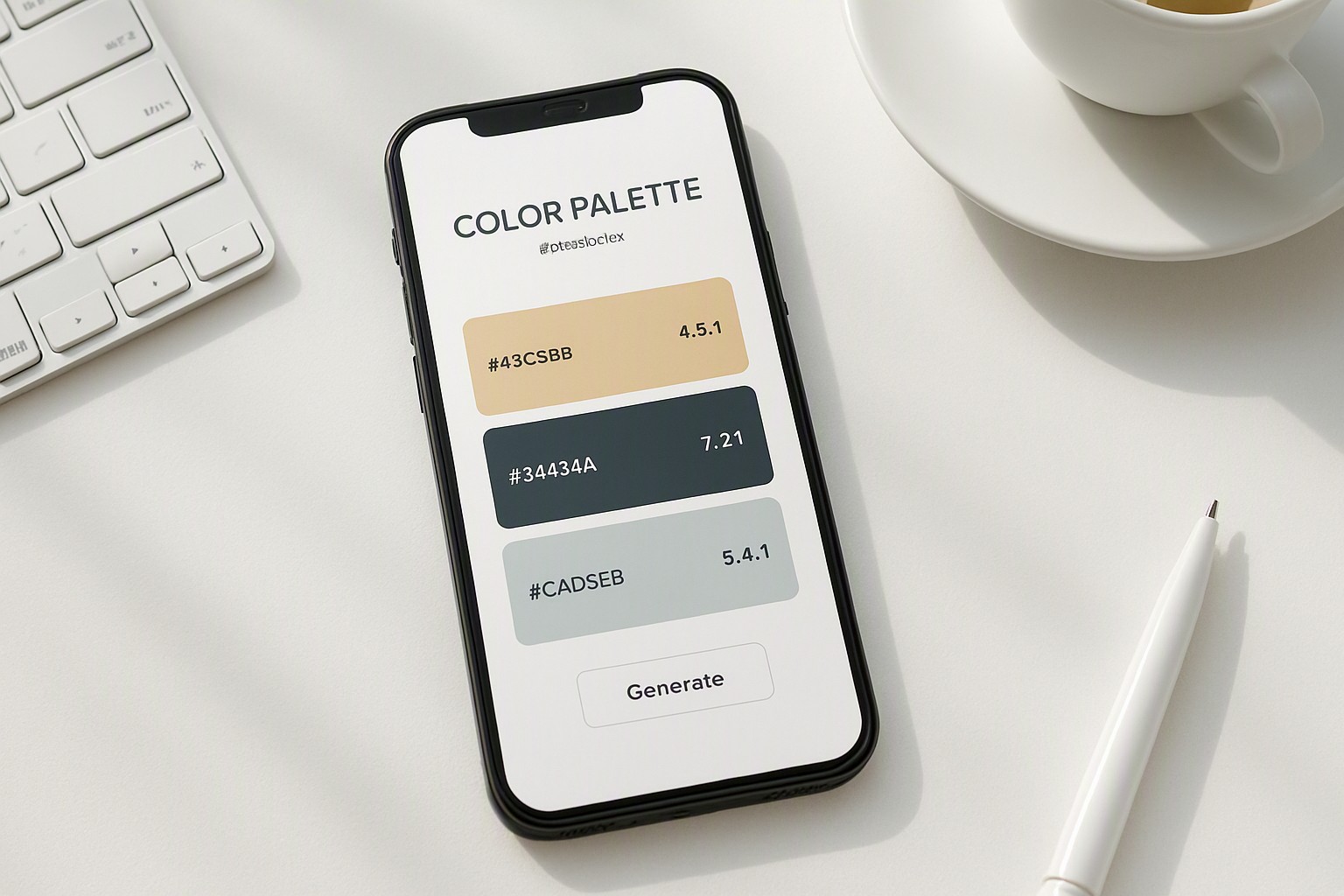
When building accessible interfaces, developers often need fresh palettes that guarantee legibility. Explore curated design sets on color Fiind Websie to find and extract compliant palette schemes.
How do you check contrast on website elements like images and gradients?
Real-world web design involves complex photographic backgrounds and multi-color gradients. When typography overlays an irregular image, the contrast ratio fluctuates across every letterform.
Sample the lowest contrast point directly behind the text rather than calculating an average color for the entire background image. If a white headline sits over a bright sunset photo, locate the absolute lightest pixel patch beneath the text and test that specific hex code against your white font.
When photographic backgrounds make consistent compliance impossible, use one of these remediation methods:
- Add a semi-transparent dark overlay (such as black at 40% opacity) between the image and the text layer.
- Insert a solid text backdrop or container box with sufficient opacity to isolate the typography from the chaotic background.
- Apply a subtle drop shadow or text stroke to create an artificial visual boundary, provided the base text thickness meets evaluation limits.
- Restructure the layout entirely so the text sits on a clean, solid section adjacent to the imagery.
For designers working with raw asset files, learning how to extract colors from images helps isolate the exact pixel values needed for accurate contrast ratio calculations.
How do you run a comprehensive accessibility color audit?
Document every color pairing used across your live website codebase in a centralized design token inventory or CSS variables file.
Prioritize your remediation schedule by tackling failures in high-impact zones first. Begin with primary navigation menus, core body text paragraphs, and critical form input fields where failure blocks user conversion.
Integrate automated verification checks as part of your front-end deployment pipeline. Configuring your CI/CD environment with automated linters prevents developers from pushing non-compliant code to production servers. Review a complete accessibility color audit strategy to ensure your team maintains continuous compliance across every content update.
Frequently asked questions
Does color contrast affect SEO rankings?
Directly, color contrast is not a direct ranking factor in search engine algorithms. However, poor contrast harms user experience and accessibility metrics, which can indirectly impact engagement signals that search engines monitor.
What is the difference between AA and AAA compliance?
WCAG AA is the standard legal baseline for most commercial websites, requiring a 4.5:1 contrast ratio for normal text. AAA is a much stricter standard requiring a 7:1 ratio, which limits creative palette choices but provides maximum accessibility.
How do I check contrast for hover and focus states?
Interactive elements like buttons and links must maintain sufficient contrast in their default state and when hovered or focused. Inspect these interactive pseudo-states using browser developer tools and test the changed hex codes individually.