 General
How to Generate Brand Colors From an Image Accurately
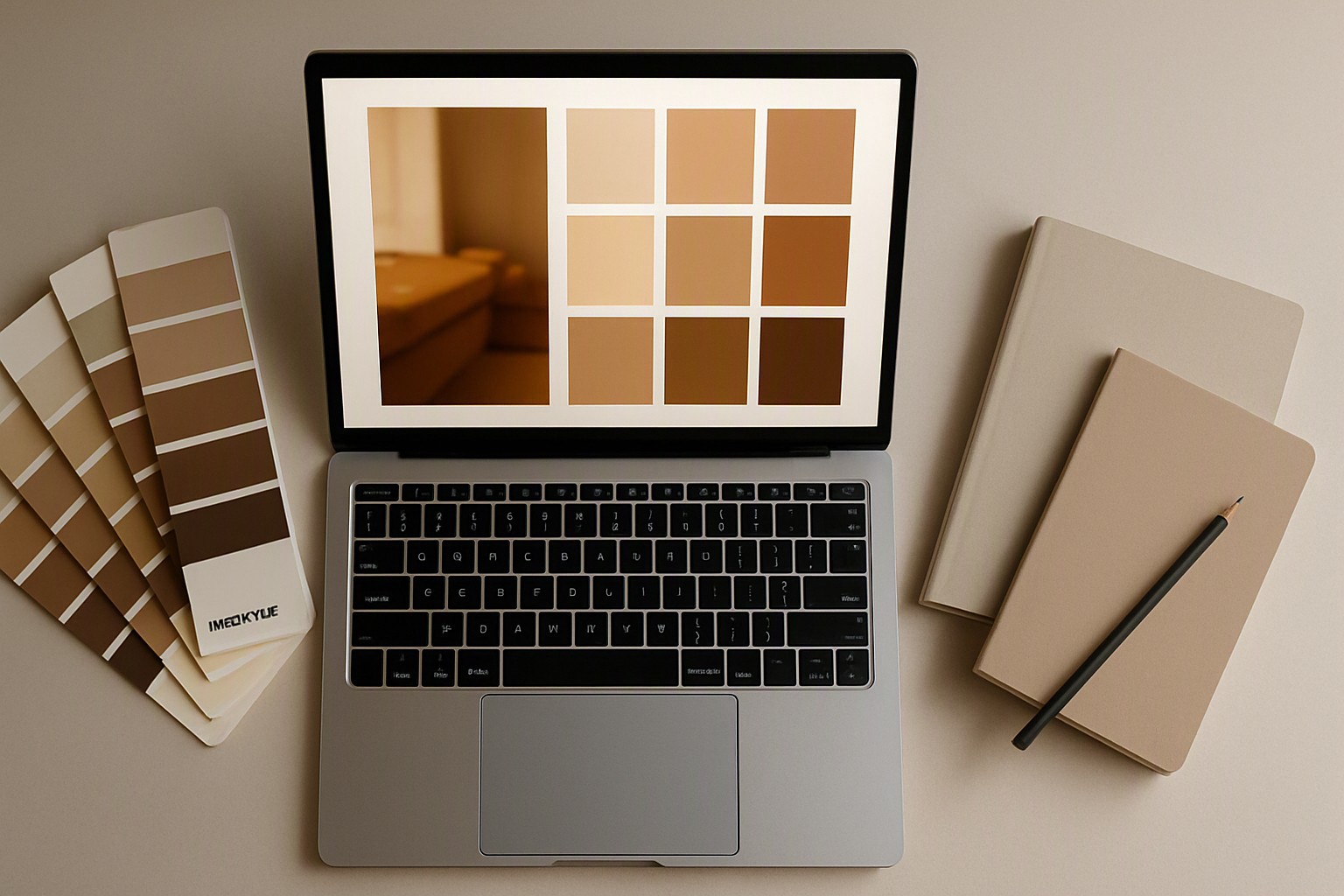
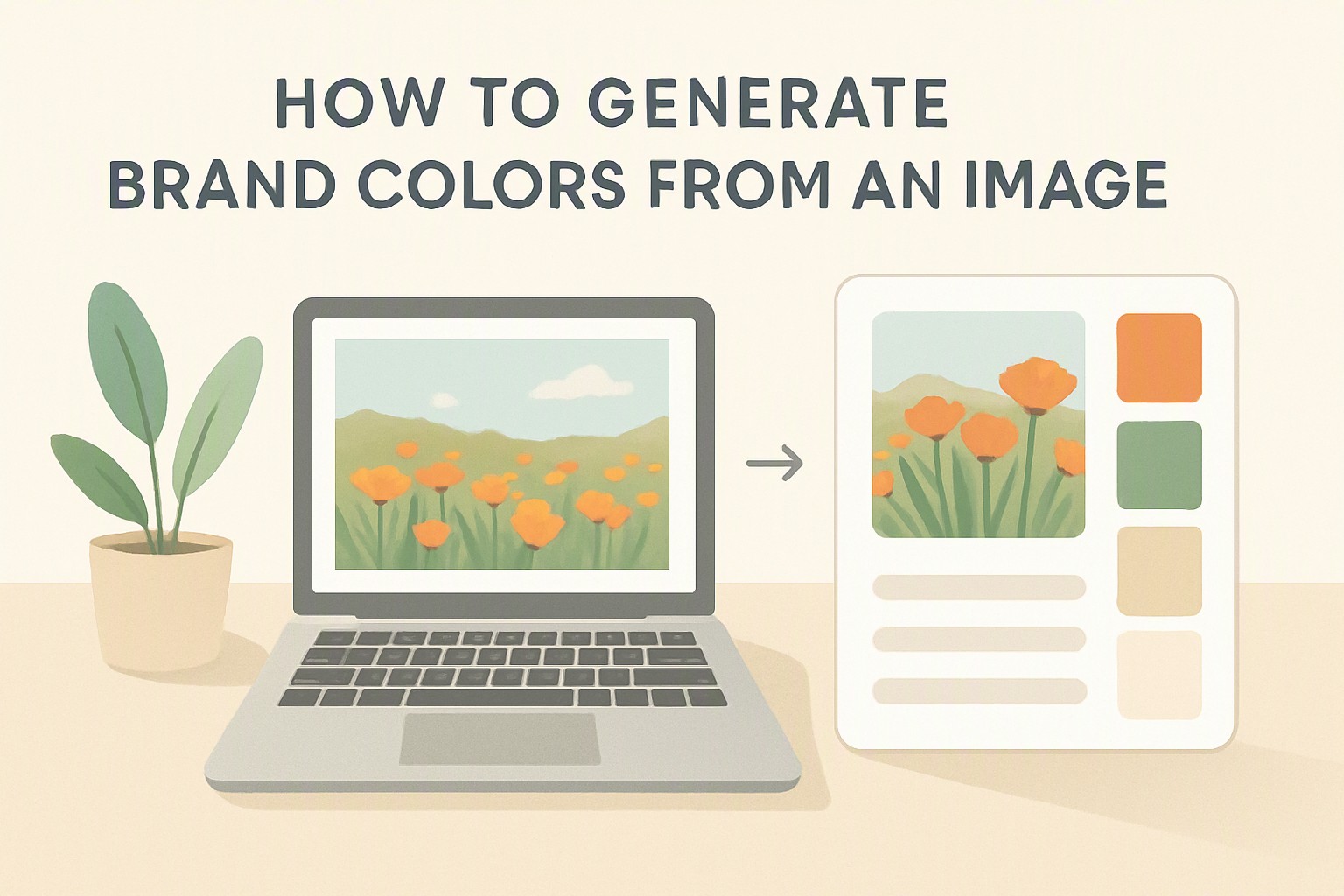
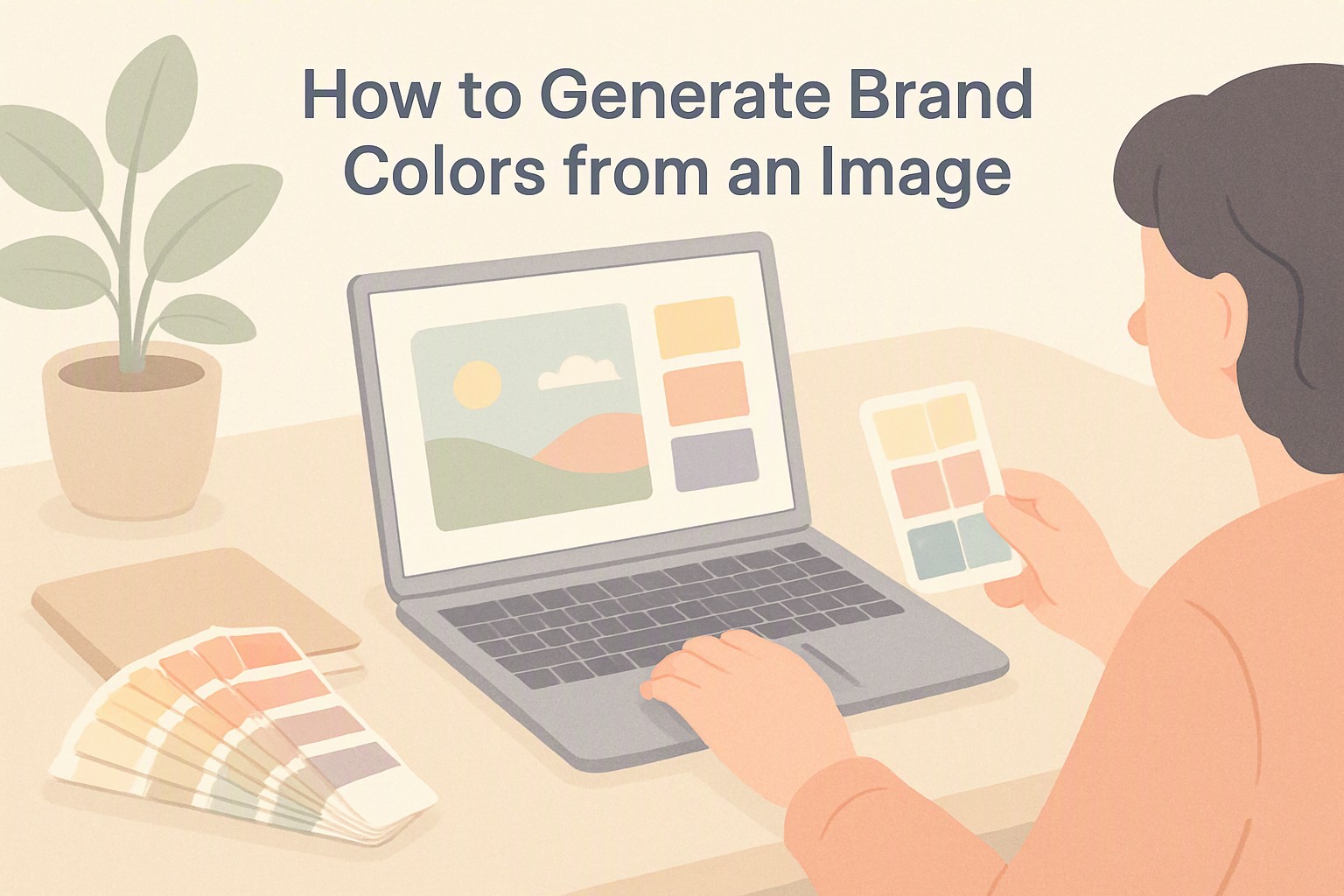
To generate brand colors from an image, upload your reference photo into a digital extraction tool, sample the dominant pixels using median cut quantization, and map the resulting hex codes into a structured percentage hierarchy for your design system.
Automated Color Extraction Mechanics
Software reduces millions of potential hues into a manageable set of representative colors using median cut quantization. This process groups similar pixels together in a three-dimensional color space and calculates the average color of each cluster. Beginners can start with how to extract color palette from image workflows to understand the underlying mathematics of color clustering.
Once the algorithm processes the image data, it outputs hexadecimal codes or CMYK percentages. These figures form raw building blocks for design tokens. Test extracted arrays inside the color Fiind Websie utility suite to examine how specific shade combinations interact on responsive layouts.
Brand Color Palette Generator Options
Choosing a generator depends on your output requirements. Desktop suites export vector files, while web utilities prioritize speed. According to the World Wide Web Consortium (W3C) CSS Color Module Level 4 specifications, digital tools must correctly interpret sRGB and display-P3 color spaces to prevent unexpected saturation shifts during export.
| Tool Category | Primary Export Formats | Key Limitations | Best Use Case |
|---|---|---|---|
| Desktop Suites | ASE, SVG, PDF, EPS | Requires subscription; steep learning curve | Comprehensive enterprise identity systems |
| Browser Utilities | HEX, RGB, CSS variables | Limited adjustment of internal clustering | Quick moodboard extraction and prototyping |
| Mobile Apps | PNG, JPEG, HEX | Lower precision on small smartphone screens | Capturing ambient inspiration in the field |
Building Structured Generator Outputs
A color palette generator adobe workflow integrates vector swatches directly into Creative Cloud libraries, letting teams sync primary and secondary shades across Illustrator and Photoshop. Algorithms frequently capture unexpected shadow tones, muddy midtones, or extreme highlights that do not function well as interface backgrounds.
Curate raw output manually to ensure sufficient contrast ratios. Designers can review how to choose accessible brand colors to verify that automated selections maintain readability under standard lighting conditions.
Pantone Equivalents from Digital Photos
To create pantone color palette swatches from an image, convert your extracted hexadecimal values into physical spot color matches using official cross-reference libraries. Digital screens emit light using RGB subpixels. Physical printing presses apply ink pigments onto paper stocks. Highly saturated digital greens and blues often fall outside the printable CMYK color space, resulting in duller physical output.
Reference physical swatch books under standardized D50 daylight illumination.
Applying the 60 30 10 Proportion Rule
A 60 30 10 color palette generator workflow divides extracted swatches into three distinct functional tiers:
- 60% Dominant Color: Neutral background or primary canvas tone.
- 30% Secondary Color: Supporting structural elements like cards, navigation bars, secondary containers, and section dividers.
- 10% Accent Color: High-contrast focal points applied exclusively to call-to-action buttons, active states, and critical notification badges.
Assign your lightest neutral to the 60 percent tier, a medium-toned structural shade to the 30 percent tier, and the most vibrant accent hue from your source image to the final 10 percent tier. For interface layouts, following guidelines similar to those found in laboratory data visualization colors keeps functional elements distinct from decorative backgrounds.
Managing Complex Visual Identity Systems
An 8 color palette generator builds a system containing two dark neutrals, two light neutrals, a primary brand color, a secondary brand color, and two functional alert tones for success and error states. Keep chroma levels consistent across matching lightness steps. According to the Web Content Accessibility Guidelines (WCAG) documentation published by the W3C, maintaining predictable contrast hierarchies across expanded color systems prevents cognitive fatigue for users with visual impairments.
Frequently asked questions
How many colors should a professional brand palette contain?
A standard brand identity relies on three to five core colors, including a dominant background color, a secondary brand color, and one or two accent tones. Expanding to an eight-color system is useful for complex user interfaces that require specialized alert states and neutral text variations.
Why do extracted brand colors look different on printed materials than on screens?
Digital screens display colors using the RGB light spectrum, whereas commercial printers use CMYK inks or physical Pantone spot colors. This fundamental difference in color gamuts means certain vibrant digital shades cannot be reproduced identically in physical print.
Can I use standard smartphone photos as color inspiration sources?
Smartphone photos make excellent reference sources provided they have balanced lighting and accurate white balance. Manually adjust shadows and highlights in your extracted palette to prevent muddy or oversaturated swatches.
How do I ensure my generated brand colors meet web accessibility standards?
Check the contrast ratio between your text and background colors against WCAG guidelines, ensuring a minimum ratio of 4.5:1 for standard body text. Automated color tools often miss contrast failures, so manual verification using a contrast checker is essential.