How to Use Hex Codes in CSS: Syntax, Fallbacks, and Best Practices
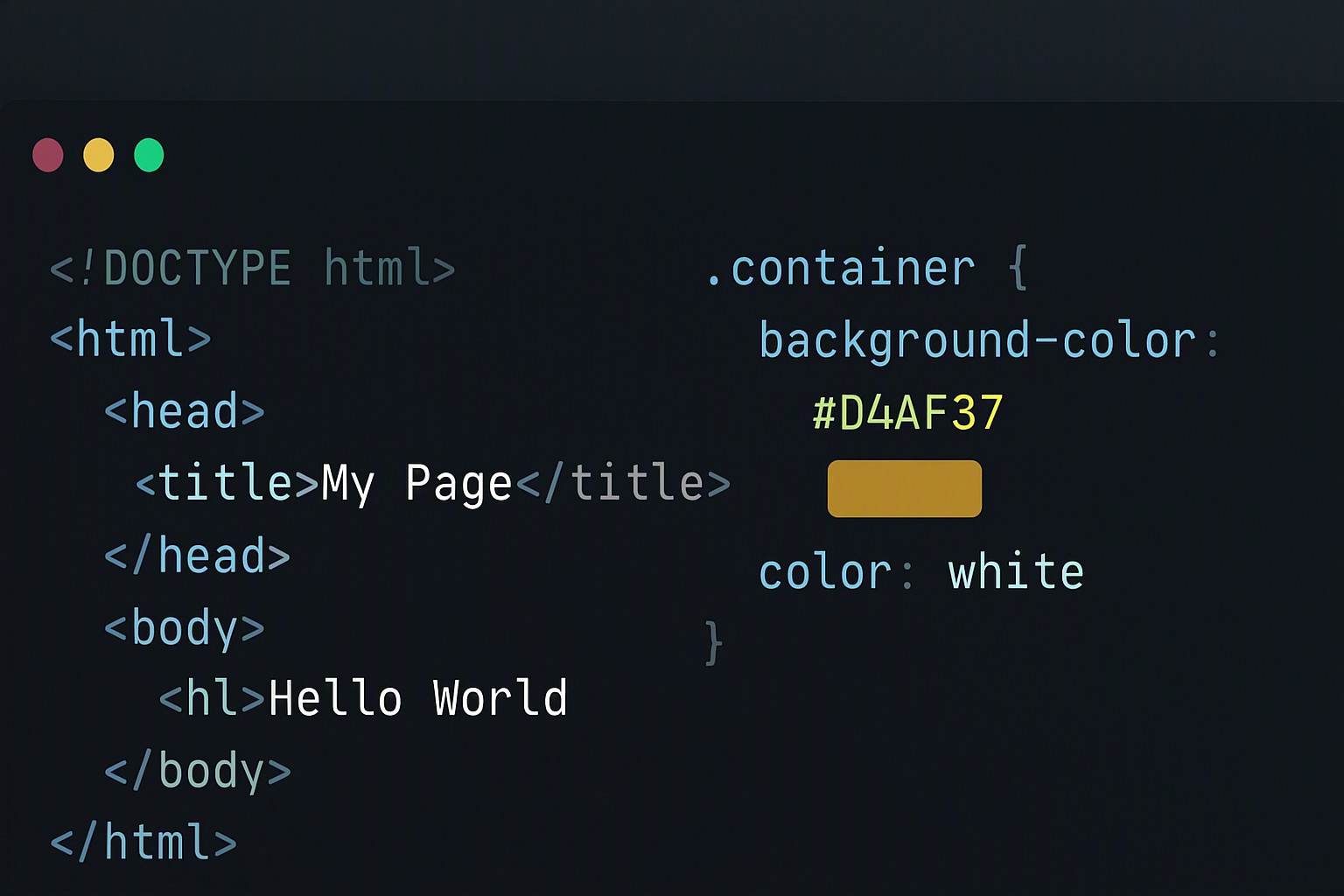
To use a hex code in CSS, append a hash symbol (#) followed by a 3-digit or 6-digit hexadecimal value—such as #FFD700 for gold—directly to any color property like color or background-color. A CSS hex code is a six-digit alphanumeric string representing red, green, and blue light channels on a scale from 00 to FF.
#ffd700
#ffd700
#ffdd00
#ffdd00
#ff9900
#ff9900
red
#e5484d
gold
#d4a017
yellow
#ffd60a
green
#30a46c
blue
#0091ff
Hexadecimal notation in stylesheets parses directly inside browser engines. Understanding this format eliminates rendering errors and keeps stylesheet bundles lean.
Hex code structure
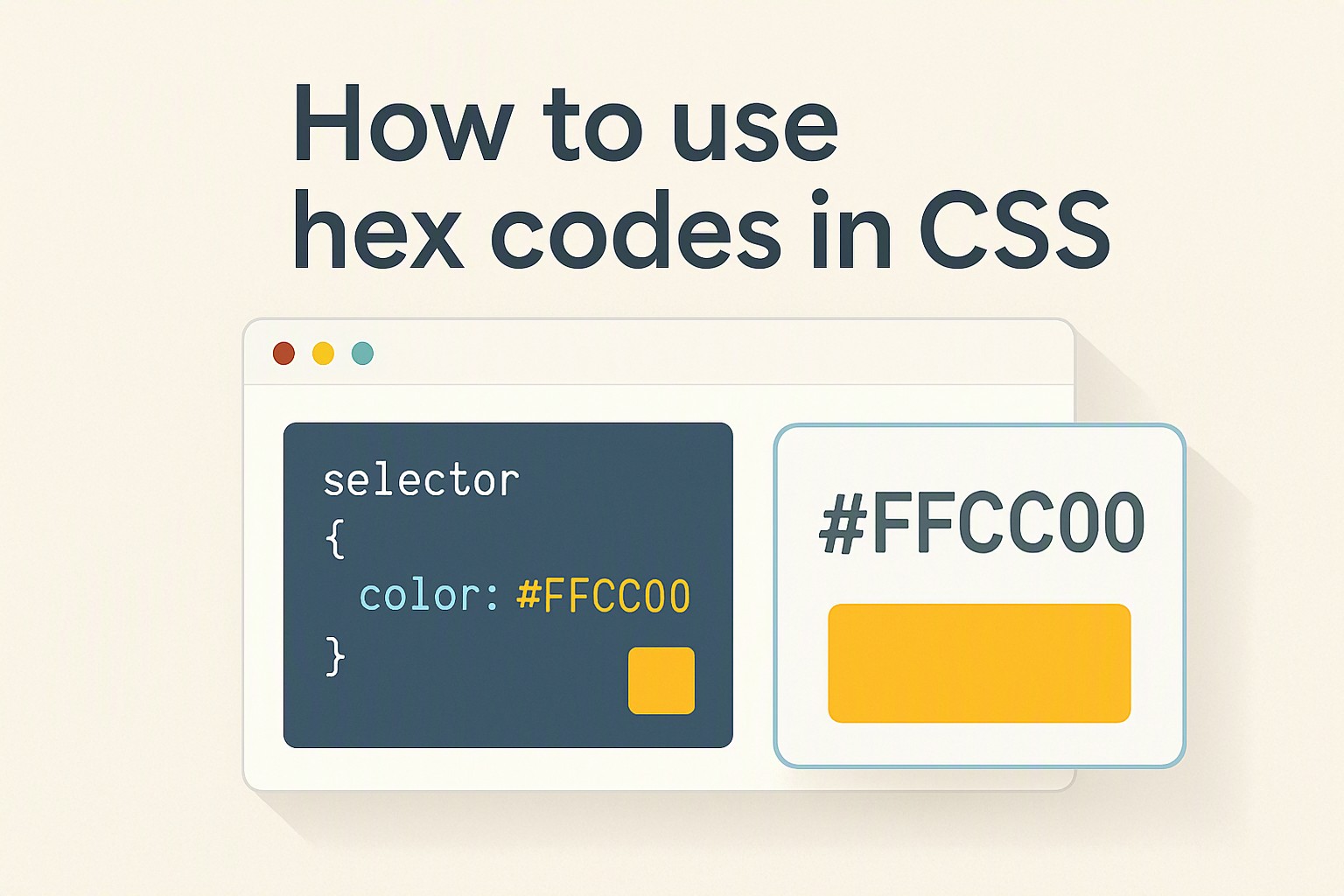
Every hexadecimal color declaration requires a hash symbol (#) prefix. This instructs the CSS parser to read the subsequent characters as a color value rather than a plain string or element selector. Without this prefix, the browser ignores the property declaration entirely.
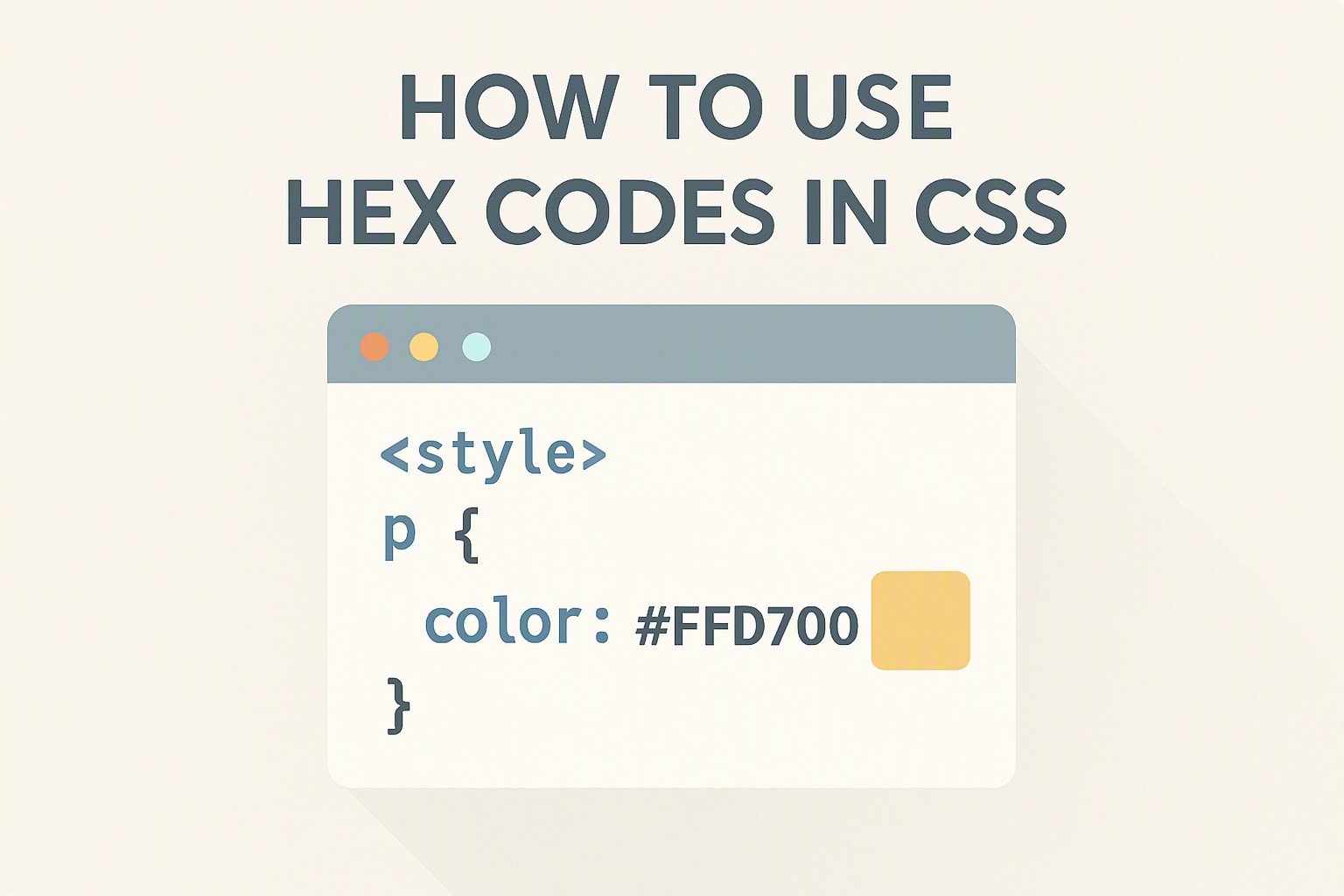
The notation breaks down into two primary length systems. A standard 6-digit hex code pairs two characters for each primary color channel: the first two characters control red, the middle two control green, and the final two control blue. For example, the gold hex code #FFD700 sets red to FF (maximum intensity), green to D7 (moderately high intensity), and blue to 00 (zero intensity).
Developers condense these values using 3-digit shorthand when each color pair consists of identical characters. The shorthand notation #FD0 expands automatically by the browser engine into #FFDD00.
Modern CSS supports an 8-digit alpha channel hex variant for native transparency control. Appending two extra characters to the end of a 6-digit string defines the opacity level. For instance, #FFD70080 applies gold with 50-percent transparency, where 80 represents the hexadecimal equivalent of 128 out of 255.
Property application
Color hex codes apply across visual properties in modern stylesheets. Assign these values directly to text elements, container backgrounds, structural borders, drop shadows, and scalable vector graphics.
Matching values to the correct attribute requires specific syntax. For text elements, write `color: #FFD700;`. For container elements, define the background via `background-color: #FFD700;`. Organize property bindings globally by adopting patterns found in our guide to design tokens css variables.
Hex values integrate into borders and box shadows:
- Borders: `border: 2px solid #FFD700;` outlines elements with crisp precision.
- Shadows: `box-shadow: 0 4px 12px rgba(255, 215, 0, 0.25);` pairs hex-derived color data with shadow offsets.
- SVG Strokes: `stroke: #FFD700;` colors vector paths directly inside markup or external stylesheets.
Finding color picker hex codes
Sourcing exact palette values requires inspection utilities built into development environments. Browser developer tools—such as the Firefox Inspector or Google Chrome DevTools—include integrated color pickers that sample any pixel on a live web page and copy its exact color hex code instantly.
Extract values from mood boards, UI mockups, or brand guidelines when building custom palettes from external assets. Read more about this workflow in our walkthrough on how to extract hex codes from website online. For bitmap photography or raster graphics, utilize a free image color picker and extractor to map pixel coordinates directly to usable CSS values.
Designers reference physical or digital hex color wheels to balance complementary tones, analogous schemes, and triadic contrasts. Sourcing precise palette values starts by exploring curated design indexes like the Color Fiind Bloggerr for production-ready combinations.
Converting hex to rgb
Dynamic opacity manipulation or JavaScript color interpolation requires converting hex to rgb. Standard hex codes handle static styling efficiently, but legacy browser constraints or variable opacity demands make functional notation necessary.
According to the W3C CSS Color Module Level 4 specification, color parsing algorithms treat hex, RGB, and HSL as interchangeable sRGB values. Syntax utility differs significantly in practice.
| Feature | 6-Digit Hex Code | RGB Functional Notation | HSL Functional Notation |
|---|---|---|---|
| Syntax Example | `#FFD700` | `rgb(255, 215, 0)` | `hsl(51, 100%, 50%)` |
| Alpha Support | Requires 8-digit variant | Uses `rgba(255, 215, 0, 0.5)` | Uses `hsla(51, 100%, 50%, 0.5)` |
| Readability | Compact for storage | Intuitive for raw numbers | Intuitive for hue adjustments |
Readers exploring alternative structural formats can compare options in hsl vs hex color format to clarify when to switch between notations.
Maintaining accessibility
Strict accessibility standards when using bright accent shades prevent readability failures for users with visual impairments. Lighter yellow and gold shades fail contrast checks against white backgrounds, requiring careful evaluation during the design phase.
According to the Web Content Accessibility Guidelines (WCAG) 2.1 specification published by the World Wide Web Consortium, normal text requires a minimum contrast ratio of 4.5:1 against its background, while large text requires at least 3:1.
Test readability using automated tooling such as axe DevTools, the WAVE evaluation tool, or browser-native audits. Pair bright accent colors that fail contrast thresholds with dark container backgrounds, or darken the shade until it meets compliance standards across all breakpoints. Explore broader design system guidelines directly on the color Fiind Websie.
Frequently asked questions
Are CSS hex codes case-sensitive?
CSS hex codes are completely case-insensitive. Write letters in uppercase or lowercase—such as #ffd700 or #FFD700—and the browser renders the exact same color.
What is the difference between 3-digit and 6-digit hex codes?
A 3-digit hex code is a shorthand version of a 6-digit code where each digit is doubled. For example, #F90 expands automatically by the browser into #FF9900.
Can I add opacity directly to a hex code in CSS?
Modern CSS supports 8-digit hex codes where the final two digits represent the alpha transparency channel ranging from 00 (fully transparent) to FF (fully opaque).
How do hex codes behave across different computer monitors?
Hex codes represent raw sRGB values. They look slightly different depending on user monitor calibration, color profile settings, and display technology like OLED or LCD.