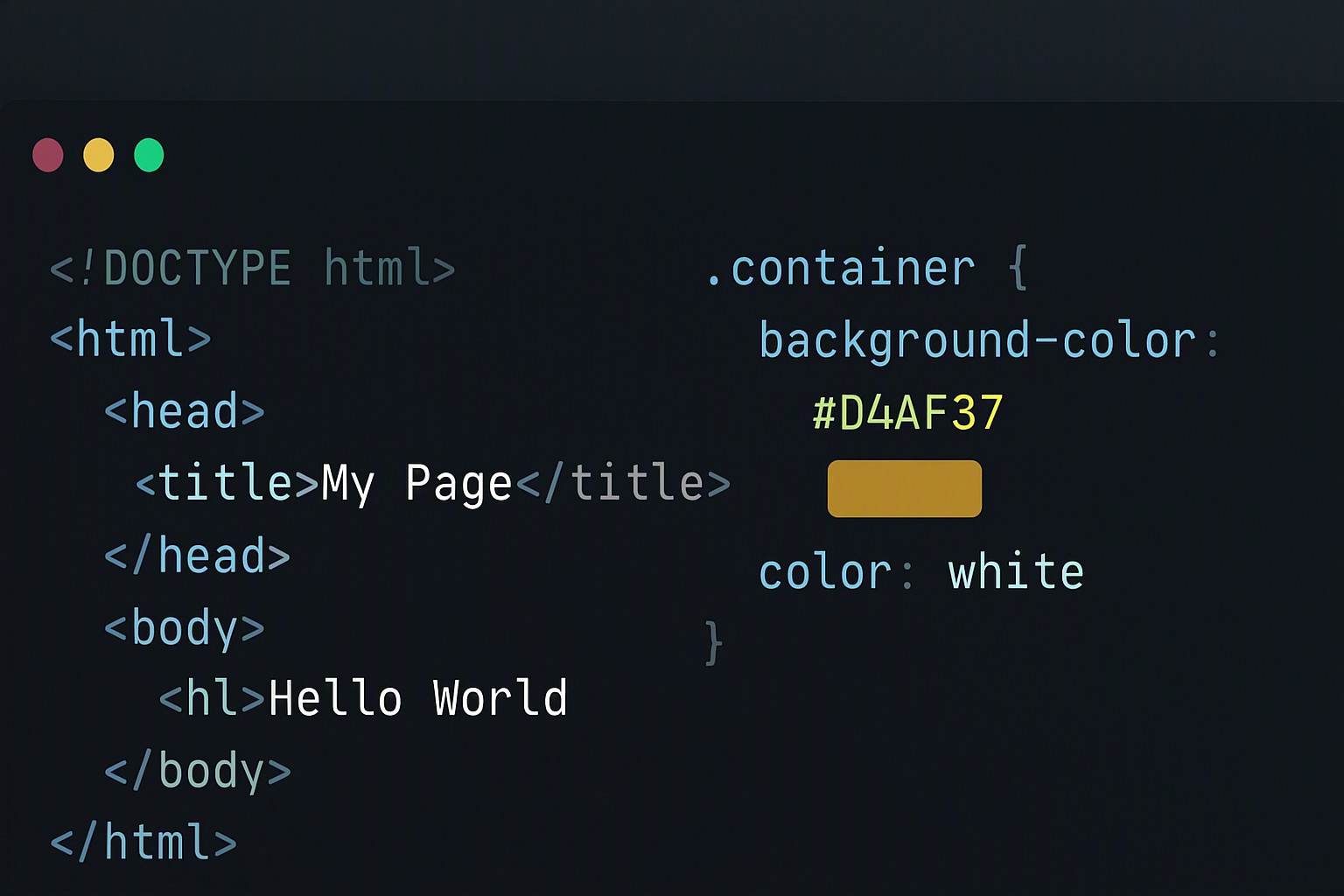
Pantone to Hex Color Code Converter: A Practical Guide
To convert a Pantone swatch to a hex code, you must use an intermediary color space like CIELAB. Physical print inks and digital RGB displays render colors through entirely different spectrums.
Understanding Pantone to Hex Conversion Mechanics
Pantone is designed for physical ink printing. Hex values are for digital screens. The Pantone Matching System uses physical spot inks formulated from base pigments. Hex codes instruct computer monitors how much red, green, and blue light to emit. Direct mathematical conversion is impossible. Color gamuts like CMYK and Pantone differ fundamentally from sRGB.
red
#e5484d
yellow
#ffd60a
green
#30a46c
blue
#0091ff
These gamuts do not share a direct 1:1 mapping. Conversion tools use LAB color space as an intermediary bridge. The CIELAB color space models human perception of color across three axes: lightness, a-axis for green-to-red, and b-axis for blue-to-yellow. According to the International Commission on Illumination (CIE), LAB provides a device-independent standard. Software uses it to calculate the closest matching digital screen value for a physical ink swatch.
When translating assets, you can rely on an RGB to hex color code converter to bridge the gap once initial sRGB values are established.
Digital Color Translation for Featured Brand Hues
Global design authorities announce a signature shade yearly. Translating physical forecasts into digital products demands exactness. Physical ink reflects ambient light. Screens emit light directly. This creates a mismatch when matching digital UI elements with physical brand guidelines.
Web standards maintained by the World Wide Web Consortium dictate how modern browsers parse color values. Understanding underlying formats prevents rendering errors. Read our guide on Hex vs RGB vs HSL for format comparisons. When a brand adopts an annual featured hue, web developers balance aesthetic intent with browser capabilities.
Effective Methods for Using Conversion Tools
Finding the right digital equivalent for physical branding requires structured reference tools. Perform manual lookups using official cross-reference guides published by color matching authorities. Acknowledge the limitations. Print swatches look different on backlit monitors.
| Format Type | Primary Medium | Color Model | Typical Gamut Range |
|---|---|---|---|
| Pantone Swatch | Physical Print | Spot Ink / CMYK | Extremely wide, includes metallics and fluorescents |
| sRGB Hex Code | Digital Screens | Additive RGB | Standard web gamut, narrower than print |
| CMYK Value | Commercial Printing | Substantive Inks | Standard four-color press spectrum |
For practical desktop selection, pair these cross-references with a browser color picker chrome extension to inspect live web elements against established brand guidelines.
Common Pitfalls in Physical to Digital Color Mapping
Converting physical spot colors to digital code introduces visual discrepancies. Gamut clipping occurs where bright print colors appear duller on standard web displays. The sRGB color space cannot reproduce extreme saturation levels.
Monitor calibration issues alter perceived hex shade values across consumer devices. A designer working on a wide-gamut display sees a vibrant hue. That same hue appears washed out on a standard laptop screen. Developers implement fallback strategies to mitigate these discrepancies. Read our guide on how to use hex codes in CSS for older rendering engines.
Frequently asked questions
Are Pantone to hex conversions 100% exact?
No. Physical print inks operate in a subtractive CMYK or spot color space. Computer screens use additive RGB light. Conversions are close approximations calculated through color space math.
Can I use standard design software to convert these values automatically?
Yes. Applications like Adobe Illustrator and Photoshop include built-in color libraries. You can select a Pantone swatch and view its sRGB or hex equivalent. Visual checks remain necessary.
Why do physical brand colors look different on my website?
Web browsers render colors using the sRGB color space. This space has a narrower gamut than many specialty Pantone spot colors. Highly saturated physical inks cannot be reproduced with exact vibrancy on standard consumer displays.
Where can I find more resources on digital color management?
Explore further guides and tools directly on color Fiind Websie to streamline your web development and design workflows.